


Photo colour palette
Extract the dominant colours in a photo and copy a hex value for your next design.

FOUNDING OFFERSign up to unlock 35% off your first plan.

Compress and resize images, trim audio, estimate video bitrate, or build a campaign link. Browse free tools for preparing media and sharing it on social channels.
Edit photos, video and audio or prepare a post with free tools from Stillmore.
Extract the dominant colours in a photo and copy a hex value for your next design.
Set a file-size limit in KB and save a JPEG that fits a product listing or upload form.
Re-encode photos or graphics in a format your browser supports and download each result.
Inspect a photo’s file details and save a new JPEG without its original embedded metadata.
Turn a square mark into PNG icons at several sizes and a multi-size ICO for your website.
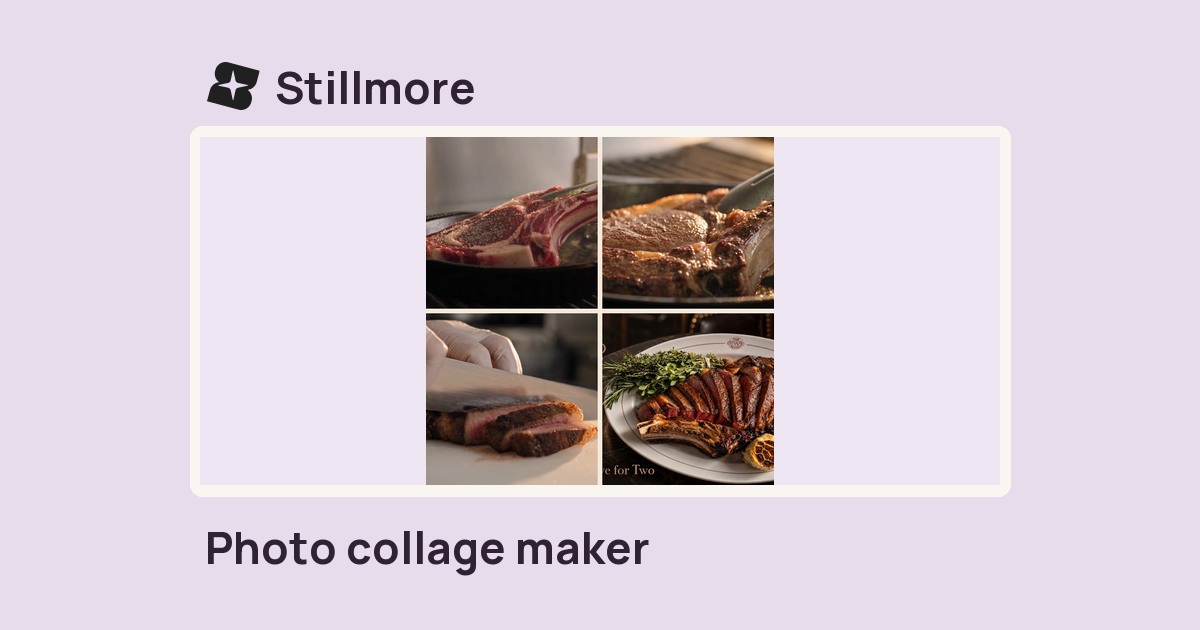
Arrange product shots in a square contact sheet with a two- or three-column grid and adjustable gaps.
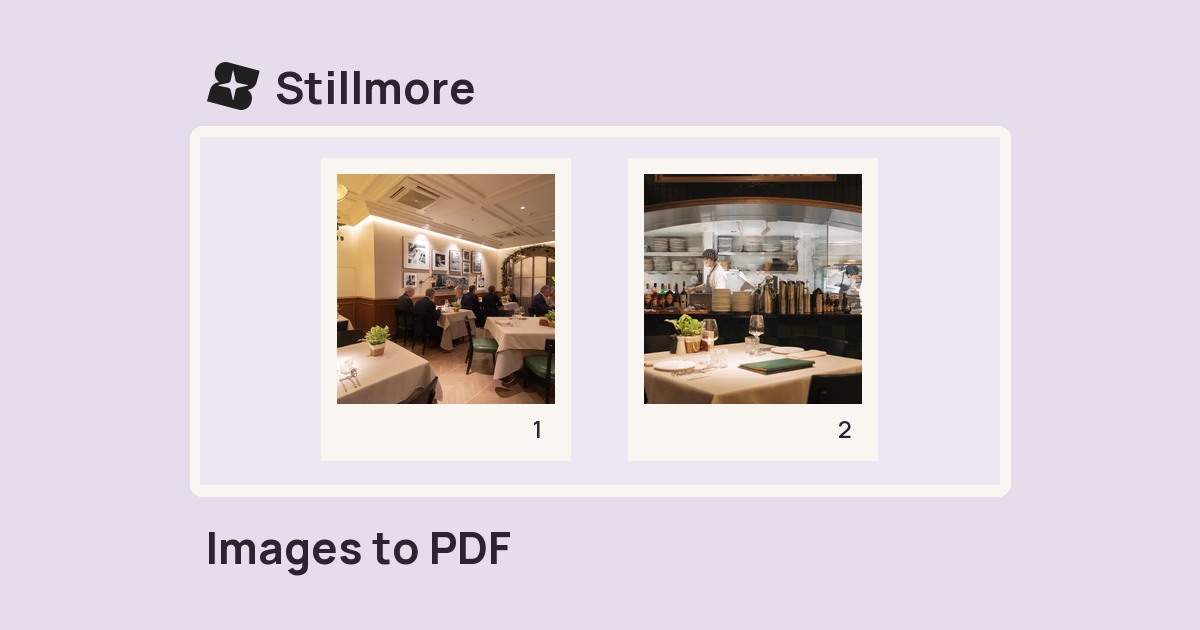
Combine selected images into one PDF with a separate page for every photo.
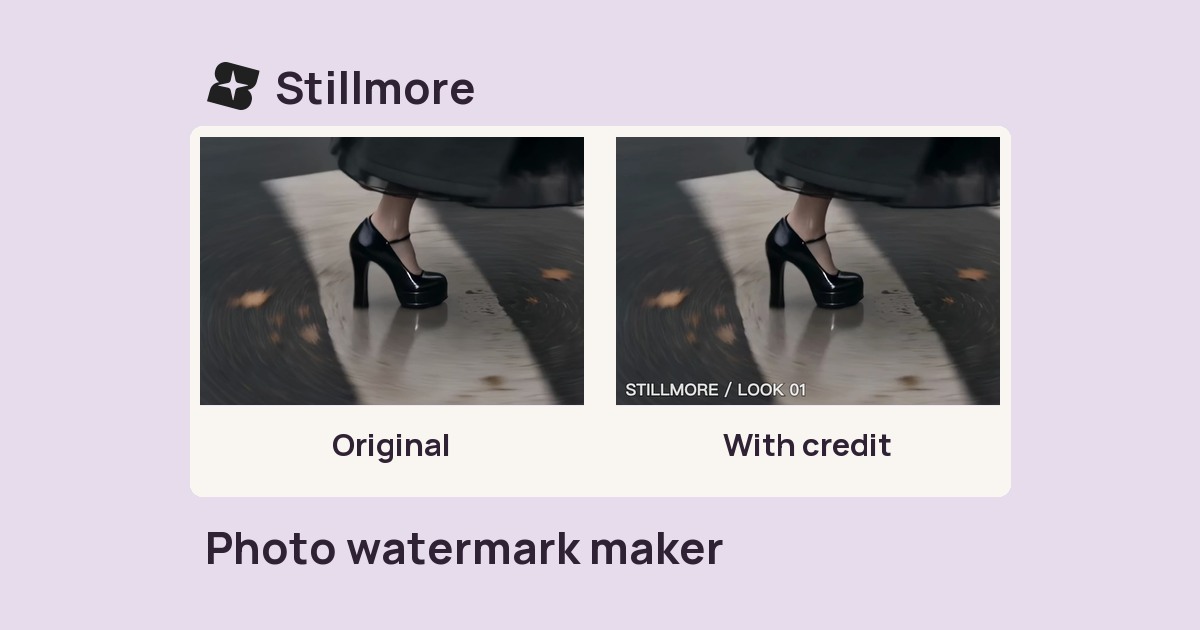
Add your name or brand credit to a photo, then adjust its placement, size and opacity.
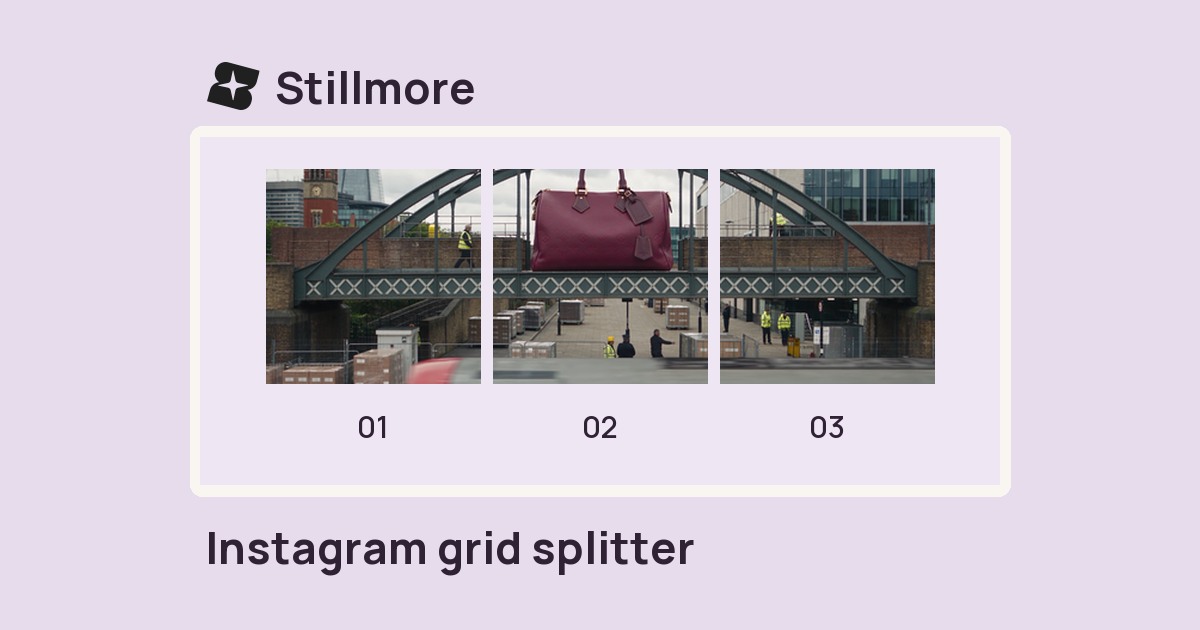
Divide a photo into numbered square tiles and download them individually for a grid layout.
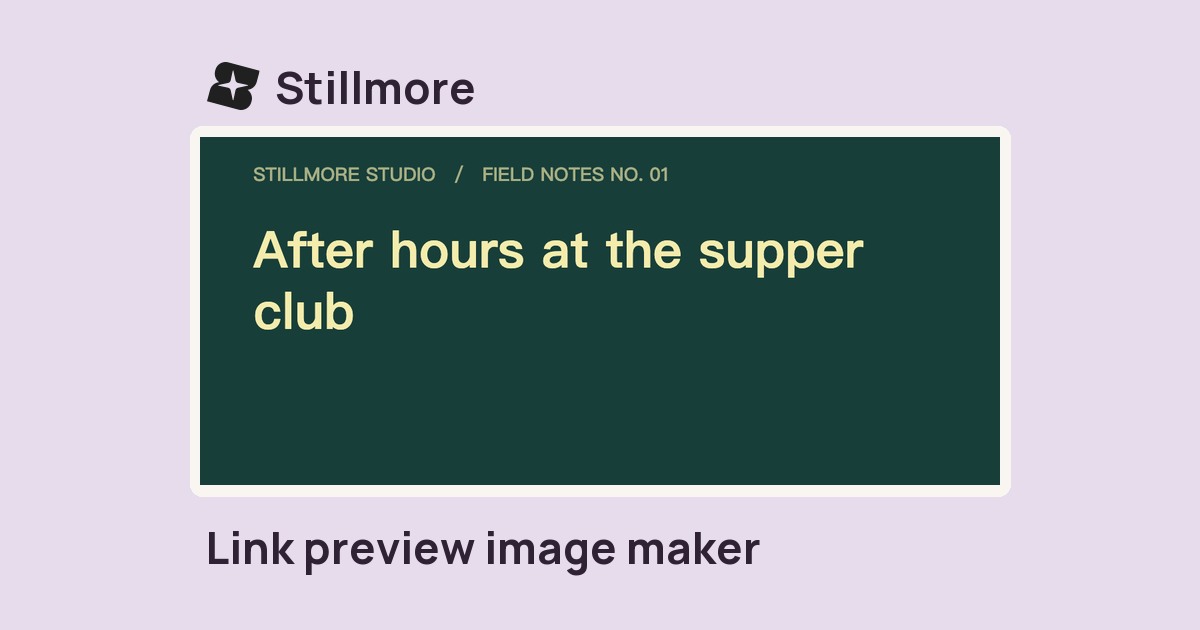
Set a headline, site name and colours to make a 1200 × 630 PNG for link previews.
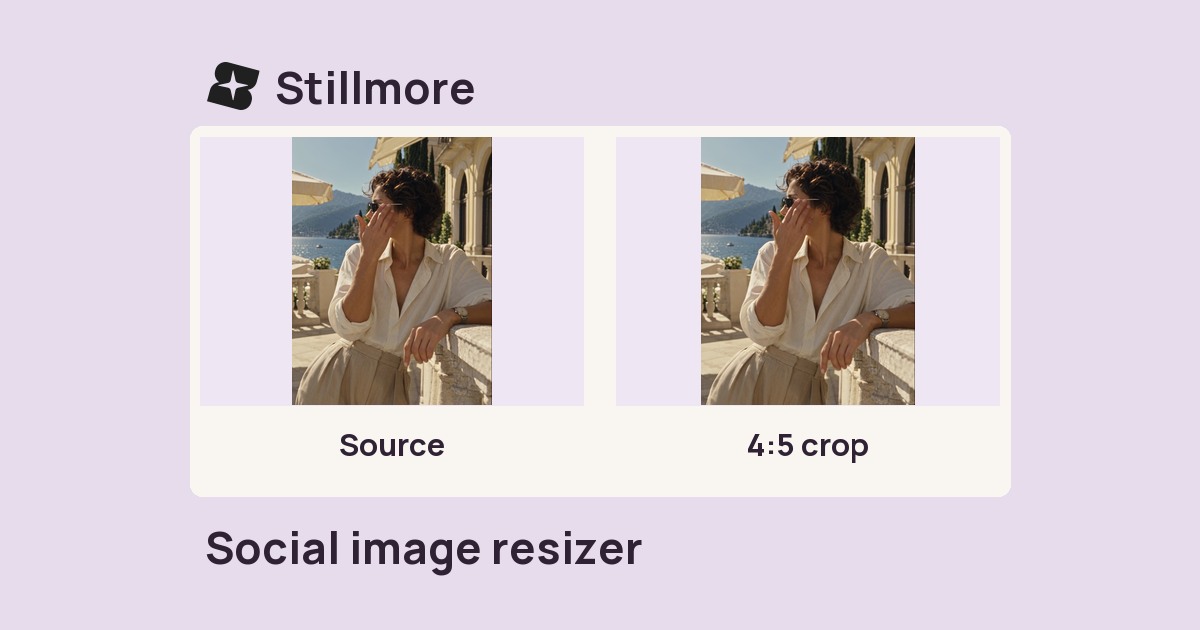
Fit a photo to a social frame. Choose a crop that fills the canvas or preserve the whole image with padding.
Paste a public TikTok video link to save a playback copy without TikTok’s moving watermark when one is available.
Save a video from a public Instagram Reel or feed post you have permission to reuse.
Download one public Facebook video you own or are authorised to save.
Download a video attached to a public X post you have permission to save.
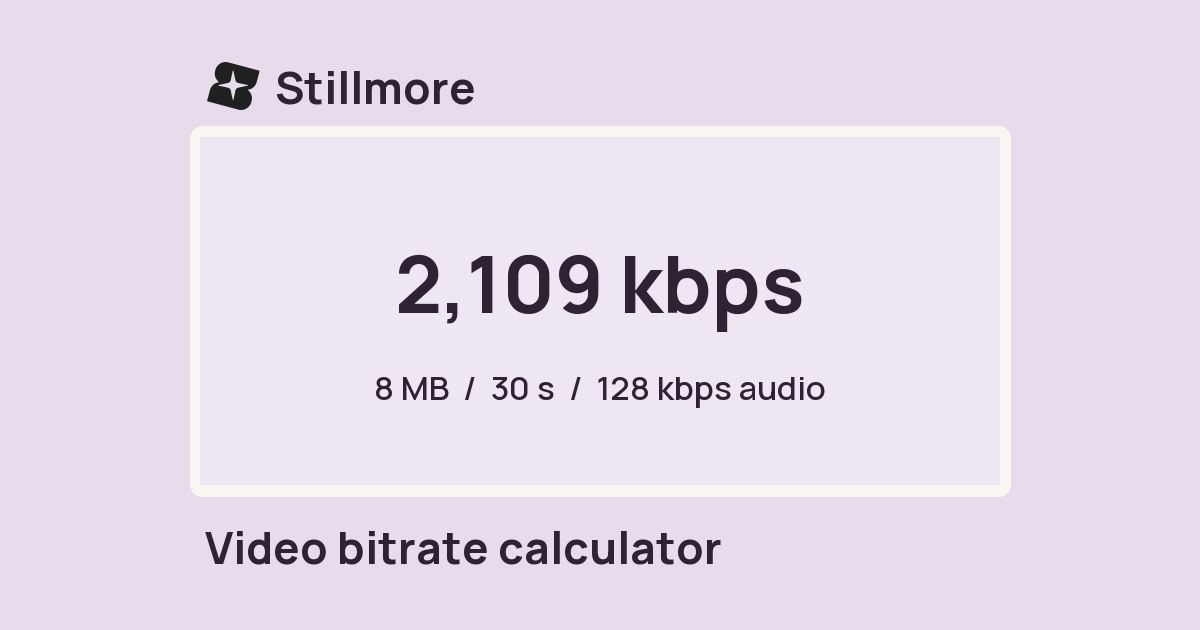
Enter a clip length, size limit and audio bitrate to estimate the bitrate available for the picture.
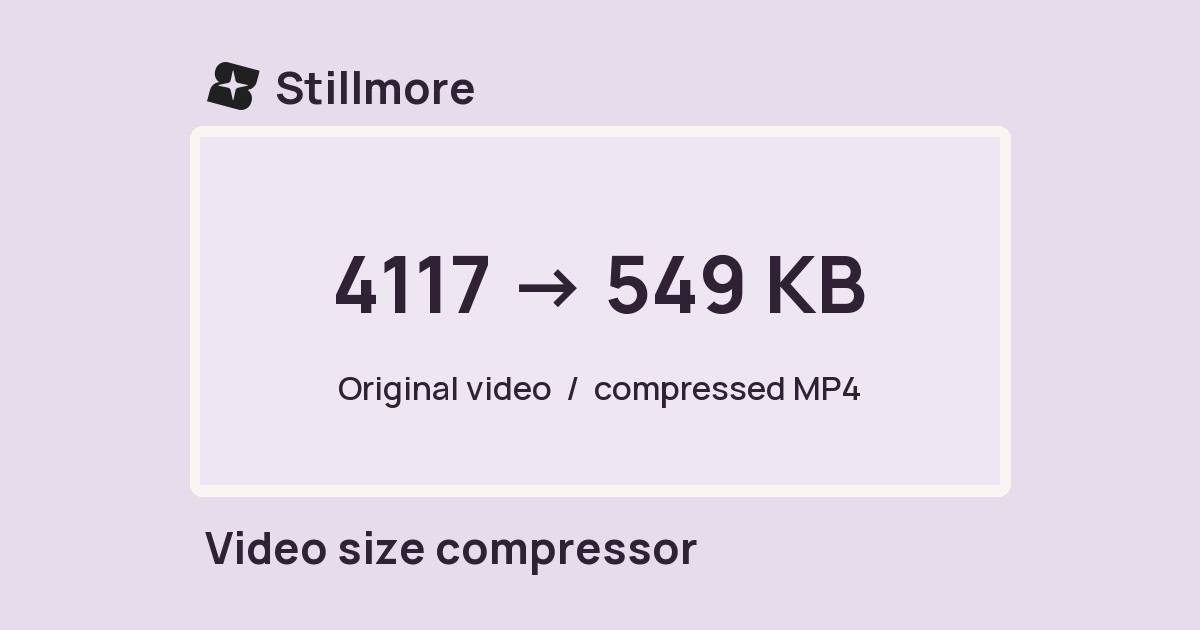
Choose a target size for your MP4 and set the output height for a smaller delivery copy.
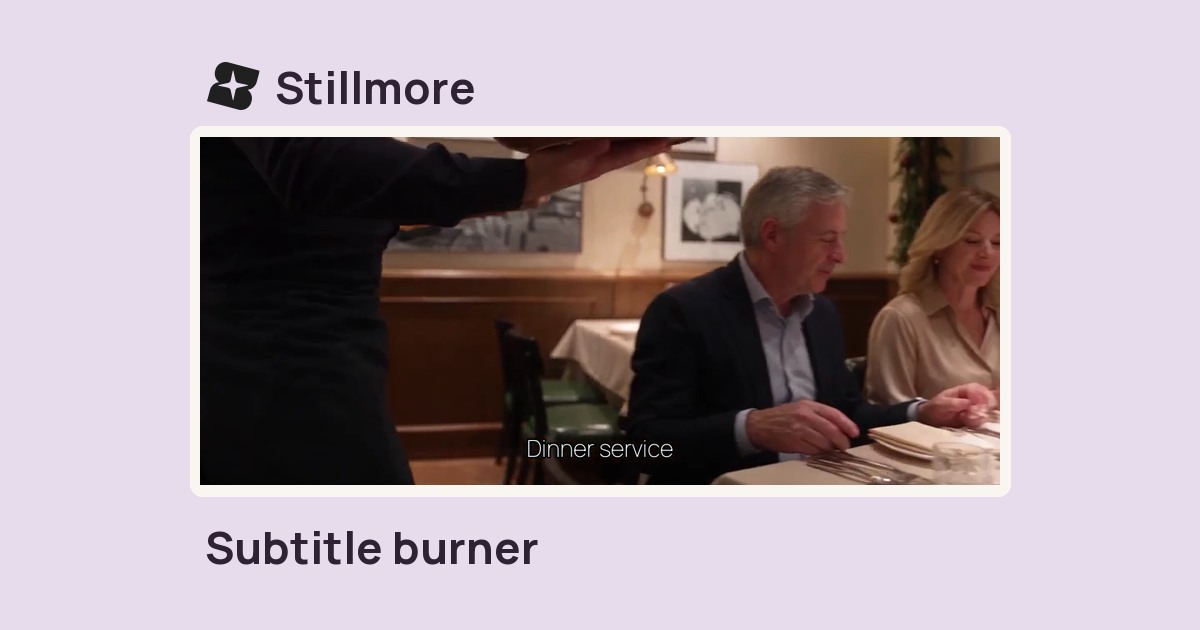
Add an SRT subtitle file to a video and export an MP4 with the words visible in the picture.
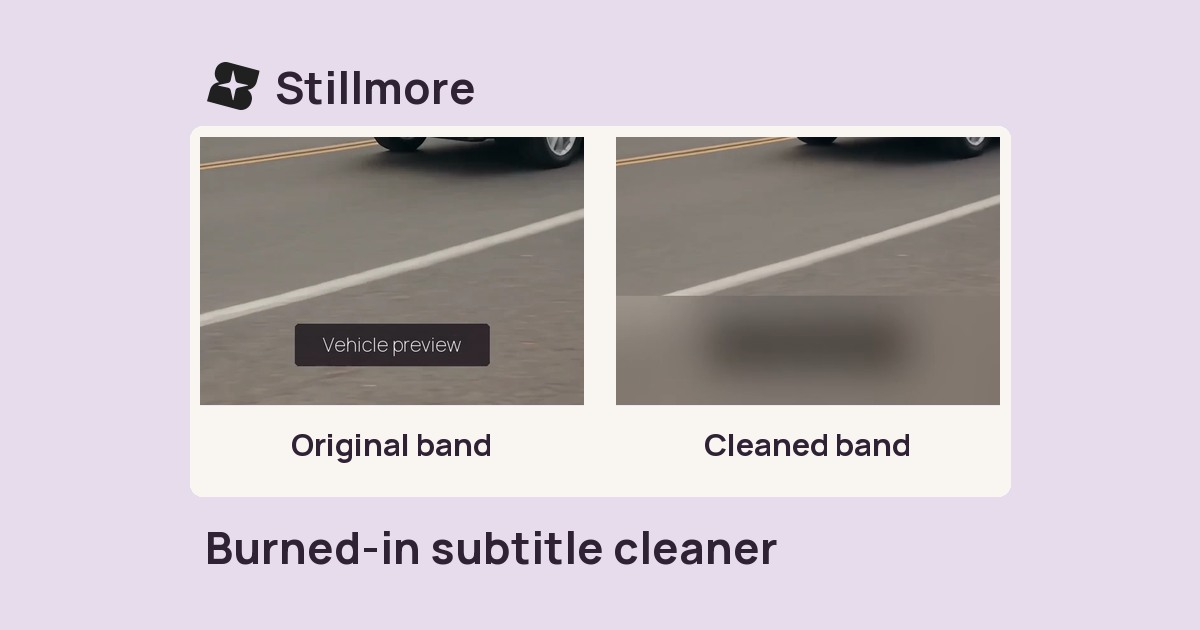
Mark a band along the bottom of a video you own and blur, cover or rebuild that area.
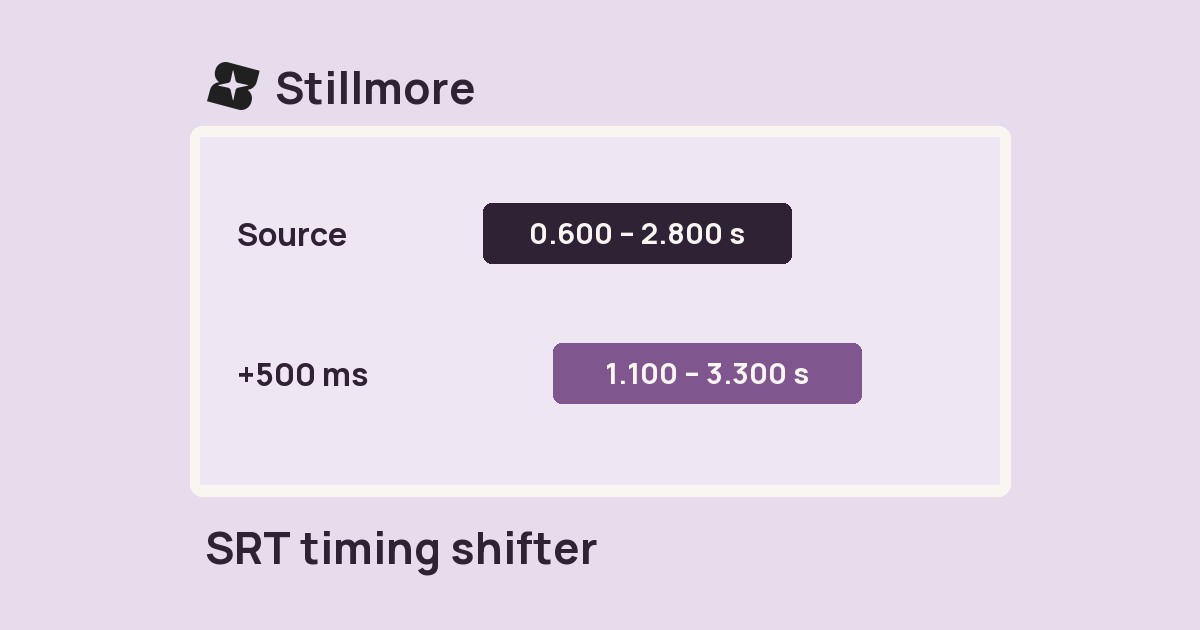
Move every cue in an SRT file earlier or later by the same number of milliseconds.
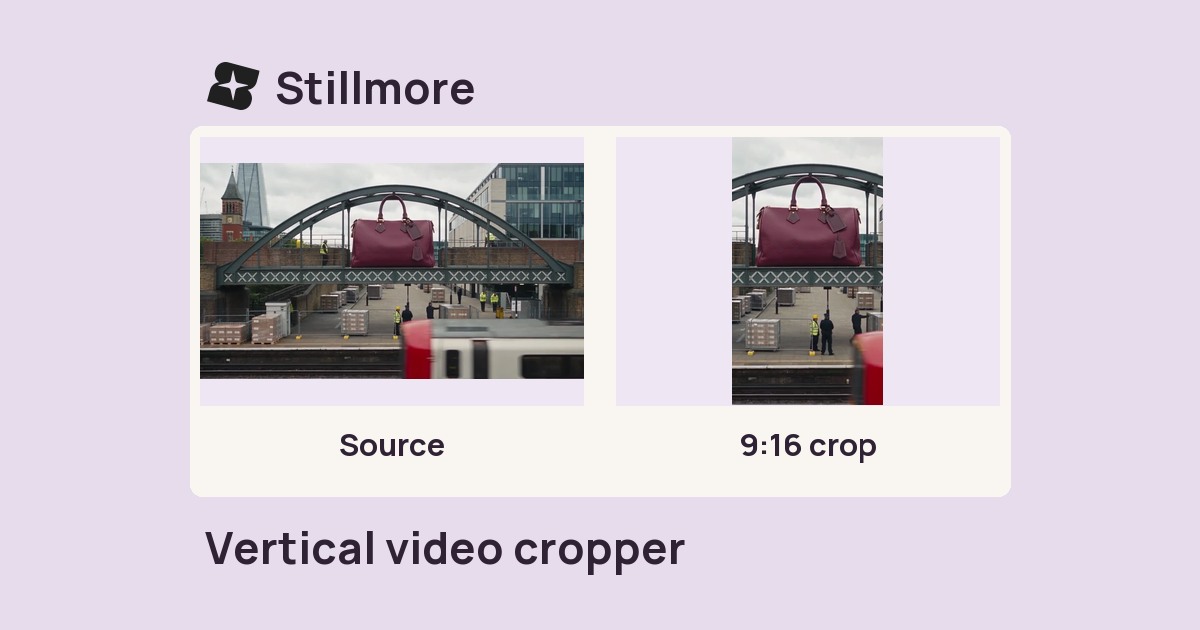
Crop the centre of a clip to a 9:16 portrait frame or a 1:1 square and save an MP4.
Repeat a clip a set number of times in one MP4 so it plays through each pass in sequence.
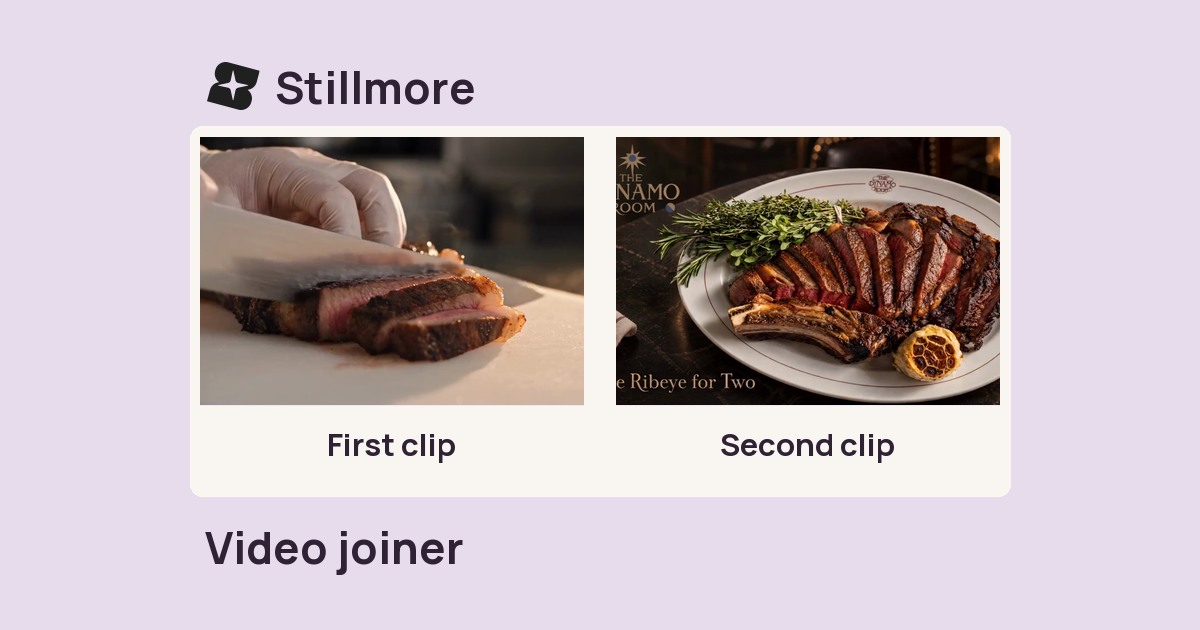
Combine selected clips in order into one MP4 for a sequence, walkthrough or product demo.
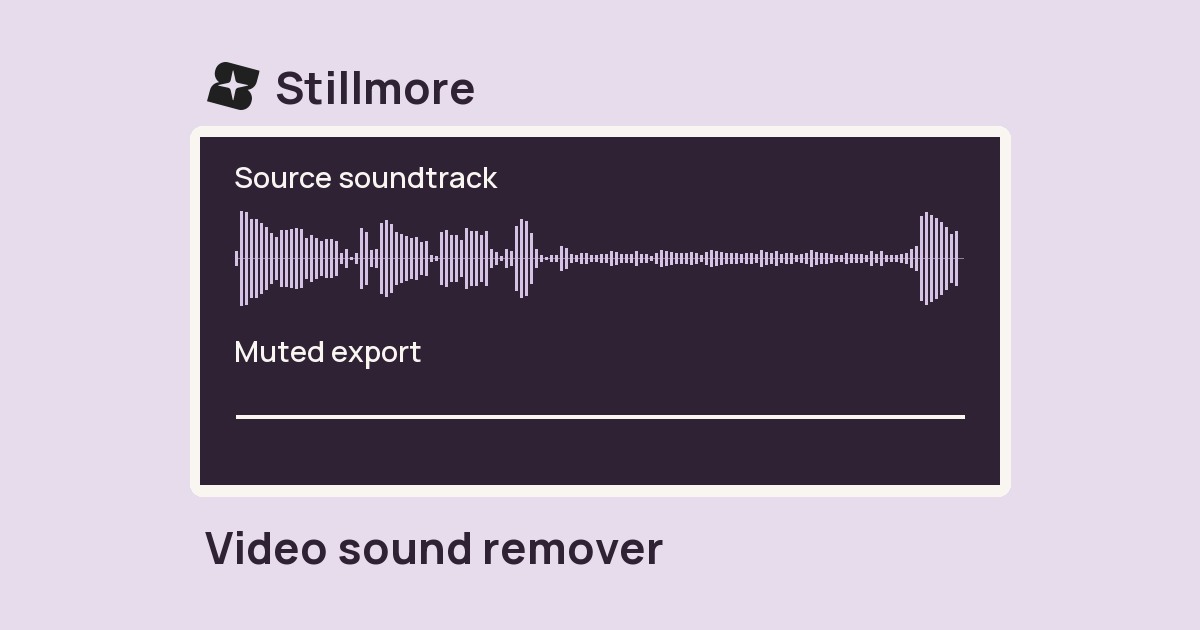
Remove the full soundtrack from a video file and download a silent MP4.
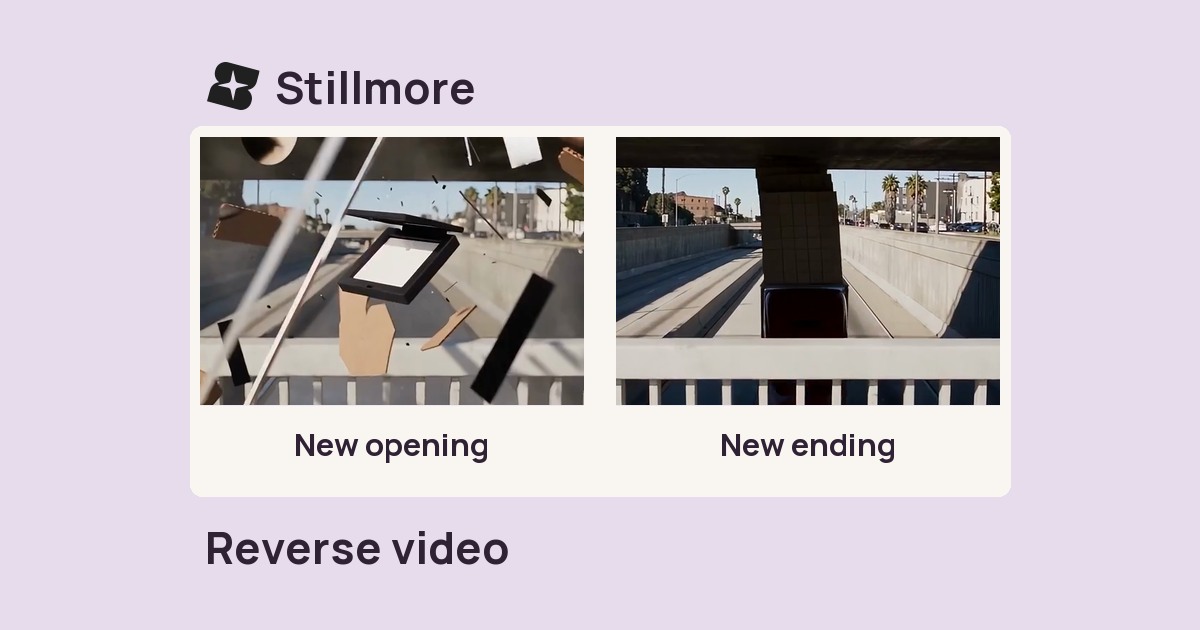
Play a short clip backward and export it as an MP4 for an undo effect or return motion.
Slow down or speed up a clip and export a new MP4 at the selected pace.
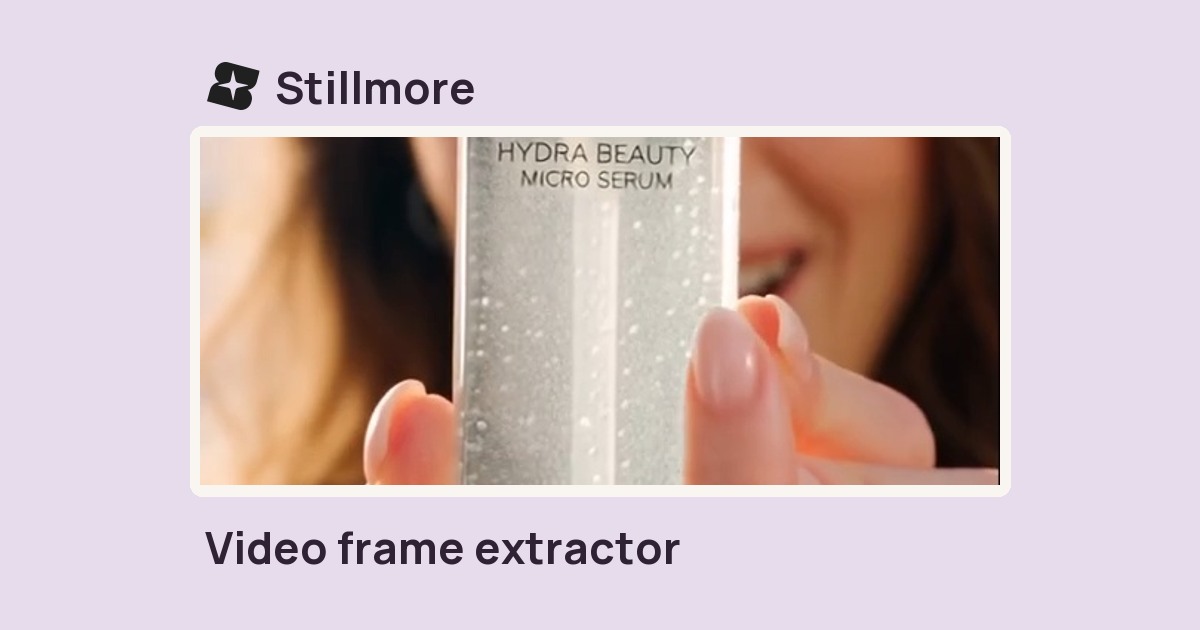
Choose a timestamp or percentage of a video and save that frame as a JPEG cover.
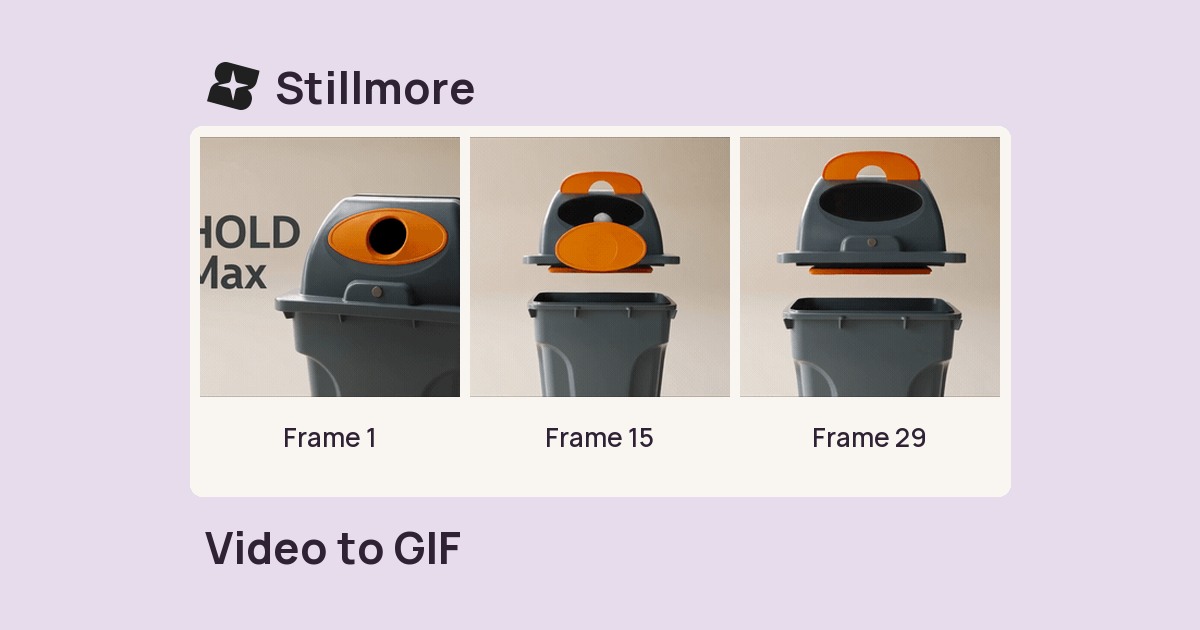
Choose up to ten seconds of video, set the output width and frame rate, and save a looping GIF.
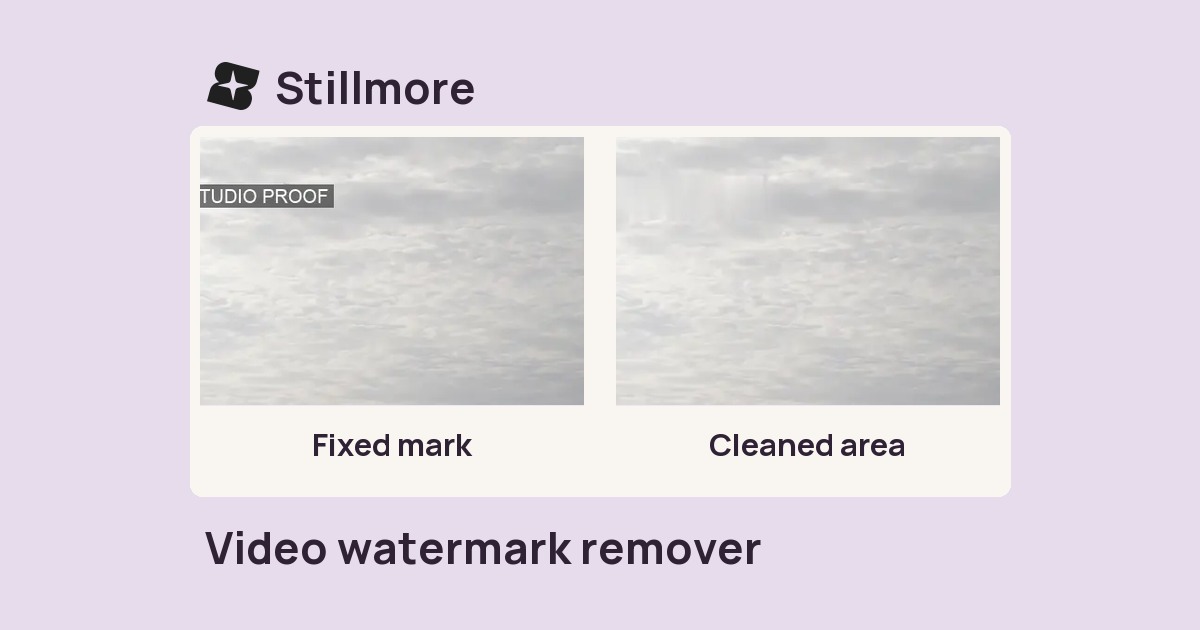
Remove a fixed corner logo from footage you own and download the edited MP4.
Convert a recording to MP3, WAV, M4A or FLAC for the next person editing your soundtrack.
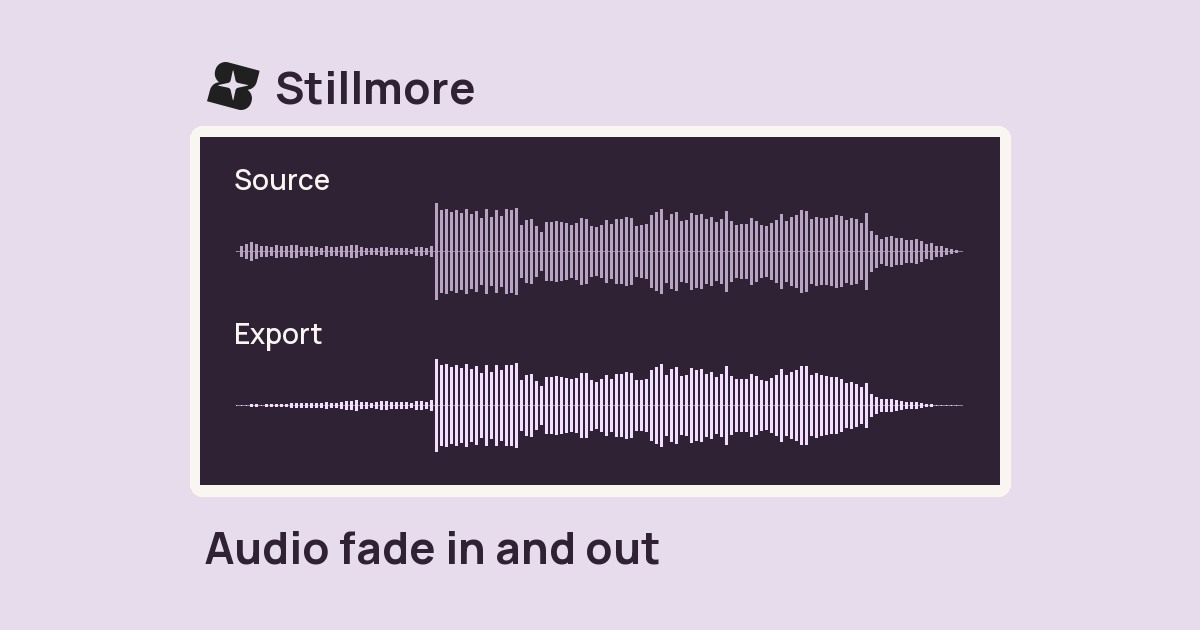
Ease a soundtrack in at the start and let it taper off at the end. Set the fade length in seconds.
Place separate recordings one after another and download one continuous MP3.
Change the channel layout of a recording and export an MP3 for playback checks.
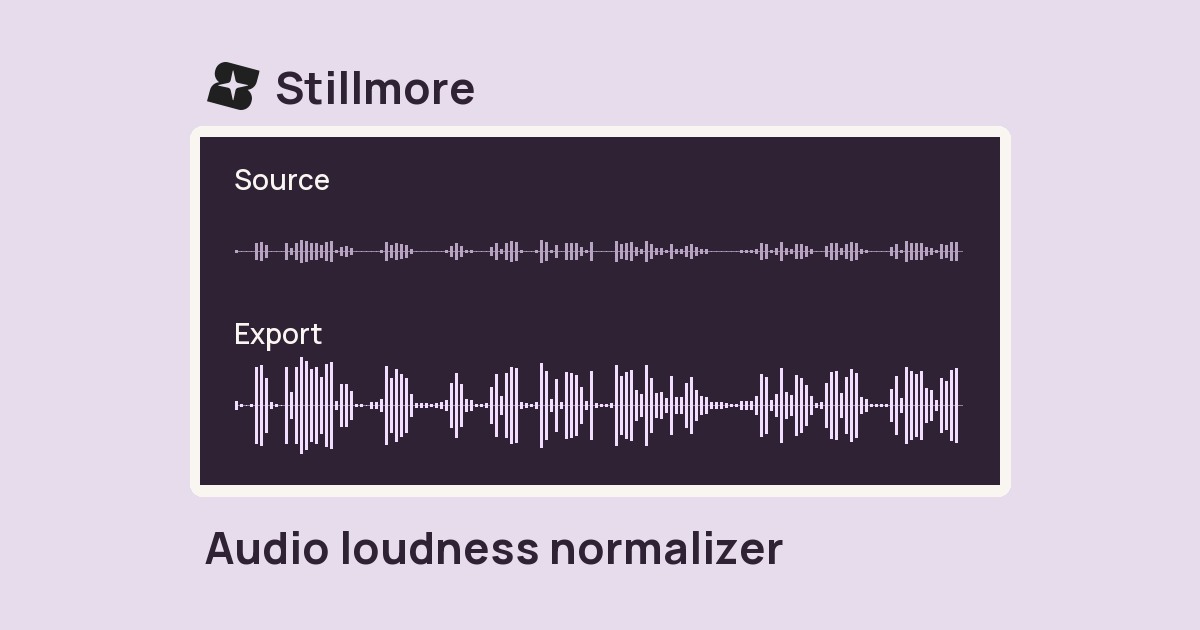
Bring a finished track toward a consistent listening level before handing off your edit.
Export a recording at a different sample rate to match the audio settings of your project.
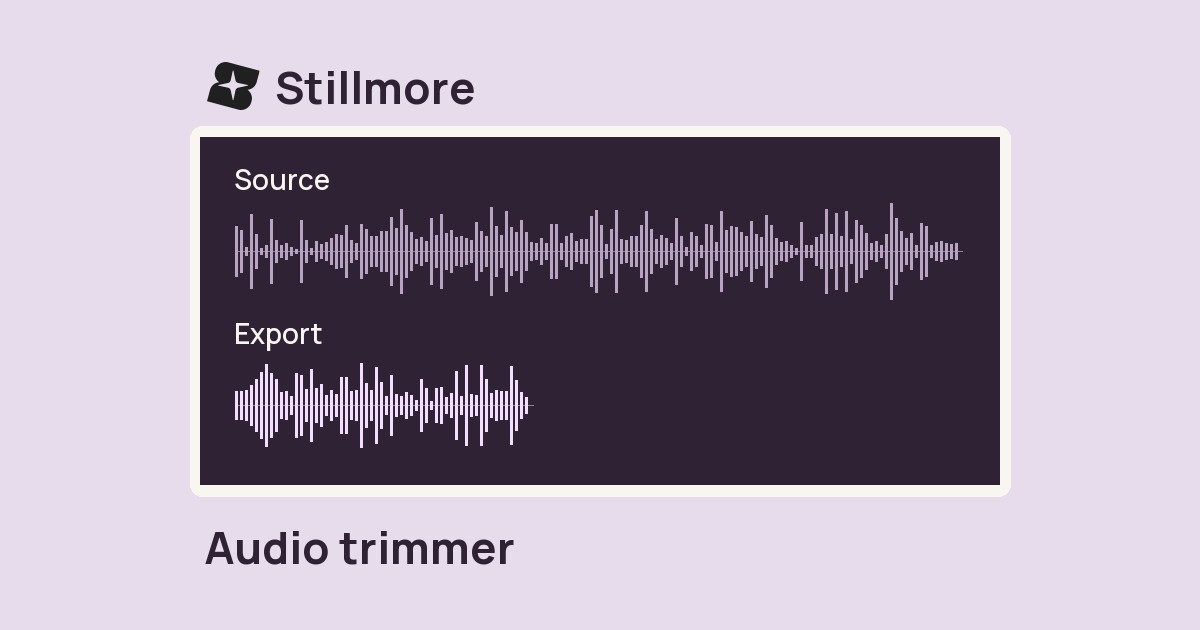
Enter a start time and duration to save the part of a recording you want to keep.
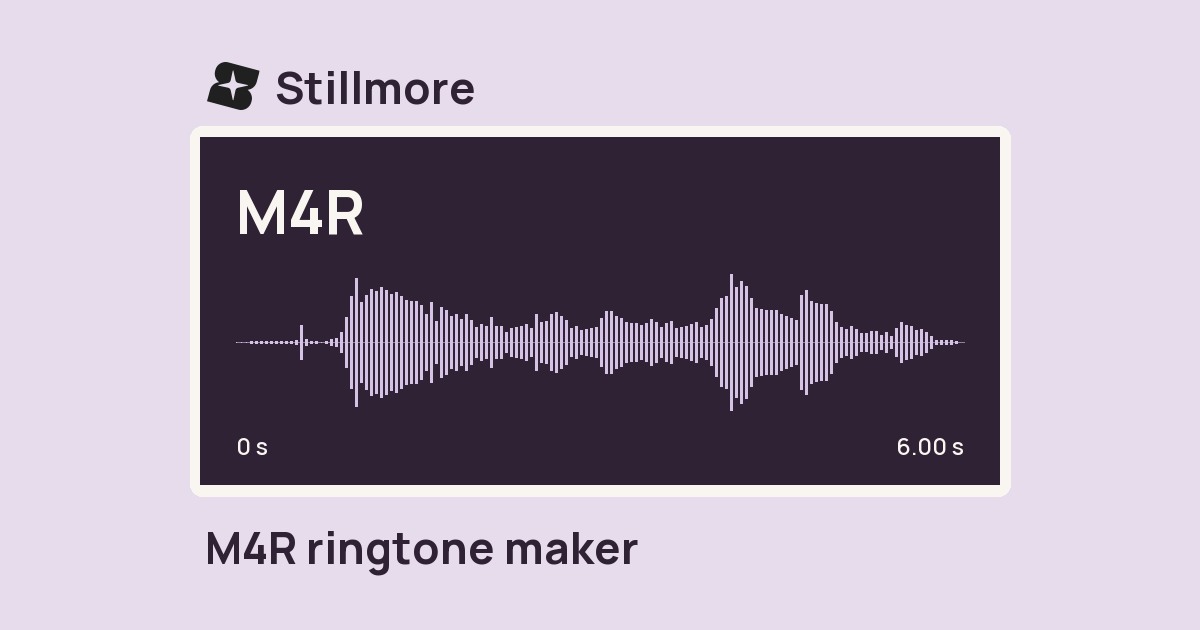
Choose a short section of your recording and save an M4R with a gentle fade at each end.
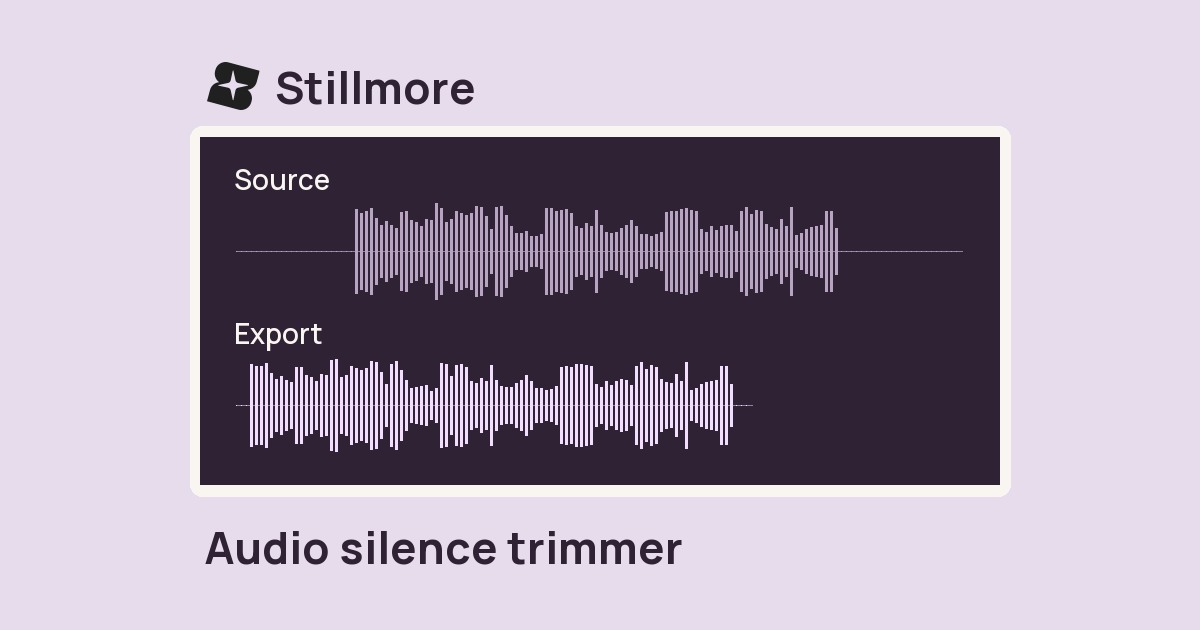
Trim quiet lead-in and tail audio from a recording while keeping pauses in the middle of the take.
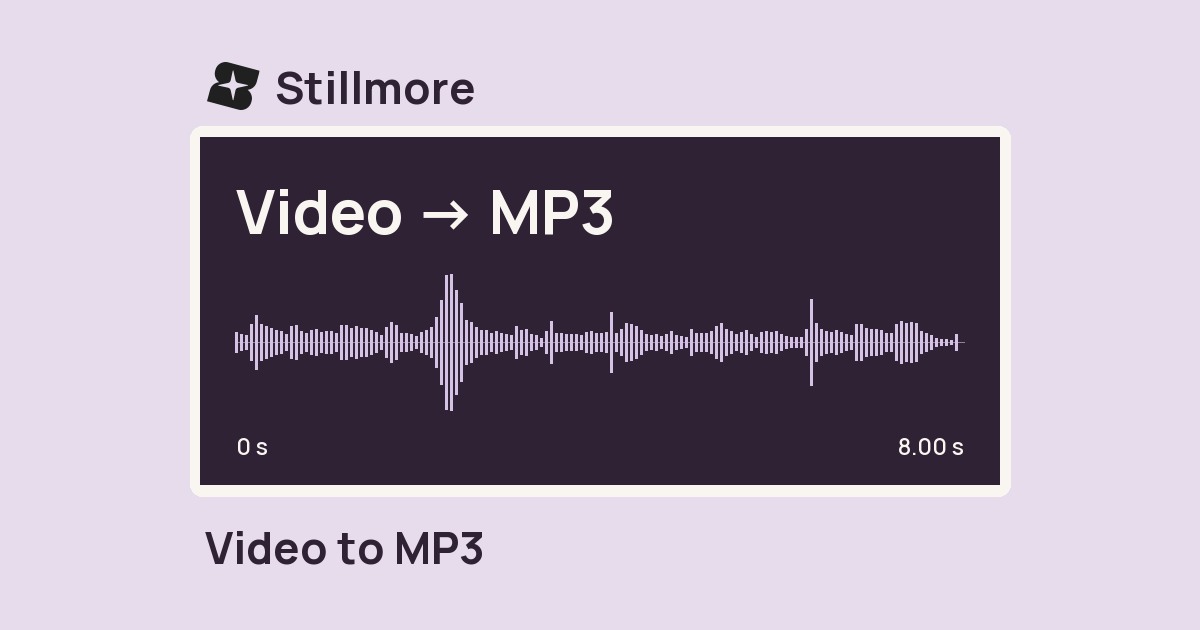
Extract the soundtrack from a video file at the MP3 bitrate you choose.
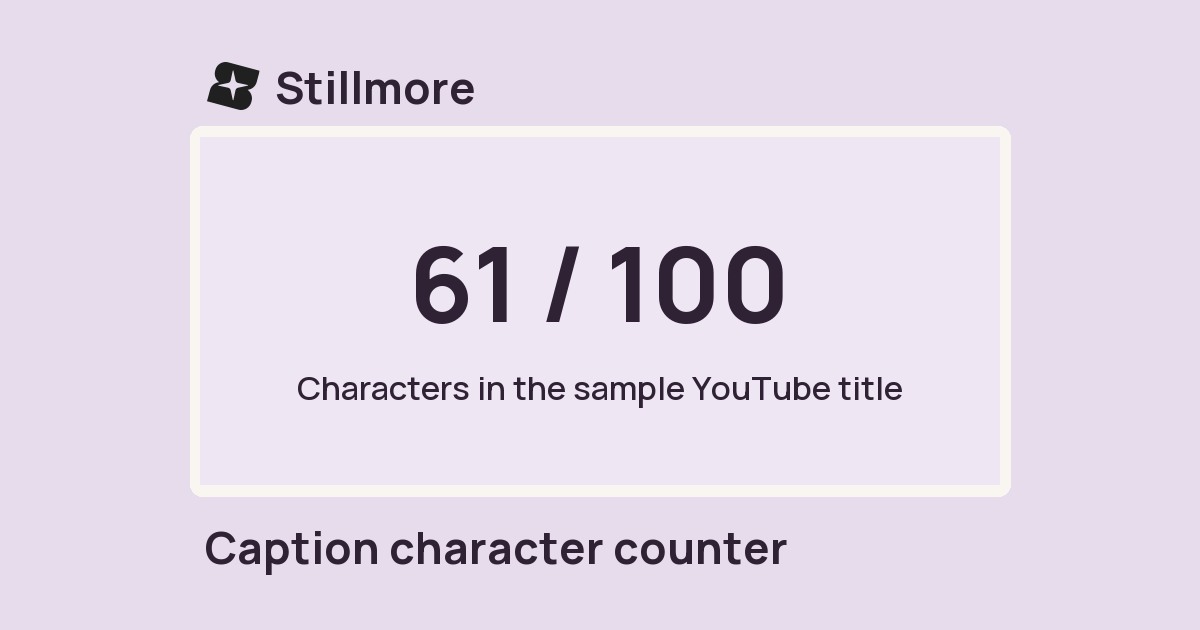
Paste a caption to see its length and compare it with the limits shown for each placement.
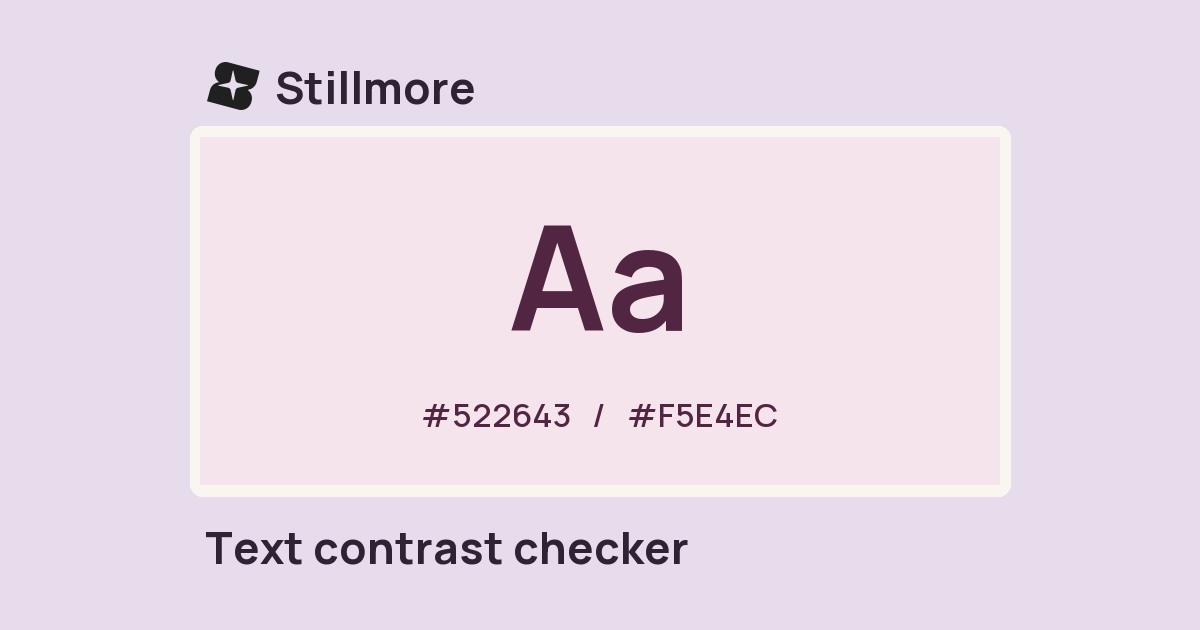
Test two colours together and see their contrast ratio before setting small text on a graphic.
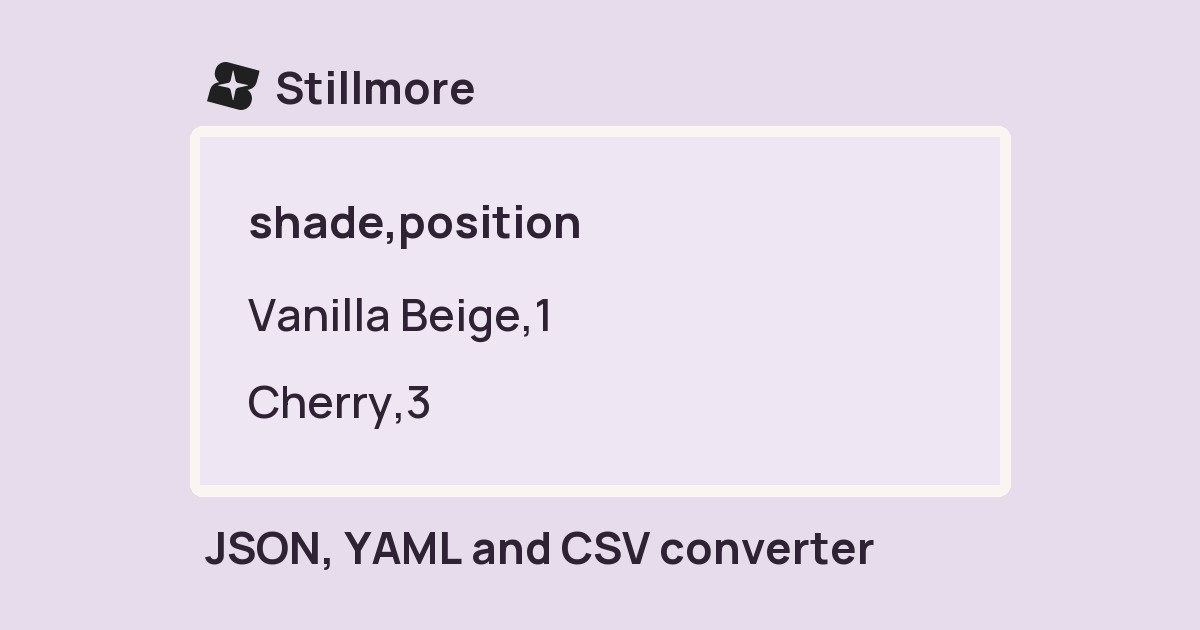
Move a small table or structured brief between supported text formats and copy the result.
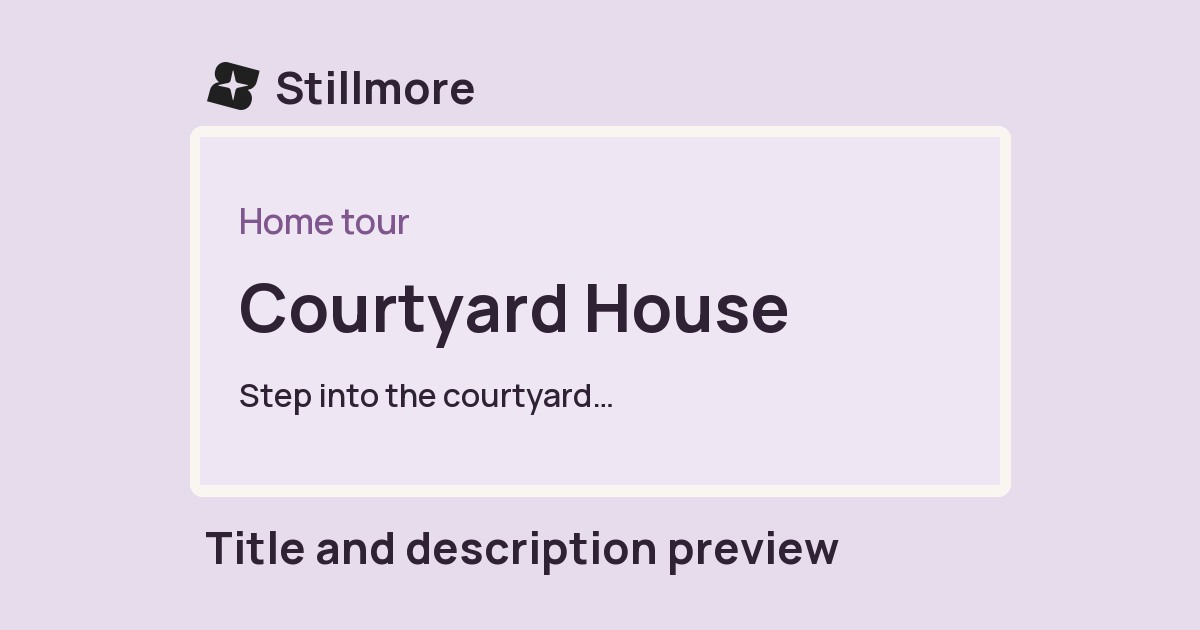
Draft a page title and description, then read them together in sample search and social layouts.
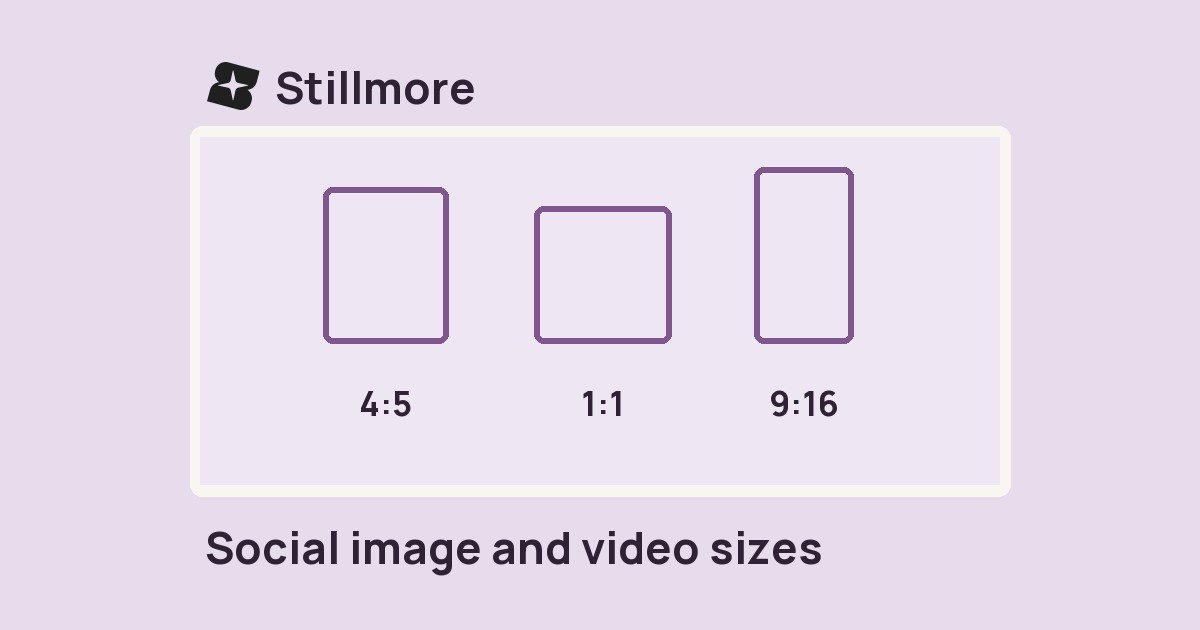
Look up common frame dimensions and aspect ratios before you crop a post, cover or link card.
Add campaign tags to a destination URL and copy the link for your next post or email.
Find the available cover images for a YouTube video by pasting its public link or video ID.
46 tools found.