

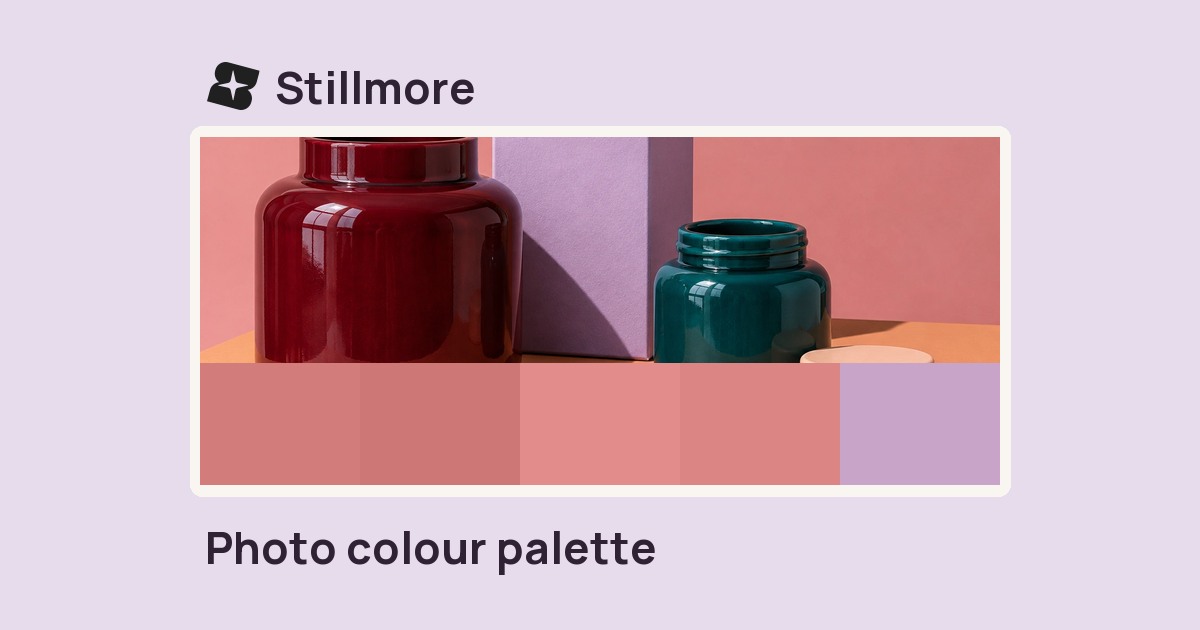
Photo colour palette
Extract the dominant colours in a photo and copy a hex value for your next design.

FOUNDING OFFERSign up to unlock 35% off your first plan.

Turn photos of your products, space, or services into ready-to-post videos and images. Choose a style and get started—no editing experience needed.
Edit photos, video and audio or prepare a post with free tools from Stillmore.
Extract the dominant colours in a photo and copy a hex value for your next design.
Set a file-size limit in KB and save a JPEG that fits a product listing or upload form.
Re-encode photos or graphics in a format your browser supports and download each result.
Inspect a photo’s file details and save a new JPEG without its original embedded metadata.
Turn a square mark into PNG icons at several sizes and a multi-size ICO for your website.
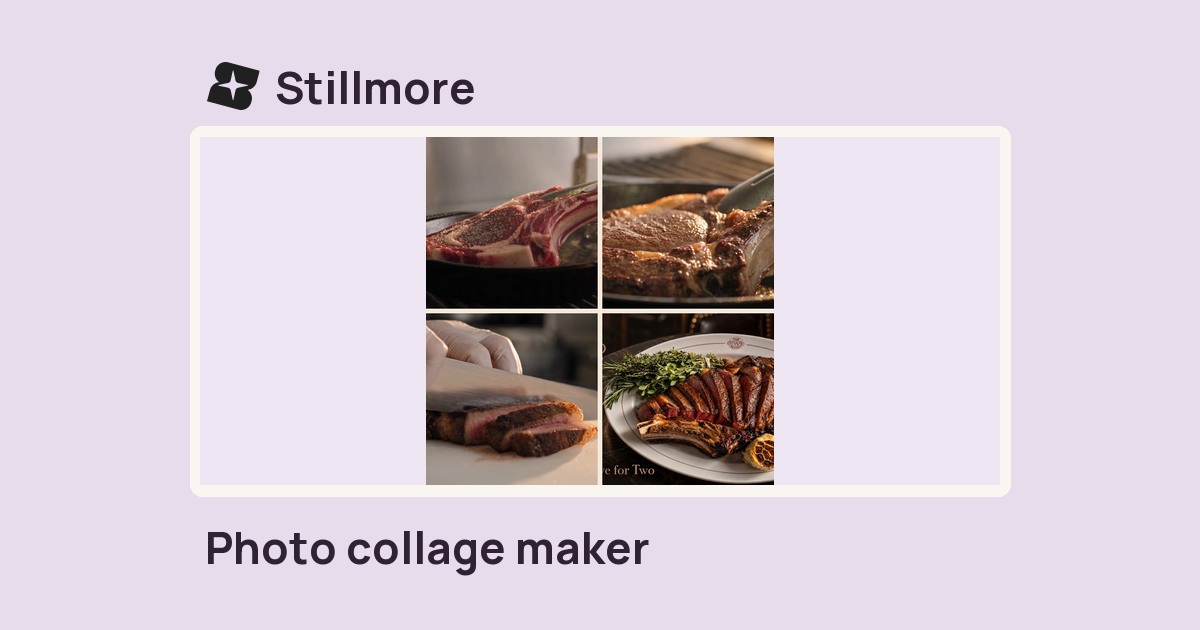
Arrange product shots in a square contact sheet with a two- or three-column grid and adjustable gaps.
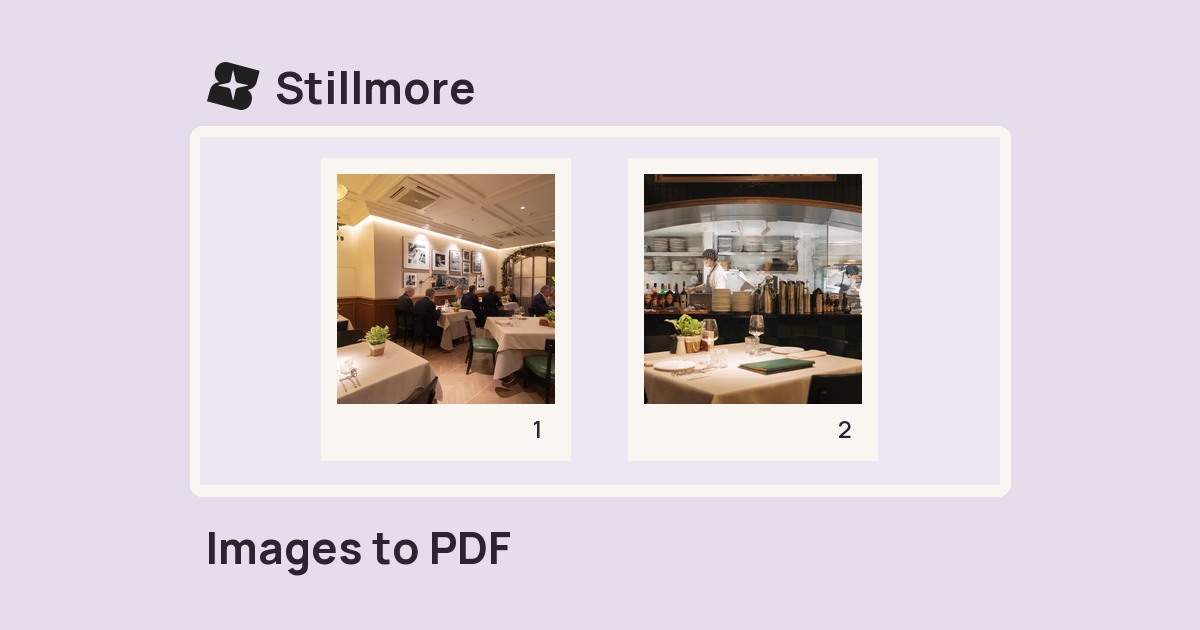
Combine selected images into one PDF with a separate page for every photo.
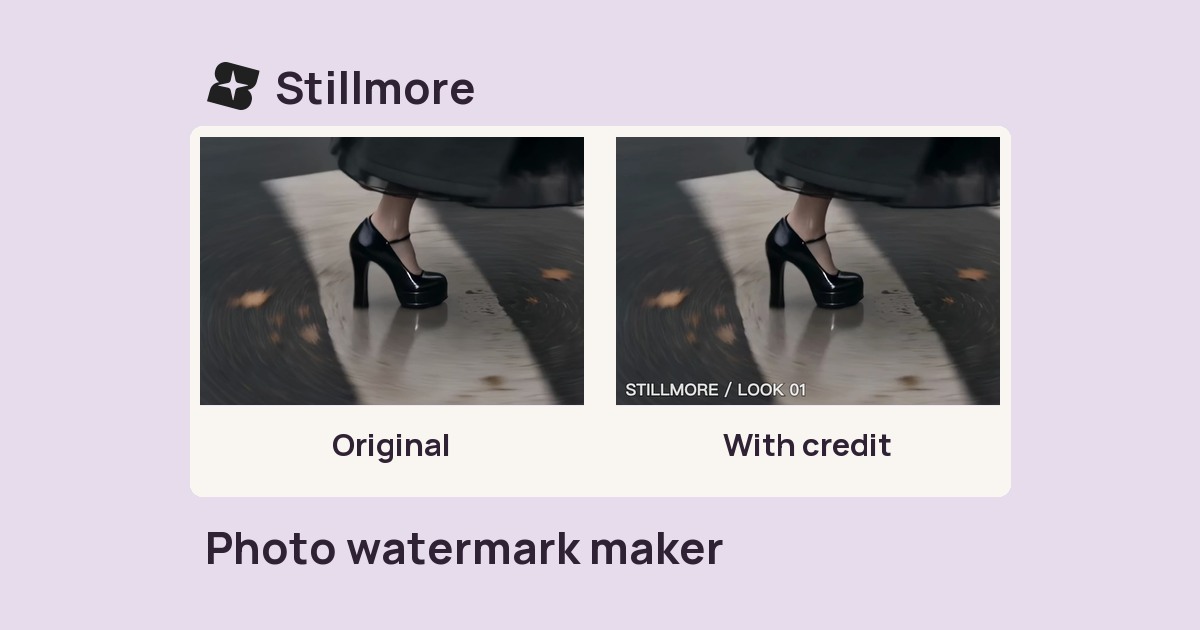
Add your name or brand credit to a photo, then adjust its placement, size and opacity.
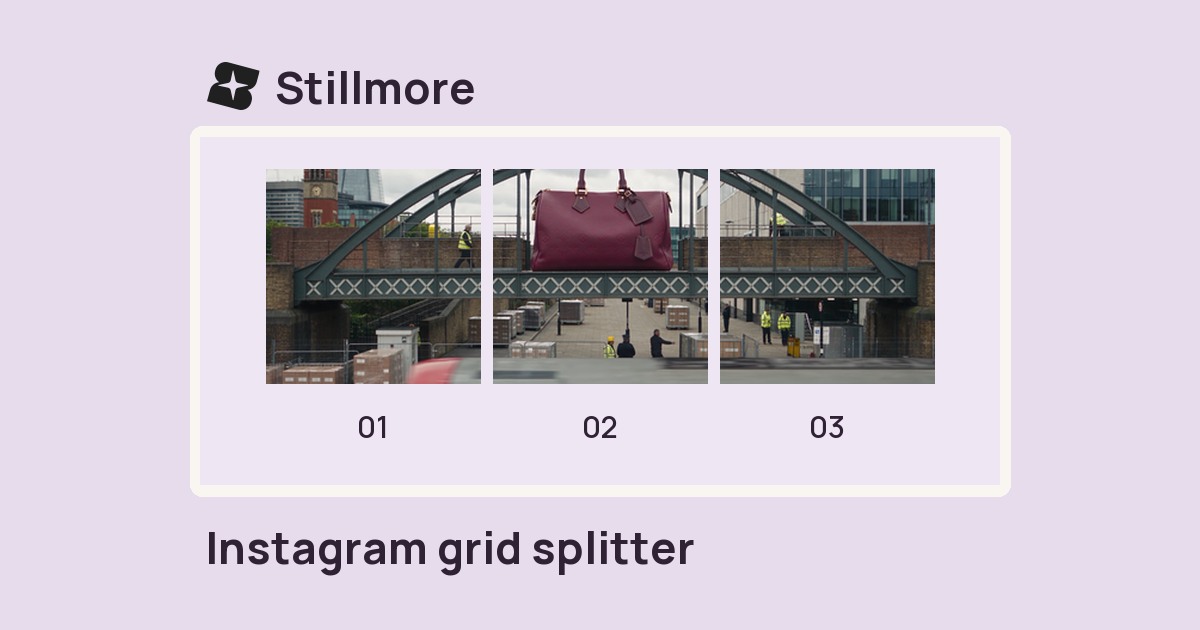
Divide a photo into numbered square tiles and download them individually for a grid layout.
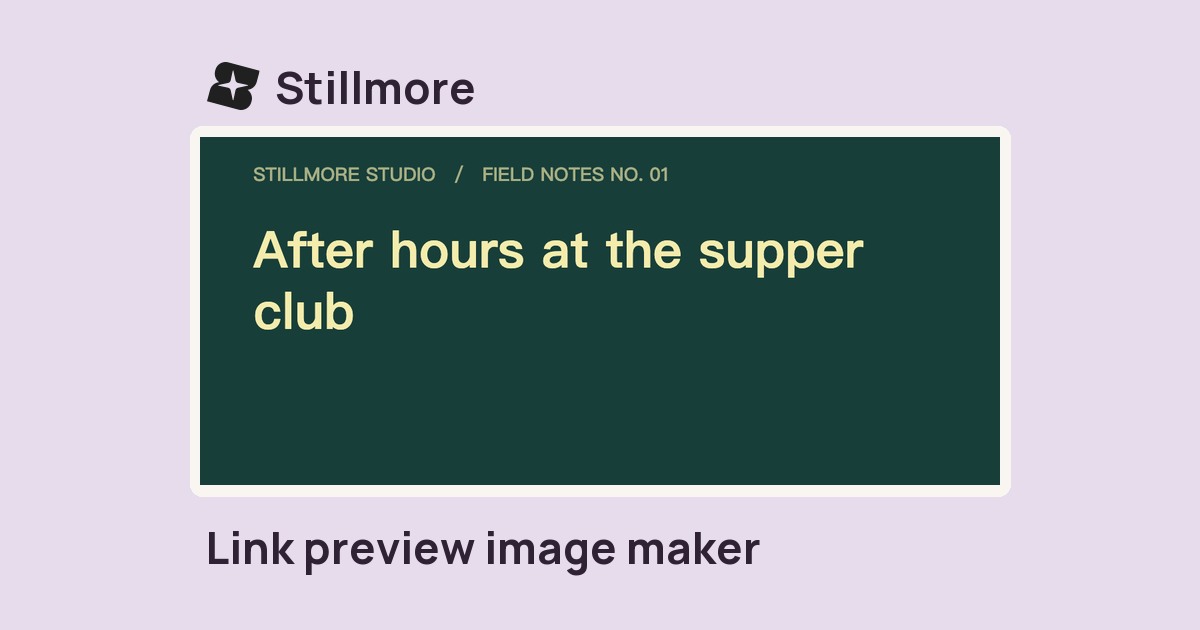
Set a headline, site name and colours to make a 1200 × 630 PNG for link previews.
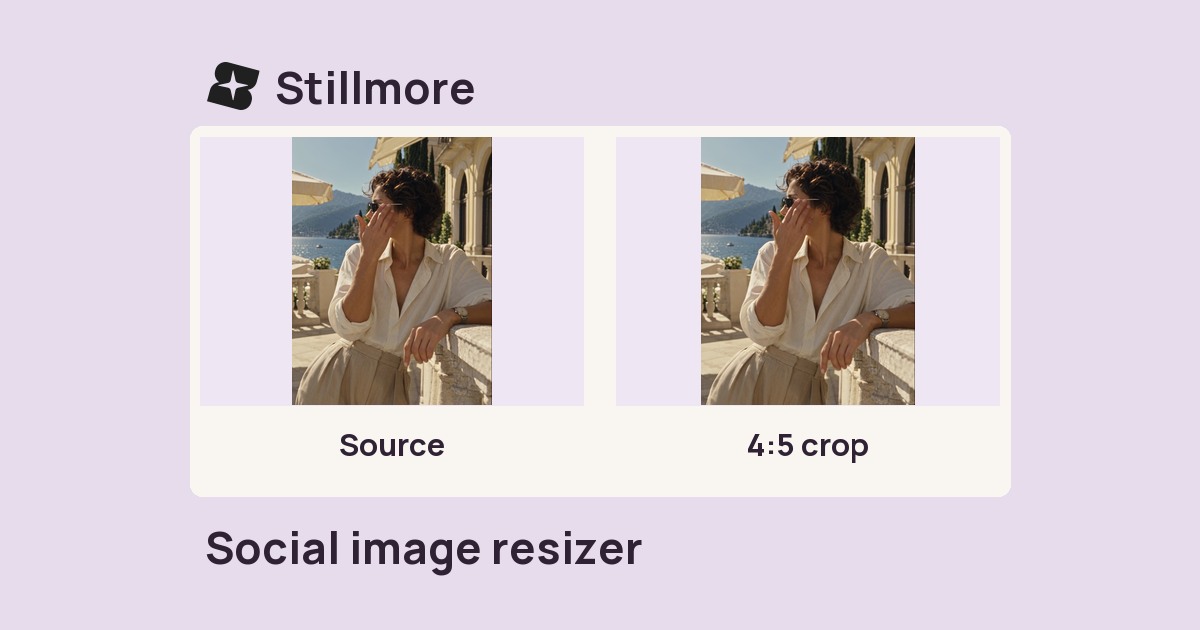
Fit a photo to a social frame. Choose a crop that fills the canvas or preserve the whole image with padding.
11 tools found.