

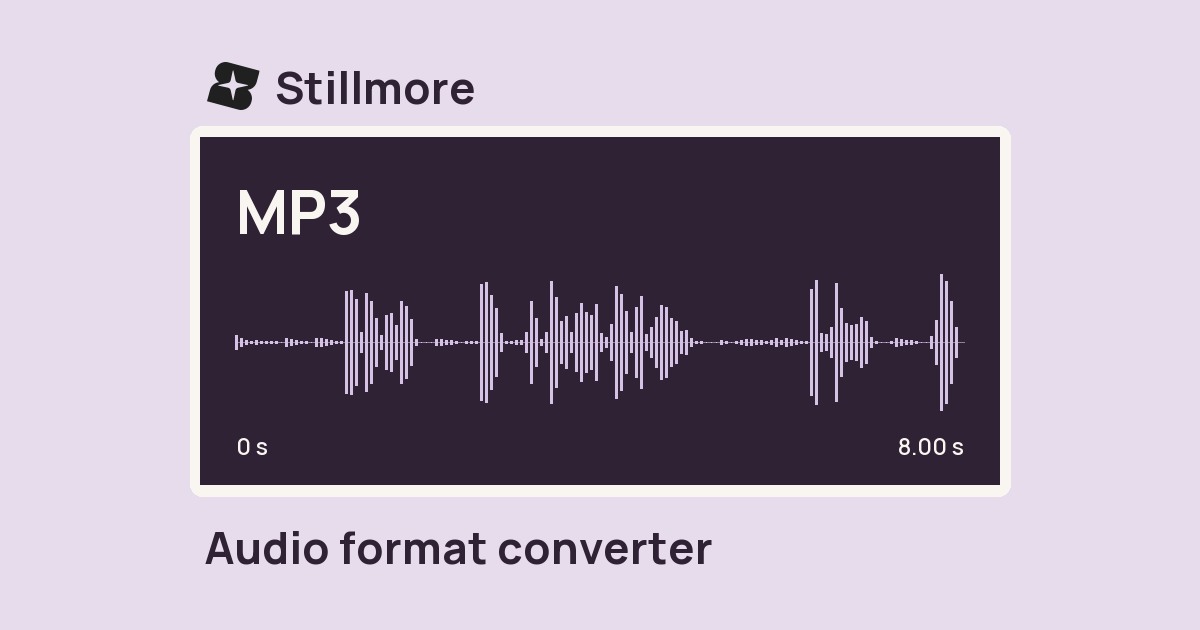
Audio format converter
Convert a recording to MP3, WAV, M4A or FLAC for the next person editing your soundtrack.

FOUNDING OFFERSign up to unlock 35% off your first plan.

Turn photos of your products, space, or services into ready-to-post videos and images. Choose a style and get started—no editing experience needed.
Edit photos, video and audio or prepare a post with free tools from Stillmore.
Convert a recording to MP3, WAV, M4A or FLAC for the next person editing your soundtrack.
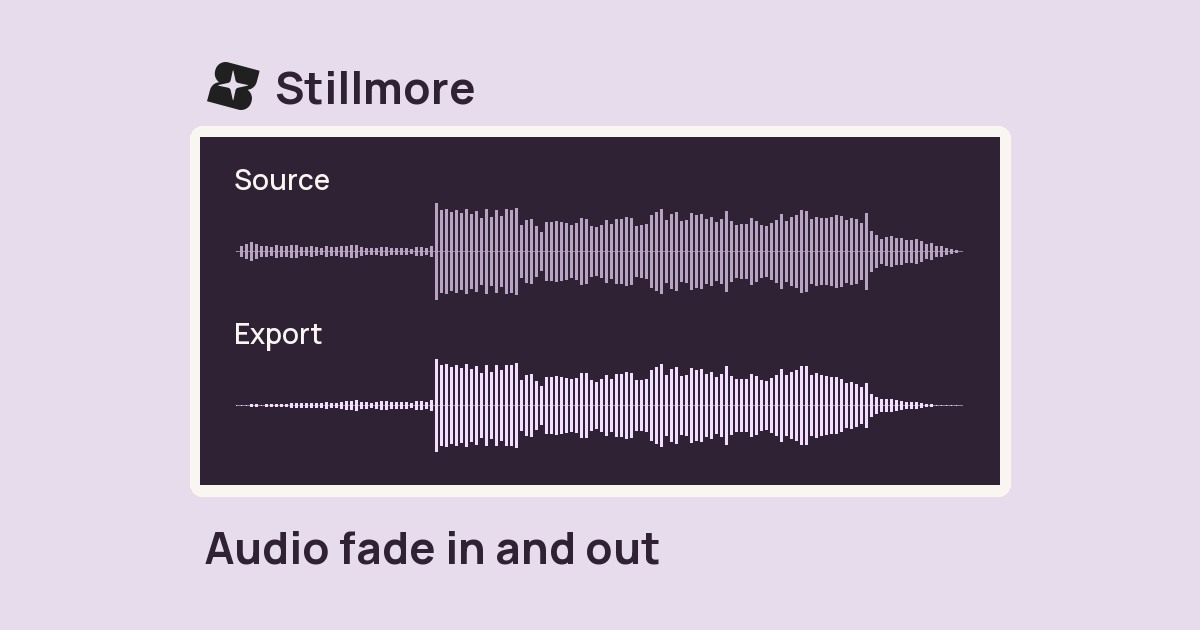
Ease a soundtrack in at the start and let it taper off at the end. Set the fade length in seconds.
Place separate recordings one after another and download one continuous MP3.
Change the channel layout of a recording and export an MP3 for playback checks.
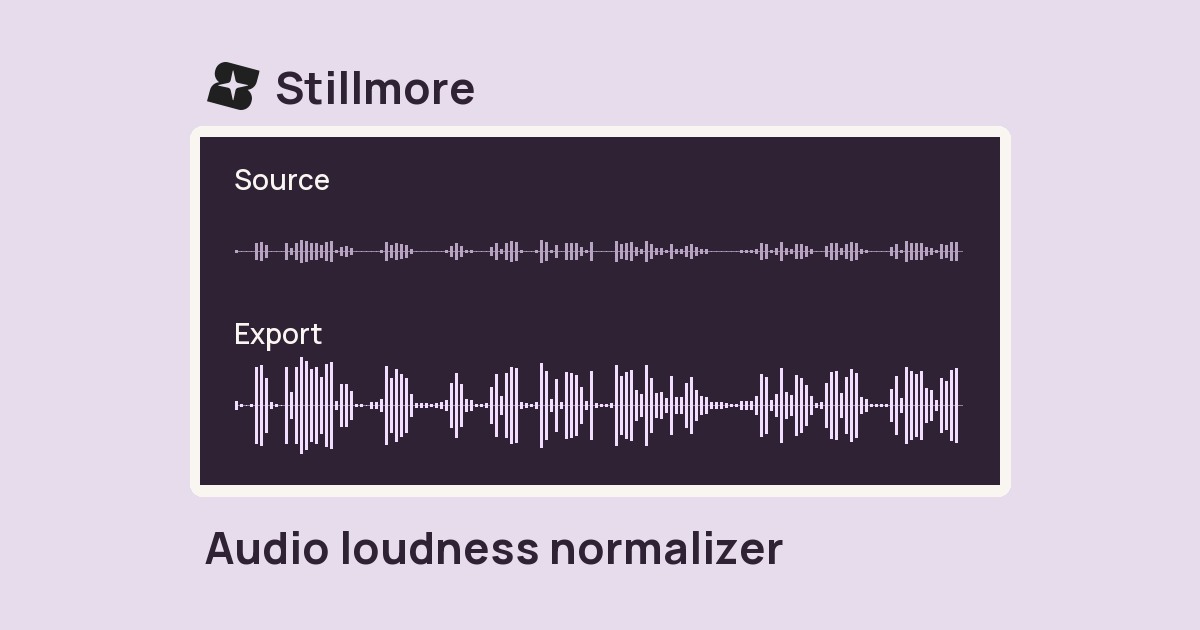
Bring a finished track toward a consistent listening level before handing off your edit.
Export a recording at a different sample rate to match the audio settings of your project.
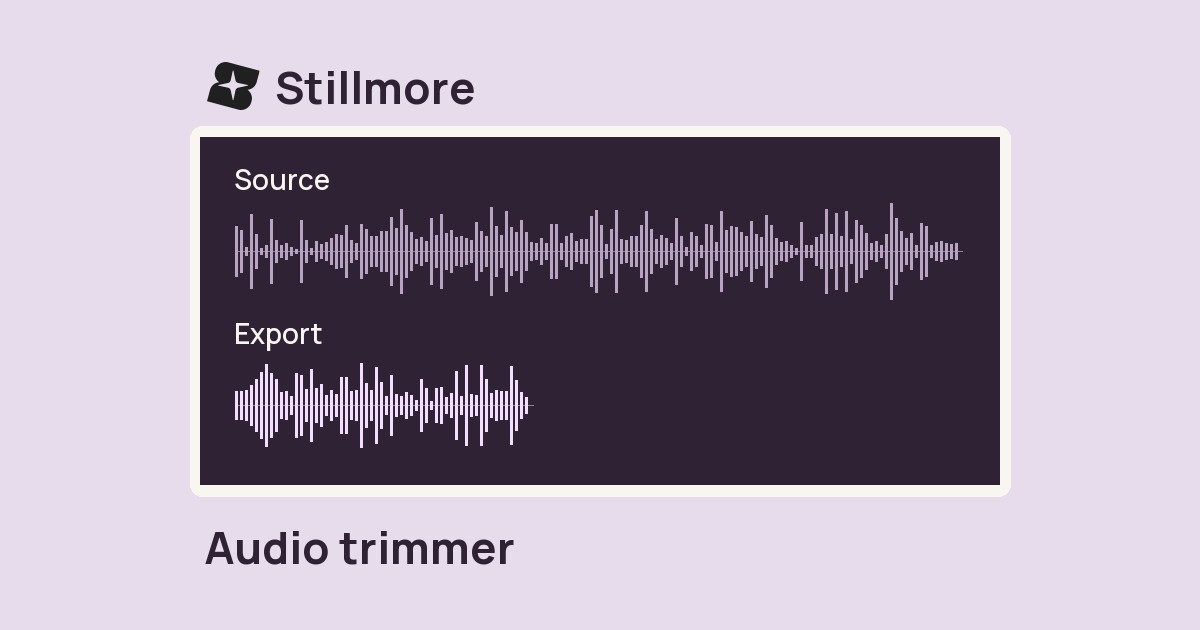
Enter a start time and duration to save the part of a recording you want to keep.
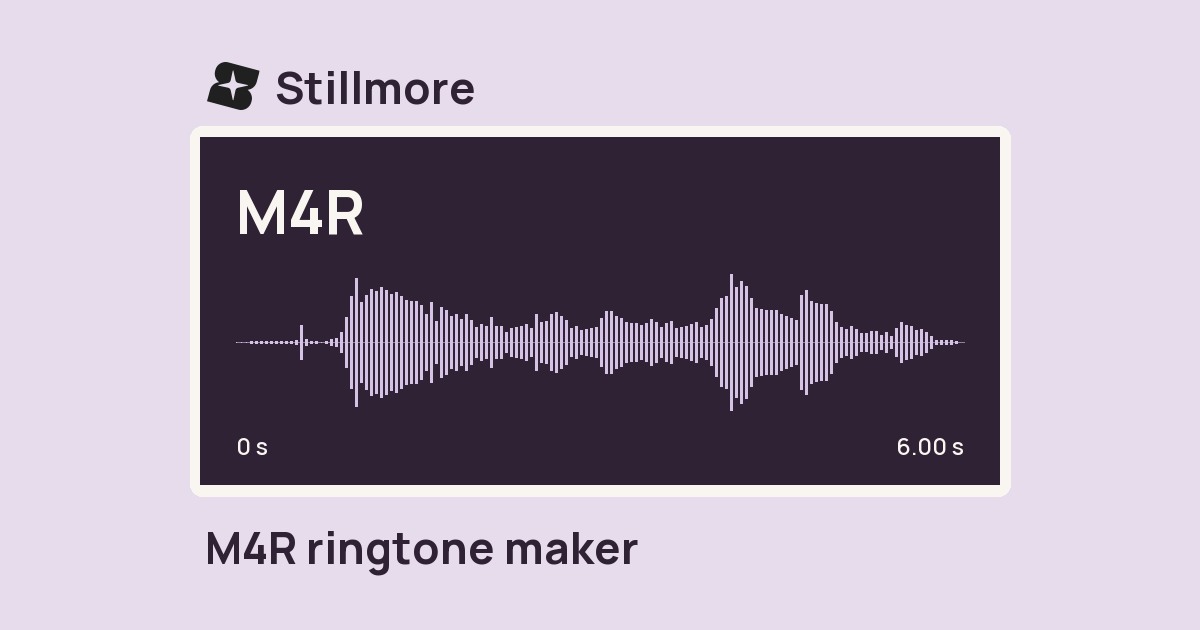
Choose a short section of your recording and save an M4R with a gentle fade at each end.
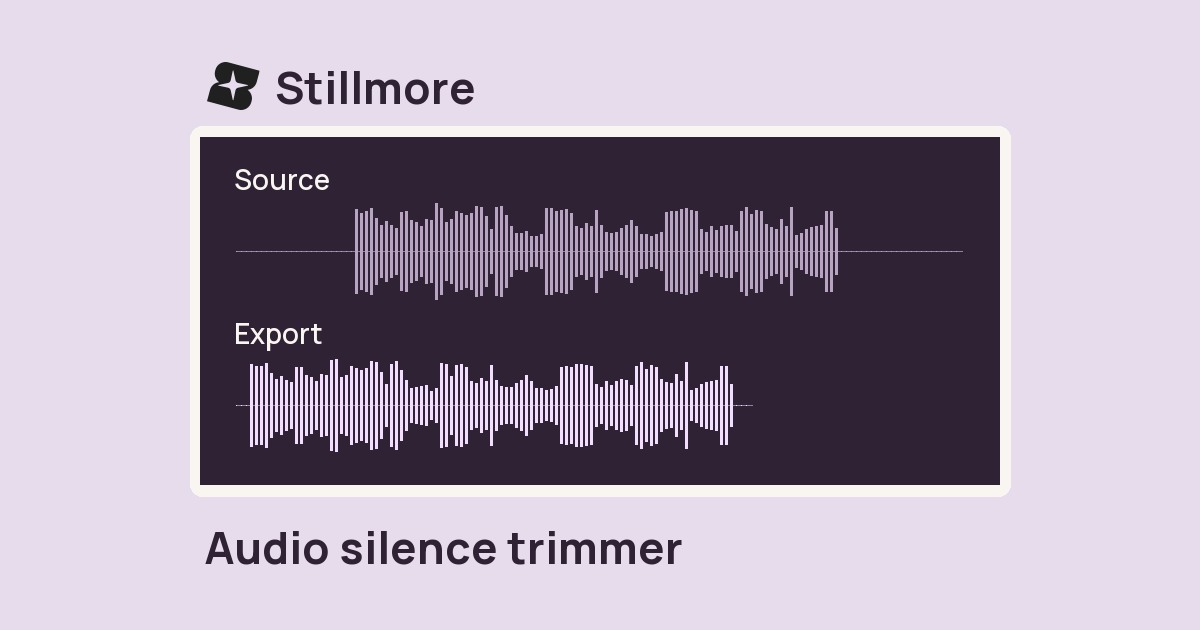
Trim quiet lead-in and tail audio from a recording while keeping pauses in the middle of the take.
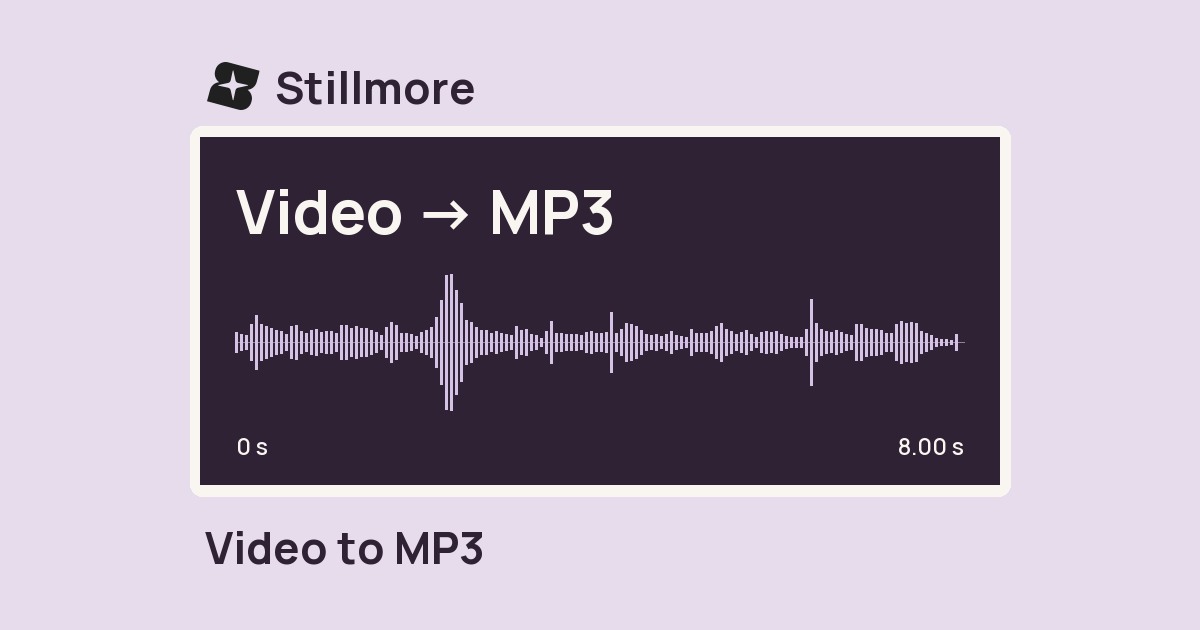
Extract the soundtrack from a video file at the MP3 bitrate you choose.
10 tools found.