

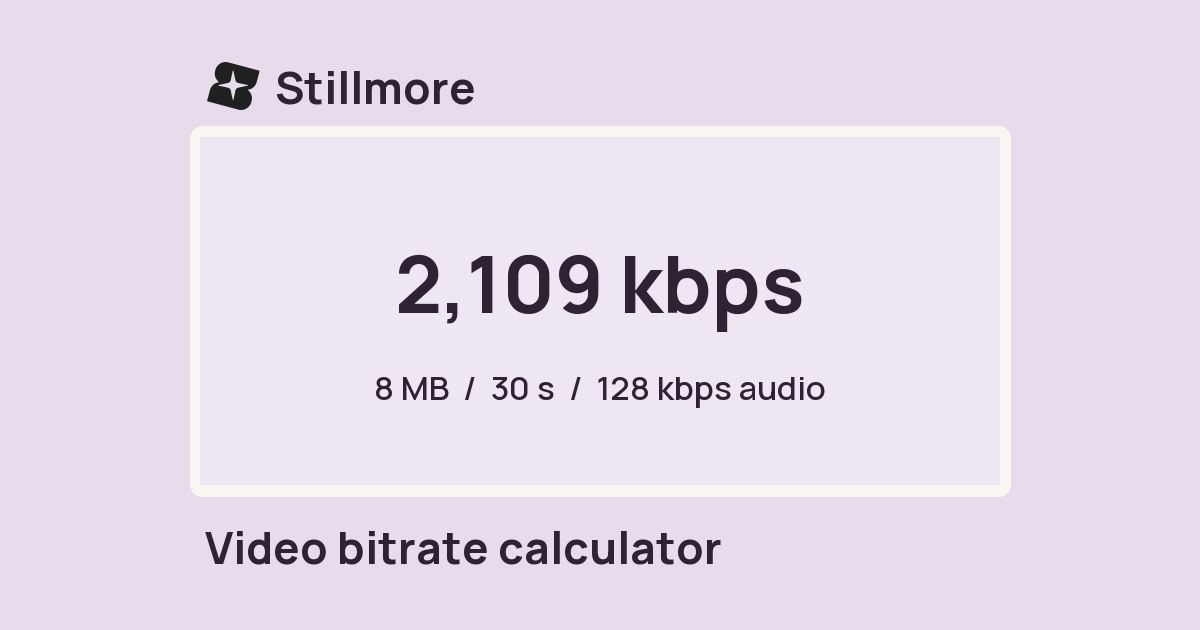
Video bitrate calculator
Enter a clip length, size limit and audio bitrate to estimate the bitrate available for the picture.

FOUNDING OFFERSign up to unlock 35% off your first plan.

Turn photos of your products, space, or services into ready-to-post videos and images. Choose a style and get started—no editing experience needed.
Edit photos, video and audio or prepare a post with free tools from Stillmore.
Enter a clip length, size limit and audio bitrate to estimate the bitrate available for the picture.
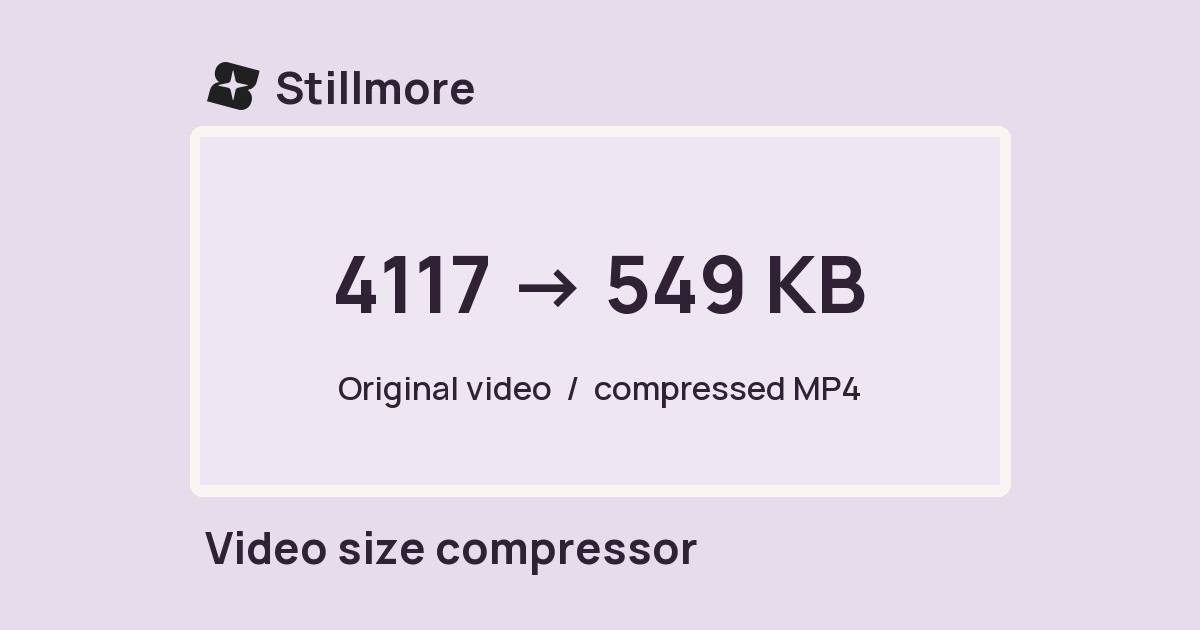
Choose a target size for your MP4 and set the output height for a smaller delivery copy.
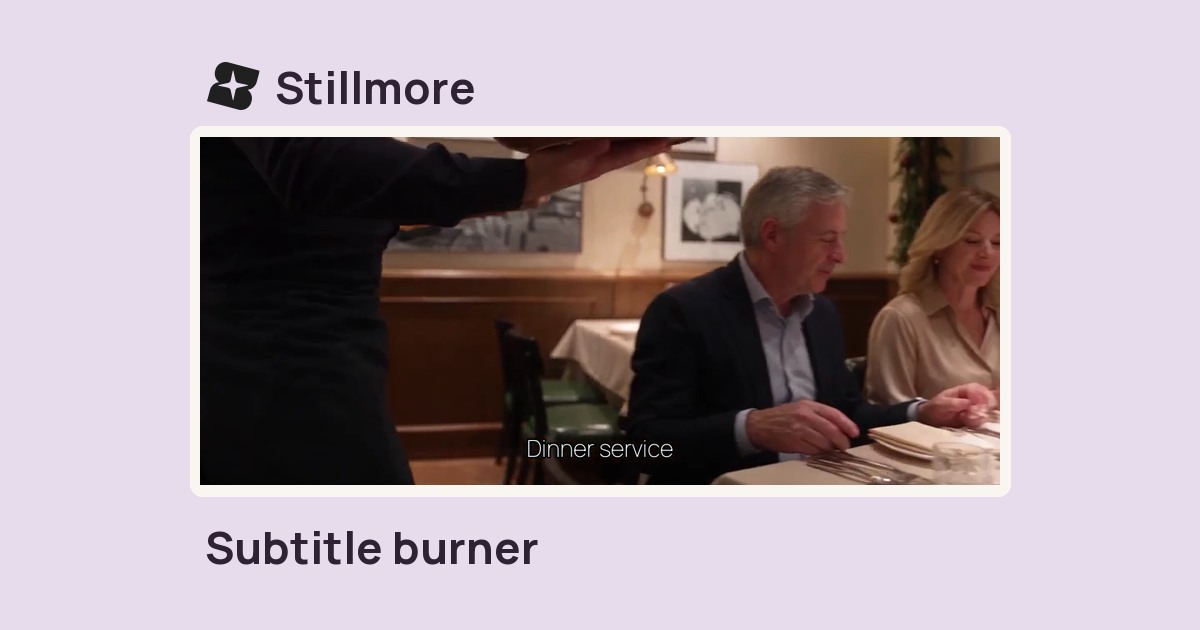
Add an SRT subtitle file to a video and export an MP4 with the words visible in the picture.
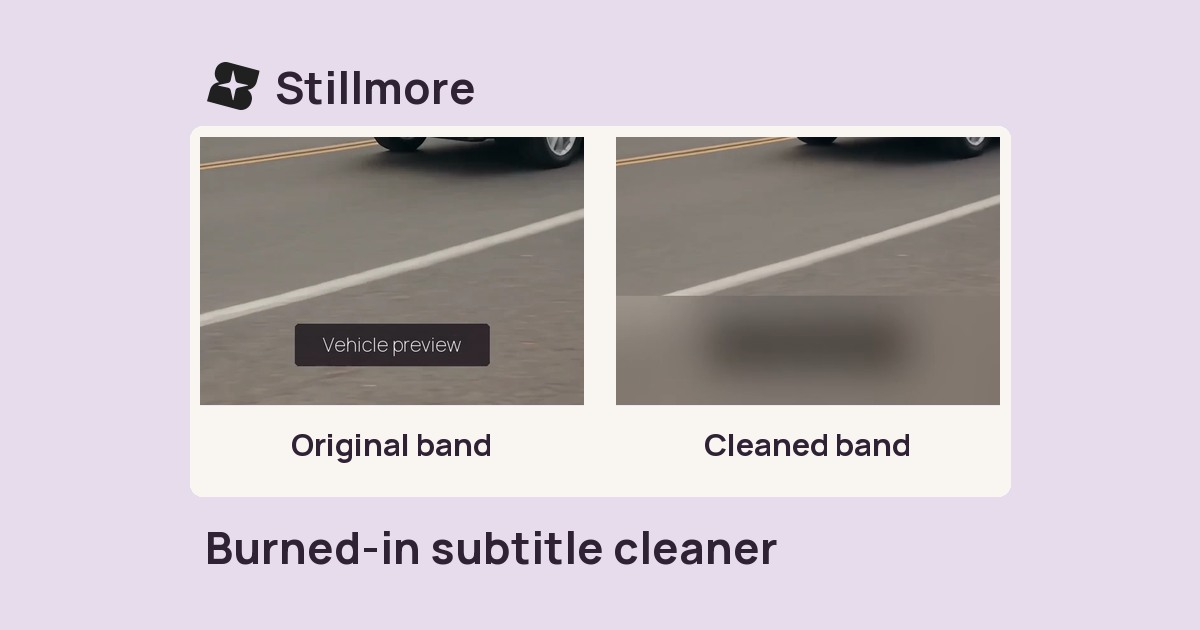
Mark a band along the bottom of a video you own and blur, cover or rebuild that area.
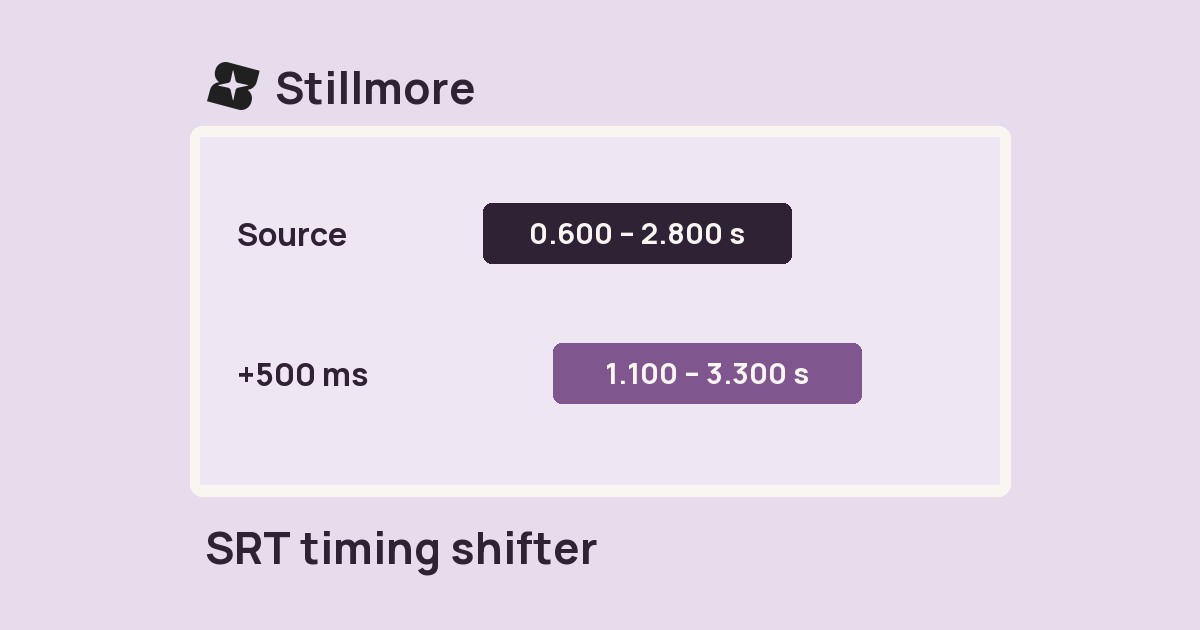
Move every cue in an SRT file earlier or later by the same number of milliseconds.
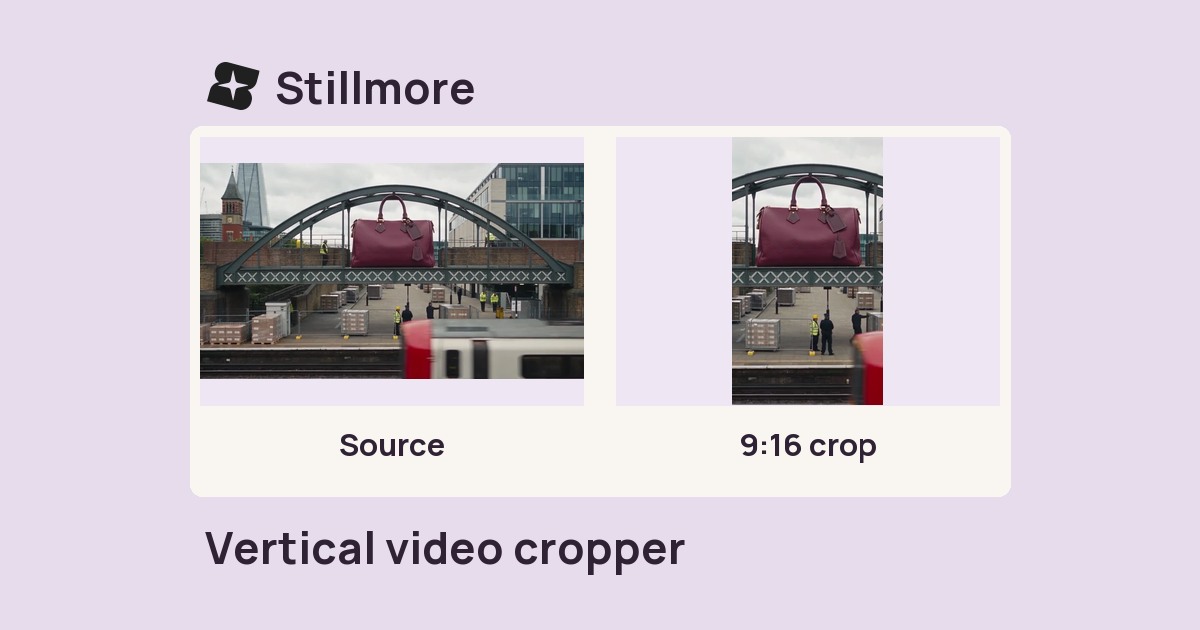
Crop the centre of a clip to a 9:16 portrait frame or a 1:1 square and save an MP4.
Repeat a clip a set number of times in one MP4 so it plays through each pass in sequence.
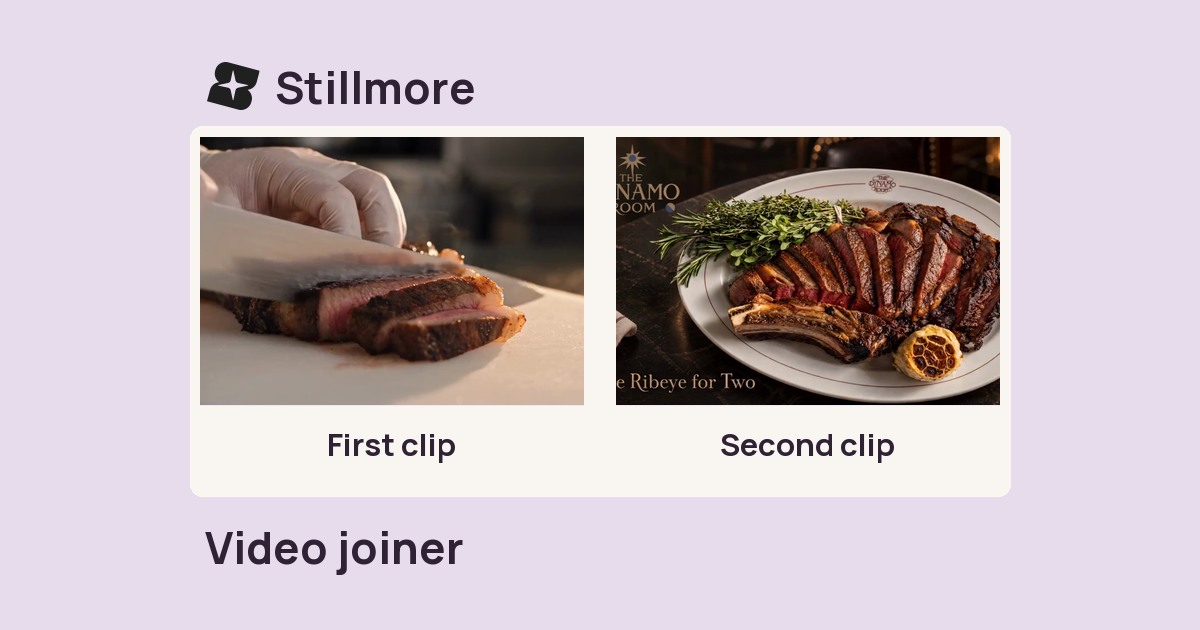
Combine selected clips in order into one MP4 for a sequence, walkthrough or product demo.
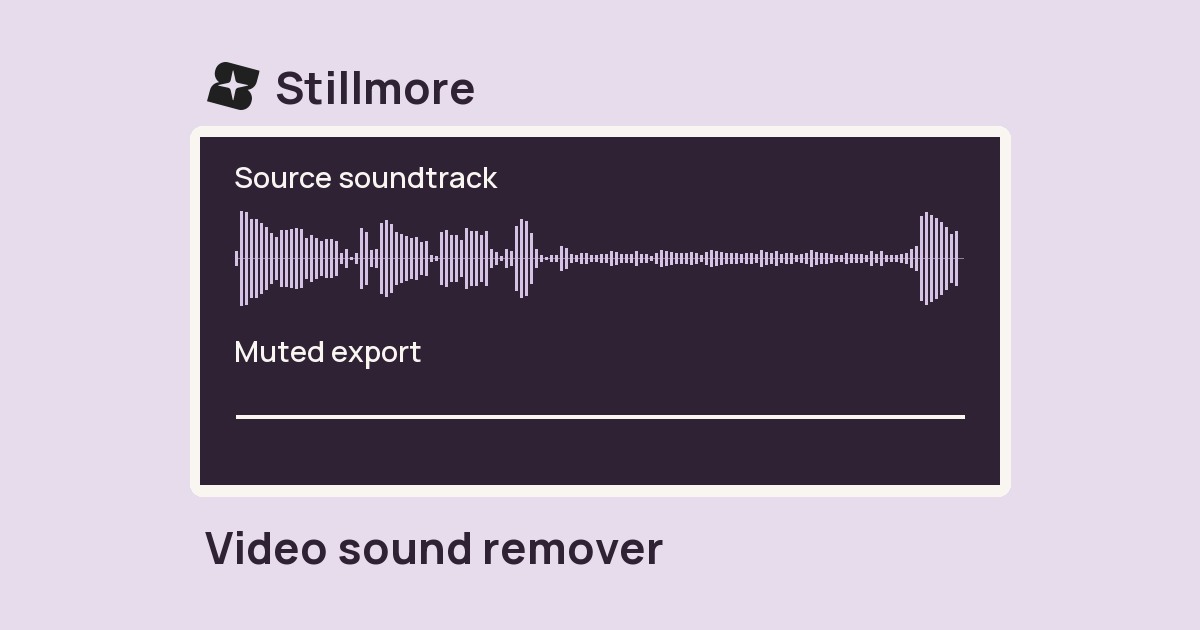
Remove the full soundtrack from a video file and download a silent MP4.
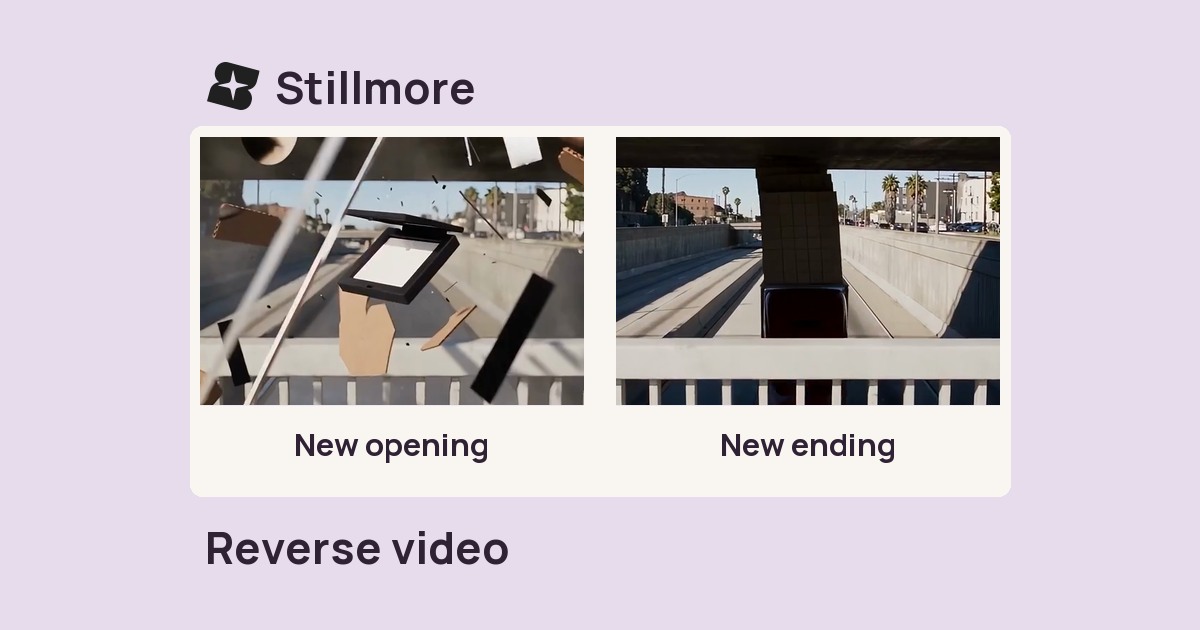
Play a short clip backward and export it as an MP4 for an undo effect or return motion.
Slow down or speed up a clip and export a new MP4 at the selected pace.

Choose a timestamp or percentage of a video and save that frame as a JPEG cover.
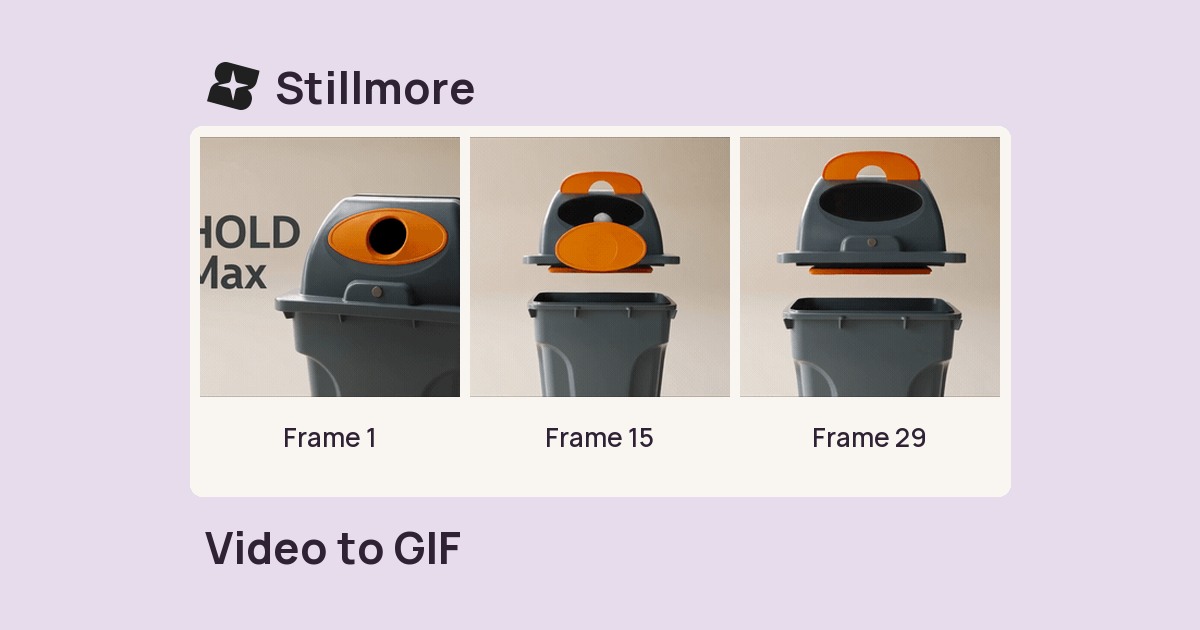
Choose up to ten seconds of video, set the output width and frame rate, and save a looping GIF.
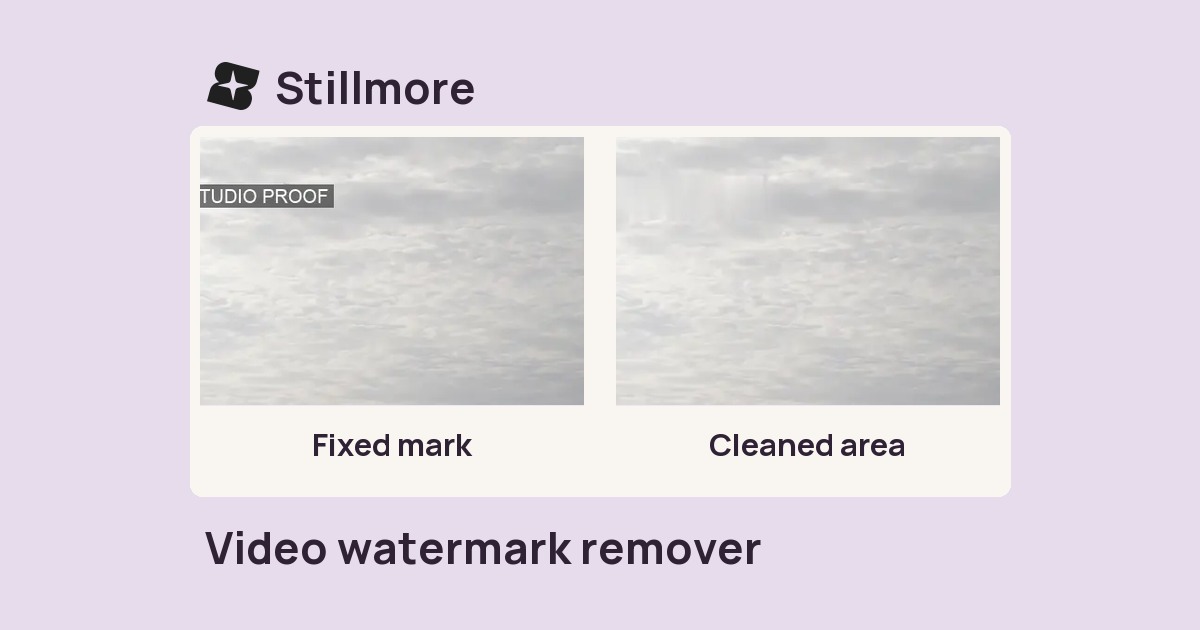
Remove a fixed corner logo from footage you own and download the edited MP4.
14 tools found.