

01
Pick your front view
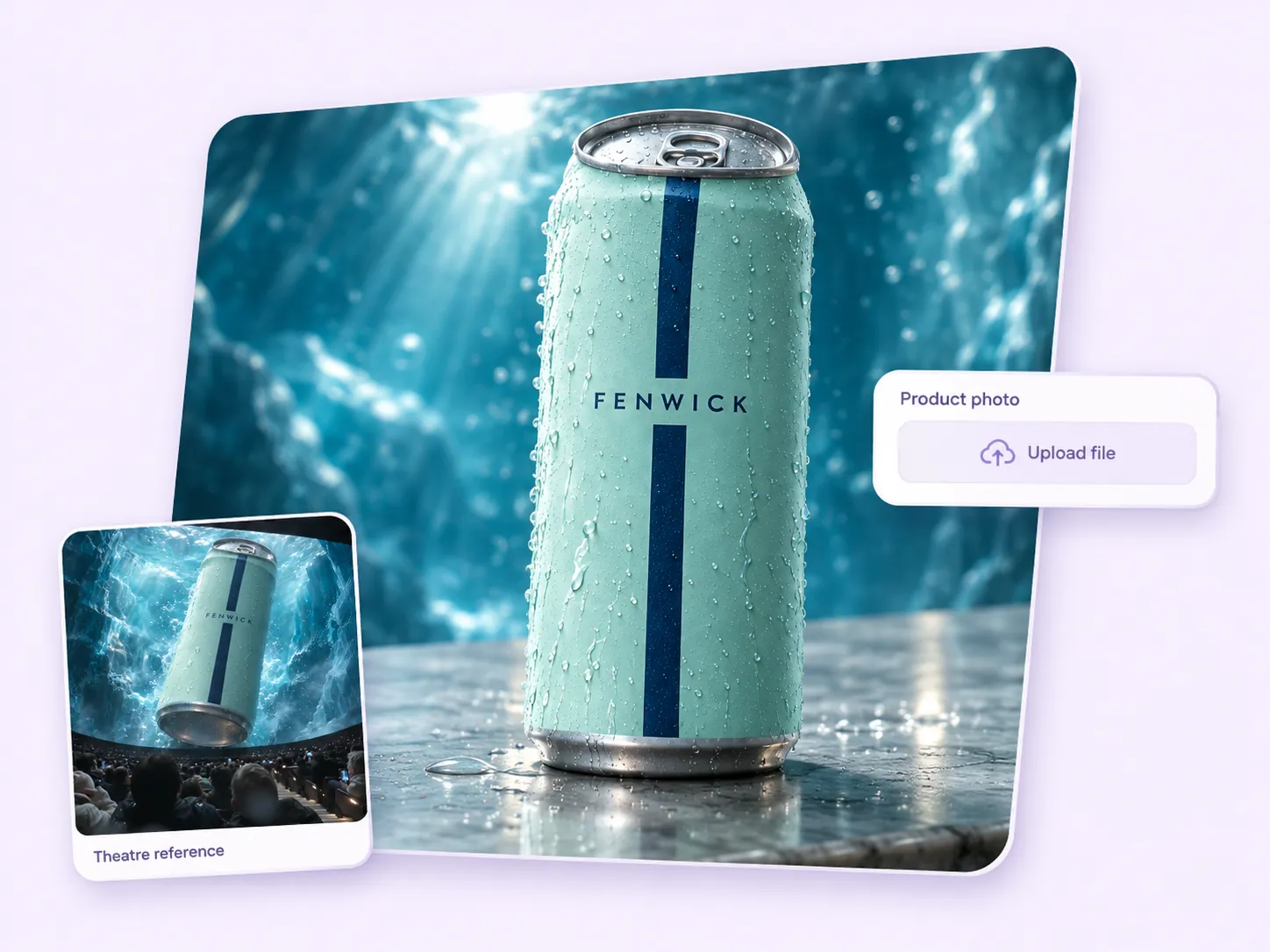
Choose one photo that shows the front of the item clearly. Add a separate logo image if you want a branded finish.

FOUNDING OFFERSign up to unlock 35% off your first plan.

4D IMAX · Inspiration
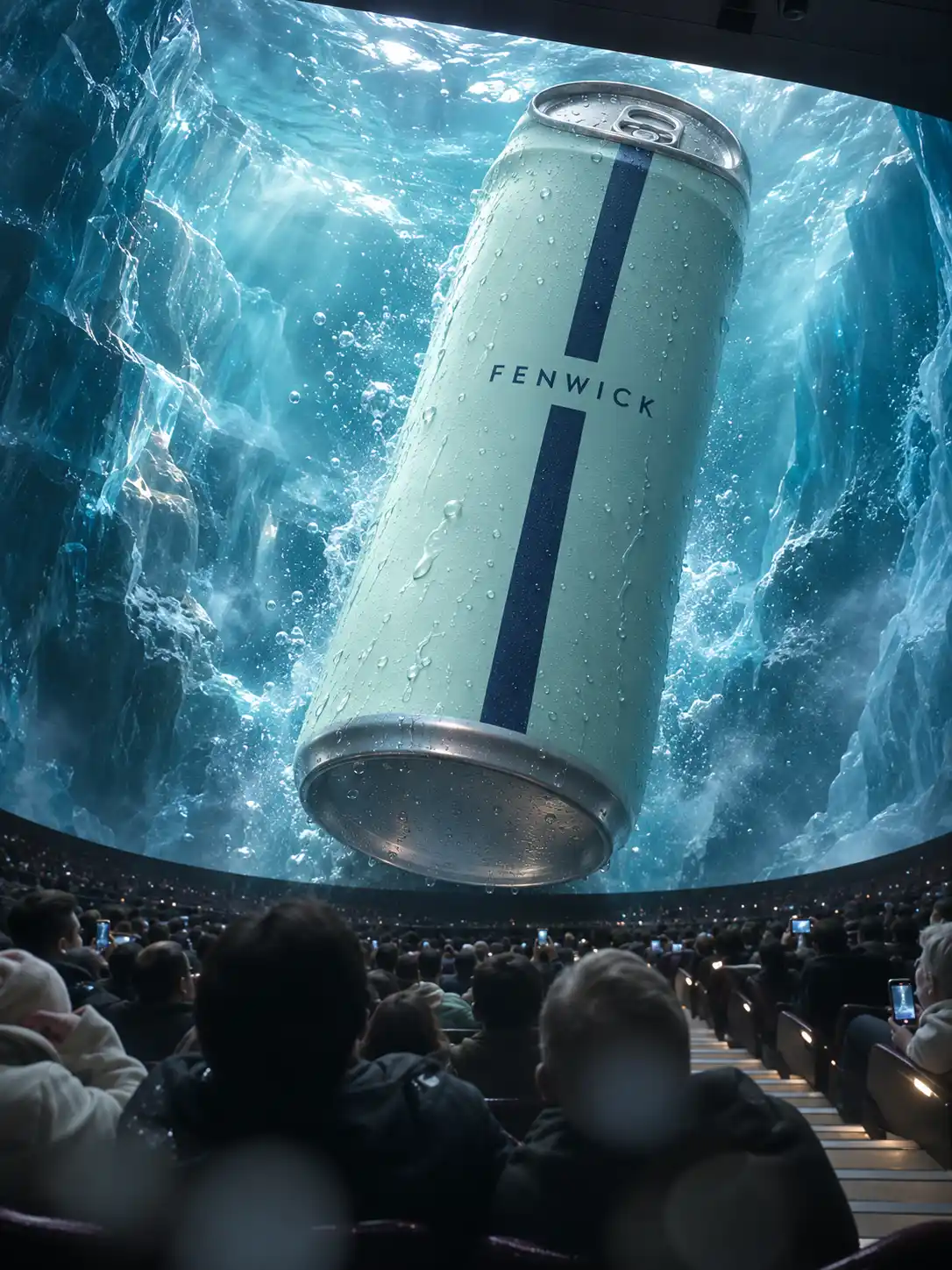
A can tips toward the front row. A lipstick fills the screen. Put your product in the moment the audience flinches.
A simple handoff
Choose one photo that shows the front of the item clearly. Add a separate logo image if you want a branded finish.
Stillmore builds the approach, the audience reaction and the close-up. The team checks that the silhouette stays recognizable as the product turns.
Receive the video and its social caption. Add a flavor, shade, model or availability detail before posting on your account.
Made for your business
In the drink clip, the label faces the audience before the can tips. Send a photo with the front and outline clear so the team can give viewers that first look.
The four examples end on a brand mark once the product fills the frame. Supply your logo in the separate optional field if you want the ending to carry your shop’s identity.
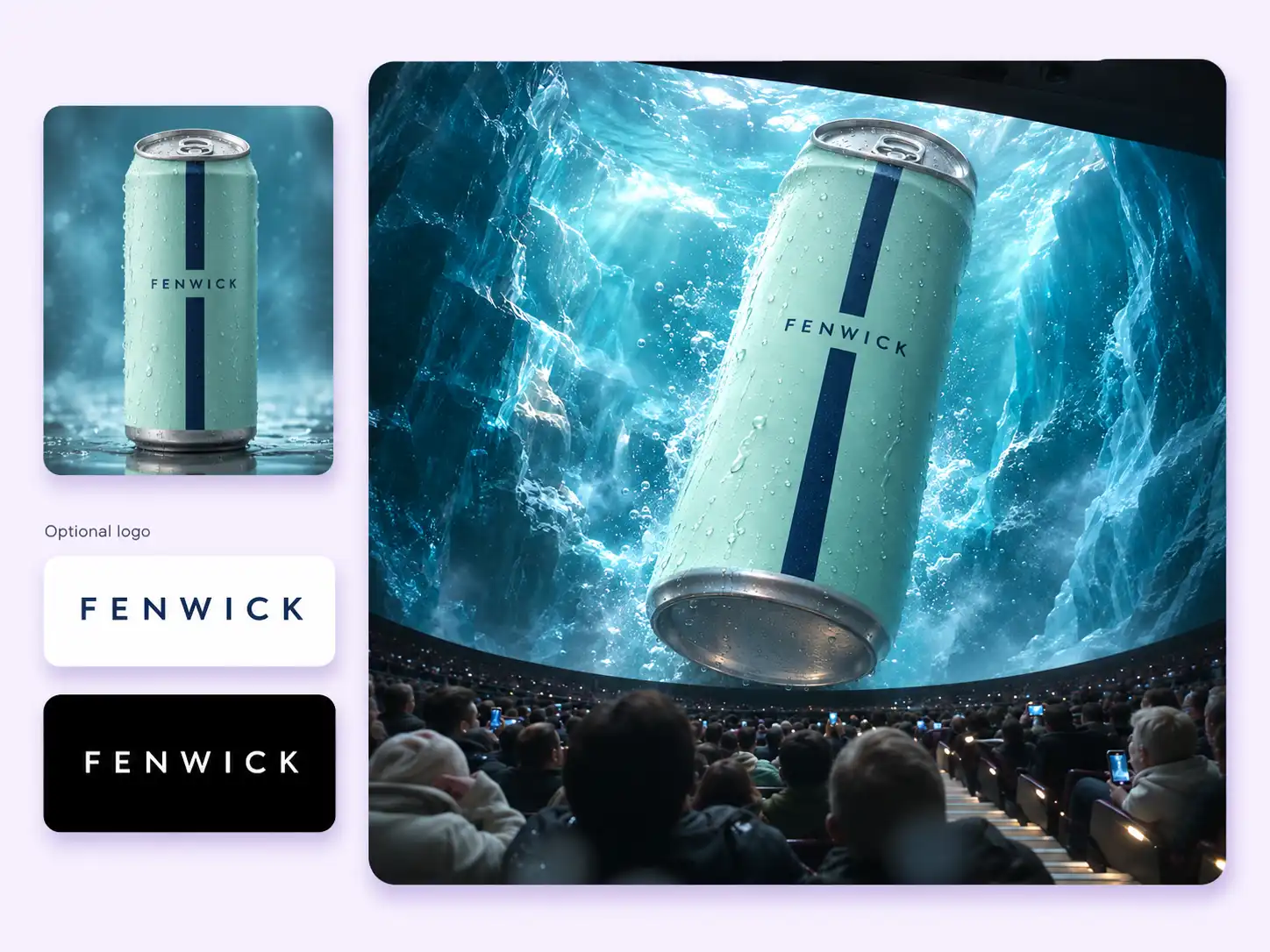
In the drink film, an icy canyon fills the screen before the can appears. A spectator raises a hand. When the camera turns back, the silver base seems to hit the glass.
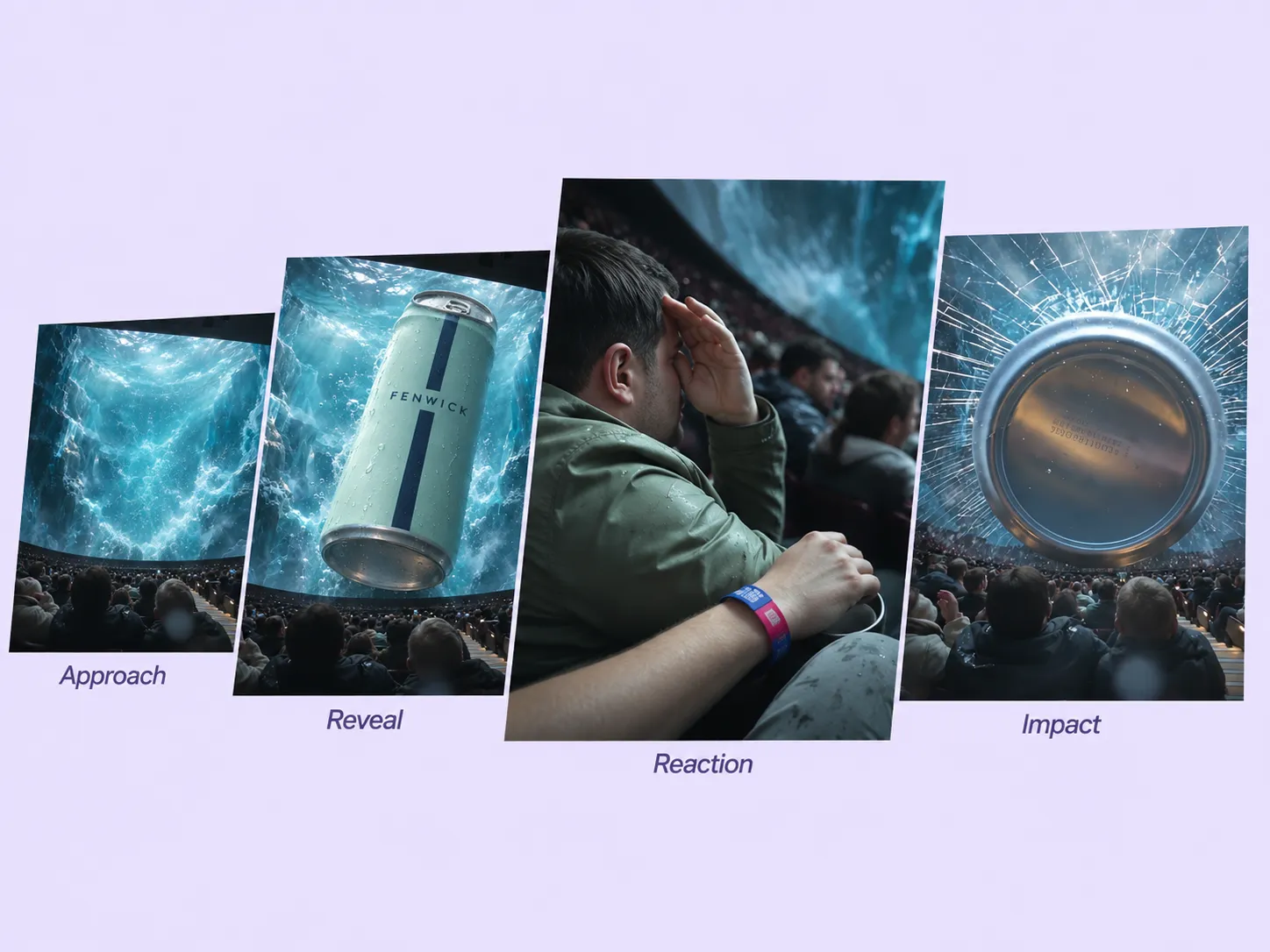
As the cylinder turns, its label gives way to its round base. The team checks the stripe, rim and proportions against the photo so the close-up still belongs to the same can.
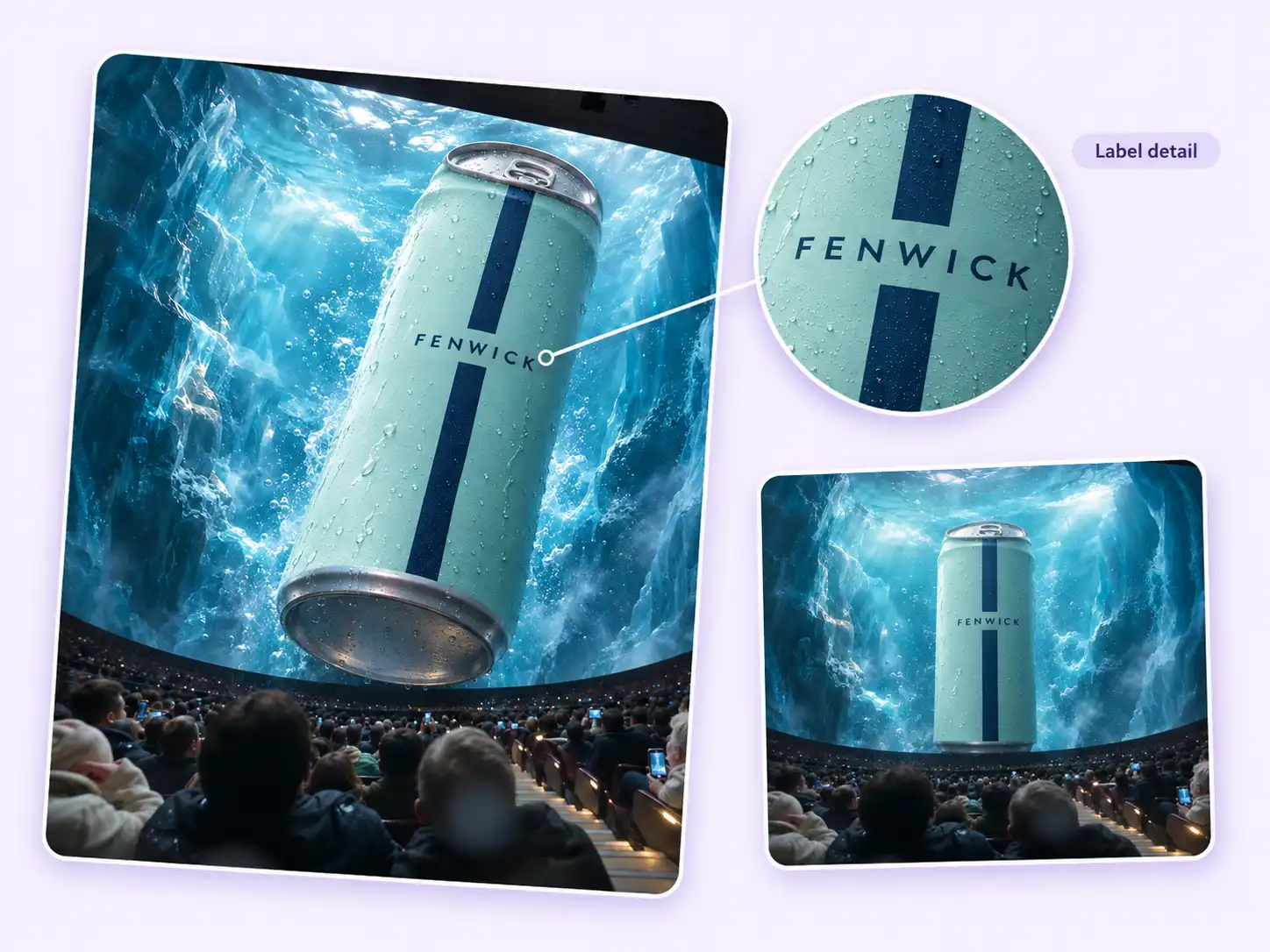
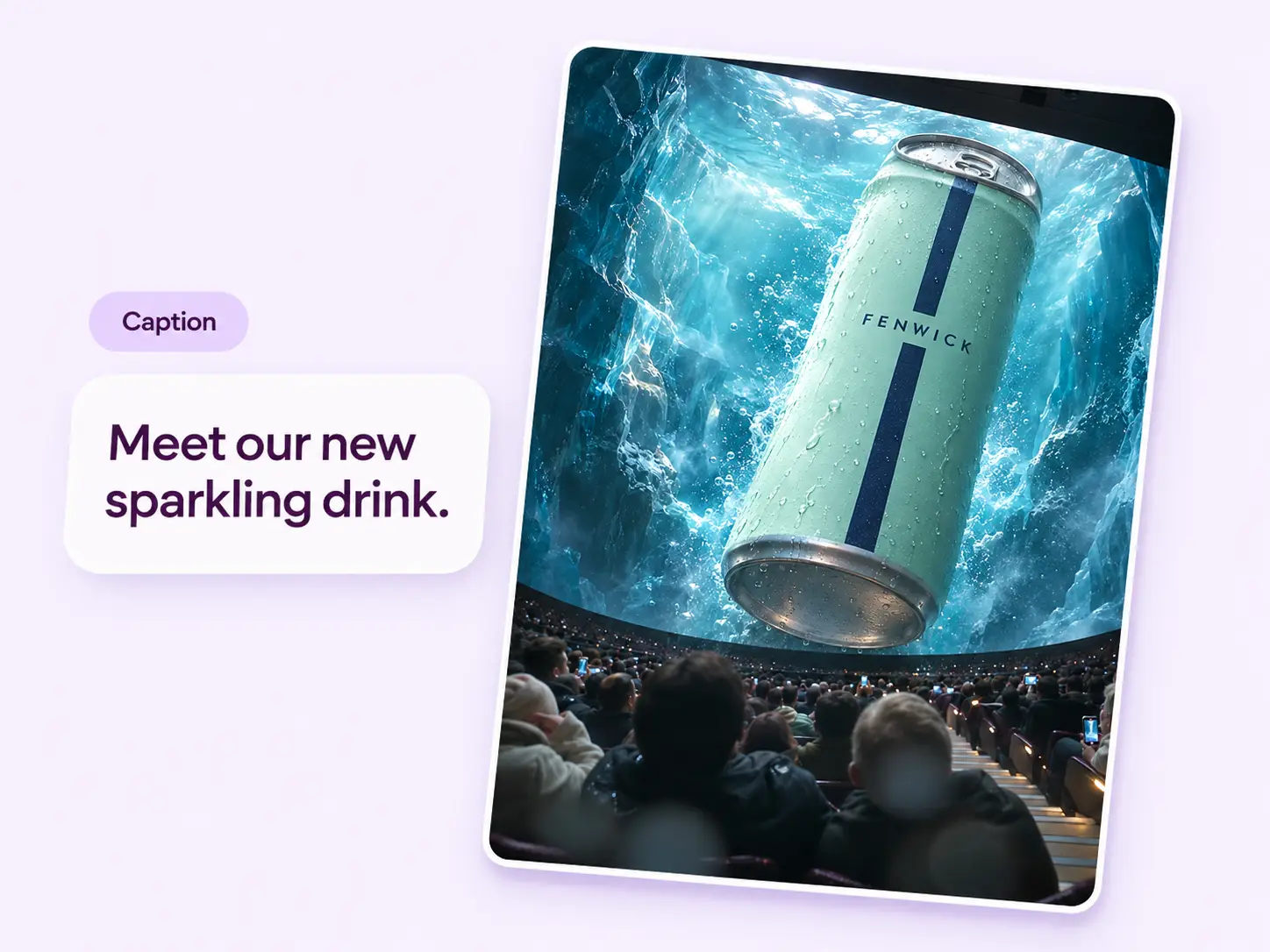
The impact shot is quick. Use the accompanying caption to name the drink or shade people just saw and tell them where to find it. You choose the details before posting.
Find your fit
Choose a reference by the part of the product that comes closest to the camera.
The drink can rotates from its printed face to its round silver base. A beverage shop could use the front view to introduce a new label, then name the flavor in the caption.
An orange sports car advances through dust until the nose fills the audience’s view. A dealer could use the grille and headlights as the reveal for a featured vehicle.
A rose-colored bullet rises between crystal peaks, then its angled tip fills the frame. This gives a beauty seller a clear place to introduce a shade by name.
The black handbag approaches face-first. Its gold clasp and charms remain visible just before the glass cracks. Use a front photo that shows the hardware and the shape together.
Owner stories
From the owners’ Stillmore case studies. Portraits are illustrative.
The videos felt like us — warm, simple, and real.

Luca
Osteria Sole’s own posts drew over 500,000 views across Reels and TikTok.
Read the Osteria Sole storyStillmore turned our phone photos into videos that actually looked like our brand.

Leila
Murmur Mi’s Instagram launch earned three times as many saves as its previous drop.
Read the Murmur Mi storyNow I just send over a few photos, and the videos show what I’d want a customer to notice.

Marcus
Oakline Auto received seven posts from one set of photos and published them on its own channels.
Read the Oakline Auto storyYour call
For this look
Open 4D IMAX, select a reference and submit one product photo. Stillmore makes and reviews your requested scene.
For ongoing posts
Add suitable Library photos and enable automatic creation. Once plan requirements are met, the team selects a style and makes your content.
Explore Inspirations
Good to know
The audience and the screen share the frame. The product first appears inside the scenery, grows larger, then comes straight toward the seats. The drink, car and handbag films add a crack effect at the moment of impact.
Upload one product photo. Choose an angle that shows the shape and distinguishing details together, such as the front of a car or the hardware on a bag. A separate logo image is optional.
No. The 4D IMAX request starts with your product photo. Stillmore creates the auditorium scene and audience reaction. Choose the Inspiration directly when you want this particular effect.
For a manual Inspiration request, delivery is within five days after payment, required materials and the request are complete. Add-on videos are scheduled individually, within five days per video.
Yes. Stillmore supplies the finished video and an accompanying social caption. The four preview clips show how the cinema scene reads on a phone, from the first rows of seats to the final brand mark.
You publish from your own account. For a new lipstick, for instance, you can add the shade name and where to shop to the supplied caption before posting.
Pick the front view you want shoppers to recognize. One product photo is enough to start your 4D IMAX request.