

01
Pick the offer
Choose one reason to shop: a new bundle, a restock, or a sale. Gather photos of exactly what the buyer will receive.

FOUNDING OFFERSign up to unlock 35% off your first plan.

Send photos of the product you’re promoting. Stillmore makes the video and writes a caption for your shop to post.
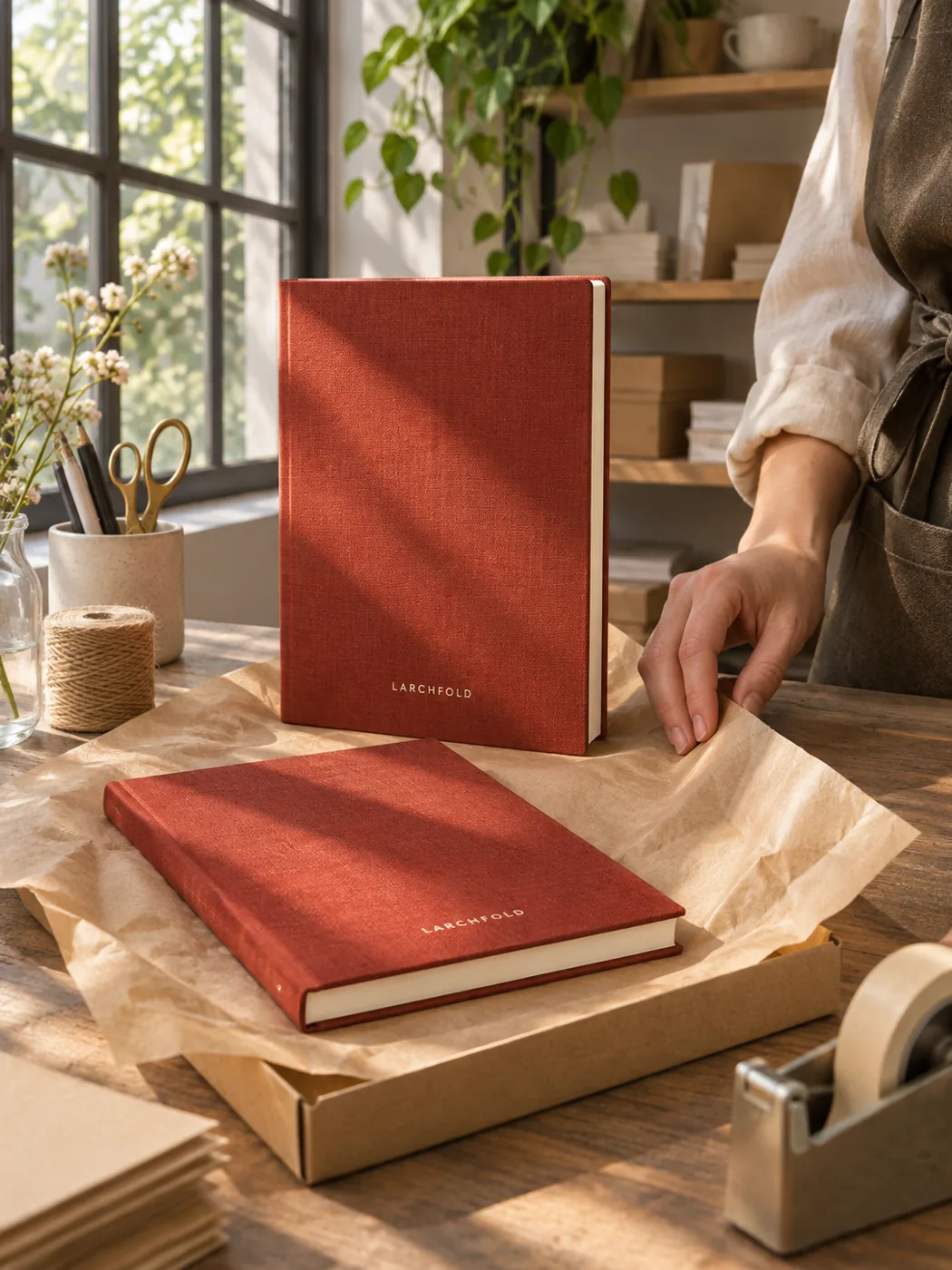
A simple handoff
Choose one reason to shop: a new bundle, a restock, or a sale. Gather photos of exactly what the buyer will receive.
Open a video style and send the photos it asks for. Our team makes the ad and checks the finished piece.
Download your video and caption. Check that the linked product page shows the same item and offer before you post or run the ad.
Made for your business
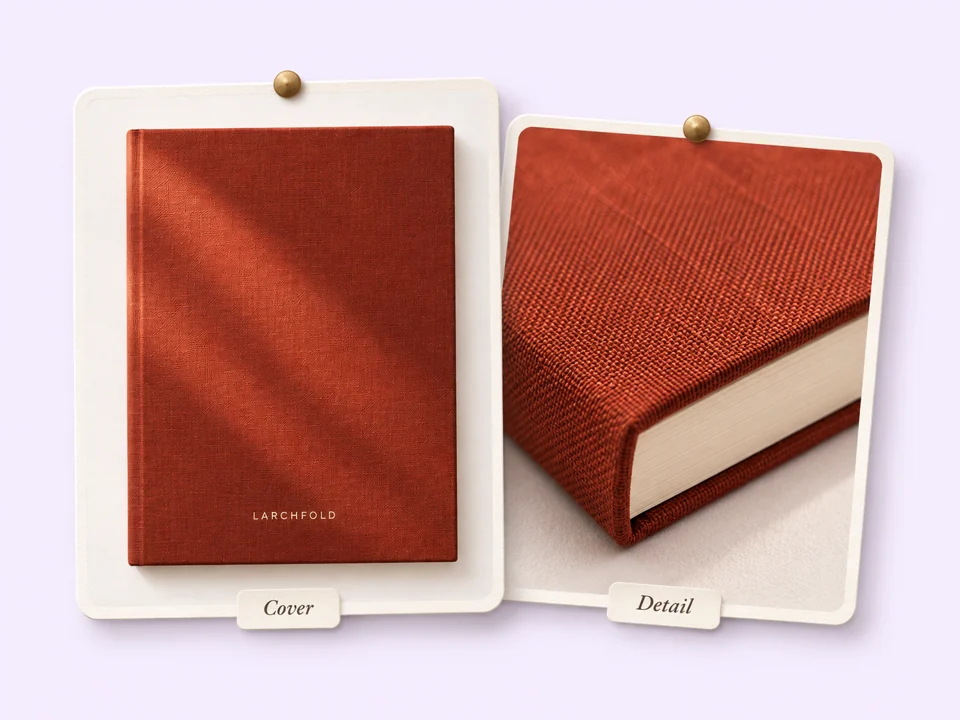
If shoppers can see the notebook but can’t tell what the cover feels like, include a close-up of the linen. Stillmore can use those existing photos to bring the detail into the video.
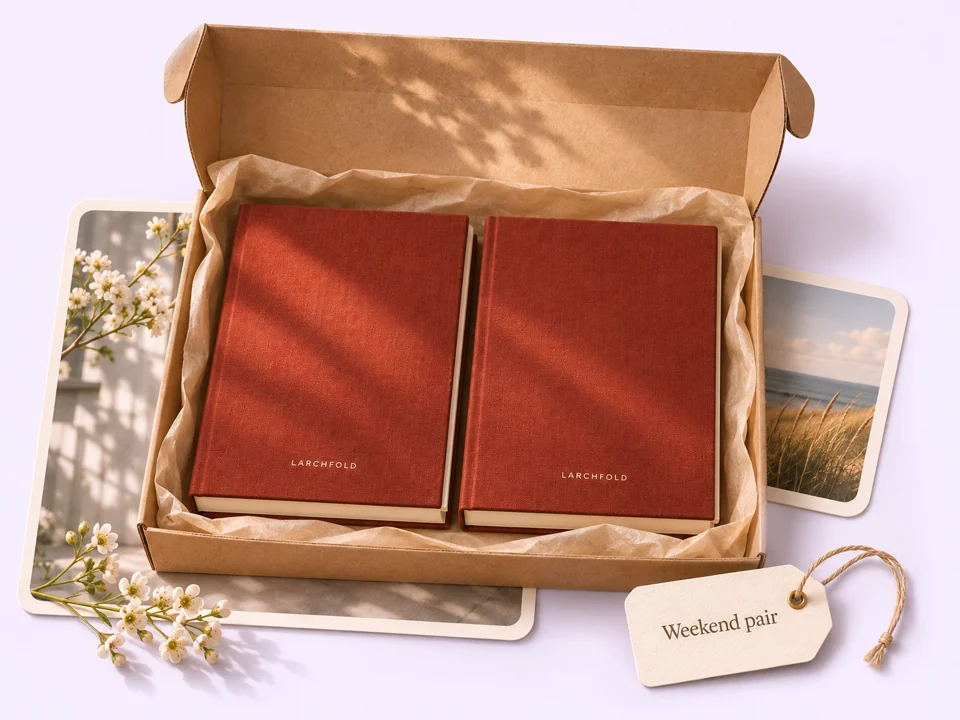
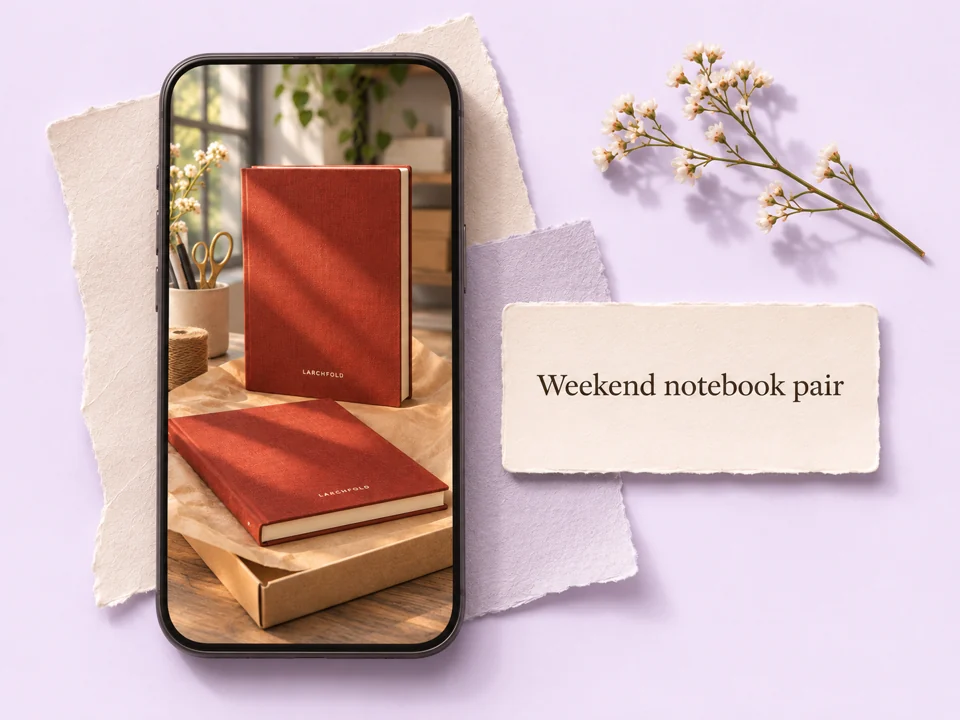
A picture of one notebook can leave a two-pack offer unclear. Send a photo of both books together so the team has a reference for the bundle shoppers will find in your store.
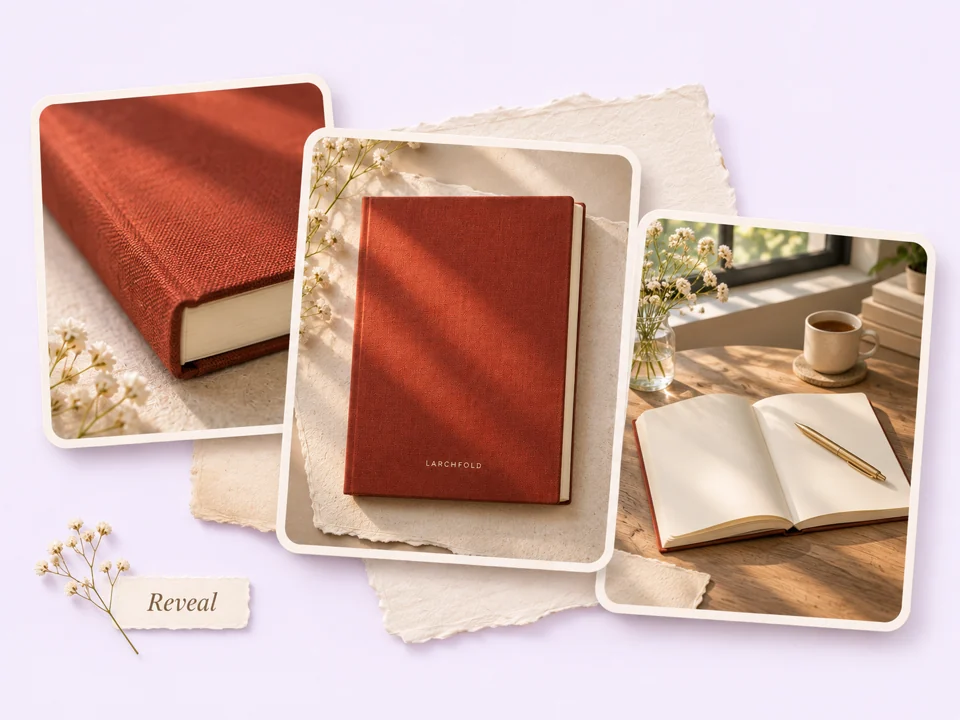
A close view of the binding gives shoppers a different first impression than a poster announcing the weekend pair. Choose Pure Showcase for the product itself or Zoom & Reveal for the offer artwork.
Similar editions can look almost identical on a phone. Stillmore reviews the creative before delivery; when you receive it, compare the cover, color, and bundle count with the listing you plan to link.
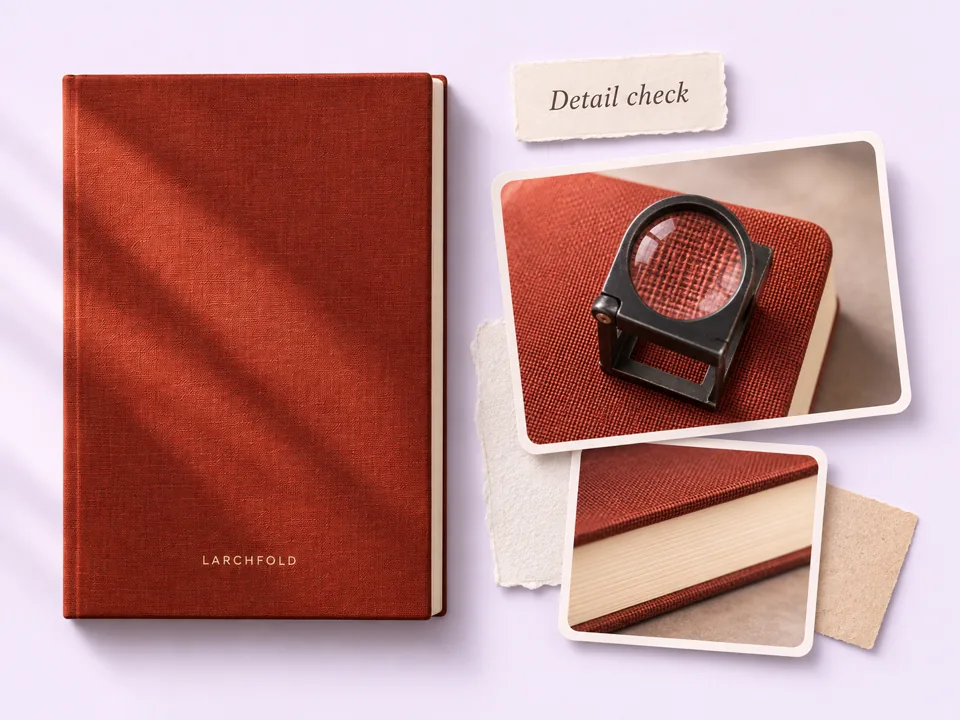
Your ad needs somewhere to send interested shoppers. Stillmore supplies the video and a matching social caption; add your product link and confirm the sale end date before the promotion goes live.
Example briefs
Show the pair in one frame. Link the ad to the bundle listing so shoppers see the same two notebooks at checkout.
Feature the edition that just returned. Check that the color in your photo is the one available to order.
Use your current offer poster. Include the end time and time zone in the caption if the deadline matters.
Your call
One promotion
For a sale with a set date, pick the Inspiration yourself and upload its required photos. The Stillmore team handles production and review.
Ongoing content
For ongoing shop content, enable automatic creation once your Library is ready. The team selects suitable photos and styles from your account.
Explore Inspirations
Good to know
Ecommerce video ads show an item or offer and give shoppers a reason to visit an online store. A stationery shop, for example, could show both notebooks in a weekend bundle and link to the listing where customers can buy the pair.
Yes. Use clear product photos you own or have permission to use. The linked Zoom & Reveal style asks for 1–9 photos of the same product and accepts an optional event poster. If you’re promoting a bundle, include a photo that shows its contents.
For a specific promotion, choose the Inspiration yourself. If you prefer ongoing content, enable automatic creation after uploading at least 3 photos on Try it or 15 on Growth. The team then selects suitable materials and styles. Stillmore produces the work in either mode.
Allow the full five-day delivery window plus time to check the offer and set up your ad. For an Inspiration you select yourself, Stillmore delivers within five days once your request, payment, and required materials are complete. The window does not start when you first look at a style.
Stillmore delivers your finished video in My Creations with a matching social caption. For ecommerce product video ads, check the chosen style’s aspect ratio against your intended placement, and add the current store link wherever your platform supports it.
Your shop does. Stillmore creates the video and caption; you choose the account, audience, placement, budget, and dates. You can also post the creative on your own social channels without buying ad space.
Start with the product photos and, if you have it, the sale poster. Choose Zoom & Reveal to put them to work.