

01
Pick the subject
Choose what customers should notice: a returning color, a new product, or a service you can book again.

FOUNDING OFFERSign up to unlock 35% off your first plan.

Send photos of what’s back in stock. Stillmore makes the feed image or Reel and writes a caption you can post.
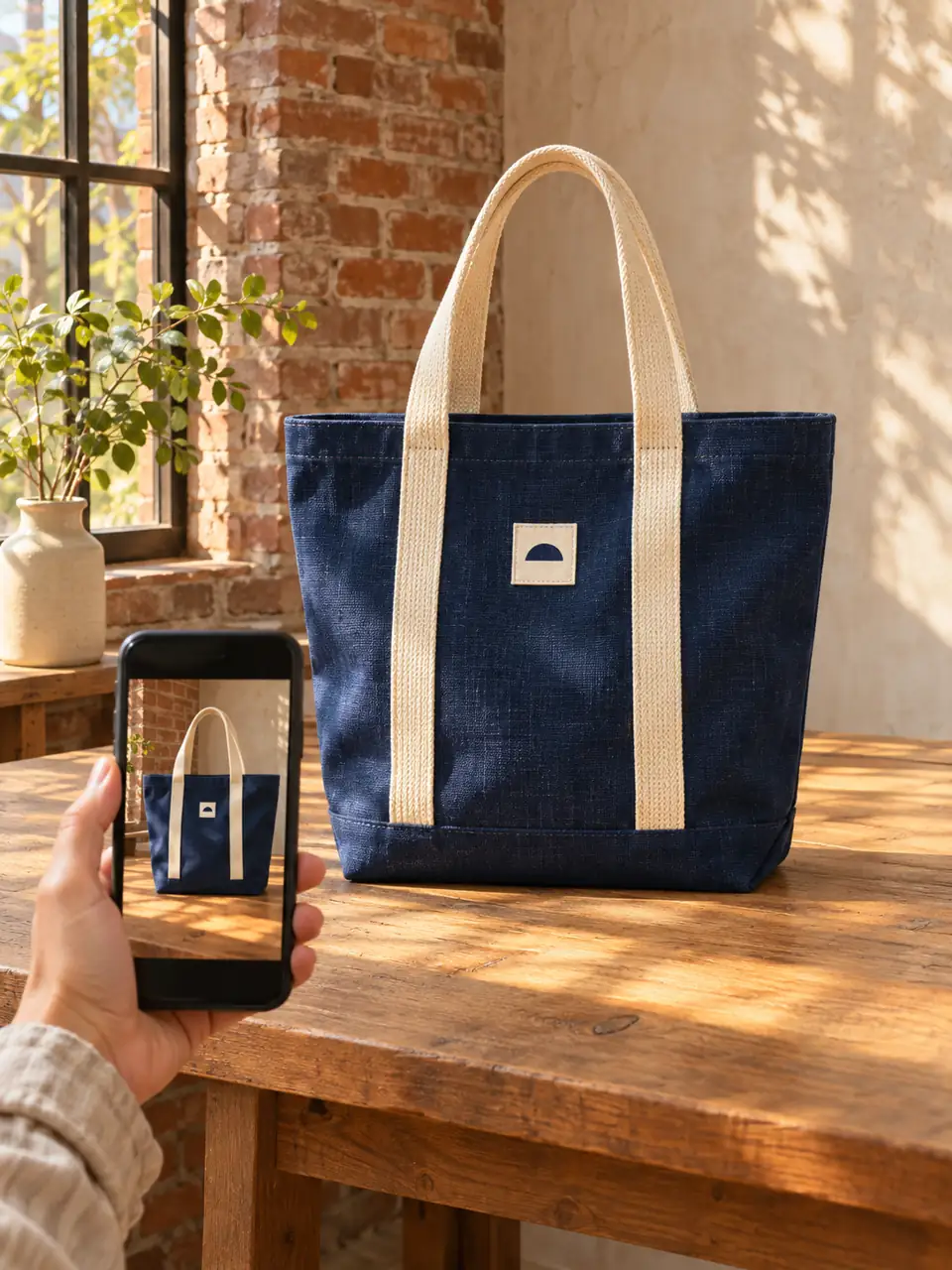
A simple handoff
Choose what customers should notice: a returning color, a new product, or a service you can book again.
Browse Inspiration, check the format, and send the photos listed for that style. The team produces and reviews your request.
Download the finished creative and its caption. Check today’s stock or booking details, then post from your business account.
Made for your business
When a familiar item returns, customers want to recognize it. Send a clear photo of the item you actually have; Stillmore can build the post around its color, shape, and details.
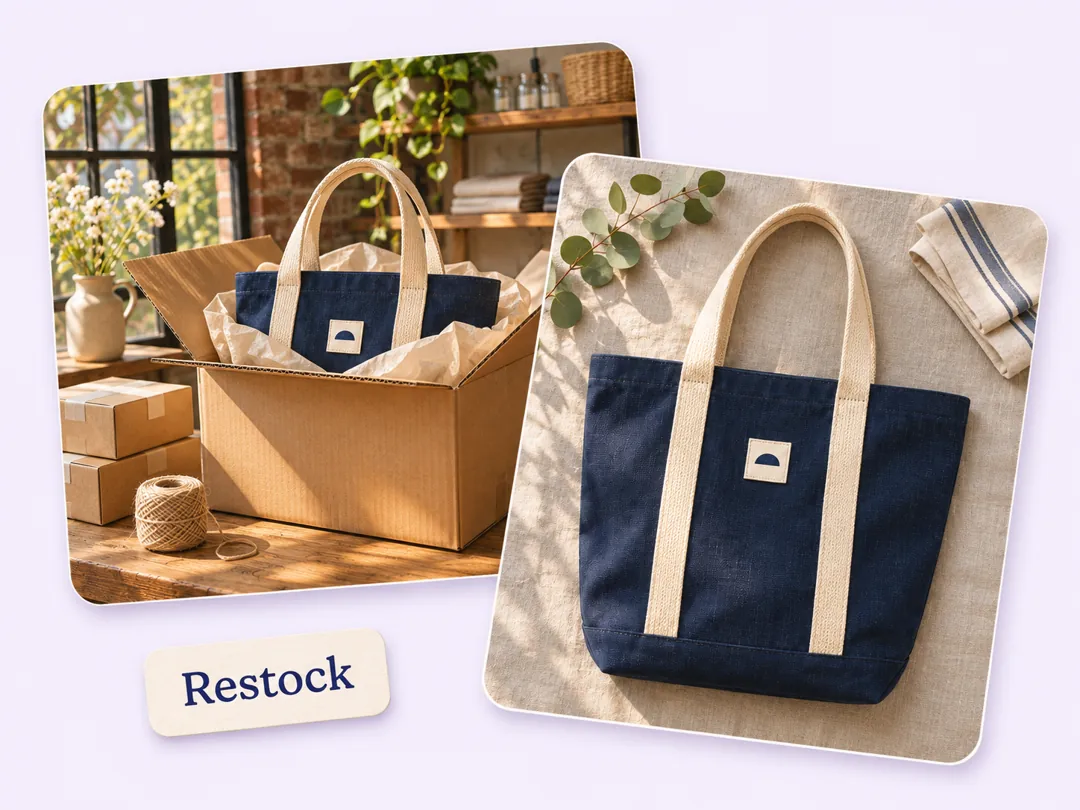
A single feed image works when the news fits in a sentence: the indigo tote is back. Stillmore makes a still your customers can recognize at a glance while scrolling.
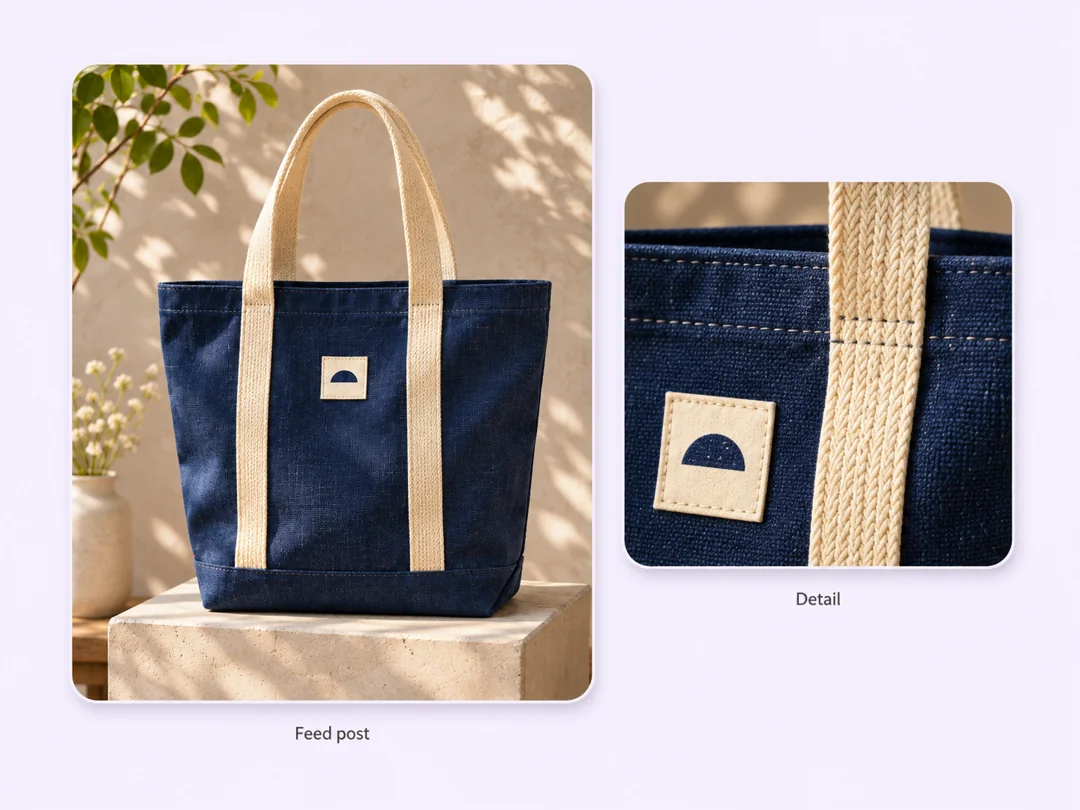
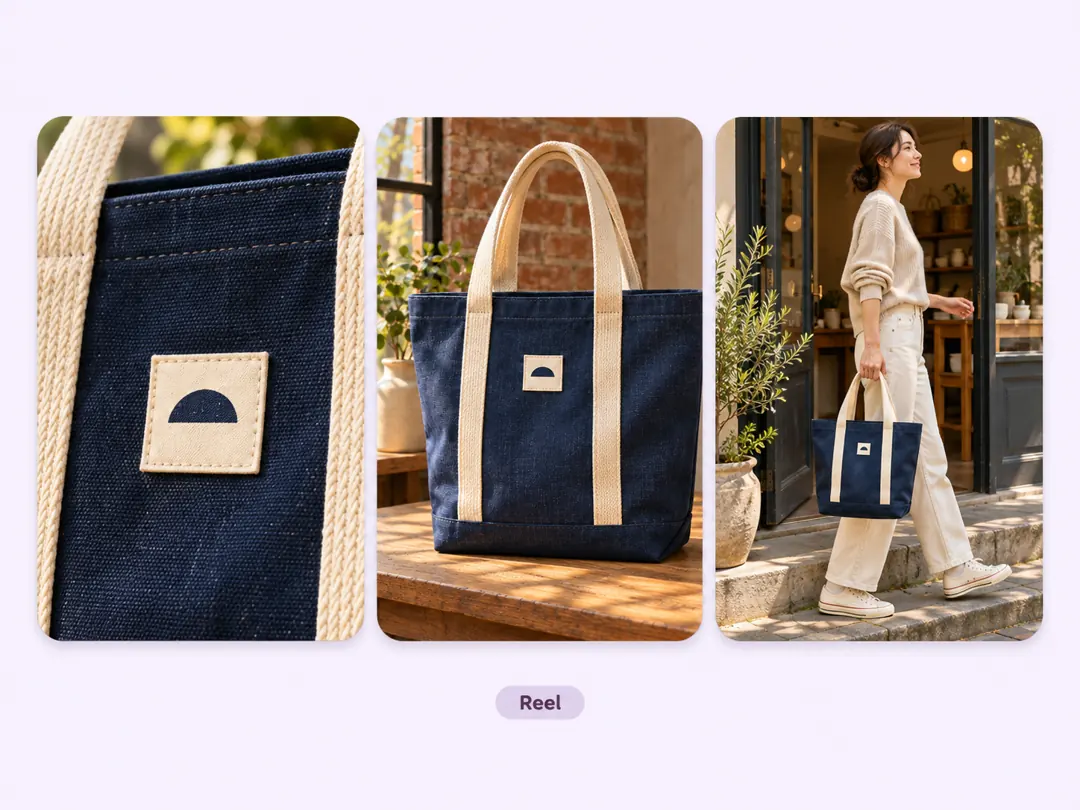
A close-up shows the weave; seeing the bag beside a person shows its size. Choose a vertical video style for your Reel, and Stillmore handles the motion and checks the finished piece.
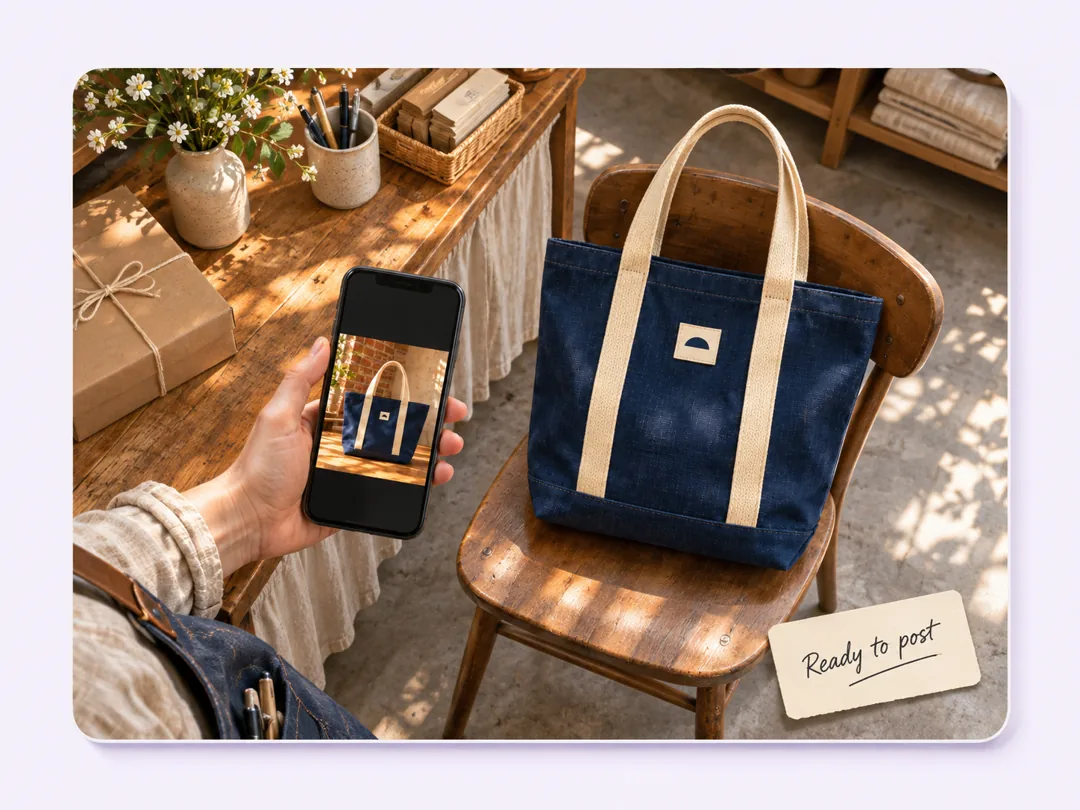
The photo shows what came back. Stillmore supplies a caption to go with it; before you post, add the detail only you know, like which location has it on the shelf today.
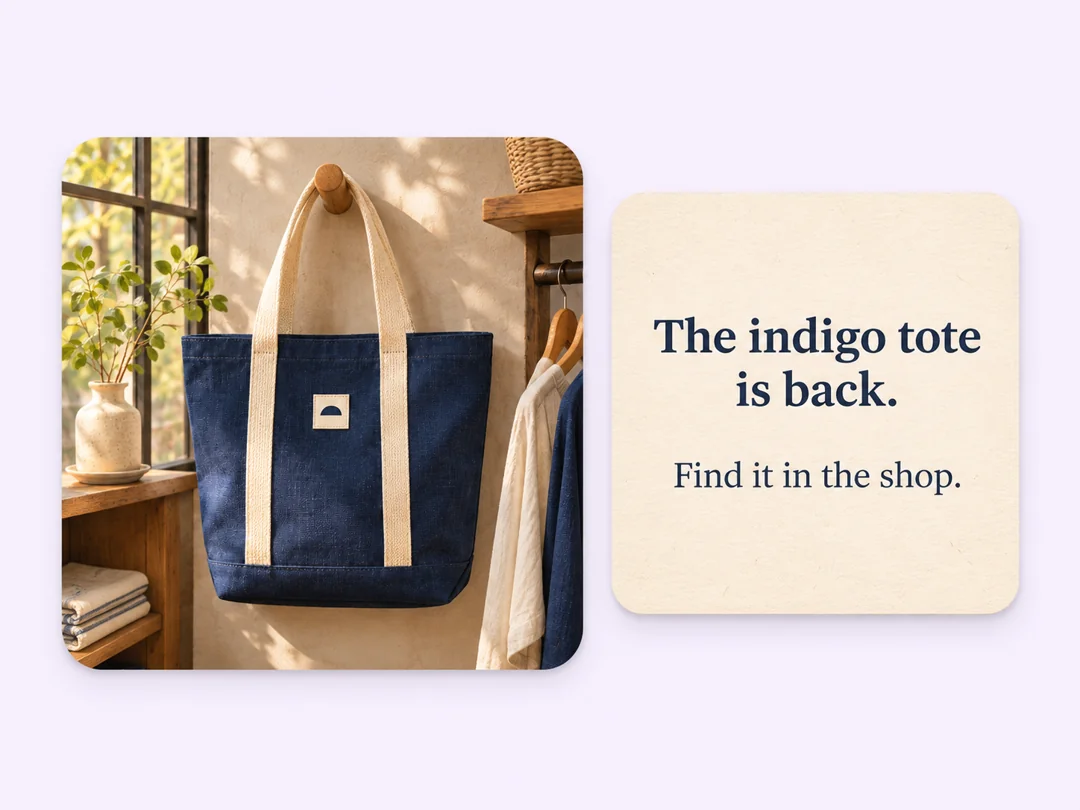
A delivery truck can run late. The finished image or video stays in My Creations, so you can download it and publish when customers can actually get the item.
Your call
For a specific post
Have a restock date in mind? Choose an Inspiration and send its required materials. Our team makes and checks that piece.
For ongoing content
Have photos but no time to plan posts? Enable automatic creation once your Library meets the minimum. The team picks suitable photos and styles.
Explore Inspirations
Good to know
Stillmore turns your business photos into an advertising image or video and supplies the matching social caption. A team makes and reviews the piece. You choose when it appears on Instagram.
Yes. Use clear, current photos you have permission to use. A full view helps shoppers recognize the item; a close-up is useful when texture or construction matters. For a request you submit yourself, follow the material requirements on the Inspiration you choose.
Yes. To use automatic creation, add at least 3 photos to your Library on Try it or 15 on Growth, then enable “Stillmore creates for me.” The team selects suitable photos and styles. If you have a particular product in mind, choose an Inspiration and submit the request yourself.
Allow up to five days for a request you submit yourself. The clock starts once Stillmore has the complete request, payment, and all required materials. If the shipment date is uncertain, keep the finished post until the stock arrives.
Choose an image when shoppers mostly need to recognize the item or read a short update. Choose a vertical video style when a reveal or a change in viewpoint helps show the product. Check the format of the Inspiration before you submit.
You publish it yourself. Download the finished piece from My Creations, review the supplied caption, and post from your own account. Stillmore doesn’t need your Instagram password or manage your posting schedule.
Pick the style that fits your next Instagram post, then send the photos you already have.