

01
Pick a buyer question
What do you usually show a shopper at the counter? Choose a style and upload photos that show the same detail.

FOUNDING OFFERSign up to unlock 35% off your first plan.

Show shoppers what fits, what opens, or how a part attaches. We make the video from your product photos.
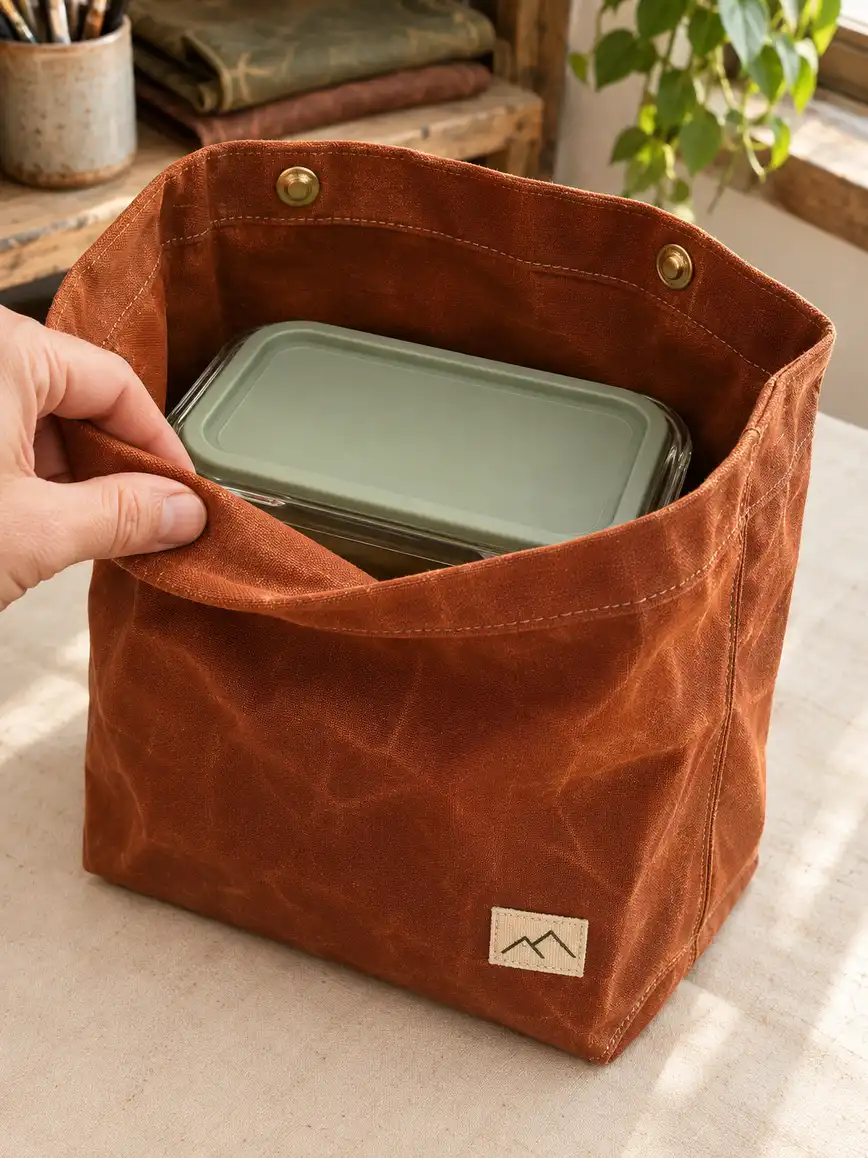
A simple handoff
What do you usually show a shopper at the counter? Choose a style and upload photos that show the same detail.
Tell us which feature matters. Our team uses your photos to make the video and checks the product details before delivery.
Download the video and its social caption from My Creations. Add your product link so shoppers can find the item you showed.
Made for your business
A front view of a lunch bag leaves a shopper guessing about the space inside. Give our team the question you hear at the counter so the demo can answer it.
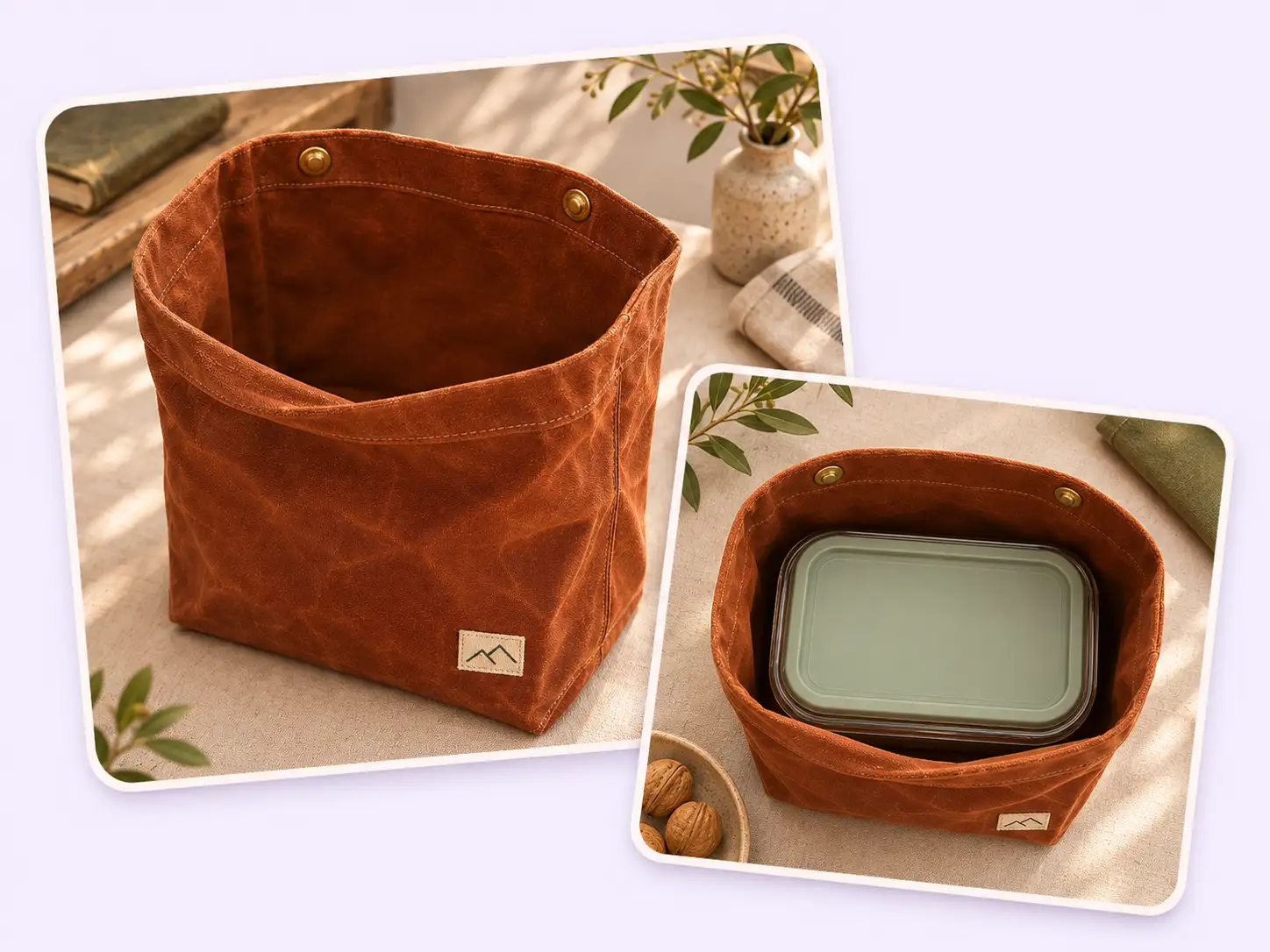
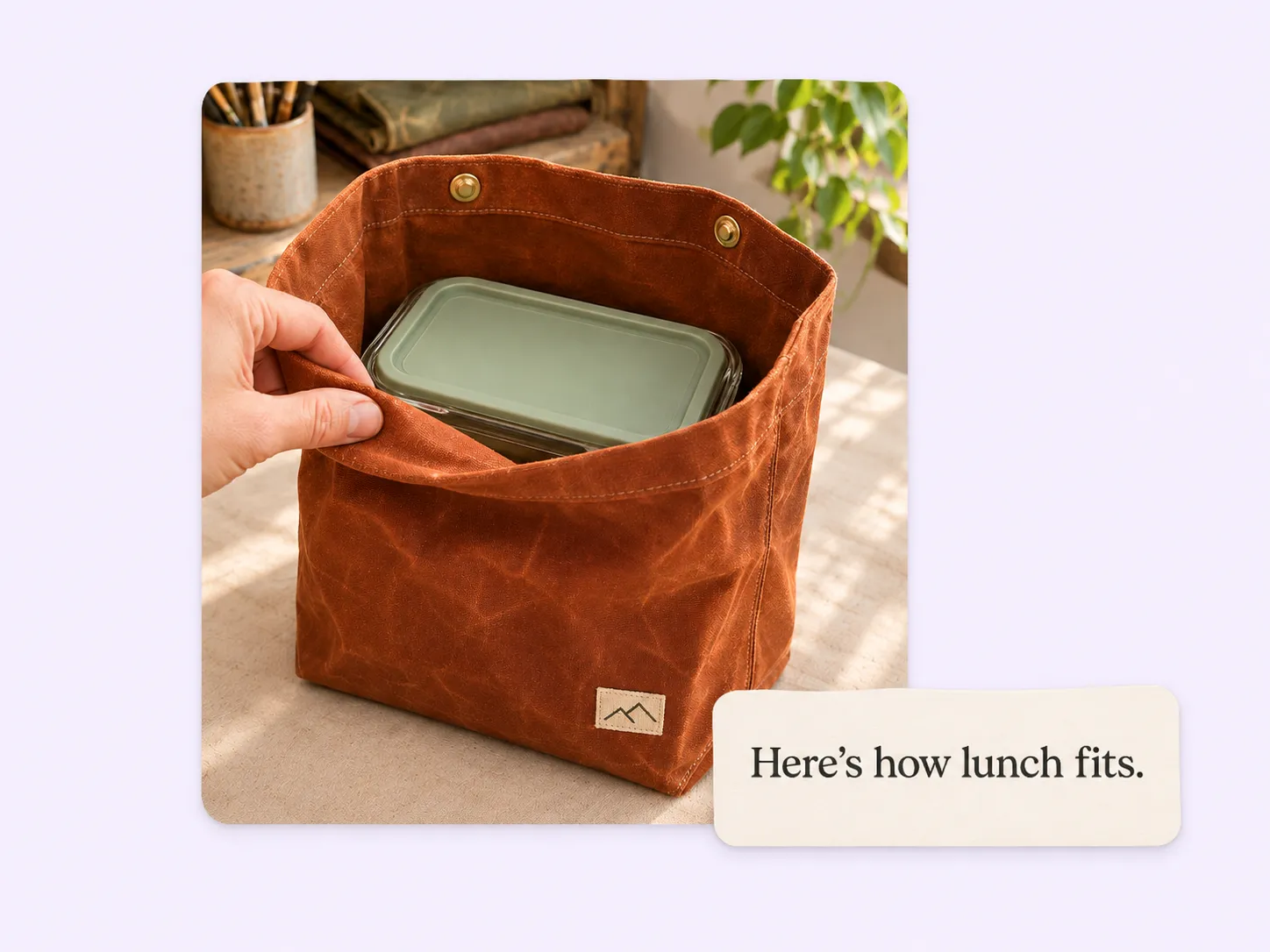
Keep your catalog shot. Add an overhead view with the container inside, and our team has the angle it needs to show how that particular box sits in the bag.
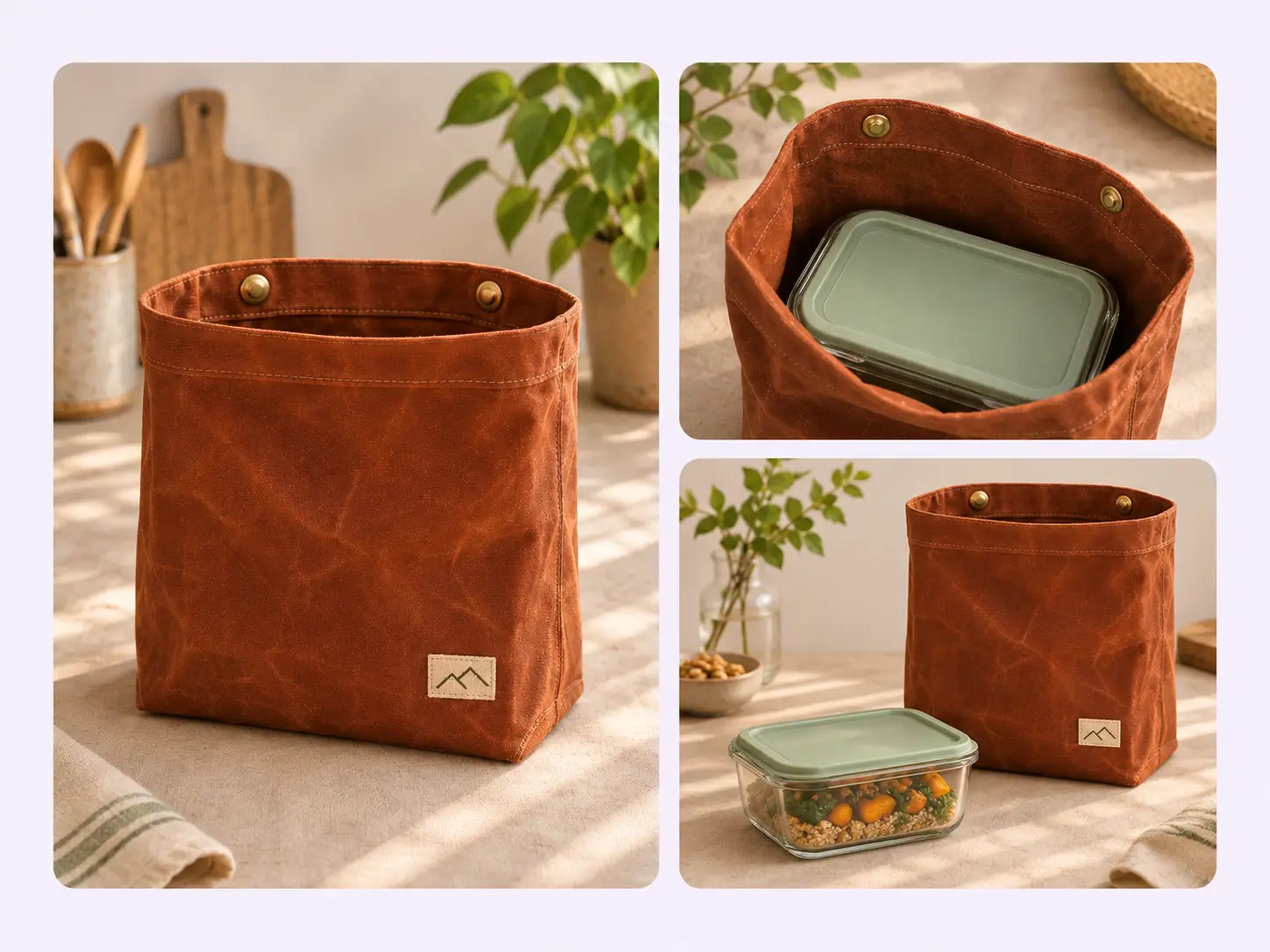
Seeing the lid sit level tells a shopper more than calling the bag roomy. Our team can feature that detail in the video; add the actual container dimensions to your post for anyone comparing sizes.
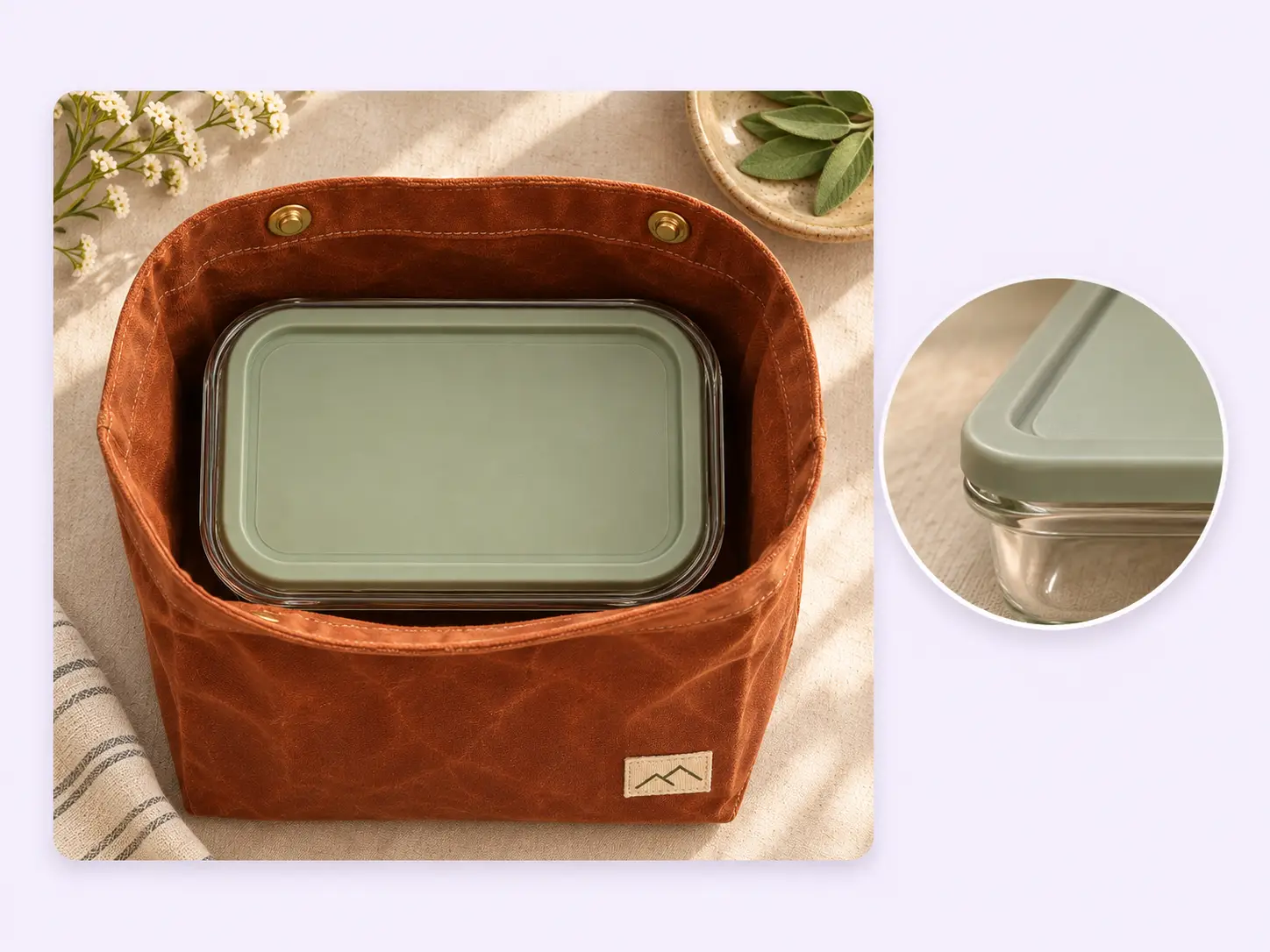
If last season’s bag had a different closure, leave it out of the photo set. Use views of the model you sell now so our team can check the snaps, seams, and shape against them.
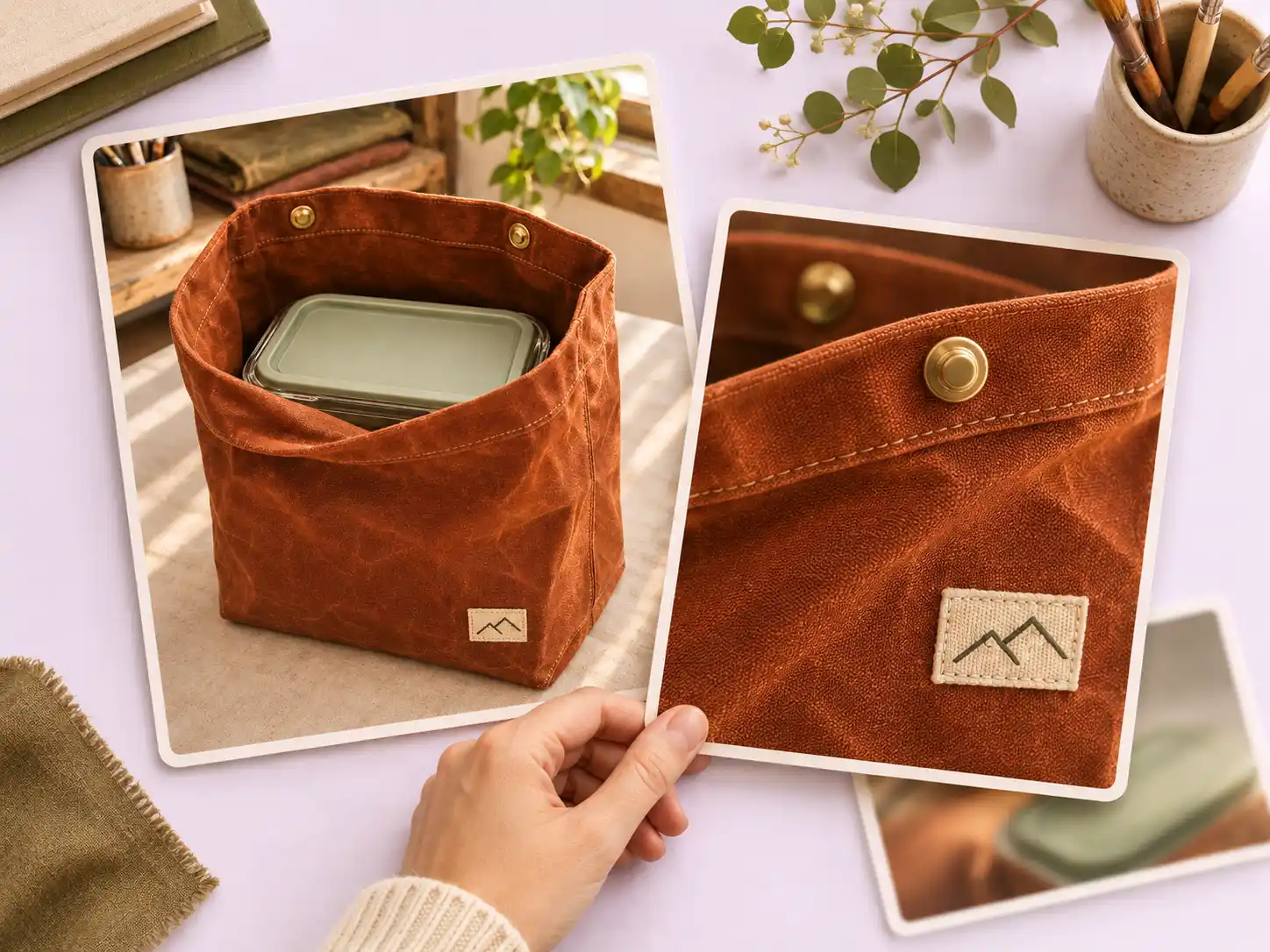
Let the video show the box in place. Use the accompanying social caption to name the bag size and the container shown, then add a link to that exact model before you post.
More example briefs
For a vase with a removable flower frog, show the insert on its own and seated in the rim. The two views explain which pieces come in the box.
For a detachable shoulder strap, photograph the clasp at the bag’s attachment ring. A shopper can see what hardware their own bag would need.
For a wallet, show the card slots with a card in place. An edge-on photo of the packed wallet helps a shopper judge the bulk.
Your call
For a specific demo
For a specific buyer question, choose an Inspiration and send the views that answer it. Our team takes care of production.
For regular posts
For ongoing posts, enable automatic creation once your Library meets the photo minimum. Our team chooses suitable photos and styles.
Explore Inspirations
Good to know
Choose a physical product with a feature that a shopper can see: a pocket that holds a phone, a removable insert, or a clasp shown open and closed. A software walkthrough needs screen footage. A claim about leak resistance needs a test; a photo of a closed bag cannot establish it.
For Pure Showcase, upload 1–9 clear photos of the same product from different angles. Pick a whole-product view and, when useful, a close-up showing the feature in use. The Key Features field is a good place to explain what shoppers should notice. Use photos you own or have permission to use.
Yes. Choose an Inspiration and supply the photos it requests. Stillmore’s team makes and checks the video. If you prefer ongoing content with the team choosing photos and styles, automatic creation has a separate Library minimum: 3 photos for Try it or 15 for Growth.
Stillmore delivers a manually requested Inspiration within 5 days once your request, payment, and required materials are complete. The five days do not start when you first browse a style or upload an incomplete photo set.
You receive the video and accompanying social copy. The video can show a product detail up close; the caption can supply context, such as the size pictured. Confirm current specifications and add your store link before publishing.
You do. Download the finished creative from My Creations and publish it through your own channels. Stillmore does not need the password to your store or social accounts to deliver the video.
Choose a style and send the photos you’d use to answer them in person.