

01
Pick one product
Choose a style and submit the photos it asks for. Start with one version of the item shoppers can actually buy.

FOUNDING OFFERSign up to unlock 35% off your first plan.

Show shoppers the shape, finish, and scale of your product in a video made from photos you already have.
A simple handoff
Choose a style and submit the photos it asks for. Start with one version of the item shoppers can actually buy.
Tell us what a shopper might miss in a still photo. Our team uses your photos to make the video and checks the finished piece.
Download your video and its social caption. Add the current product name and shopping link before you share it.
Made for your business
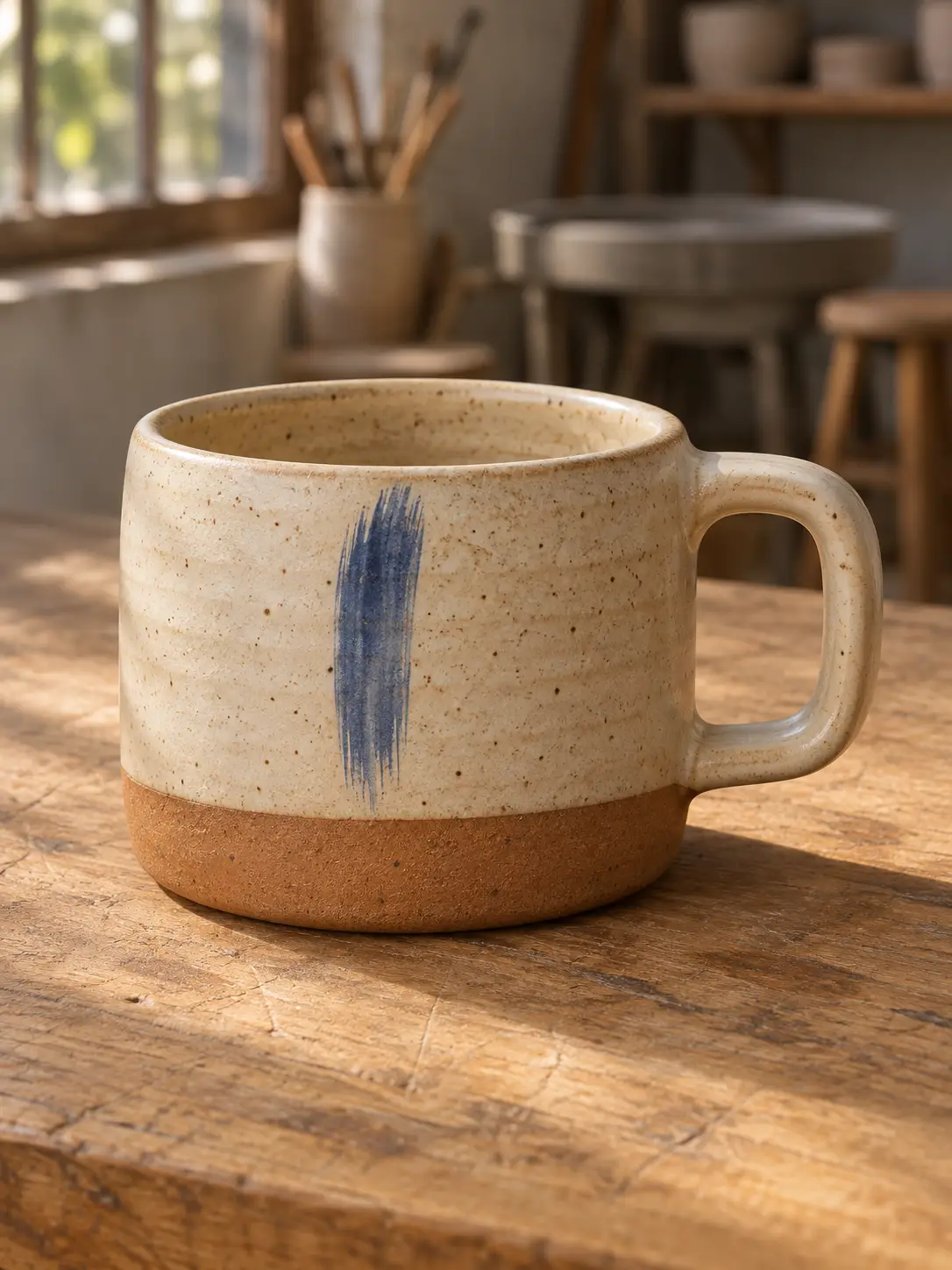
A close-up of speckled glaze could be a bowl or a mug. Give our team a clear view of the whole item so shoppers can recognize its shape before they see the finer details.
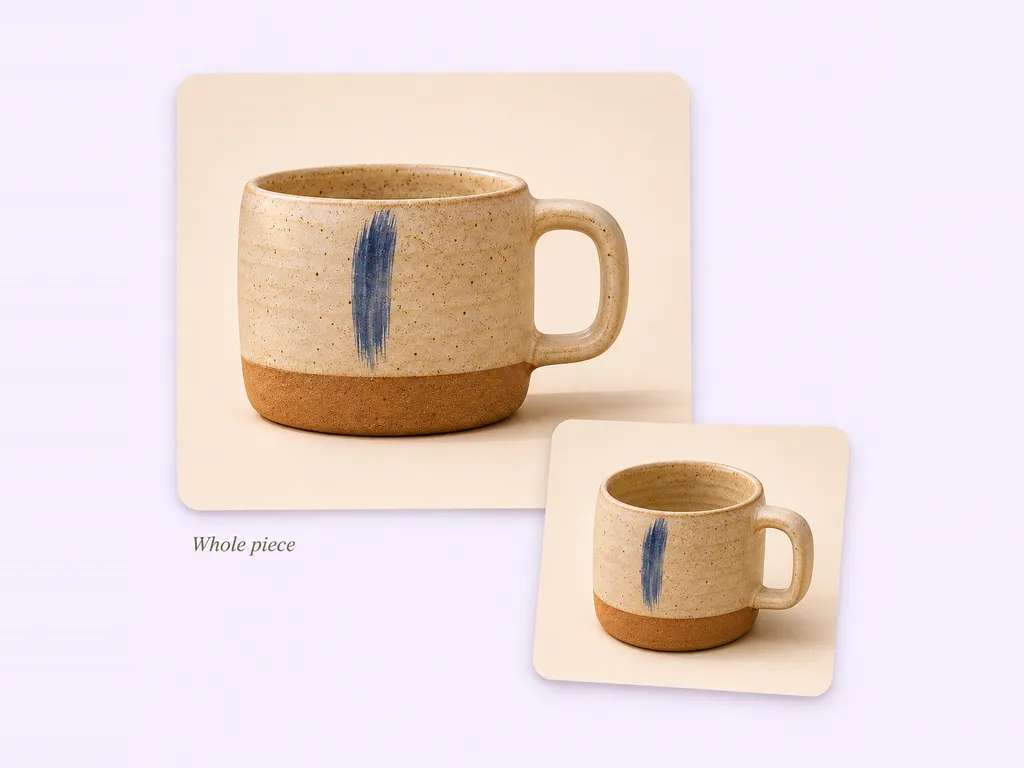
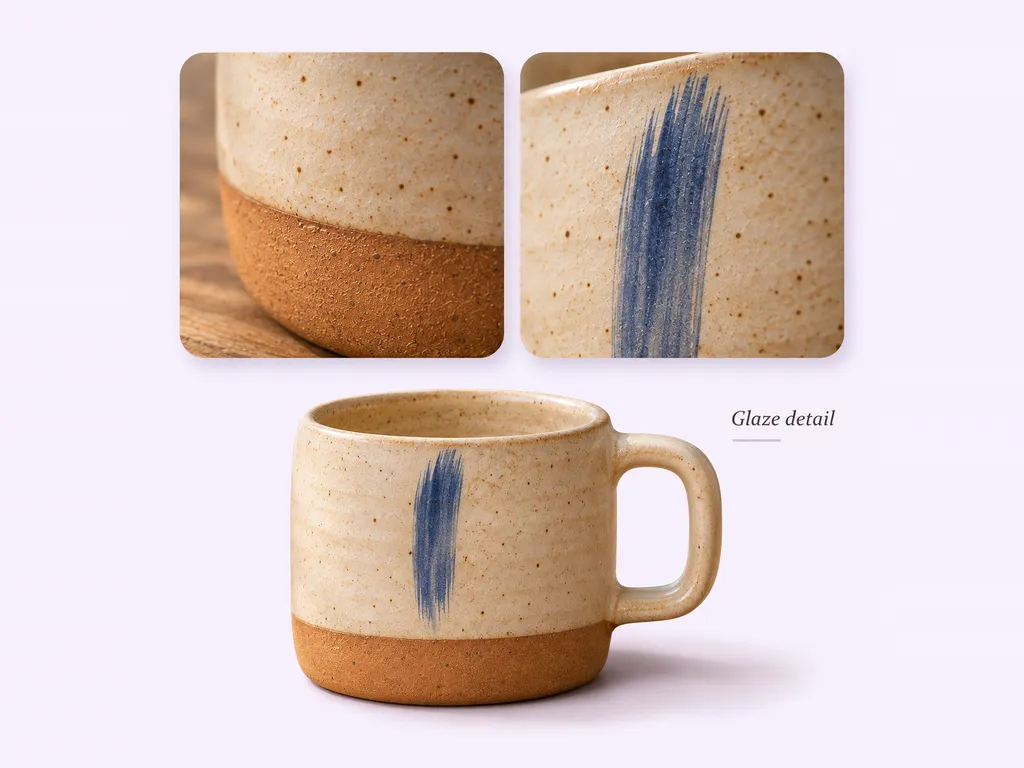
On a crowded shelf, the blue brushstroke is easy to miss. Send a close-up of the mark or finish you want our team to feature, alongside a photo that shows where it sits.
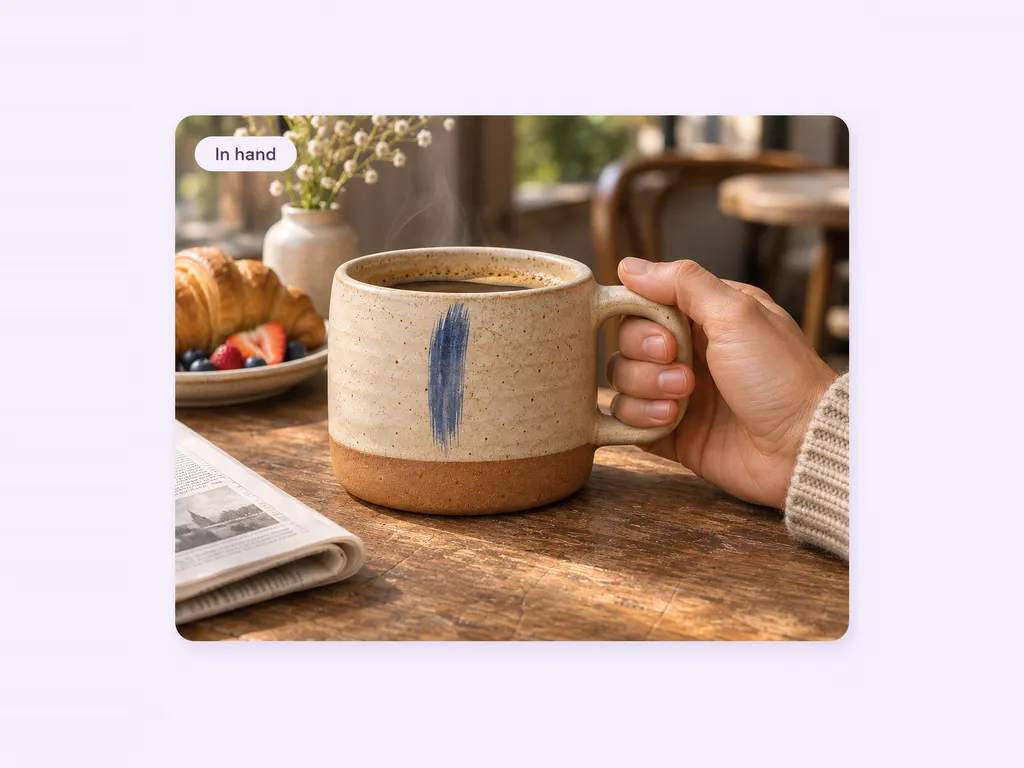
A mug on a plain background tells shoppers little about how it feels to hold. A photo of it in your hand gives the team a useful reference for scale when planning the creative.
If you sell the same shape in several glazes, submit photos of just one finish per request. Our team checks the creative against your material so the featured version stays recognizable.
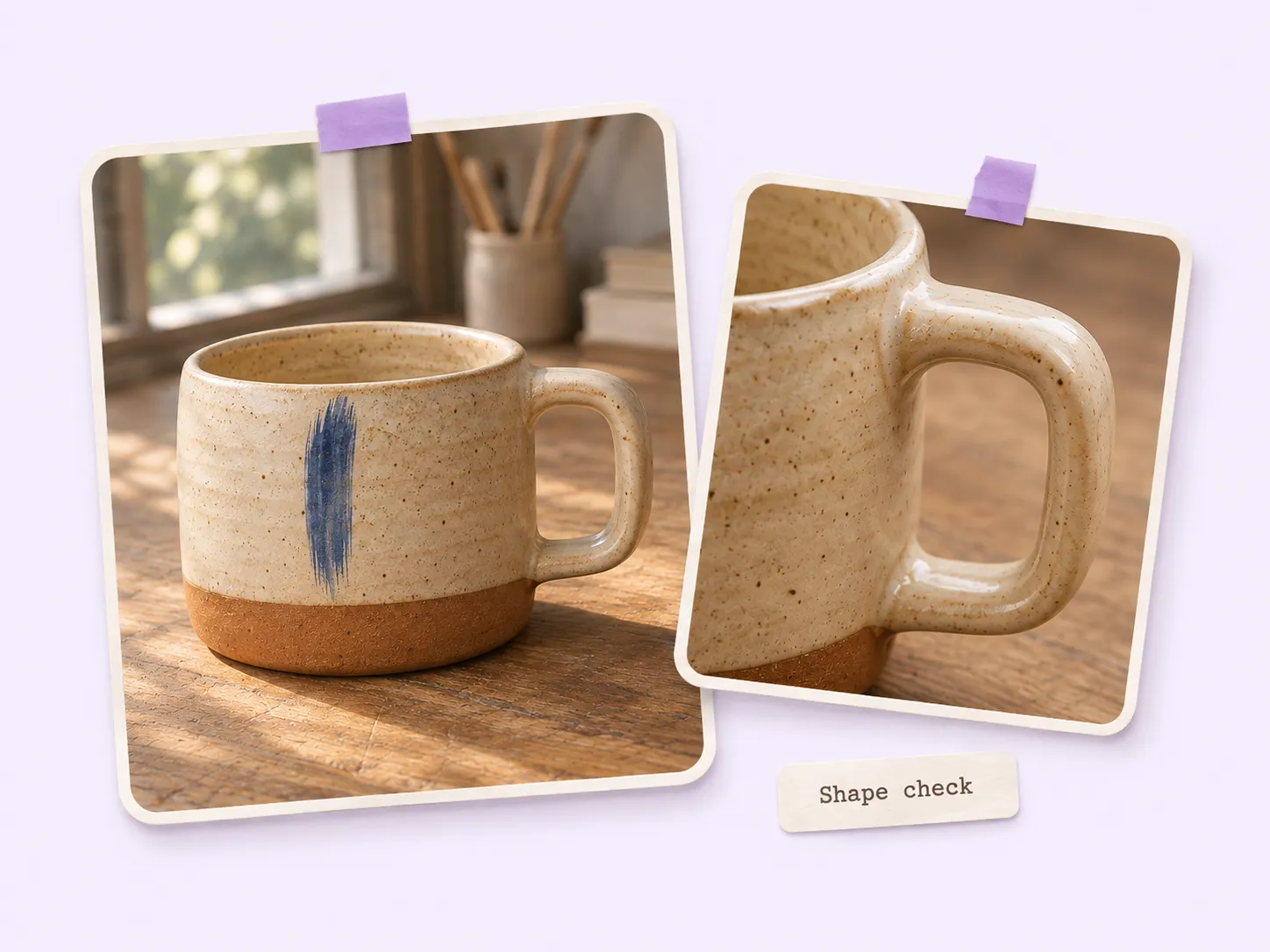
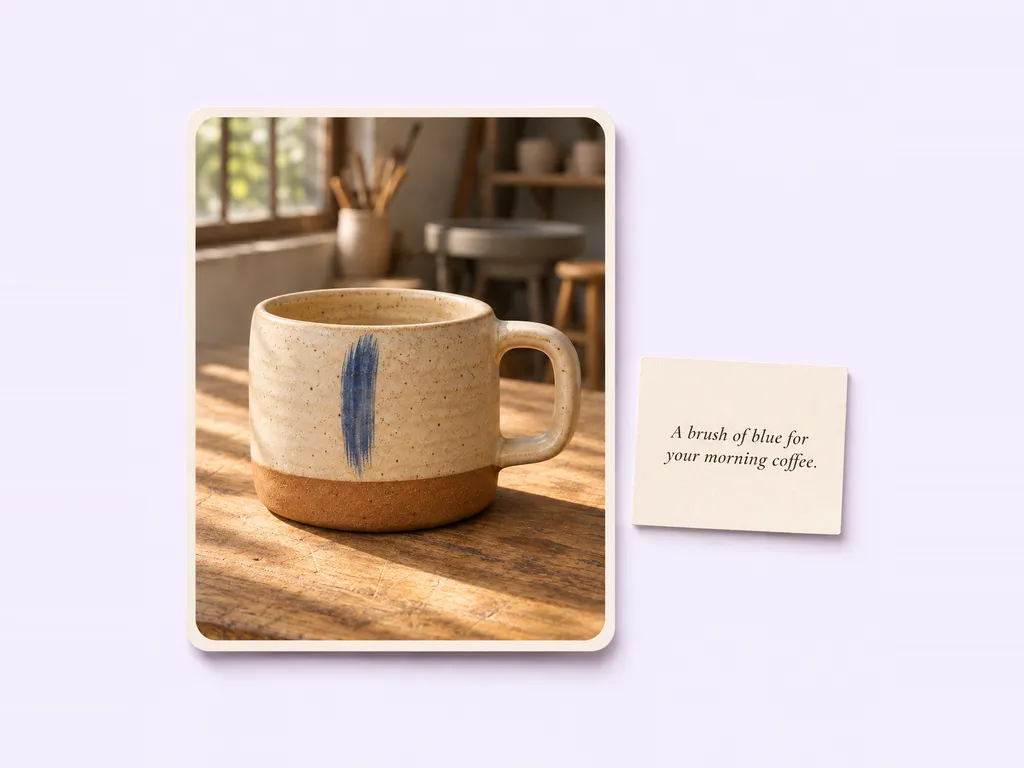
When a shopper asks which mug was in your post, the caption can point them to the right one. We deliver the video and matching social copy; you add the listing link and publish.
Your call
For a specific item
Choose an Inspiration for the item you want to feature and add its required photos. Our team makes and reviews the piece.
For ongoing posts
Add suitable photos to your Library and enable automatic creation. Our team selects photos and styles for your content as your plan allows.
Explore Inspirations
Good to know
A product showcase video gives shoppers a closer look at one item: its shape, finish, or a detail that sets it apart. A demonstration answers a different question: how does it work? A showcase is a good fit when seeing the item more clearly is enough.
Pure Showcase asks for 1–9 photos of the same product from different angles. Use clear photos you have the rights to share. Keep the colorway consistent and include a close-up if a detail like stitching, a clasp, or a glaze is the reason someone would choose it.
Yes. Choose an Inspiration with the aspect ratio you need. The Pure Showcase example linked here is horizontal (16:9); the linked Zoom & Reveal and Product Premiere examples are vertical (9:16). Check the example before submitting your photos.
For a manual Inspiration request, Stillmore delivers within five days after the request, payment, and required materials are complete. If you have a restock date, leave time afterward to check the listing and prepare your post. Automatic creation has separate start conditions.
Yes. Stillmore delivers the creative with accompanying social copy. You can use the caption as a starting point and add details that change, such as the name of the available finish or the link to your shop.
You do. Download the video from My Creations, confirm that the product details are current, and publish it on your own channels. Stillmore handles creative production and does not need your social account passwords.
Start with a photo of that item. Choose a showcase style and let our team take it from there.