Show a product reveal
Choose the instant after the hands move away so the entire product can be seen.

Enter a time in seconds or a percentage of the clip to save that frame as a JPEG.
Only edit videos you own or have permission to edit. This editor works with video files you upload.
The still comes from 25% of the way through the sample clip. The bottle in the presenter’s hand becomes the subject of the JPEG.

Use the final crop if the cover needs to match the published clip.
Enter seconds such as 4.5, or a percentage such as 25% to move a quarter of the way through.
Inspect the still for motion blur and try a nearby time if the subject is mid-blink.
A useful cover often sits after the opening fade: the product is in focus, the gesture is clear and the result is visible.
Choose the instant after the hands move away so the entire product can be seen.
Save the finished dashboard rather than the loading screen at the beginning.
Save several candidate moments separately and compare the expressions or compositions.
Take the still from the portrait export so the cover matches what opens on tap.
Look for a sharp moment with one clear subject. Pause just after a fast move settles. Inspect the JPEG at thumbnail size before adding a headline or putting it on a listing.
Enter 25 for 25 seconds and 25% for a quarter of the running time.
It is a JPEG at the decoded frame dimensions. No title, border or additional crop is applied.
This tool uses your browser’s video decoder. Try a browser-playable MP4 if the current file cannot be opened.
Enter 50% in the time field. Include the percent sign so the tool interprets the position relative to the clip’s length.
Yes. Select the video file, choose a time and save the JPEG. For a cover already published on YouTube, use the separate YouTube thumbnail finder.
Choose a moment slightly earlier or later and extract another frame. For example, try 2.2 seconds instead of 2 if the picture is changing shots there.
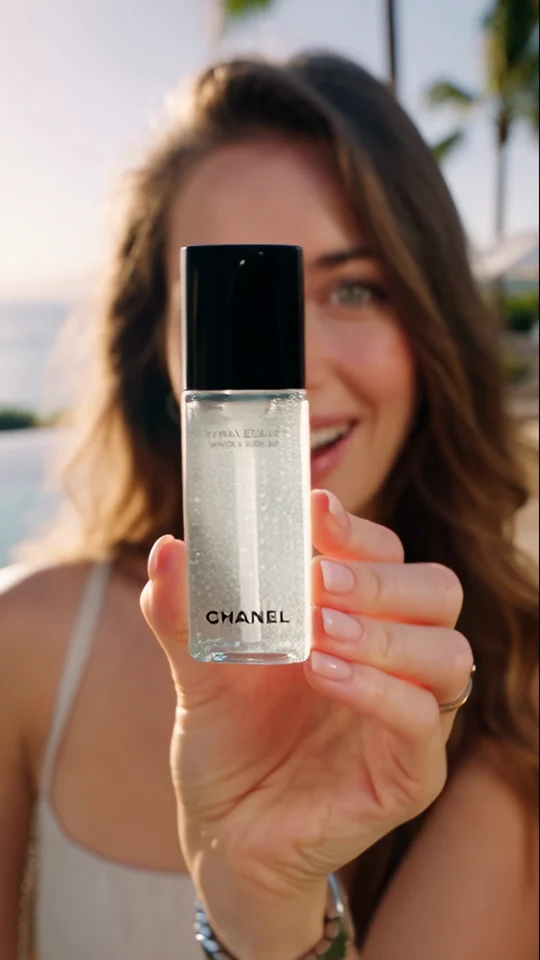
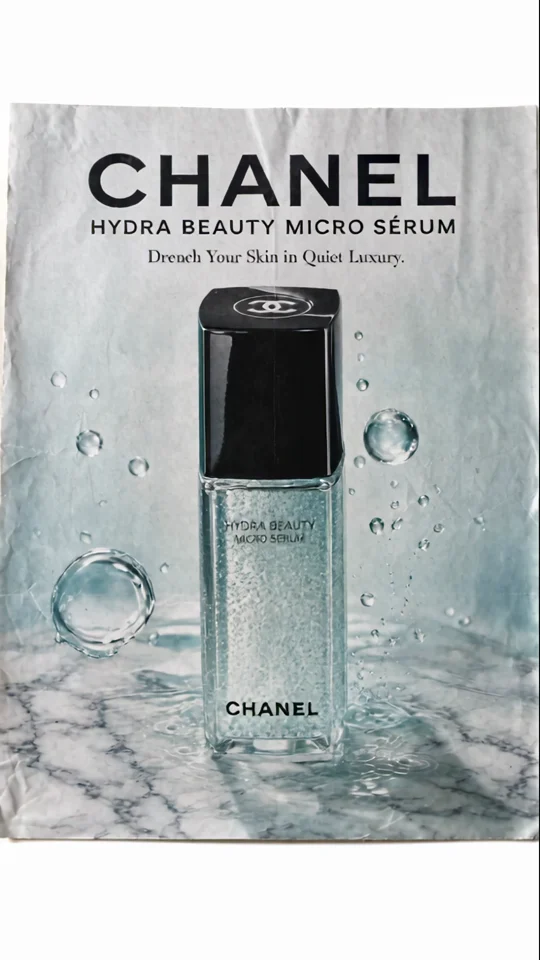
Zoom & Reveal ends on a poster-style product shot. Compare that composition with the frame you chose for your own cover.
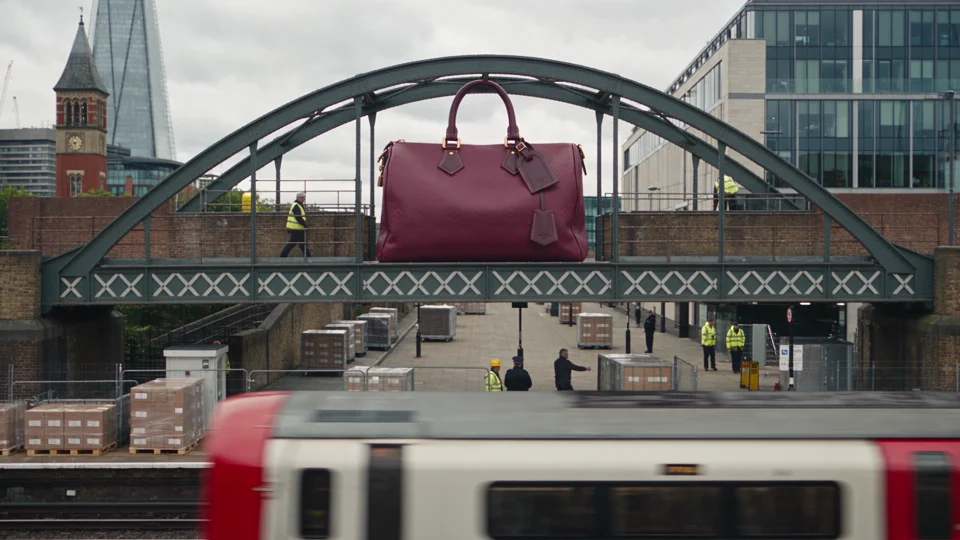
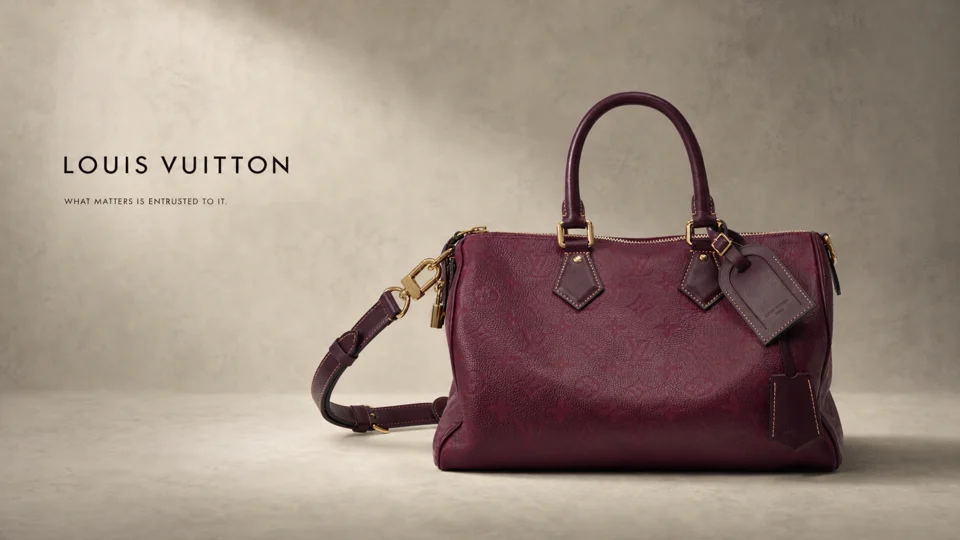
Compare the handbag spanning a bridge with the same bag in the studio. Its outline makes it recognisable at both scales.
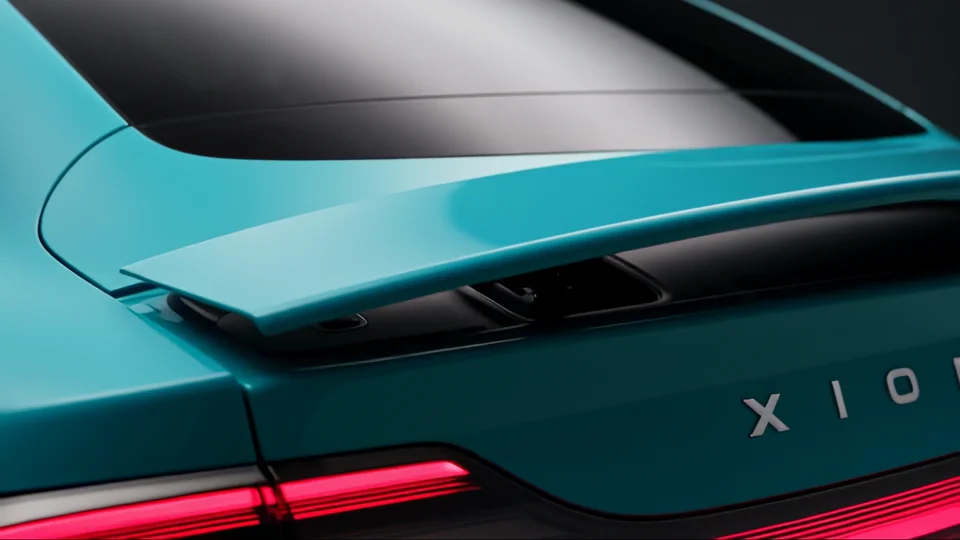
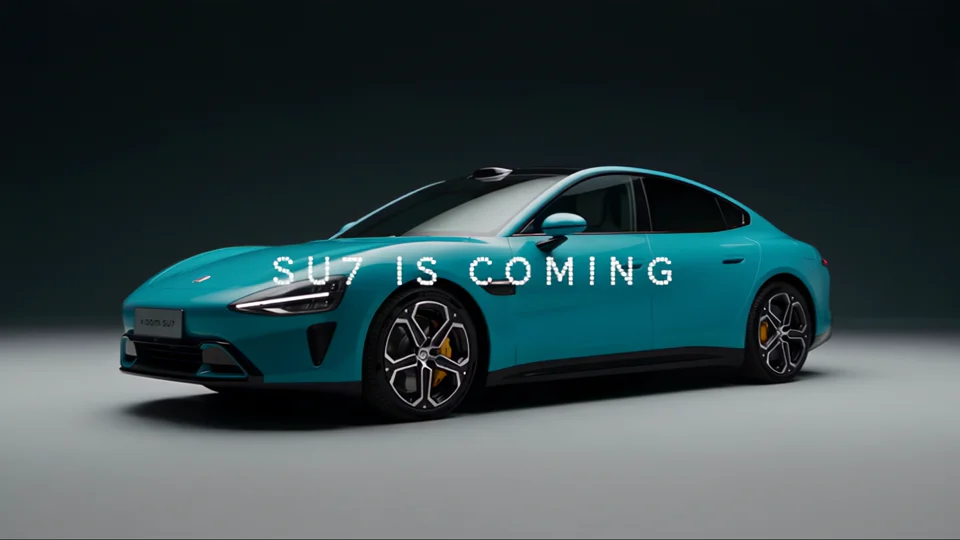
The teal bodywork carries through to the backdrop. Look at how the wide shot picks up a colour from the close-up.
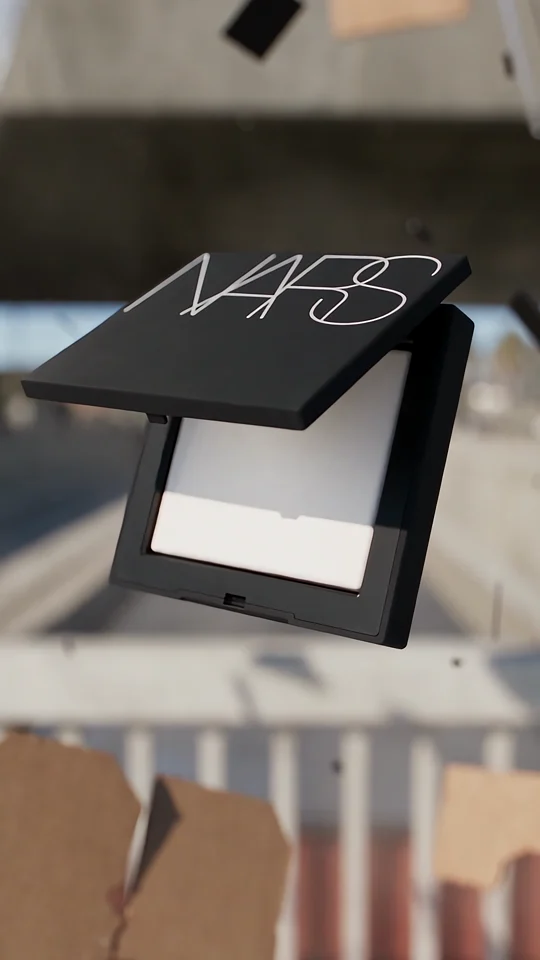
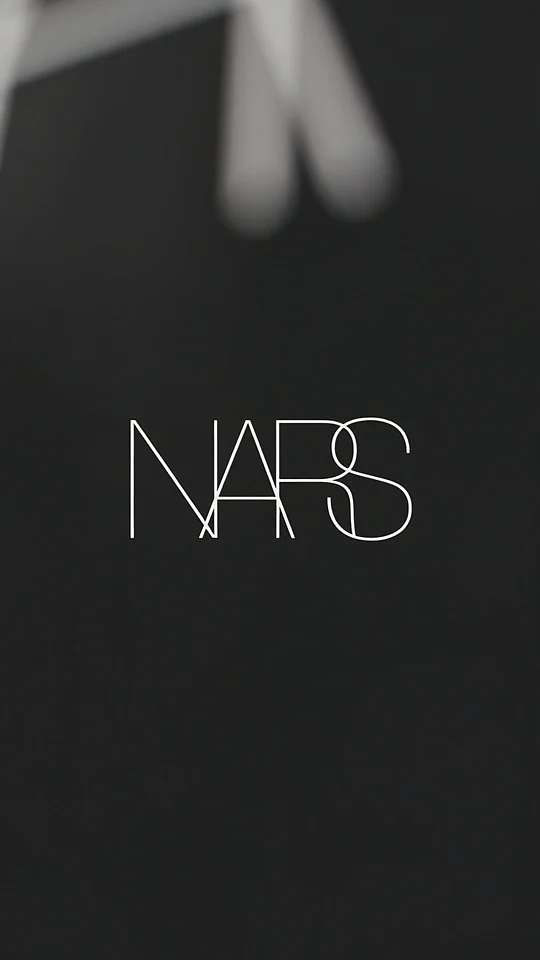
Compare the lettering on the compact with the isolated wordmark in the final shot.