Food with visible layers
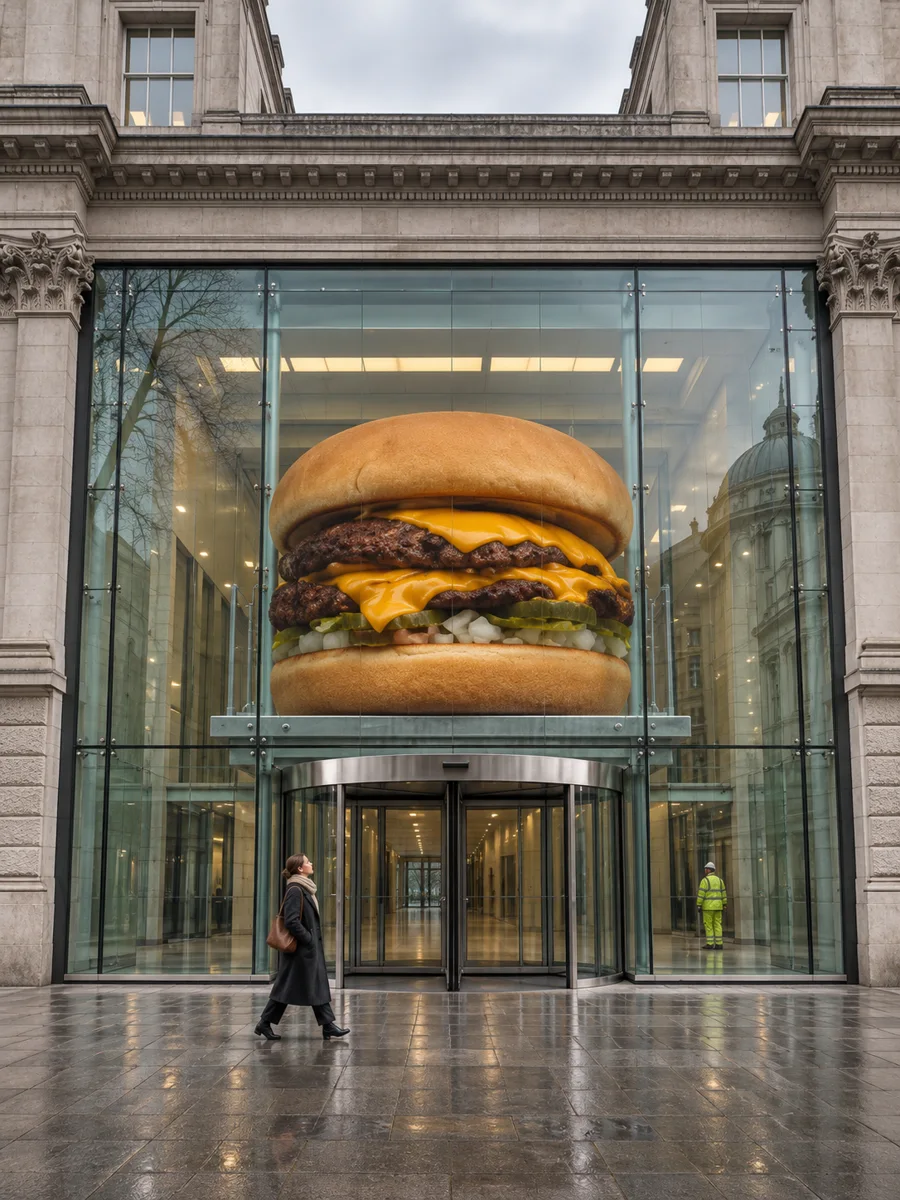
A burger shop can introduce a special by putting the cheese and bun in view before the crane lift. That side profile still reads clearly above the glass doors.

FOUNDING OFFERSign up to unlock 35% off your first plan.

Product World · Inspiration
Introduce your signature burger on the lunch tray, then turn its bun and cheddar layers into a landmark for your launch post.
Start with the feature someone could recognize from across the street. The five reference films use shape, layers or construction to carry that detail through the reveal.
A burger shop can introduce a special by putting the cheese and bun in view before the crane lift. That side profile still reads clearly above the glass doors.
A handbag keeps its curved handles as it spans a bridge. A watch dial doubles as a building feature, while a running shoe keeps its tread and laces at crossing scale.
The pointed tip and rounded base identify the blending sponge even when its outline becomes a doorway. A beauty shop could use this sequence to introduce the tool’s shape.
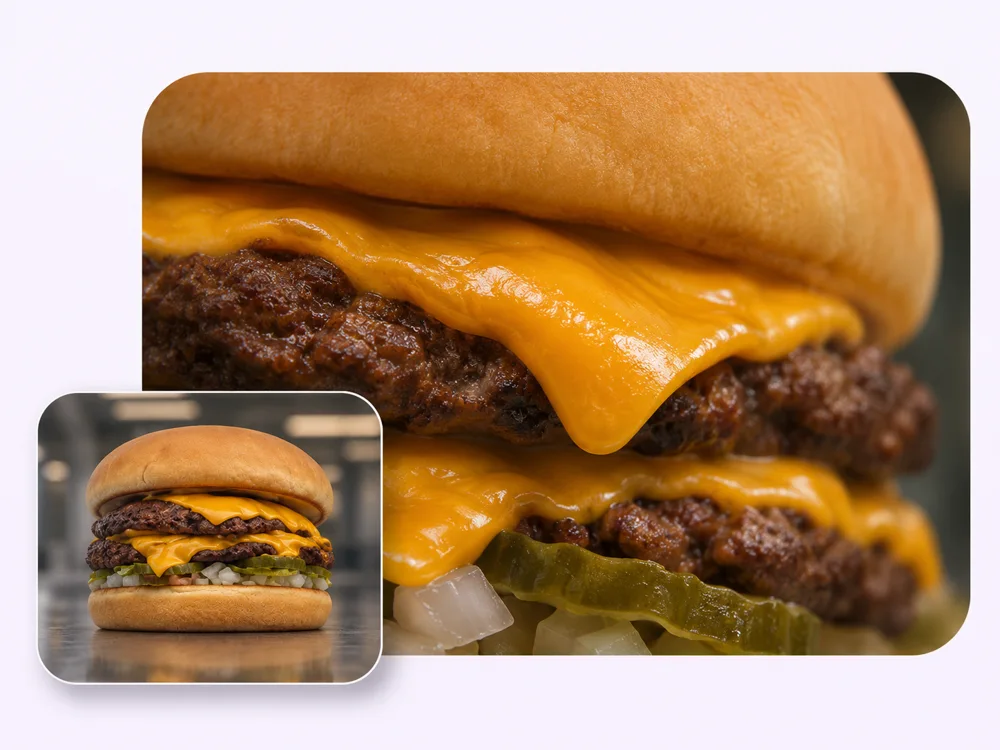
The first shot gives diners something familiar to remember. Send a side view of your signature burger so the team can see the bun, cheddar and pickles in their usual proportions.
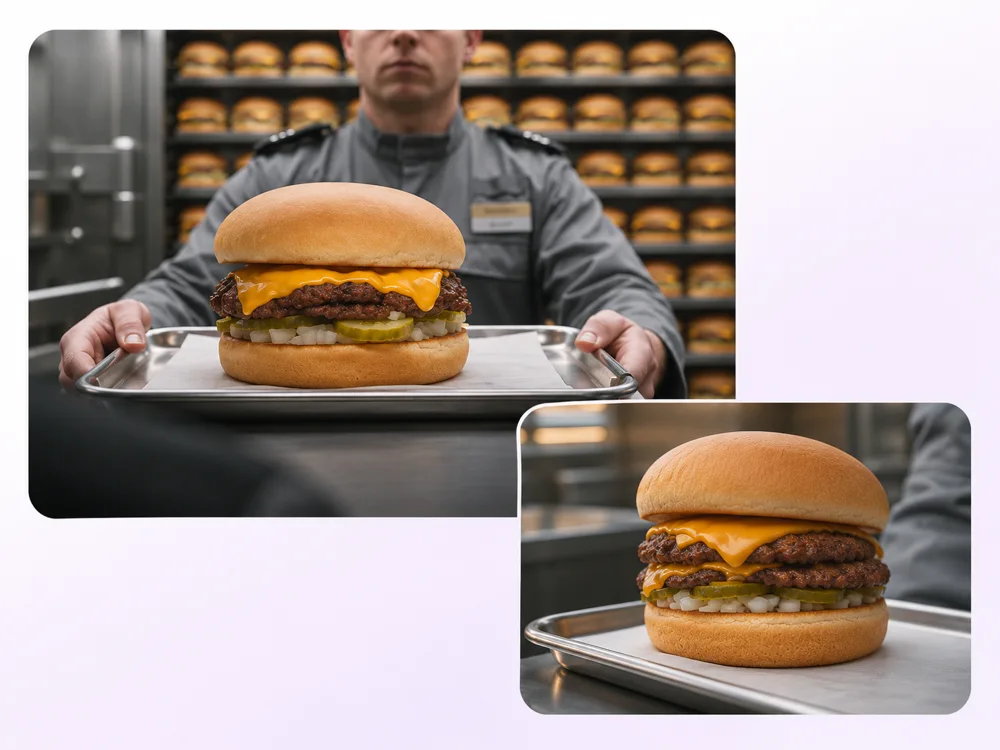
A tiny printed label can disappear in a street scene. Point out the feature that matters in your brief, such as the fold of cheddar that breaks the outline beneath the bun.
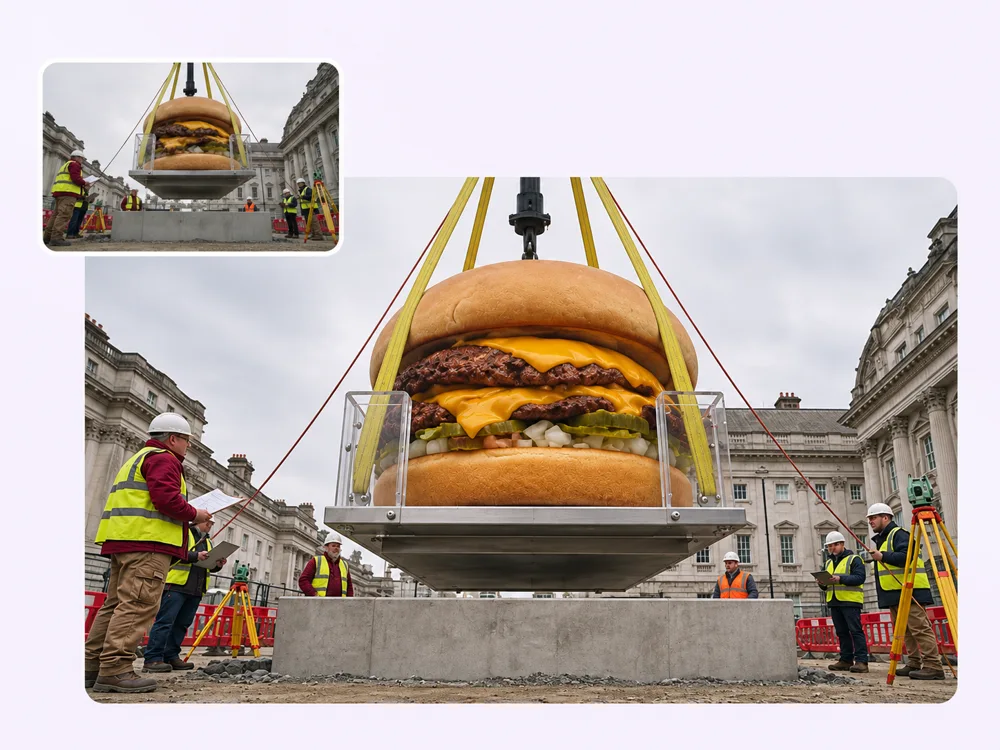
In the reference film, workers stand beside the suspended burger. Their helmets and ladder give the eye a scale it knows, so the change lands before anyone needs to explain it.
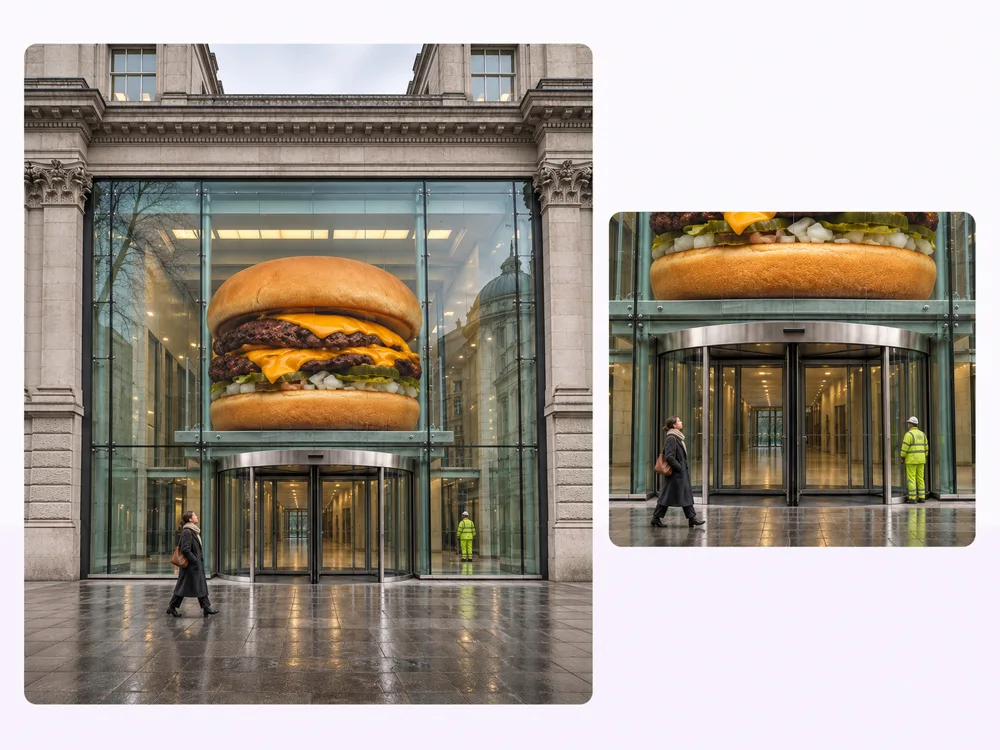
Once the burger fills a building entrance, the glass doors below it give viewers a second measure of its size. Stillmore checks the finished scene against the photos you supplied.
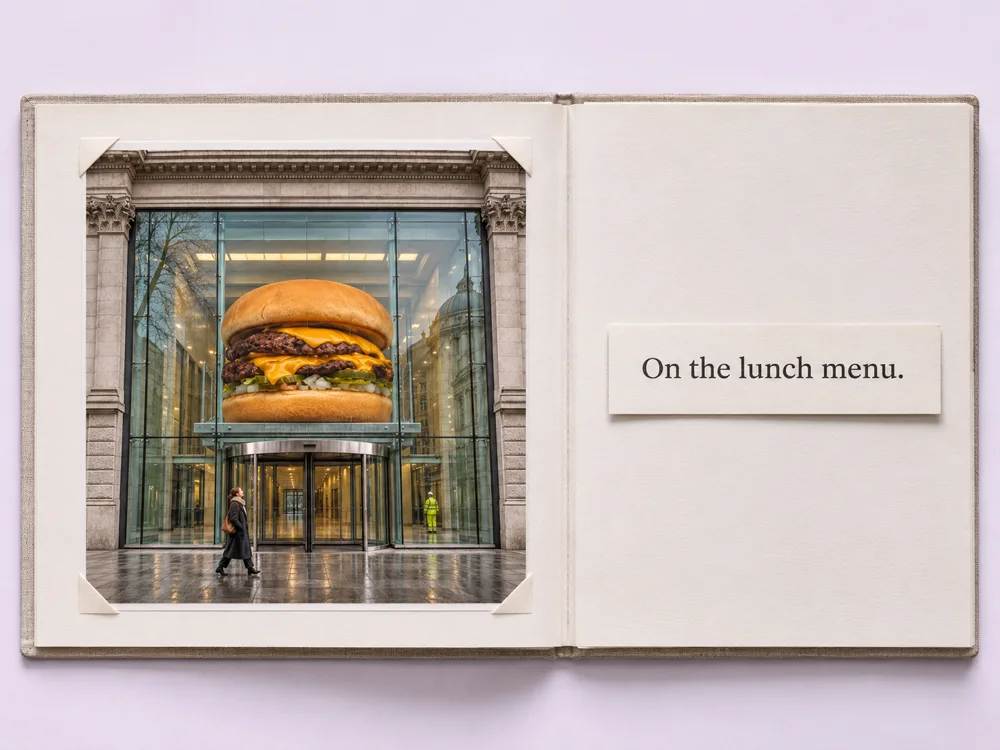
When the film returns to the burger, give diners somewhere to find it. Download the finished video and matching caption, add your current menu link, and publish the launch post yourself.
Choose one item and upload one to four photos of it. Use additional angles to show a side profile, texture or detail that is hard to see in the first photo.
Yes. Use Setting & Occasion, Surreal Level and Extra Information Of Product on the creation page to describe your idea. The five reference films show possible directions for scale and setting.
Product World uses a landscape 16:9 frame. Stillmore produces and checks the video and supplies a matching social caption. Download both, add current menu or collection details, and publish on your own account.

Pick the angle that shows its most familiar detail, then choose a reference to start your film.