FOUNDING OFFERSign up to unlock 35% off your first plan.

Stillmore author

Lan He

I'm Lan. Years of writing promotional and editorial work in the US, mostly for companies with big audiences and bigger expectations — where a single article might reach hundreds of thousands of readers, and where the good ones kept earning traffic long after the campaign ended.

32 published articles
Lan He

Articles by Lan He

1–6 of 32 articles

Thinking Machines wordmark beside ceramic mug photo proofs and a shoot checklist.

News

How to Use Inkling 2 Mini for a Product Photo Reshoot List

Give Inkling 2 Mini a product photo and one shopper’s question, then ask for a written list of views that would answer it. Hugging Face’s Transformers example takes a local image and a prompt together. A photo of a zipped pouch might show the pull clearly while leaving the inside a mystery. Check your existing photos before booking a reshoot. If you need a new shot, open the pouch and make sure its base is visible at posting size. Stillmore can use the checked photos and your product notes to make a finished social image or short video with a caption for you to publish.

Lan He· 11 min read
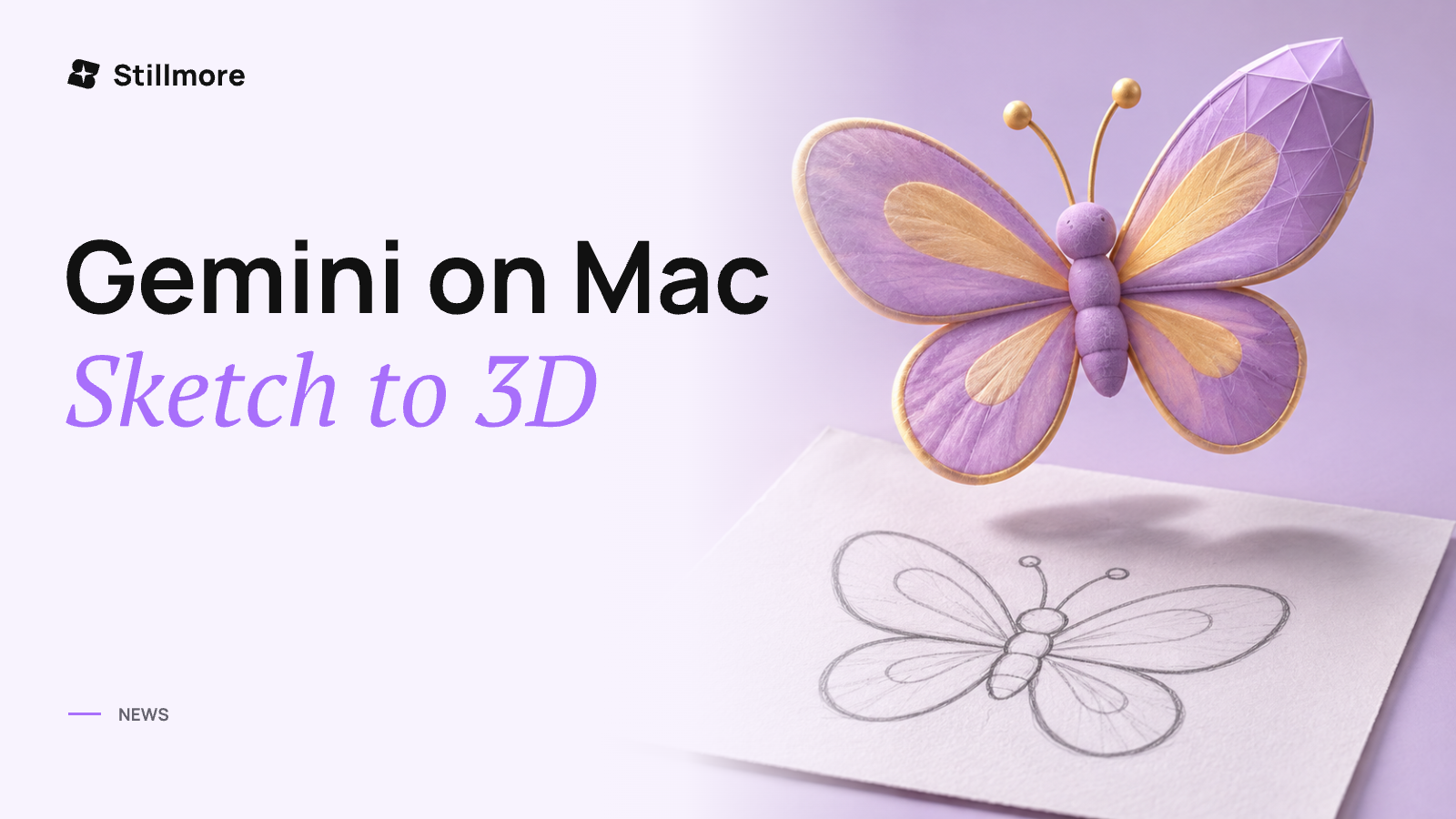
A lavender and gold 3D butterfly above its pencil sketch, illustrating a Gemini on Mac workflow with Blender.

News

How to Use Gemini on Mac to Turn a Mascot Sketch Into a Blender Scene

To turn a mascot sketch into a Blender scene, choose Task in the Gemini app for Mac, mention @Computer use, and ask it to work from a copy of the drawing. Give the scene a filename and ask Gemini to stop after the first pose. Google began rolling out Computer use on November 19, 2026, to eligible adult subscribers using personal accounts in English in the US. Reopen the draft in Blender and compare the mascot's outline and markings with the drawing. Once you approve a pose, you can give Stillmore a reference frame and your product photos. Its team can make the promotional image or video and caption for you to publish.

Lan He· 13 min read
Blog cover showing an orange neon sparkle for Gemini 4 Neon.

News

How to Use Gemini 4 Neon to Log Product Footage and Find Missing Shots

Ask Gemini 4 Neon to log each visible action, match the rows to your required shots, then replay the matches to decide what you still need to film. Supply the original clips, the approved product specifications and a brief that lists each required view. A faint click in a travel mug clip tells your editor where to look. If a thumb hides the latch, check another take before booking a side close-up. For a launch post built from product photos, Stillmore can plan, produce and check the visuals and supply a caption for you to publish.

Lan He· 12 min read
Blog cover showing simulated landscapes inside glass spheres for Genie 4.

News

How to Use Genie 4 to Plan a Store Launch Shot

Use Genie 4 in Project Genie to rehearse the path from your store entrance to the launch display, then write down where the camera starts, how it moves and what fills the last frame. Start from a clear entrance photo or describe the view and refine the image preview. Try the approach and the turn separately so you can tell when the product comes into view. Check its appearance against a real product photo. When you want a finished launch post, Stillmore can use your photos and launch details to plan, produce and check a short video and caption for you to publish.

Lan He· 11 min read

Blog cover showing a pavilion on a tilted image layer for Figma 3D transforms.

News

How to Use Figma 3D Transforms to Storyboard a Rotating Product Shot

Place your product artwork in a frame, give the frame perspective, then apply a 3D transform to the product card and keyframe its turn in Figma Motion. Figma opened the feature to Full-seat users on November 12, 2026. A front photograph and editable label are enough to storyboard a small turn. Start facing the viewer, angle the card until the motion reads, then bring the name back into view. For a tea shop, those three poses settle which part of the label customers should remember. Once the shop approves the direction, Stillmore can use its product photos and campaign details to produce a finished social post with a caption for the owner to publish.

Lan He· 11 min read
Stillmore Blog cover for Edge0-145B, Edge0-120B, featuring black faceted sphere with luminous ring.

News

What Are Edge0-145B and Edge0-120B? On-Device MoE Specs and Local Visual Workflows

Edge0-145B and Edge0-120B are two on-device latent sparse Mixture-of-Experts (MoE) models released on November 12, 2026, rebuilt from Qwen3.8-Flash-Next for local coding, reasoning, and visual-inspection agent loops. Edge0-145B targets higher agentic coding margins with a larger active expert budget, whereas Edge0-120B trims the expert pool to lower memory residency and speed up constrained decoding. Although both models support optional vision encoding for auditing screenshots or 3D renders alongside code, those local terminal loops do not retouch product photos or build commercial campaigns. For independent businesses wanting ready-to-share social promotions rather than workstation GPU tooling, Stillmore turns everyday phone photos into finished images, videos, and captions handled by creative specialists, and its team may evaluate models such as Edge0-145B or Edge0-120B when a brief suits them while you control publishing.

Lan He· 13 min read

More voices. More ideas.

Get to know the people behind the Stillmore blog.

Meet all authors ↗