

01
Choose Behind the Shoot.
Stillmore connects model poses, photographer viewpoints and closer product shots into one campaign-style sequence. Watch the examples and select the direction that fits your item.

FOUNDING OFFERSign up to unlock 35% off your first plan.

Behind the Shoot · Inspiration
Give your products the feel of a fashion shoot, with model-led scenes made from photos you already have.
A simple handoff
Stillmore connects model poses, photographer viewpoints and closer product shots into one campaign-style sequence. Watch the examples and select the direction that fits your item.
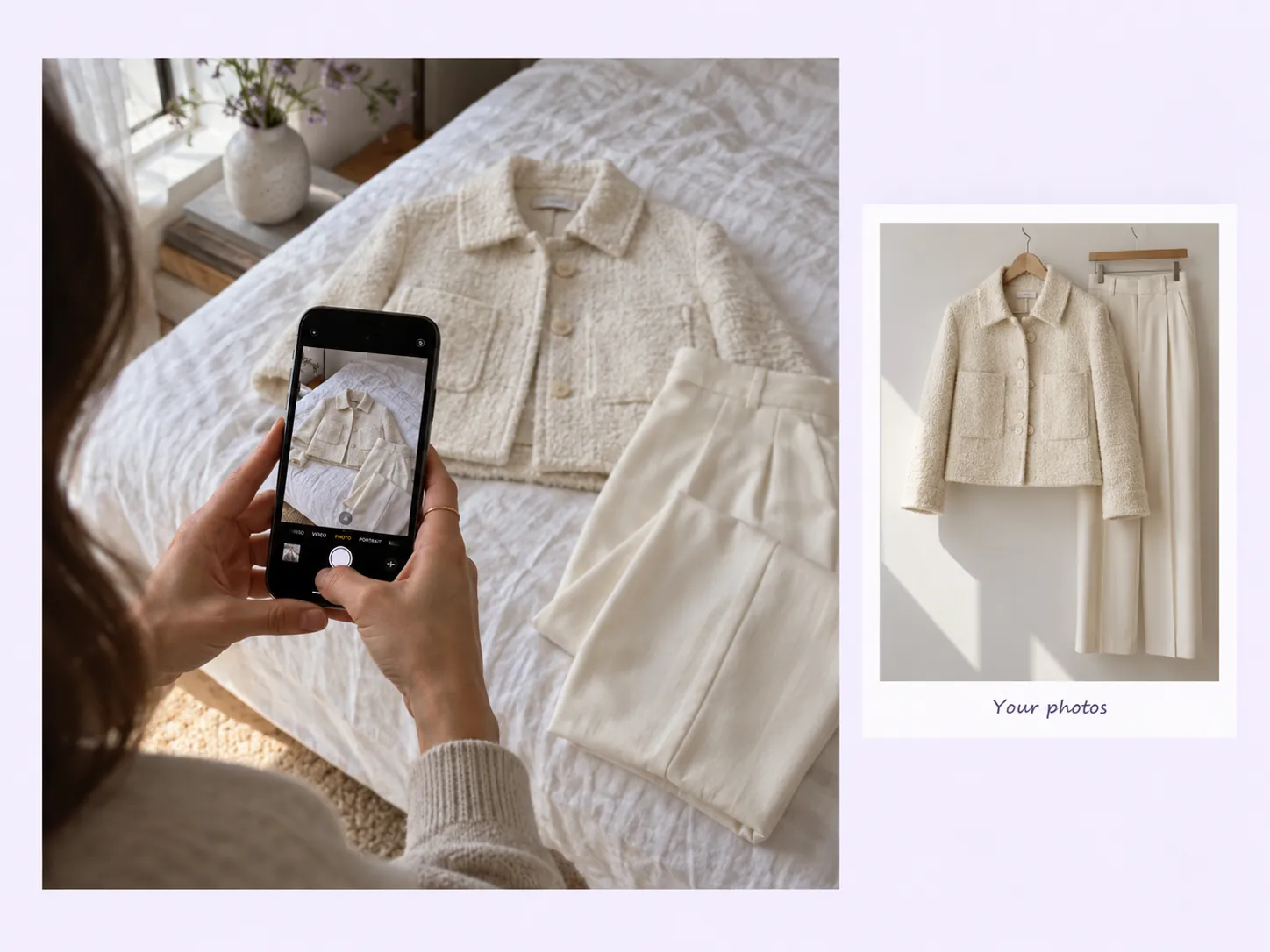
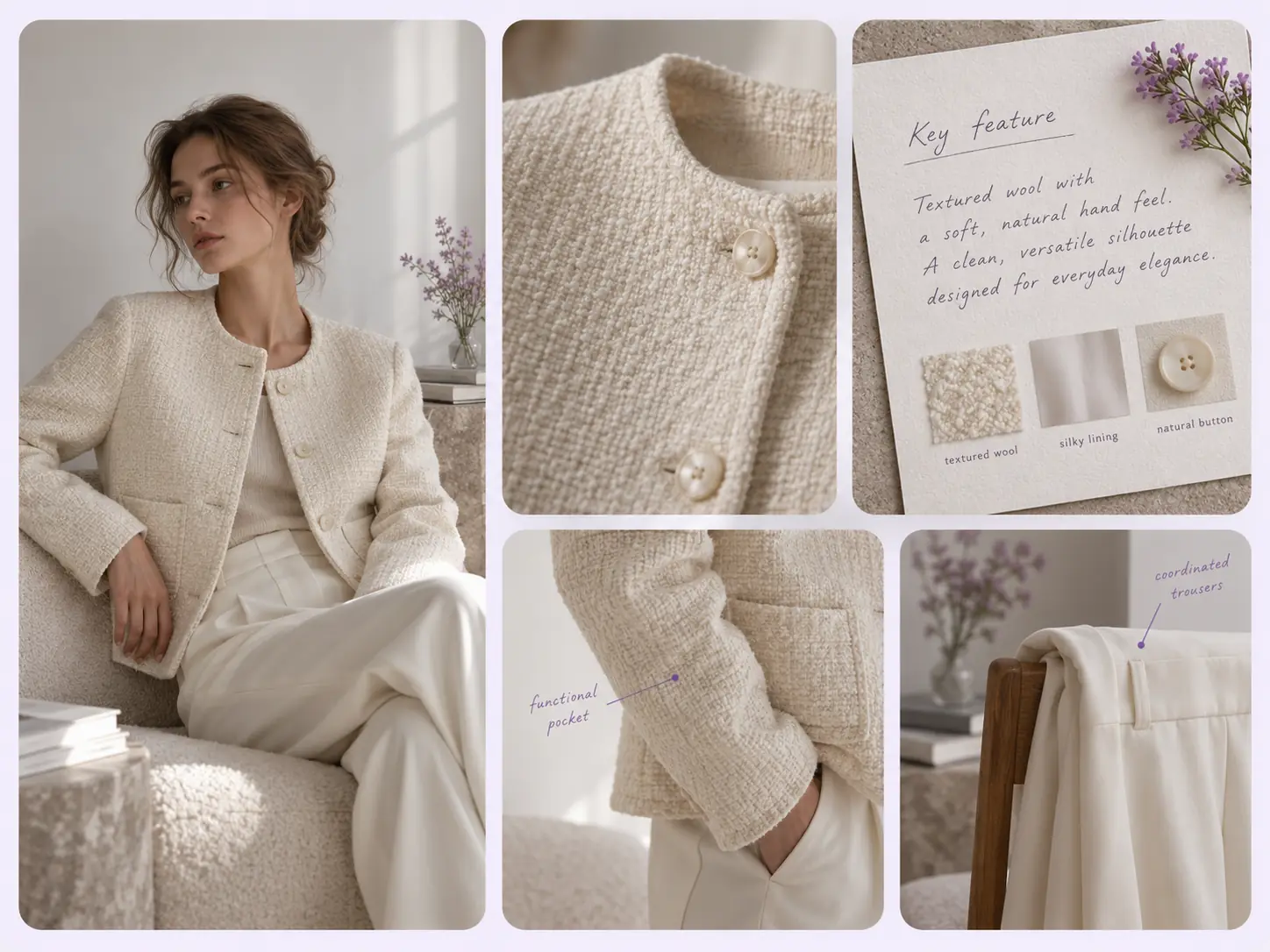
Upload 1–9 product photos. Different items are welcome when one model can show them together. A key feature and model reference are optional.
Stillmore produces and checks the video, then delivers it with matching social copy in My Creations. You review the details and publish.
Made for your business
Your product photos show what you sell, but leave the styling to the imagination. Stillmore builds model-led scenes around your references, giving clothing, fragrance or luggage the atmosphere of a shoot without organizing one yourself.
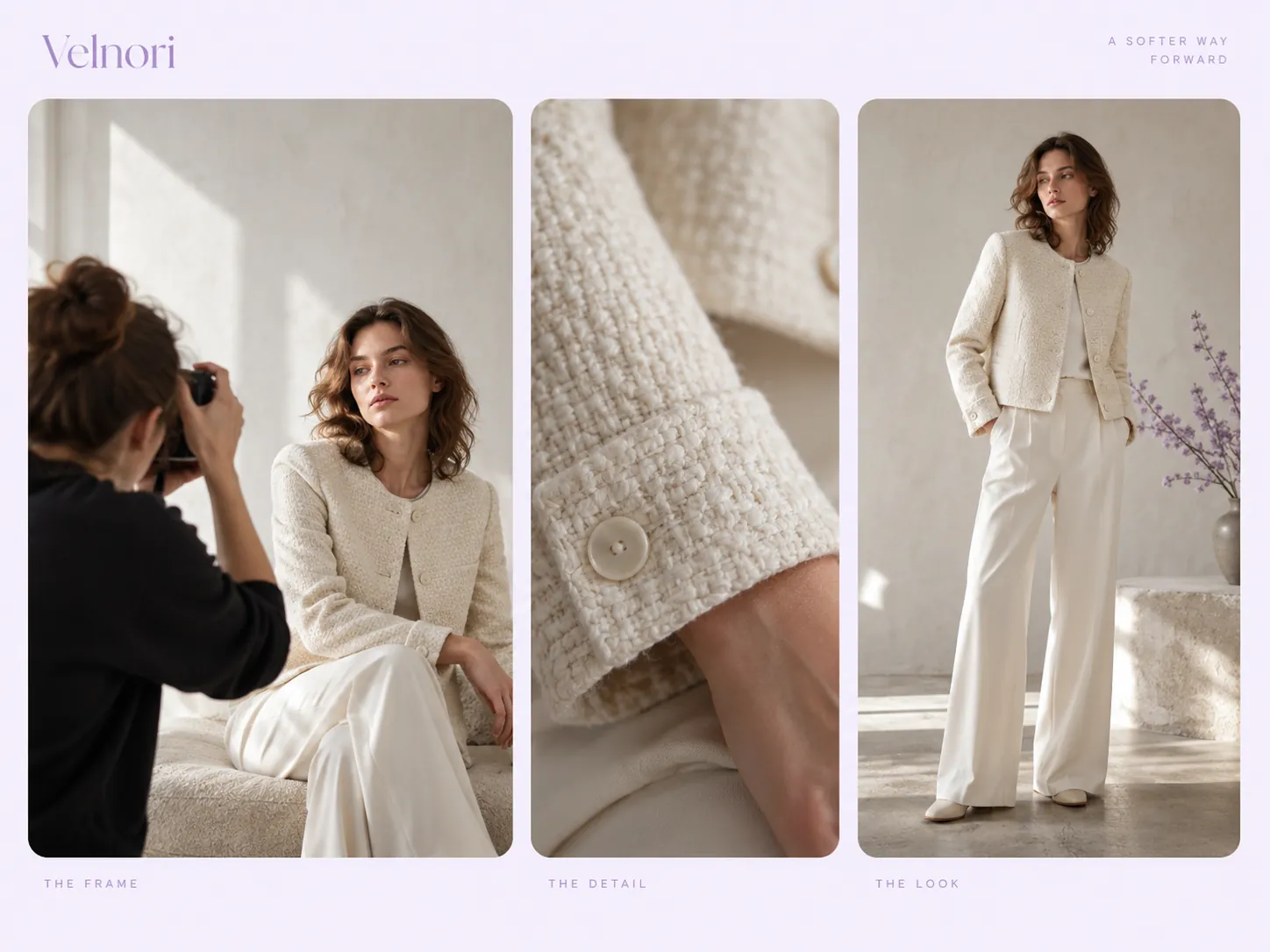
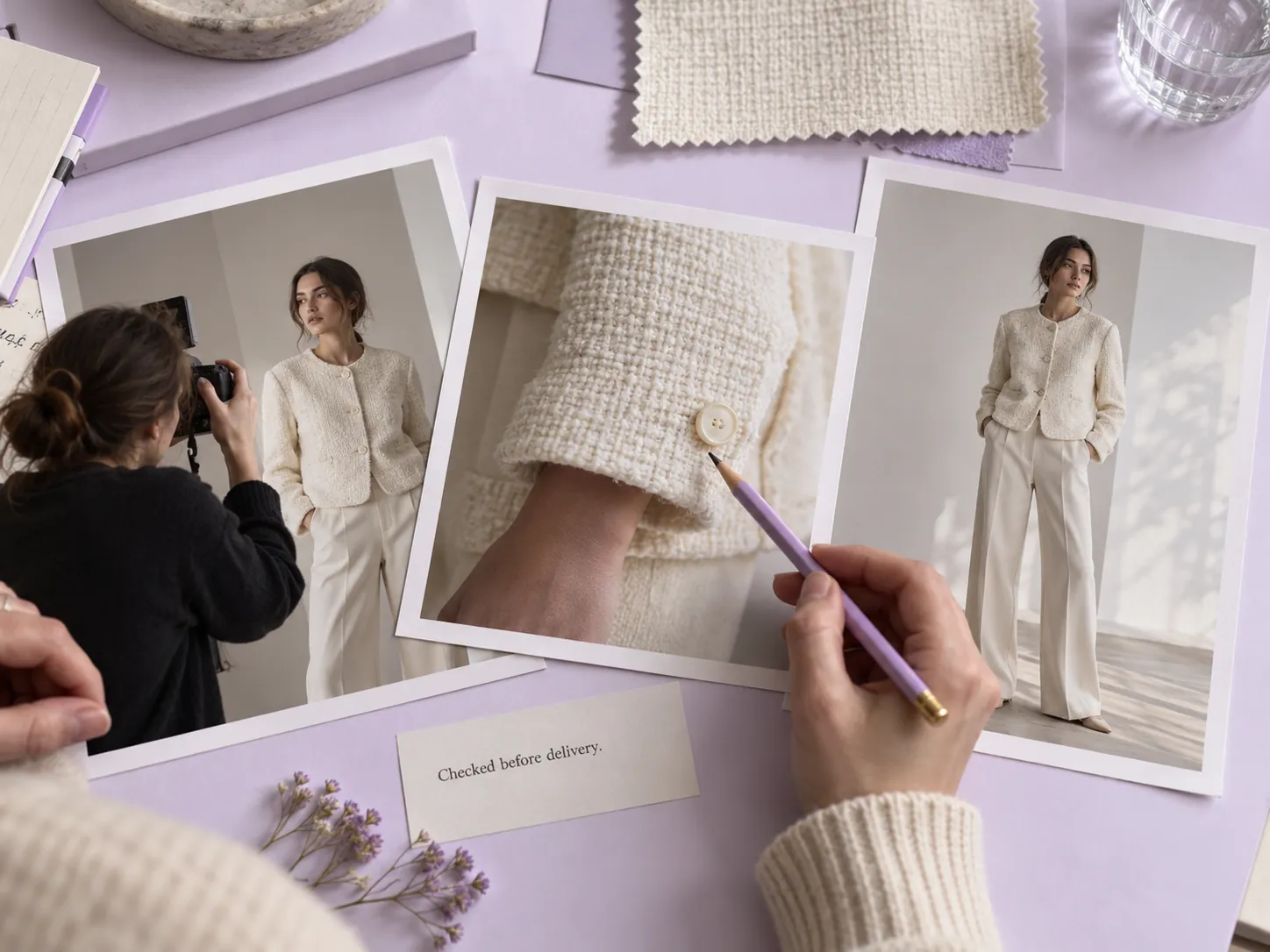
Stillmore connects model poses, photographer viewpoints and closer product shots into one campaign-style sequence. The changing perspective helps viewers see an item in context, instead of asking a single pack shot to explain the whole look.
A jacket, bag and accessory should feel like one outfit. Stillmore uses your selected items, optional model reference and key feature to guide the presentation, so the styling starts with what your business actually sells.
You choose the direction; Stillmore handles scene creation, transitions and the production review. Our team checks the result before delivery, freeing you from directing a model or assembling the shots between other shop tasks.
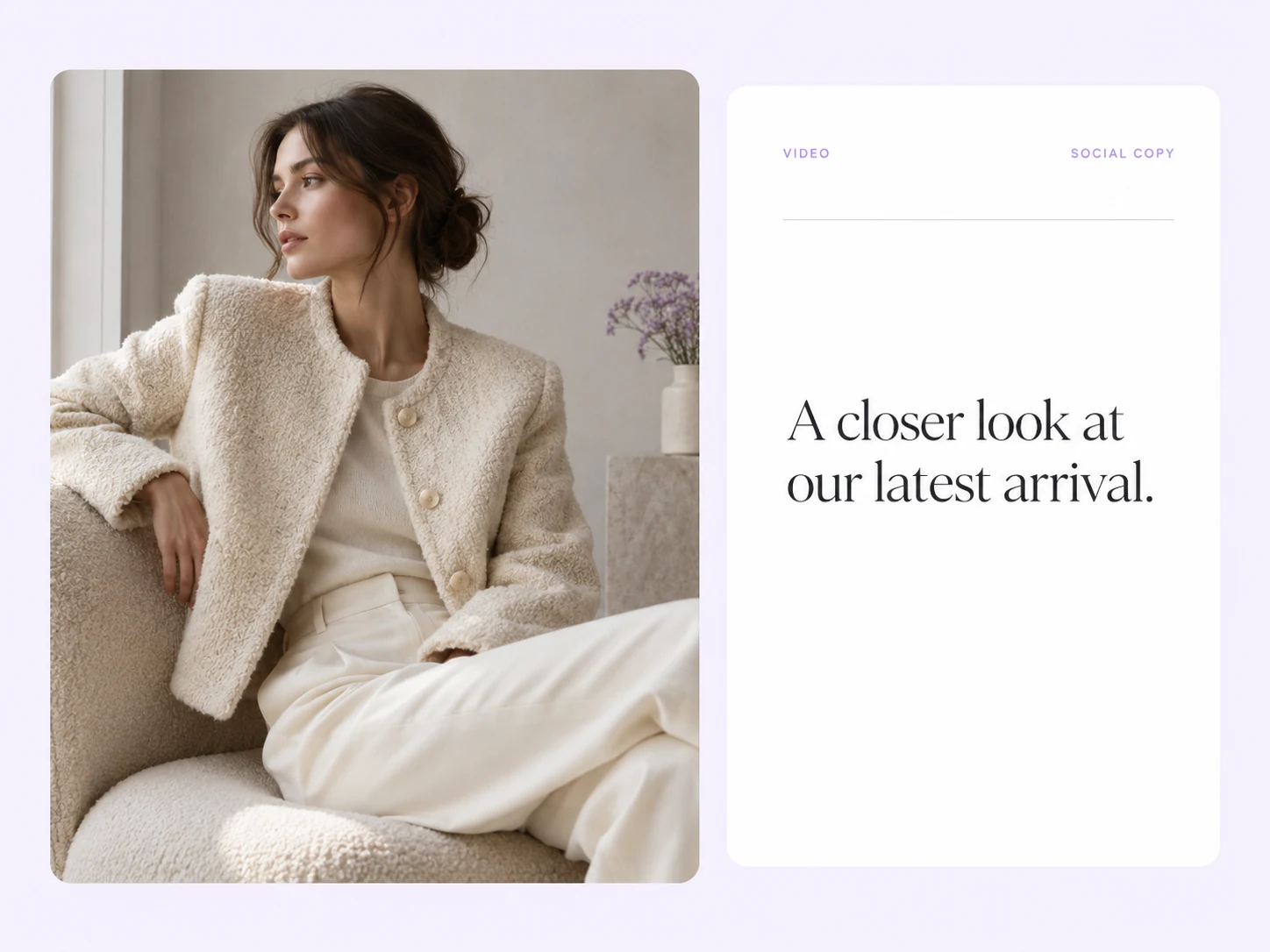
Stillmore pairs your campaign video with matching social copy in My Creations. You can check the collection names, add your product link and publish the introduction, without starting a separate caption-writing task after the video arrives.
Find your fit
Choose it when a person wearing, carrying or holding the item helps explain its place in everyday life.
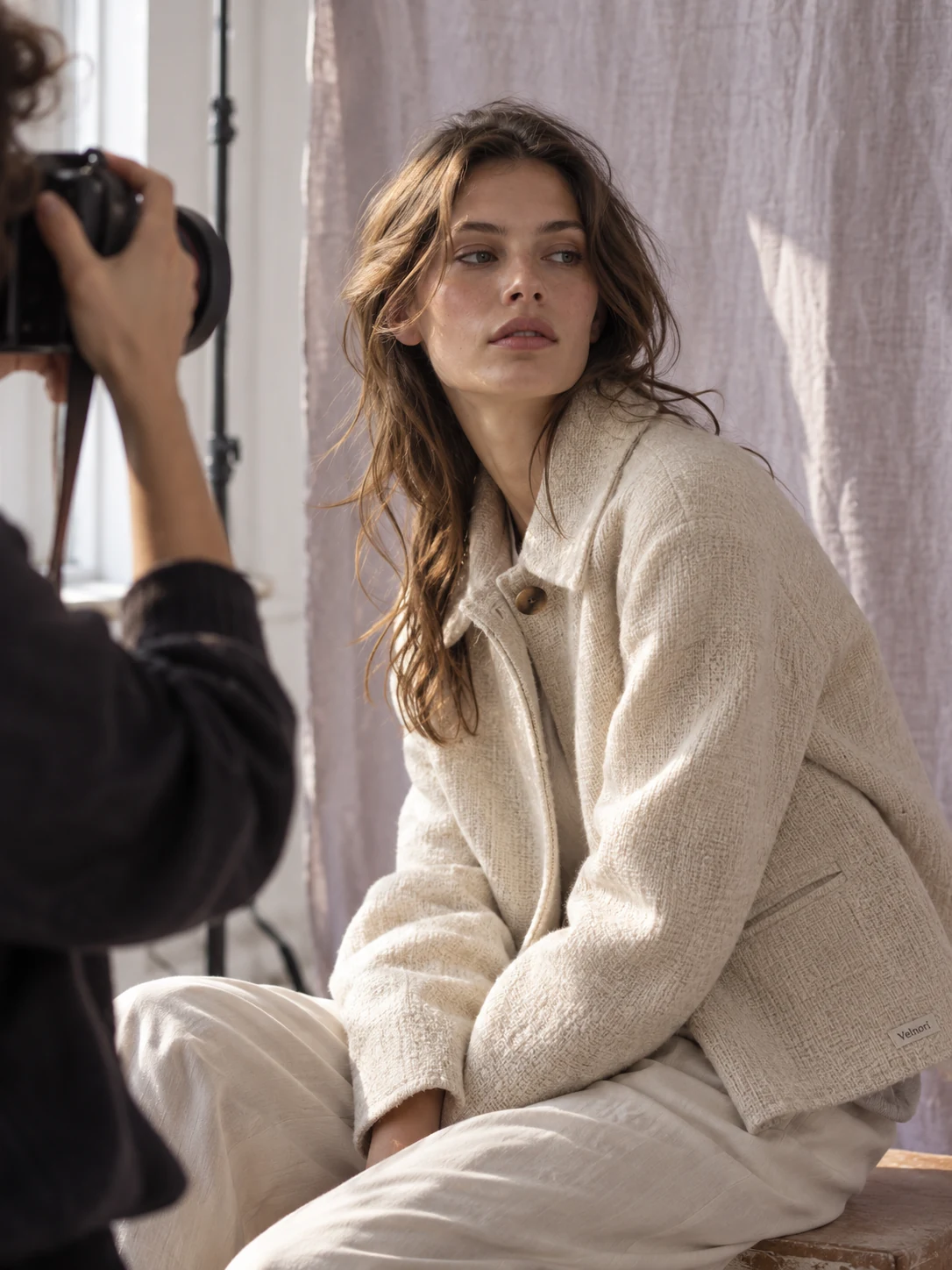
A fashion campaign video works well when the cut and styling matter as much as the item alone. The clothing sample shows a complete look on a model, with the photographer and setting adding the feel of a campaign shoot.
For a perfume commercial, the bottle needs a setting that suggests how the fragrance fits into someone’s routine. The sample combines a person holding the bottle with relaxed interior scenes; it sells a mood without relying on a list of scent claims.
A luggage commercial benefits from seeing the case beside a person, where its size and handle are easy to understand. The travel sample uses the model and destination setting to place the product in a recognizable moment before a trip.
Your call
For a specific idea
Want the Behind the Shoot direction shown here? Choose this Inspiration and submit its required materials. Our team produces and checks your version.
For ongoing content
Want ongoing content without choosing every style? Add suitable photos and enable automatic creation once your plan’s requirements are met. Our team chooses the creative.
Explore Inspirations
Good to know
A behind the scenes product video presents your item through the moments around a styled shoot: a model posing, a photographer framing the shot and closer product views. Stillmore’s Behind the Shoot Inspiration uses this campaign-style sequence for clothing, fragrance and luggage. It creates the look of a shoot from supplied photos; it is not documentary footage of your business.
Yes. Behind the Shoot accepts 1–9 product photos, and its form allows different products when one model can showcase them together. A coordinated outfit, bag and accessory is a clearer brief than unrelated items. You can also add an optional model reference or key feature before Stillmore starts production.
No. Behind the Shoot creates a campaign-style scene from the materials you submit; it does not document a shoot that happened at your business. Use it when you want a model-led introduction to your products. If you need factual behind-the-scenes footage of your own staff or production, use actual recordings for that purpose.
Stillmore’s team handles production, checks the result and makes adjustments before delivery. You choose Behind the Shoot and supply its required materials; you are not expected to recreate the effect in an editor. Clear production errors are corrected, while Try it and Growth do not include extra revisions for a different mood or creative direction. Choose the sample and references carefully before submitting.
Allow time before your planned post. Standard-plan Inspiration requests arrive within 5 days once the request, payment and required materials are complete. For Behind the Shoot, prepare the materials listed above before you submit; missing inputs delay the starting point. Add-on videos are scheduled separately, one at a time, within 5 days per video, and extra Credits do not speed up production.
Your finished Behind the Shoot video and matching social copy appear in My Creations, and Stillmore emails you when they are ready. Add the collection or product link and check the item names before posting. You download and publish to your own channels; Stillmore handles creation and delivery rather than posting to your social accounts. Check the selected Inspiration’s format before submitting.
Choose Behind the Shoot, submit its required materials and let Stillmore handle production and review. Your video and matching social copy arrive ready for you to check and publish.