

01
Choose Swipe Reveal.
Stillmore creates the hand-led slides and parallel rows that uncover each item’s name. Watch the examples and select the direction that fits your item.

FOUNDING OFFERSign up to unlock 35% off your first plan.

Swipe Reveal · Inspiration
Show four products in parallel rows, with a hand-led slide revealing each name behind the item.
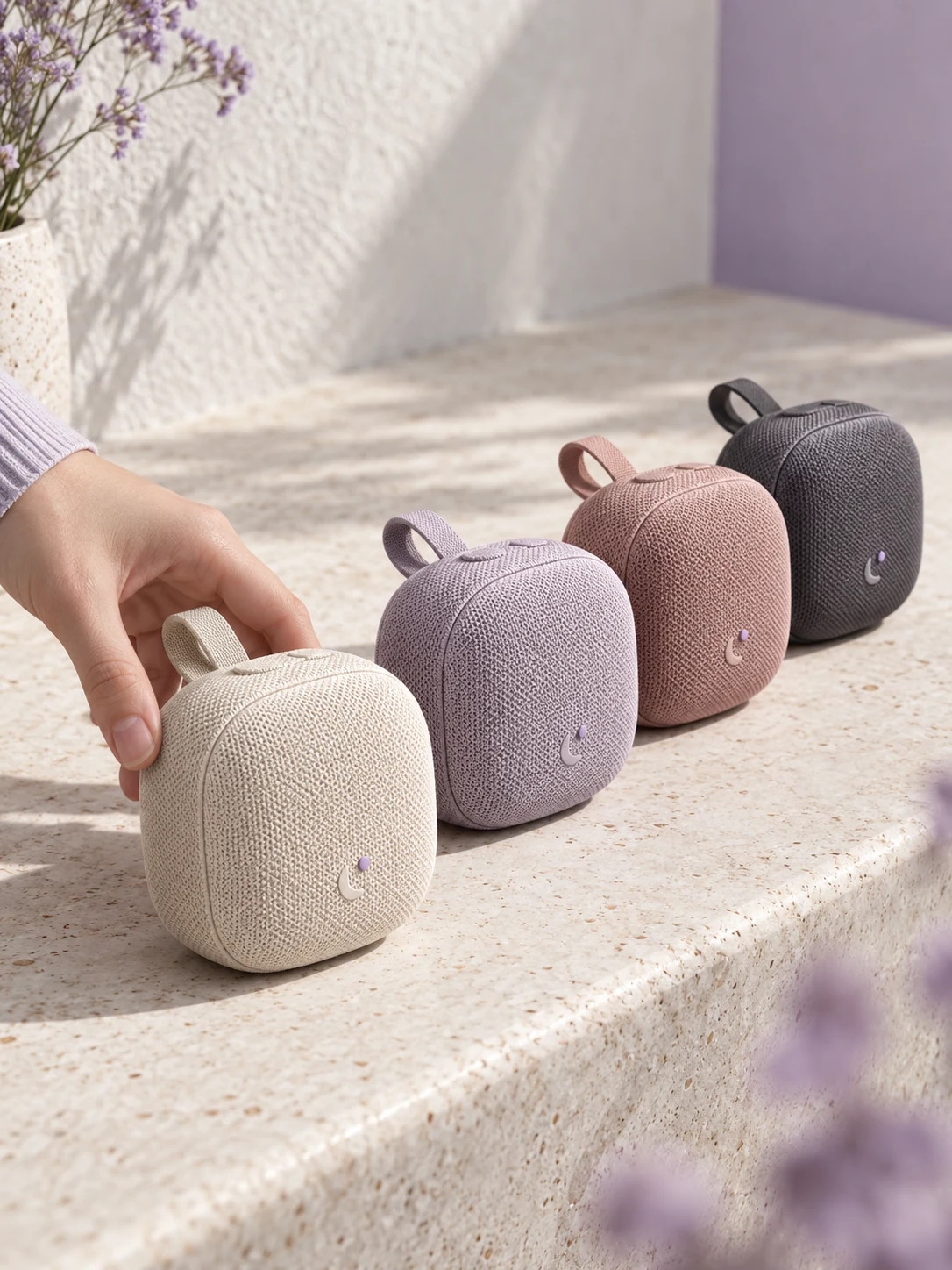
A simple handoff
Stillmore creates the hand-led slides and parallel rows that uncover each item’s name. Watch the examples and select the direction that fits your item.
Upload exactly four product photos and provide their names. Similar overall shapes work best. A store interior photo is optional.
Stillmore produces and checks the video, then delivers it with matching social copy in My Creations. You review the details and publish.
Made for your business
A range can be hard to compare across separate posts. Stillmore builds Swipe Reveal from four product photos and names, turning related drinks, shades or colors into one organized introduction without requiring you to film matching movements.
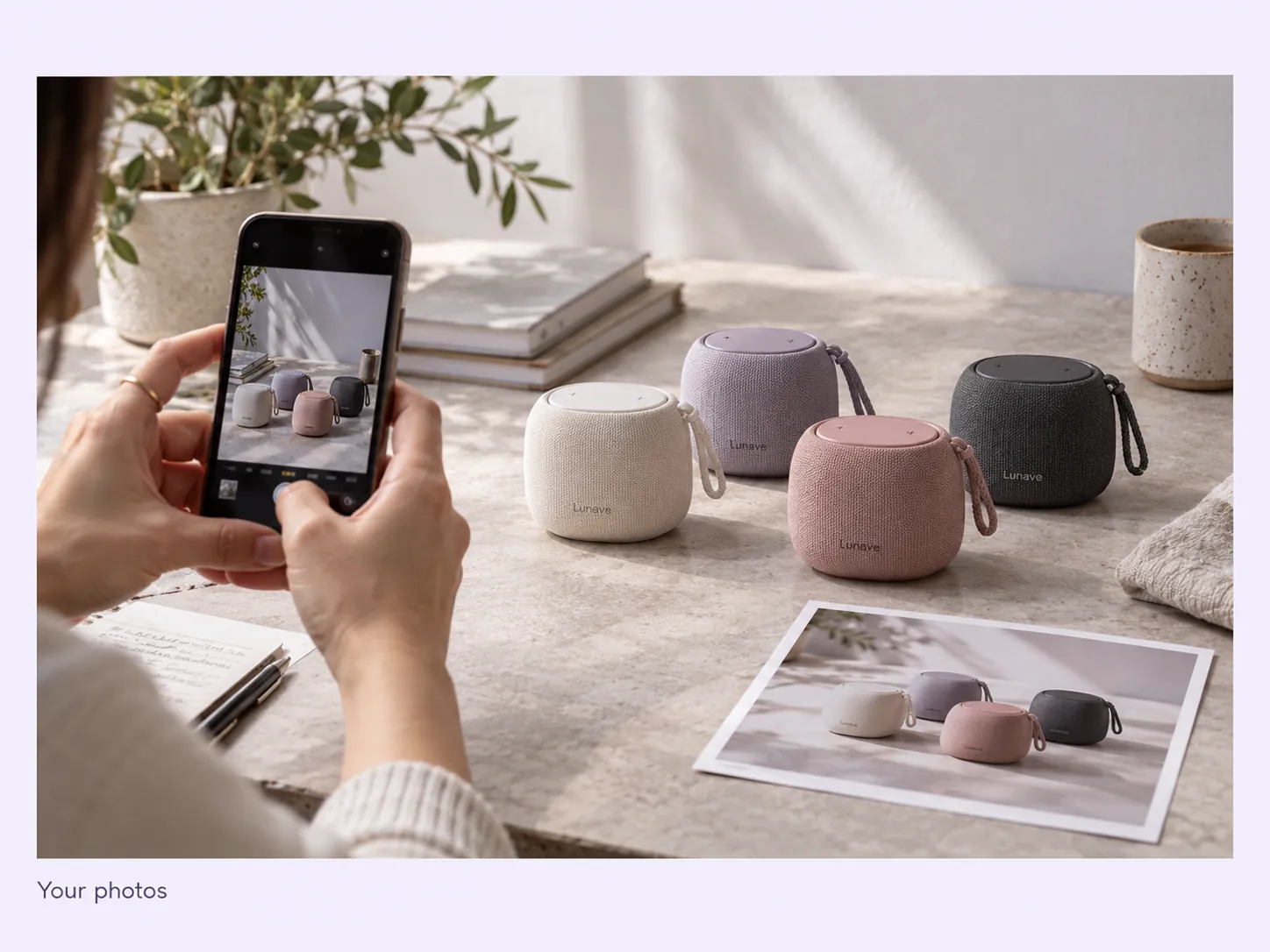
Stillmore creates the hand-led slides and parallel rows that uncover each item’s name. Viewers can follow both the visual differences and the labels, giving the range a clearer structure than a quick slideshow of disconnected product images.
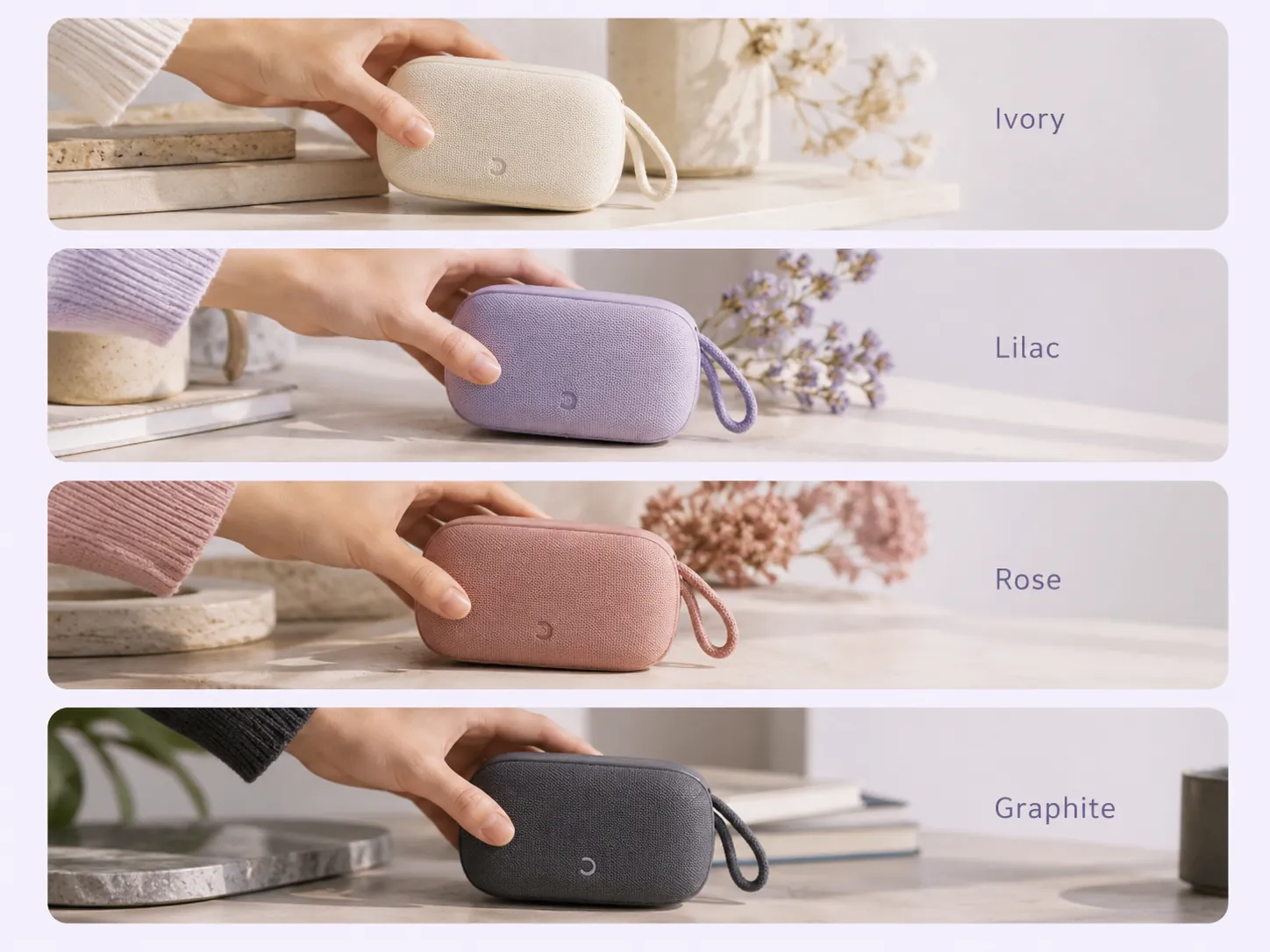
Stillmore uses the four names in the order of your supplied photos to guide the reveal. Check spelling and pairing in your brief, and add an optional store reference when the lineup should connect to a recognizable setting.
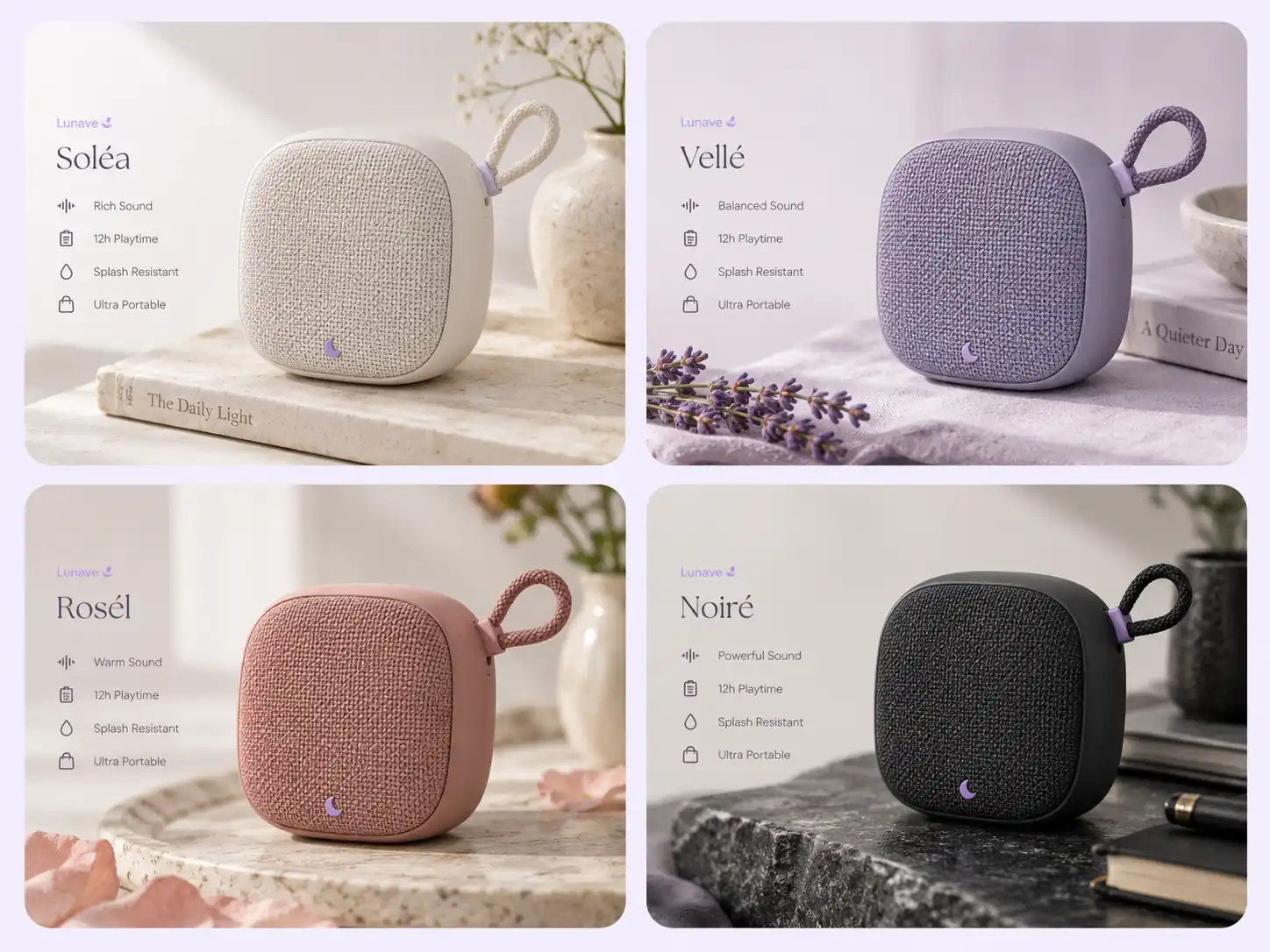
Stillmore produces and checks the matching movements and sequence from your references. You do not need to align four separate shoots or edit the reveal timing yourself, leaving you to choose a coherent lineup and review the result.
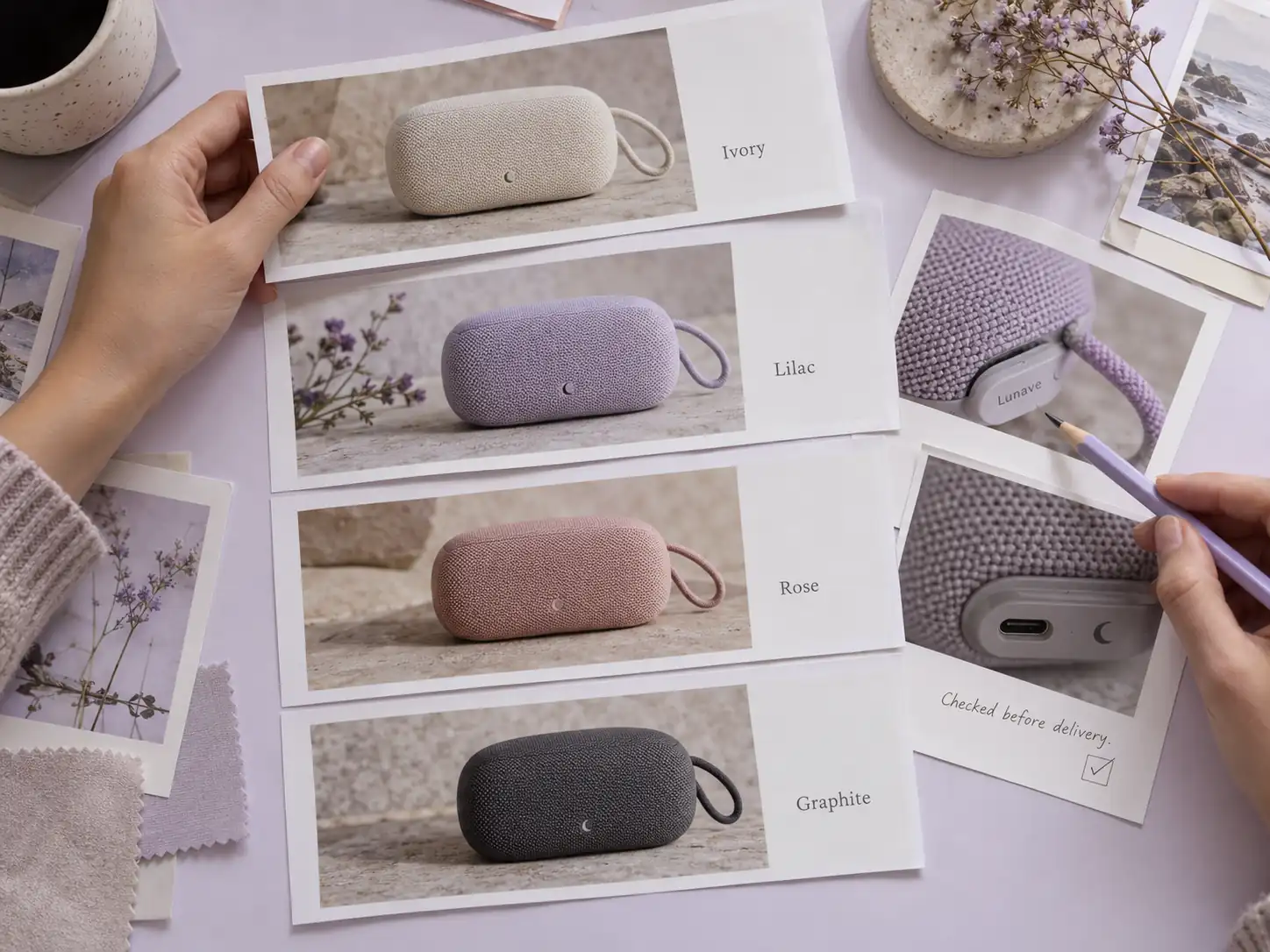
Stillmore includes matching social copy with your completed video. Review the names and availability, add a menu or collection link with the options shown, and publish a range introduction that gives viewers somewhere useful to go.

Find your fit
Four related items with similar shapes make the rows easy to follow. Color, flavor or shade can supply the visible difference.
A milk tea commercial can make different drink colors and names easy to compare in parallel rows. Swipe Reveal suits a four-item menu selection with similar cups, where the slide introduces each flavor without turning the post into a long menu list.
A lip product video can present four visually distinct shades with their matching names. Choose consistent packaging and clear reference photos; the reveal introduces the selection, while actual shade or wear claims should come from your verified product information.
A speaker product video can show a compact range of colors in a tidy, coordinated sequence. The similar product shapes keep the four rows readable, making this useful for a color selection rather than a comparison of audio specifications.
Your call
For a specific idea
Want the Swipe Reveal direction shown here? Choose this Inspiration and submit its required materials. Our team produces and checks your version.
For ongoing content
Want ongoing content without choosing every style? Add suitable photos and enable automatic creation once your plan’s requirements are met. Our team chooses the creative.
Explore Inspirations
Good to know
A swipe reveal video introduces several products through a hand-led sliding movement. Stillmore’s Swipe Reveal Inspiration arranges four items in parallel rows and reveals their names as the products move. It is a clear way to present a small range, especially when the items share a similar shape but differ in color, shade or flavor.
No. The form asks for four different products and recommends similar overall shapes; matching color variants are one useful option. Drinks in similar cups or lip products in consistent packaging can also work. Provide accurate names in the same order as the photos so each reveal identifies the correct item.
The current Swipe Reveal form requires exactly four product photos and their names. Similar overall shapes are recommended because they help the parallel rows stay coordinated. If you have three items, compare Goofy Picks; if one item should lead, choose a single-product Inspiration instead.
Stillmore’s team handles production, checks the result and makes adjustments before delivery. You choose Swipe Reveal and supply its required materials; you are not expected to recreate the effect in an editor. Clear production errors are corrected, while Try it and Growth do not include extra revisions for a different mood or creative direction. Choose the sample and references carefully before submitting.
Allow time before your planned post. Standard-plan Inspiration requests arrive within 5 days once the request, payment and required materials are complete. For Swipe Reveal, prepare the materials listed above before you submit; missing inputs delay the starting point. Add-on videos are scheduled separately, one at a time, within 5 days per video, and extra Credits do not speed up production.
Your finished Swipe Reveal video and matching social copy appear in My Creations, and Stillmore emails you when they are ready. Confirm all four names and link to a menu or collection containing the displayed options. You download and publish to your own channels; Stillmore handles creation and delivery rather than posting to your social accounts. Check the selected Inspiration’s format before submitting.
Choose Swipe Reveal, submit its required materials and let Stillmore handle production and review. Your video and matching social copy arrive ready for you to check and publish.