

01
Choose Pawfect Motion.
Stillmore creates the poses, gestures and closer views that give Pawfect Motion its character. Watch the examples and select the direction that fits your item.

FOUNDING OFFERSign up to unlock 35% off your first plan.

Pawfect Motion · Inspiration
Turn a clear animal portrait into a playful moving scene, keeping the pet’s face and personality at the center.
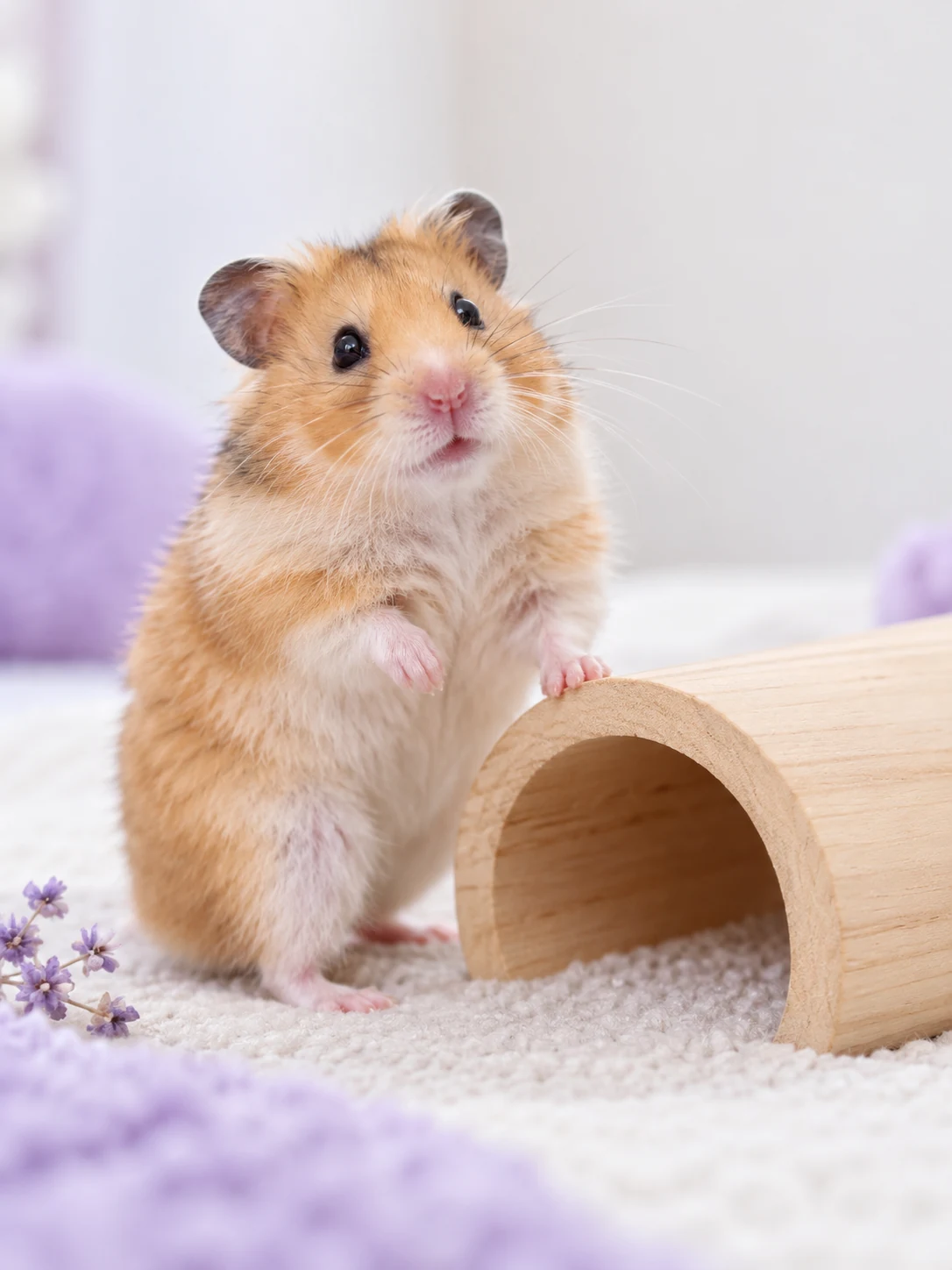
A simple handoff
Stillmore creates the poses, gestures and closer views that give Pawfect Motion its character. Watch the examples and select the direction that fits your item.
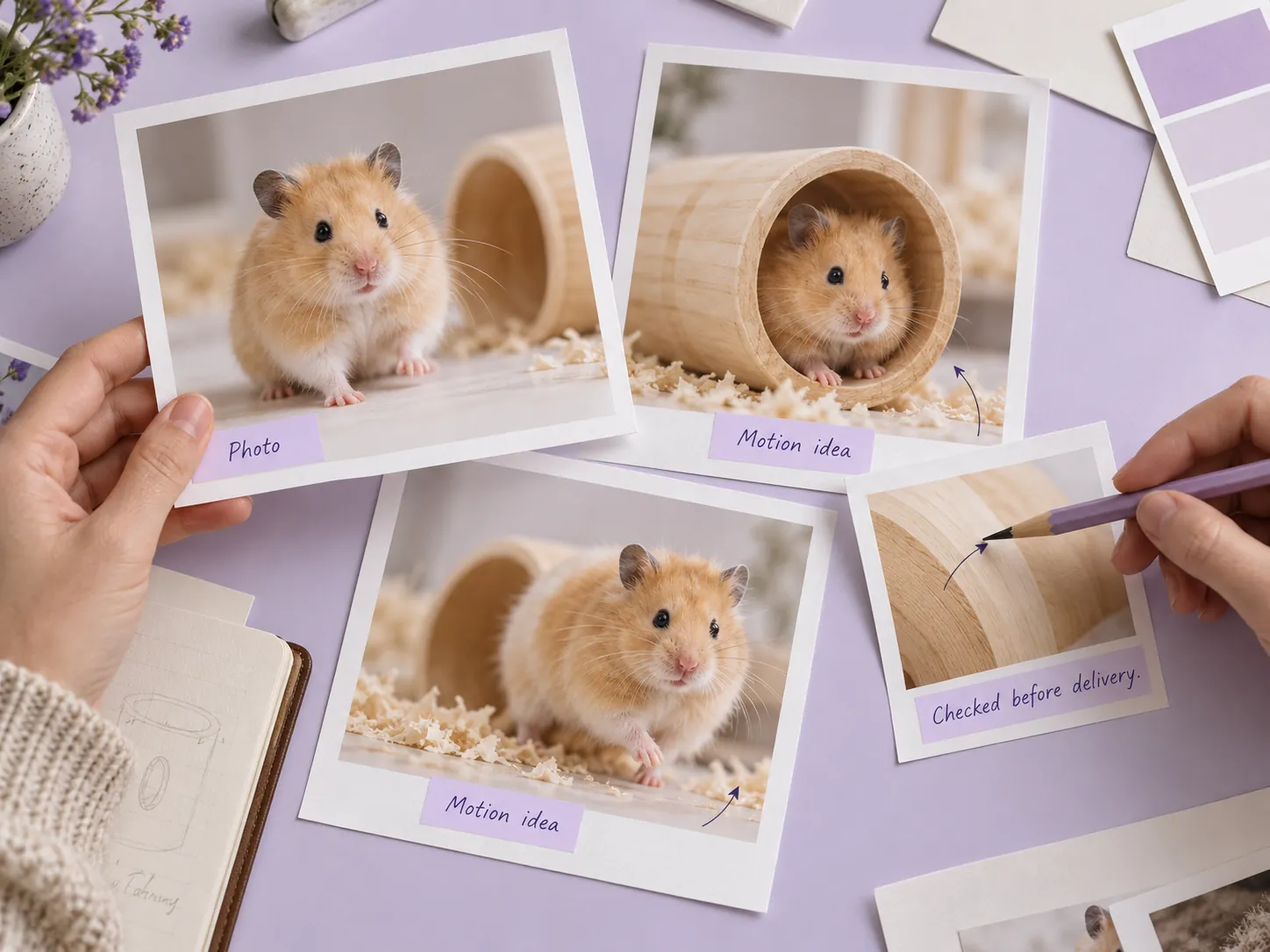
Upload one Animal Photo. The current form has no required product, logo or model field; its guidance says furry pets work best.
Stillmore produces and checks the video, then delivers it with matching social copy in My Creations. You review the details and publish.
Made for your business
Capturing the right animal moment on video can take time. Stillmore uses one clear photo as the reference for a playful moving portrait, giving your pet-led post a new form without waiting for another perfect take.
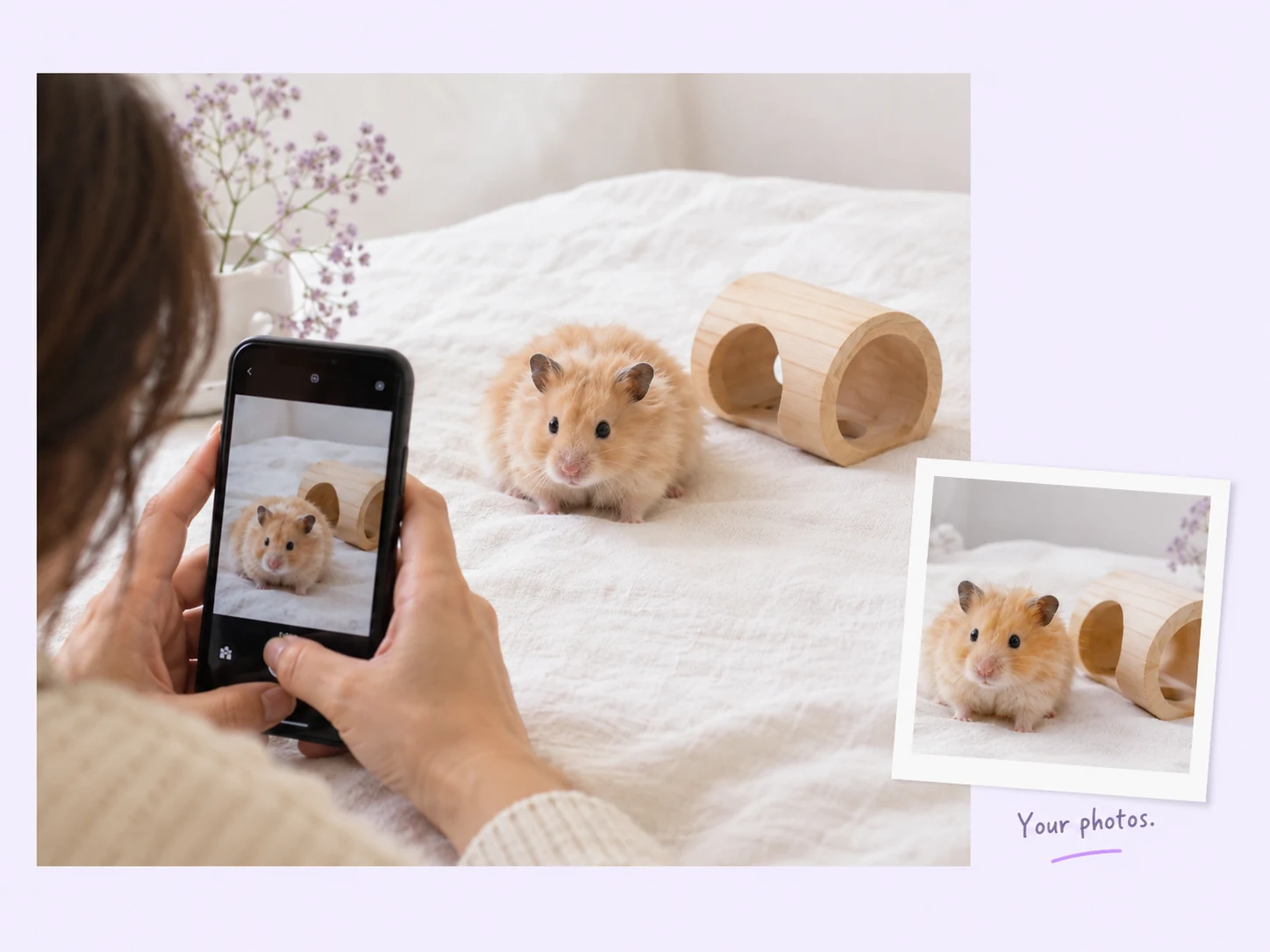
Stillmore creates the poses, gestures and closer views that give Pawfect Motion its character. The animal stays the subject of the creative, letting you refresh a familiar portrait without presenting the animation as a real trick or behavior demonstration.
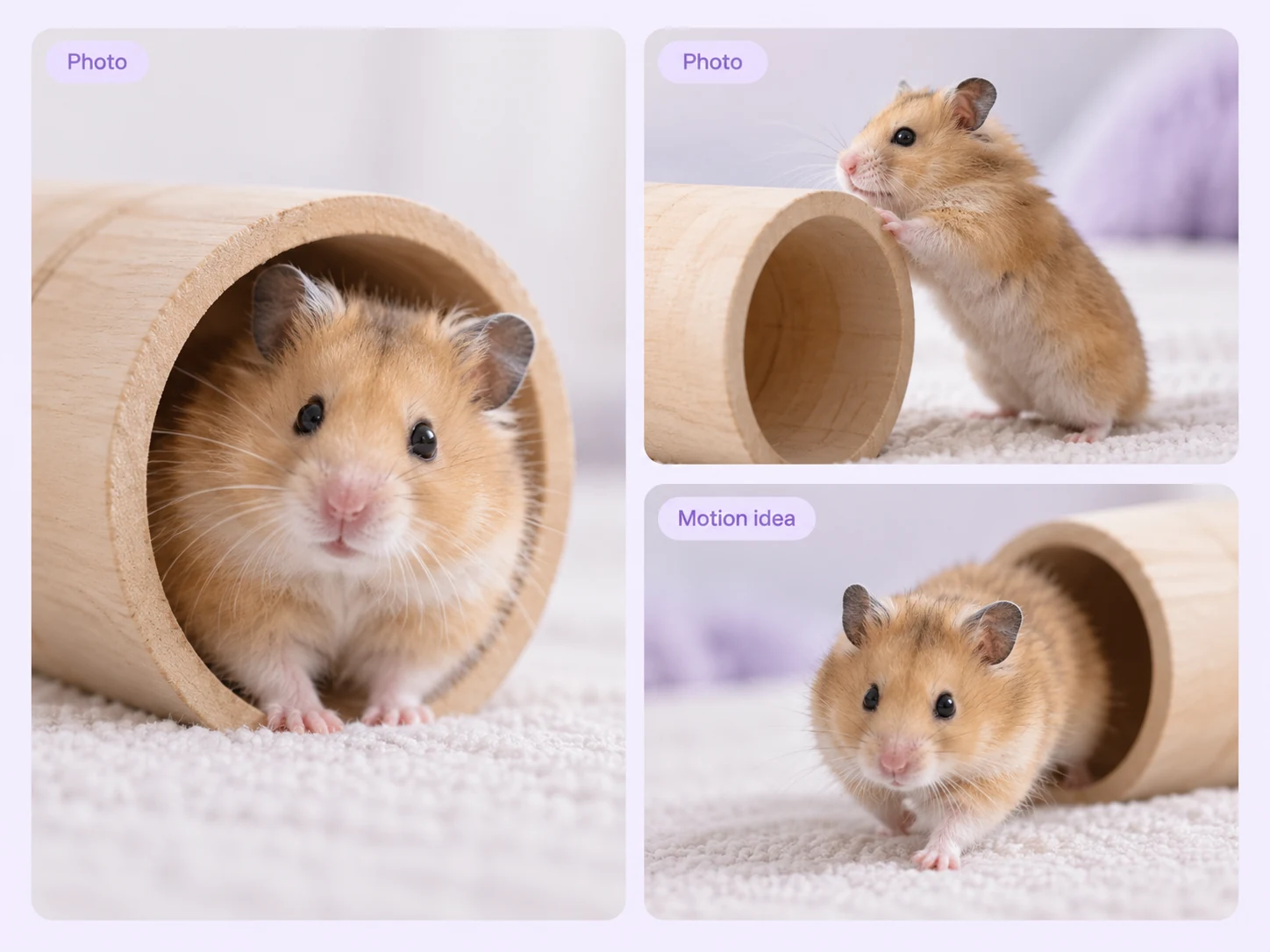
Stillmore builds this Inspiration from an animal photo, with no required product or logo field. Choose it for a pet-led post; if a retail item must be the focus, our product-led Inspirations offer a more suitable starting point.
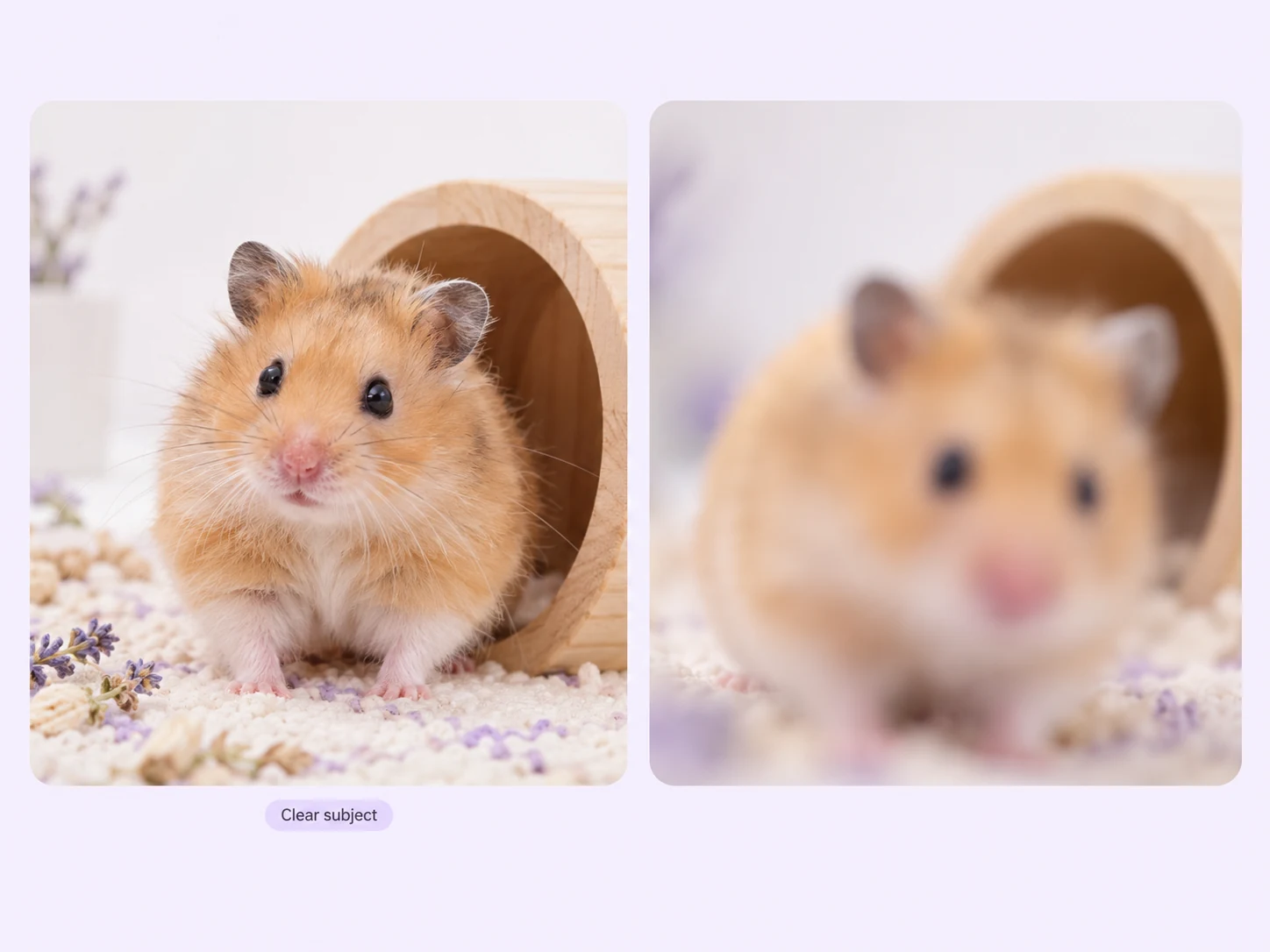
Stillmore handles the animated scene and reviews it before delivery. You supply the photo without directing the animal through repeated actions, then check the playful interpretation before sharing it with people who know the pet.
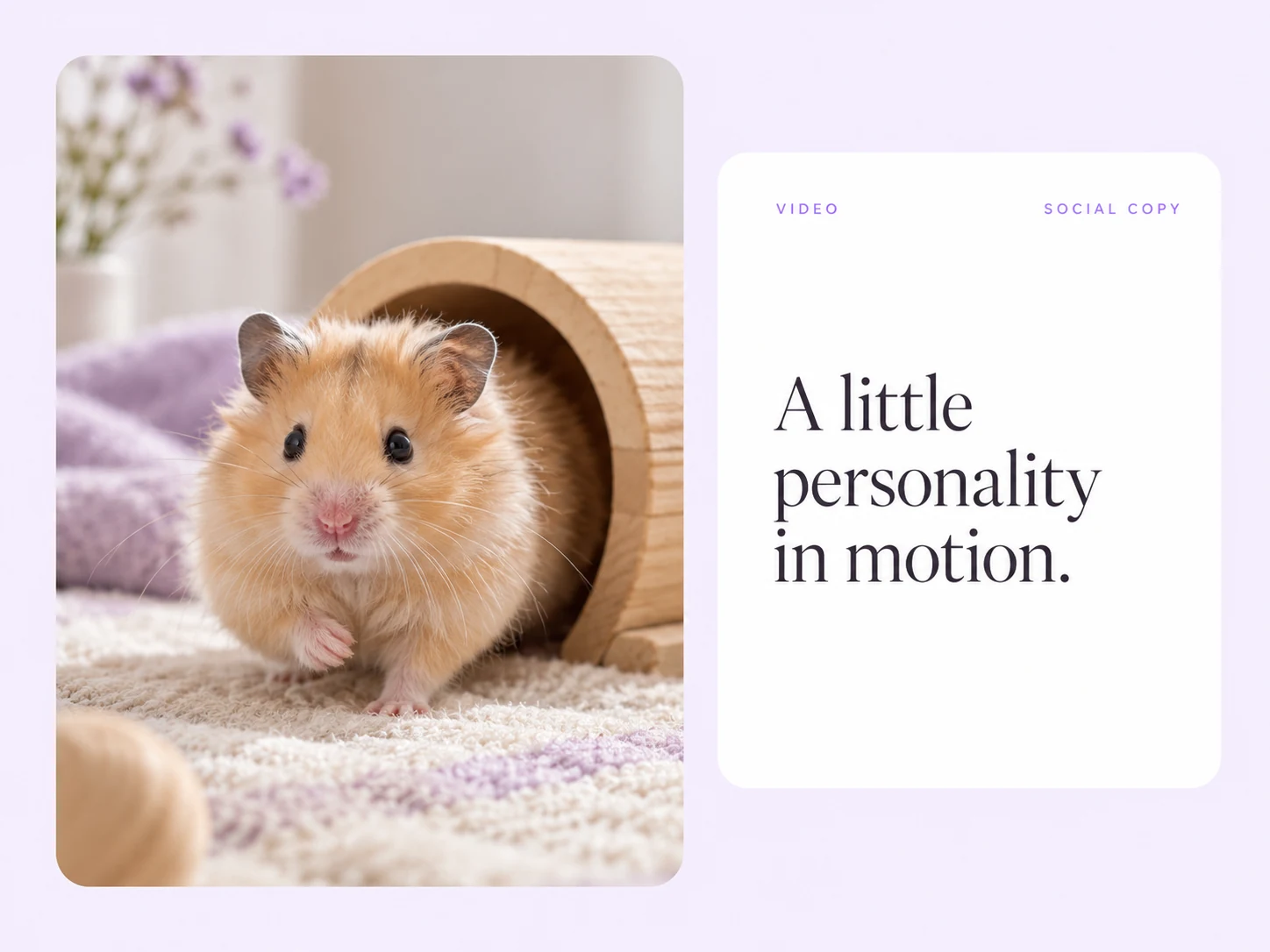
Stillmore includes matching social copy with the video in My Creations. Add the animal’s name and relevant context after checking the wording, then publish the finished portrait without a separate round of writing from scratch.
Find your fit
The animal is the subject of this Inspiration. Start with a clear portrait and compare the relevant example below.
An animated hamster video works best when the tiny face and paws remain easy to see. The hamster sample centers those details, making Pawfect Motion a suitable direction for a pet-led update rather than an advertisement for an unrelated packaged product.
An animated dog video can add a playful moment to a recognizable pet portrait. The dog example is a creative scene, so a groomer, pet shop or owner should avoid presenting it as proof of real trained behavior or a product’s effect.
An animated parrot video can make a bright, recognizable bird the whole subject. Although the form recommends furry pets, the official parrot sample shows a feathered option too; use a clear reference and judge the style from that example.
Your call
For a specific idea
Want the Pawfect Motion direction shown here? Choose this Inspiration and submit its required materials. Our team produces and checks your version.
For ongoing content
Want ongoing content without choosing every style? Add suitable photos and enable automatic creation once your plan’s requirements are met. Our team chooses the creative.
Explore Inspirations
Good to know
Animal photo animation adds playful movement to a still animal image. Stillmore’s Pawfect Motion Inspiration focuses on the pet rather than a packaged product, with hamster, dog and parrot examples. It is a creative animation from a photo, not evidence that the animal actually performed the movements shown.
The current form accepts an animal photo and says furry friends work best. The official examples include a hamster, dog and parrot, so the library is not limited to cats and dogs. Choose a clear photo with a recognizable face and body, then compare the relevant sample before requesting the style.
Pawfect Motion is centered on an animal photo, not a product upload. It can fit pet-led social content when the animal is the subject, but the current form does not establish a way to guarantee placement of a particular retail item. Choose a product-centered Inspiration when the item you sell must lead the video.
Stillmore’s team handles production, checks the result and makes adjustments before delivery. You choose Pawfect Motion and supply its required materials; you are not expected to recreate the effect in an editor. Clear production errors are corrected, while Try it and Growth do not include extra revisions for a different mood or creative direction. Choose the sample and references carefully before submitting.
Allow time before your planned post. Standard-plan Inspiration requests arrive within 5 days once the request, payment and required materials are complete. For Pawfect Motion, prepare the materials listed above before you submit; missing inputs delay the starting point. Add-on videos are scheduled separately, one at a time, within 5 days per video, and extra Credits do not speed up production.
Your finished Pawfect Motion video and matching social copy appear in My Creations, and Stillmore emails you when they are ready. Use the animal’s name if appropriate and make the creative nature of the motion clear. You download and publish to your own channels; Stillmore handles creation and delivery rather than posting to your social accounts. Check the selected Inspiration’s format before submitting.
Choose Pawfect Motion, submit its required materials and let Stillmore handle production and review. Your video and matching social copy arrive ready for you to check and publish.