

01
Choose Blueprint to Reality.
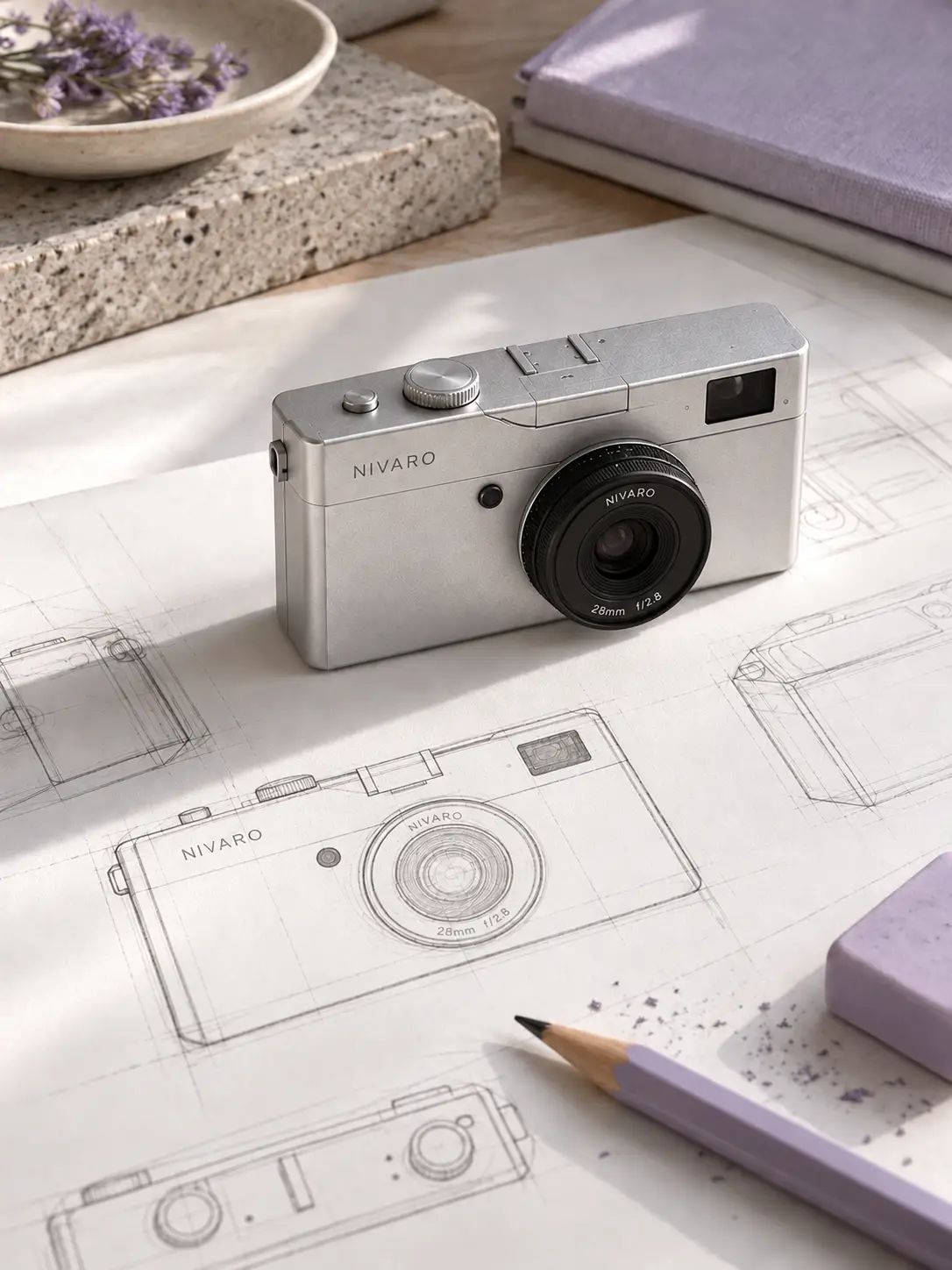
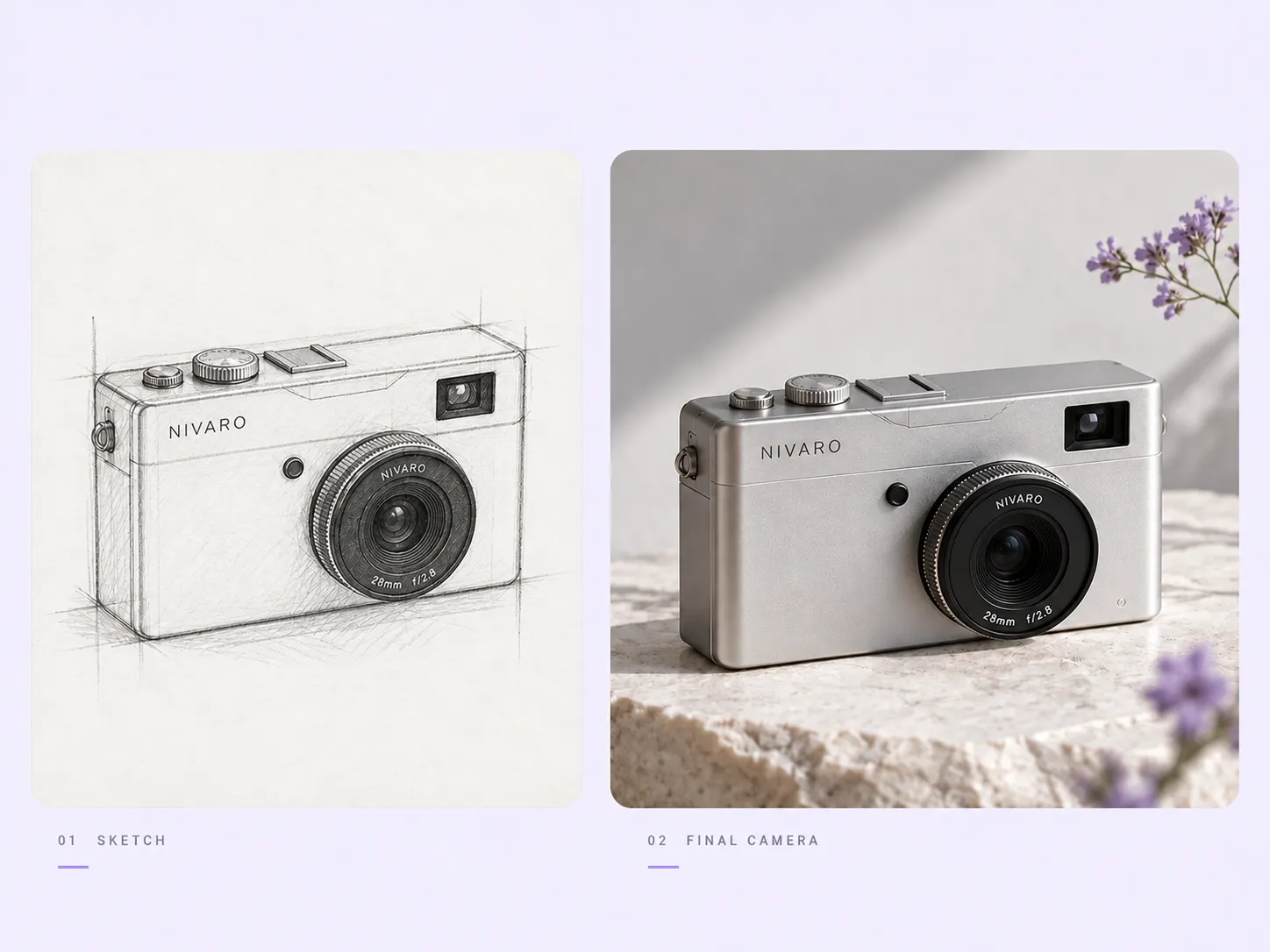
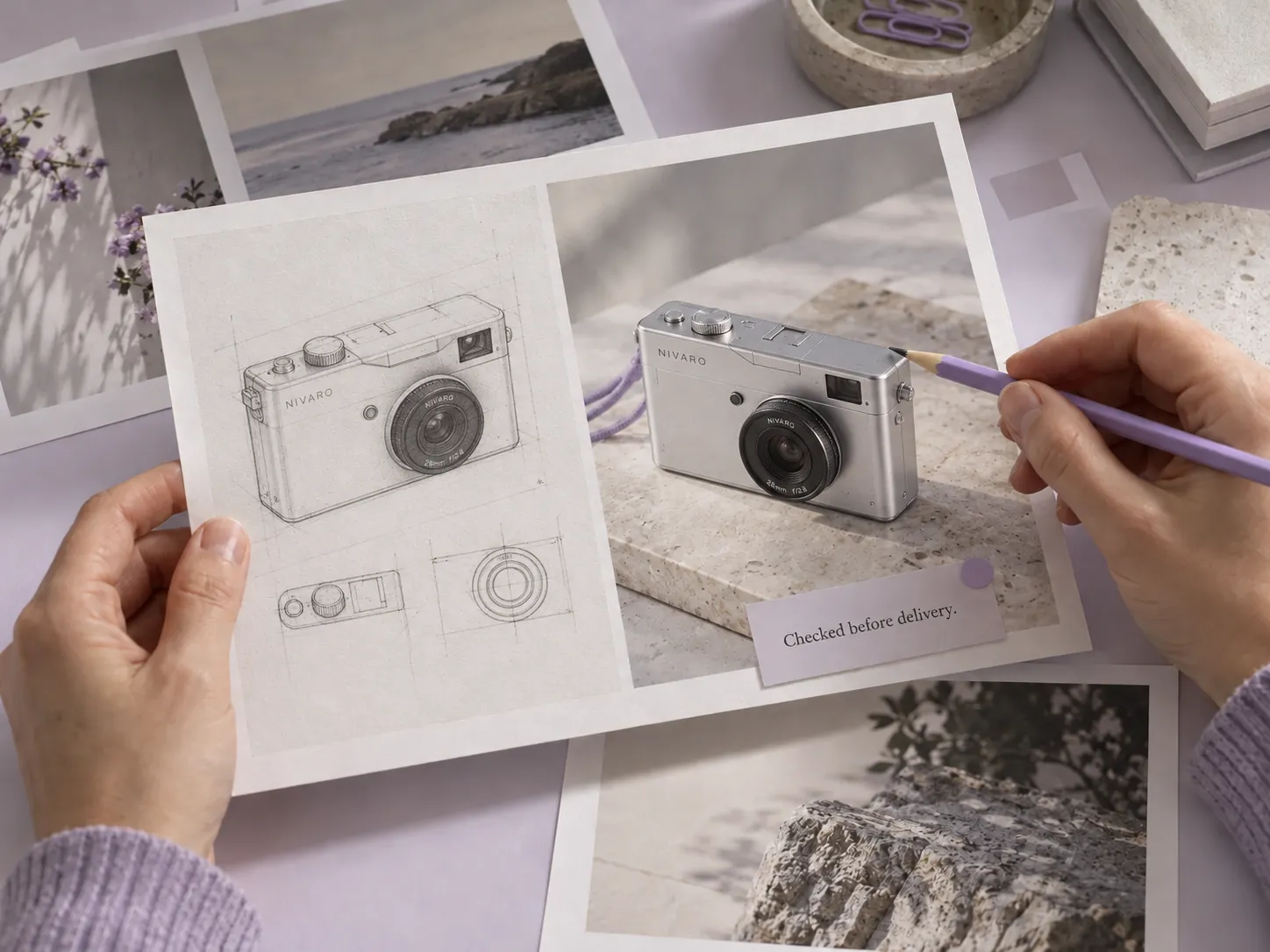
Stillmore turns the outline-to-object transition into the opening, then moves closer to the finished product. Watch the examples and select the direction that fits your item.

FOUNDING OFFERSign up to unlock 35% off your first plan.

Blueprint to Reality · Inspiration
Introduce your product through its shape, details and finished form with the Blueprint to Reality video style.
A simple handoff
Stillmore turns the outline-to-object transition into the opening, then moves closer to the finished product. Watch the examples and select the direction that fits your item.
Send one clear photo of one complete product. A logo and tagline are optional; the current form does not require a blueprint.
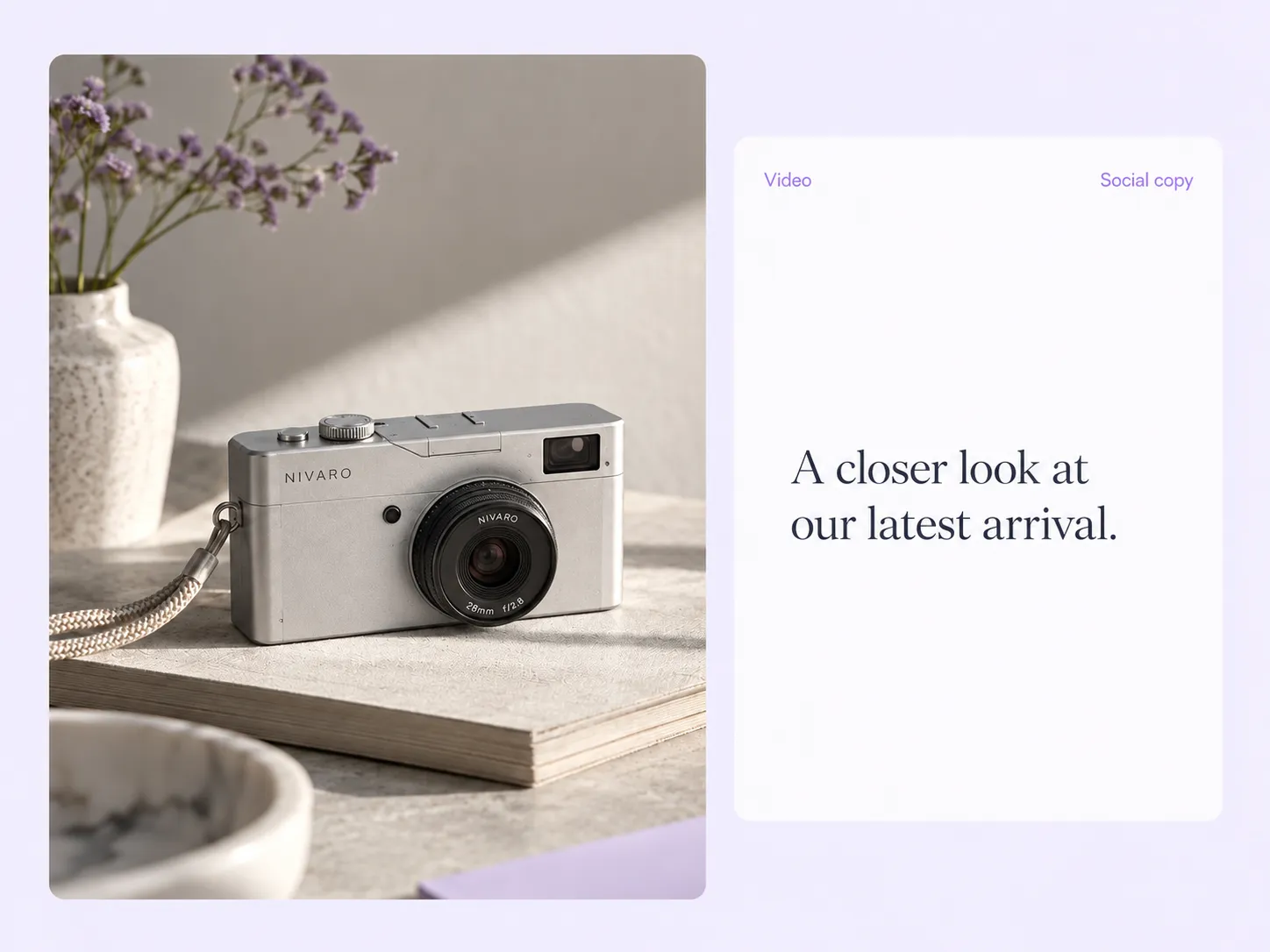
Stillmore produces and checks the video, then delivers it with matching social copy in My Creations. You review the details and publish.
Made for your business
You have a finished product, not an animation brief. Stillmore starts with one clear product photo and builds the blueprint-style reveal around it, so you can introduce the design without preparing technical drawings yourself.
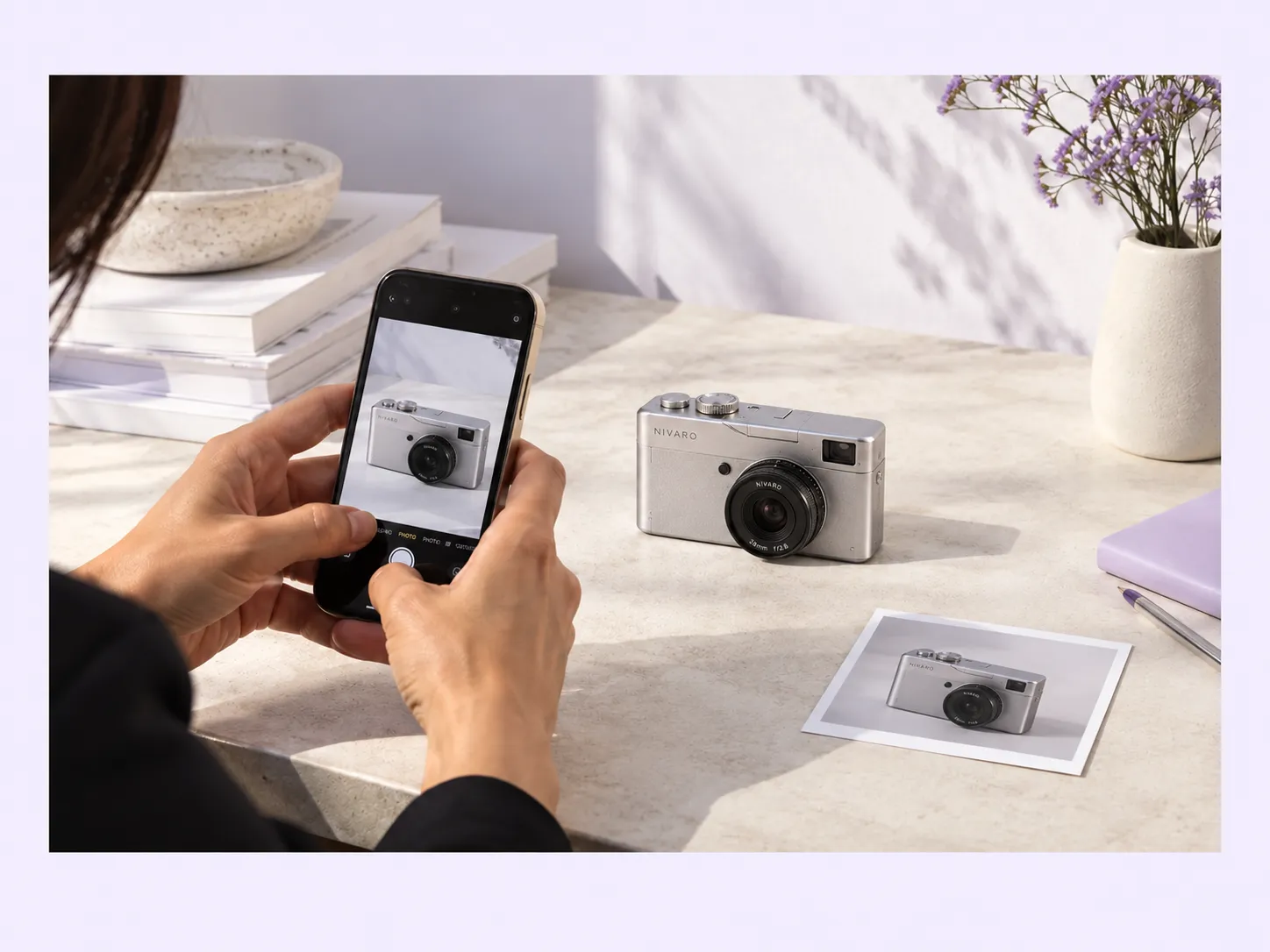
Stillmore turns the outline-to-object transition into the opening, then moves closer to the finished product. That sequence gives viewers time to notice the silhouette, controls or surface details that disappear in an ordinary catalog shot.
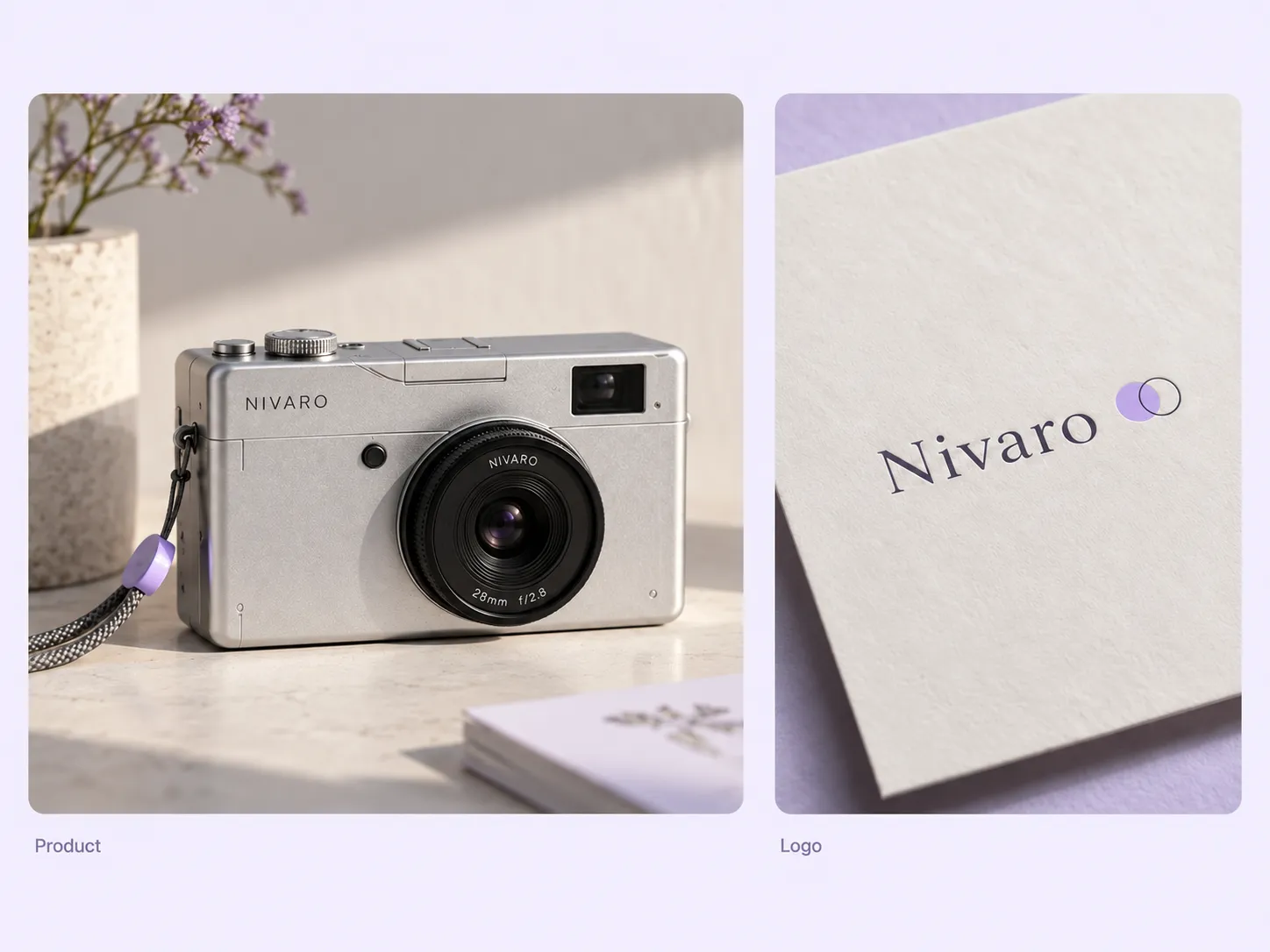
A cinematic introduction should still belong to your business. Stillmore uses the optional logo and tagline you provide to guide the branded presentation, connecting the visual effect to the product and message you want remembered.
Stillmore produces and checks the outline transition, lighting and camera movement from your reference. You get a design-led commercial without learning animation software; the blueprint look remains a creative treatment, not a verified engineering diagram.
Stillmore delivers matching social copy with your finished video. Review the model name and any specifications, add the correct product link, and publish a design introduction that gives interested viewers a clear next step.
Find your fit
Distinct shapes, controls and surfaces give the outline-to-product transition something useful to reveal.
A camera commercial can use the outline to introduce the body, then move into the lens and controls. This sample suits products whose design is easy to recognize from a clear front or three-quarter photograph.
For a speaker product video, the curved housing and visible controls can carry the reveal. The audio sample moves from a technical-looking drawing to the finished speaker; it shows physical design rather than proving sound quality.
The gaming console product video and gaming mouse example both have distinct shapes and tactile details to reveal. Choose this approach for a recognizable device, with accurate product references and any real specifications kept separate from the visual effect.
Your call
For a specific idea
Want the Blueprint to Reality direction shown here? Choose this Inspiration and submit its required materials. Our team produces and checks your version.
For ongoing content
Want ongoing content without choosing every style? Add suitable photos and enable automatic creation once your plan’s requirements are met. Our team chooses the creative.
Explore Inspirations
Good to know
A blueprint to product reveal video moves from a technical-looking outline into a finished product, then uses close-ups and cinematic motion to show its design. Stillmore’s Blueprint to Reality Inspiration makes the transformation the opening of the commercial. The blueprint imagery is a creative device, not a verified engineering drawing or proof of how the product was manufactured.
Use one clear photo of a single, complete product, with its original colors and as little obstruction as possible. A clean original file is more useful than a repeatedly compressed screenshot. Stillmore uses that reference to create and review the reveal; missing technical details should not be treated as verified features.
No. The current Blueprint to Reality form requires one product photo and offers optional logo and tagline fields. Its blueprint treatment is part of the creative presentation. Do not use the resulting drawing as a technical specification or a claim about internal construction.
Stillmore’s team handles production, checks the result and makes adjustments before delivery. You choose Blueprint to Reality and supply its required materials; you are not expected to recreate the effect in an editor. Clear production errors are corrected, while Try it and Growth do not include extra revisions for a different mood or creative direction. Choose the sample and references carefully before submitting.
Allow time before your planned post. Standard-plan Inspiration requests arrive within 5 days once the request, payment and required materials are complete. For Blueprint to Reality, prepare the materials listed above before you submit; missing inputs delay the starting point. Add-on videos are scheduled separately, one at a time, within 5 days per video, and extra Credits do not speed up production.
Your finished Blueprint to Reality video and matching social copy appear in My Creations, and Stillmore emails you when they are ready. Check any specifications in your caption and link to the correct model. You download and publish to your own channels; Stillmore handles creation and delivery rather than posting to your social accounts. Check the selected Inspiration’s format before submitting.
Choose Blueprint to Reality, submit its required materials and let Stillmore handle production and review. Your video and matching social copy arrive ready for you to check and publish.