

01
Choose Float Frame.
Stillmore creates the nearly still portrait and moving objects that define Float Frame. Watch the examples and select the direction that fits your item.

FOUNDING OFFERSign up to unlock 35% off your first plan.

Float Frame · Inspiration
Keep the person almost still while your products move around them in a calm, lifestyle-led Float Frame video.
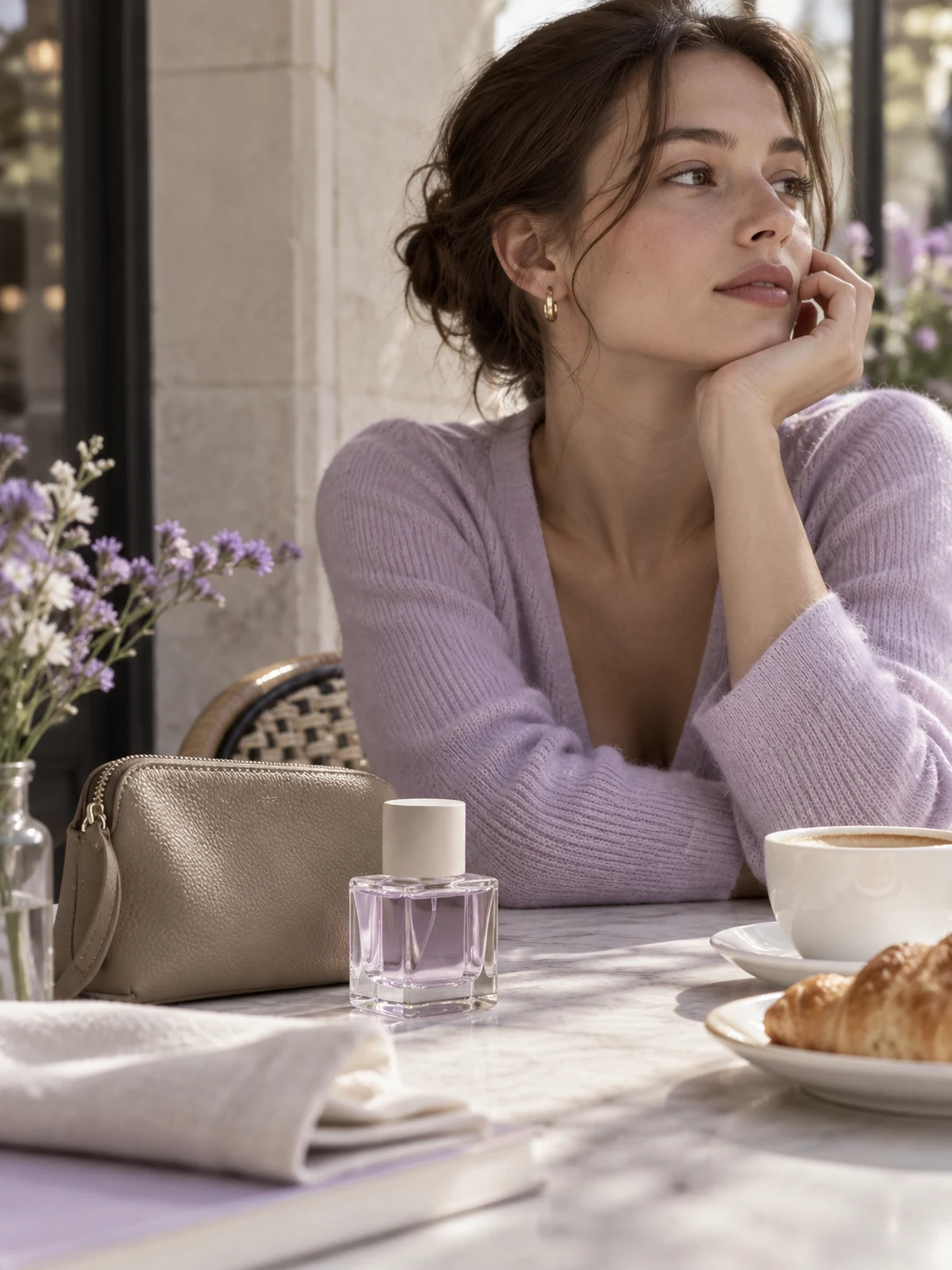
A simple handoff
Stillmore creates the nearly still portrait and moving objects that define Float Frame. Watch the examples and select the direction that fits your item.
One product photo is required. You can add a scene description, a model reference and 1–5 additional object photos in the optional fields.
Stillmore produces and checks the video, then delivers it with matching social copy in My Creations. You review the details and publish.
Made for your business
A crowded lifestyle post can hide the item you want to sell. Stillmore builds a composed portrait around your main product photo, using the setting to give it context while keeping the visual idea easy to follow.
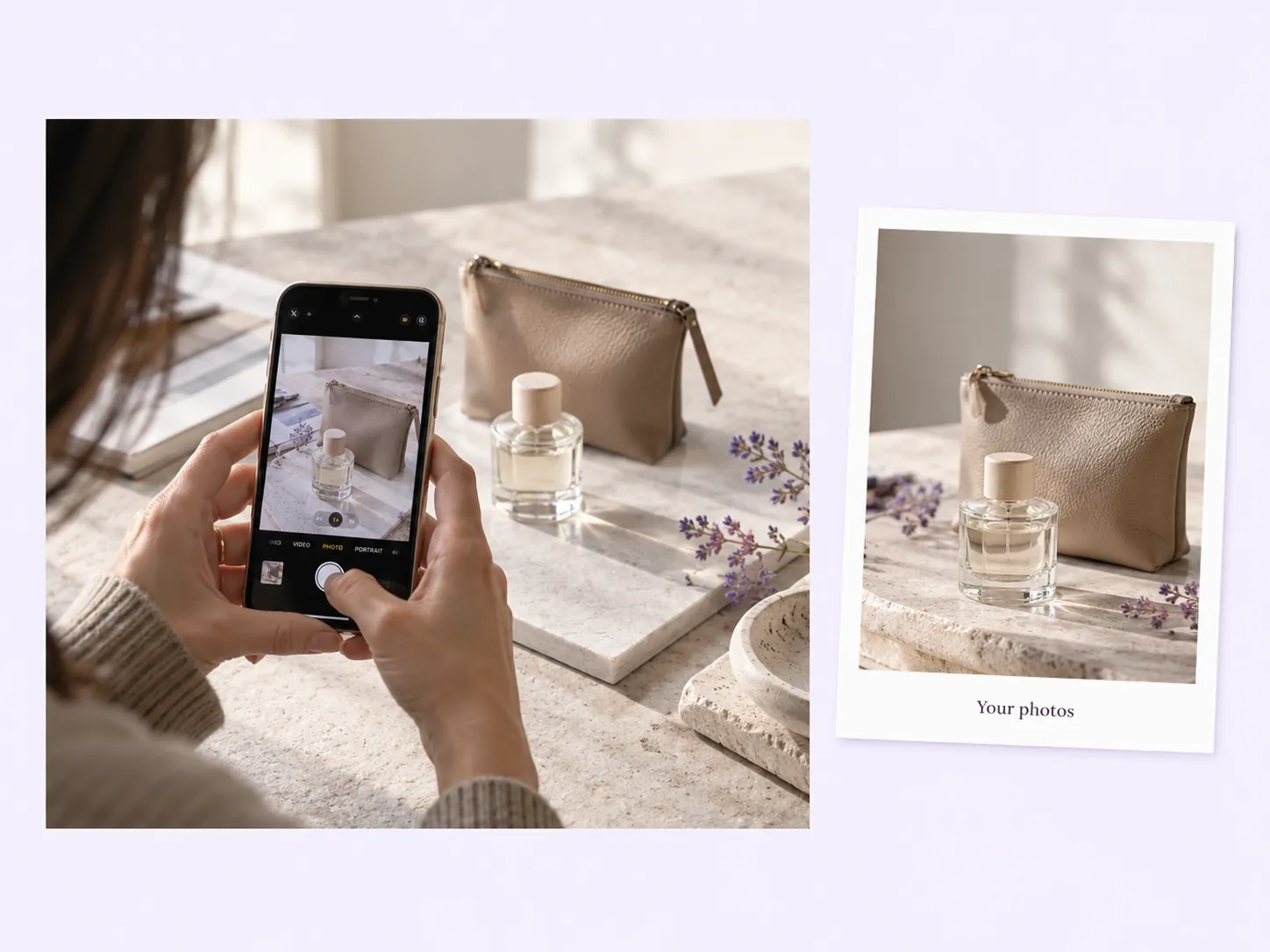
Stillmore creates the nearly still portrait and moving objects that define Float Frame. You get the calm feel of a photograph with something new to watch, without turning a café moment or beauty routine into a fast montage.
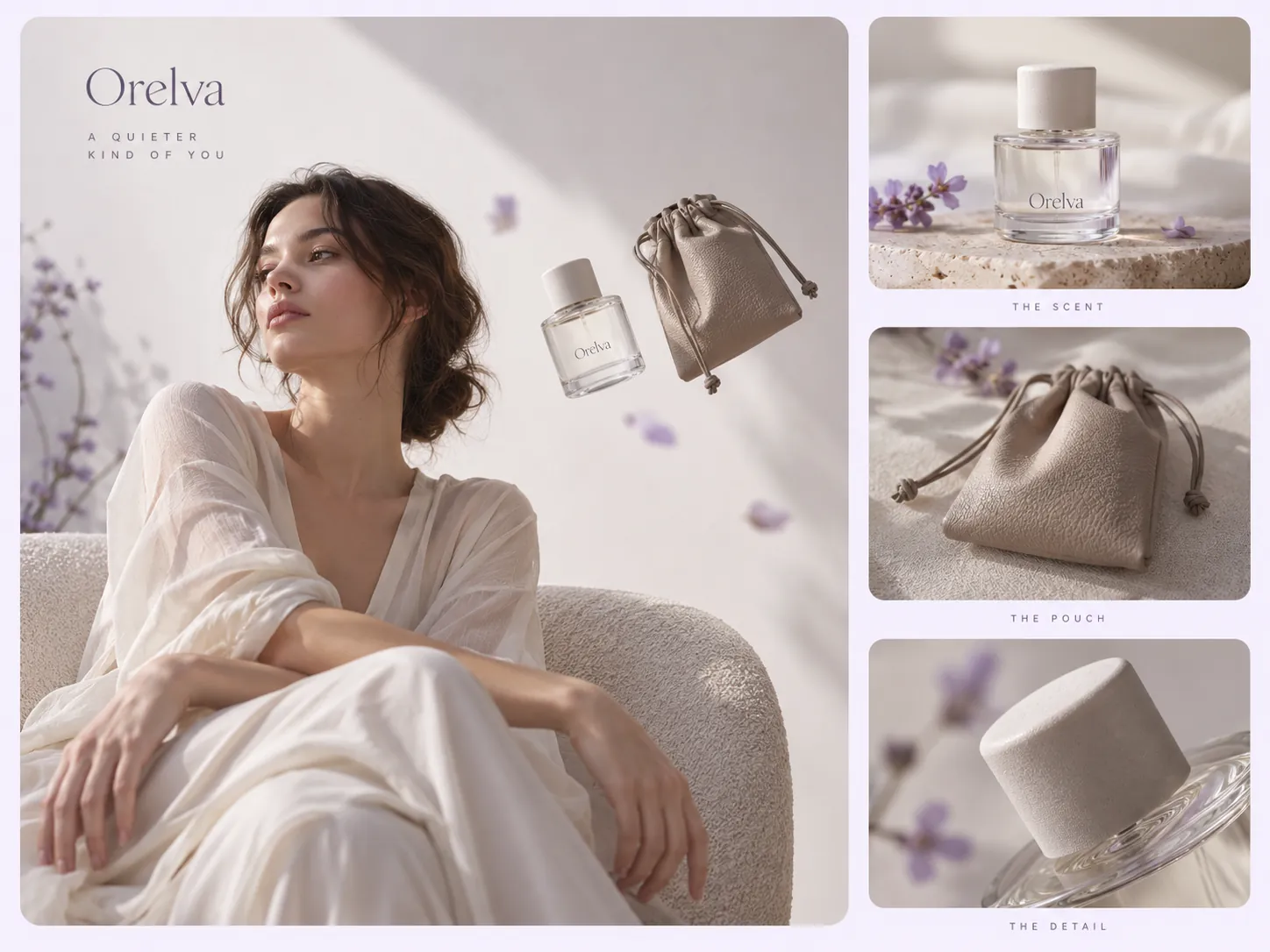
Stillmore uses your optional scene description, model reference and extra object photos to guide the composition. A drink, bag or beauty item can share a recognizable moment, giving the team more direction than a generic lifestyle request.
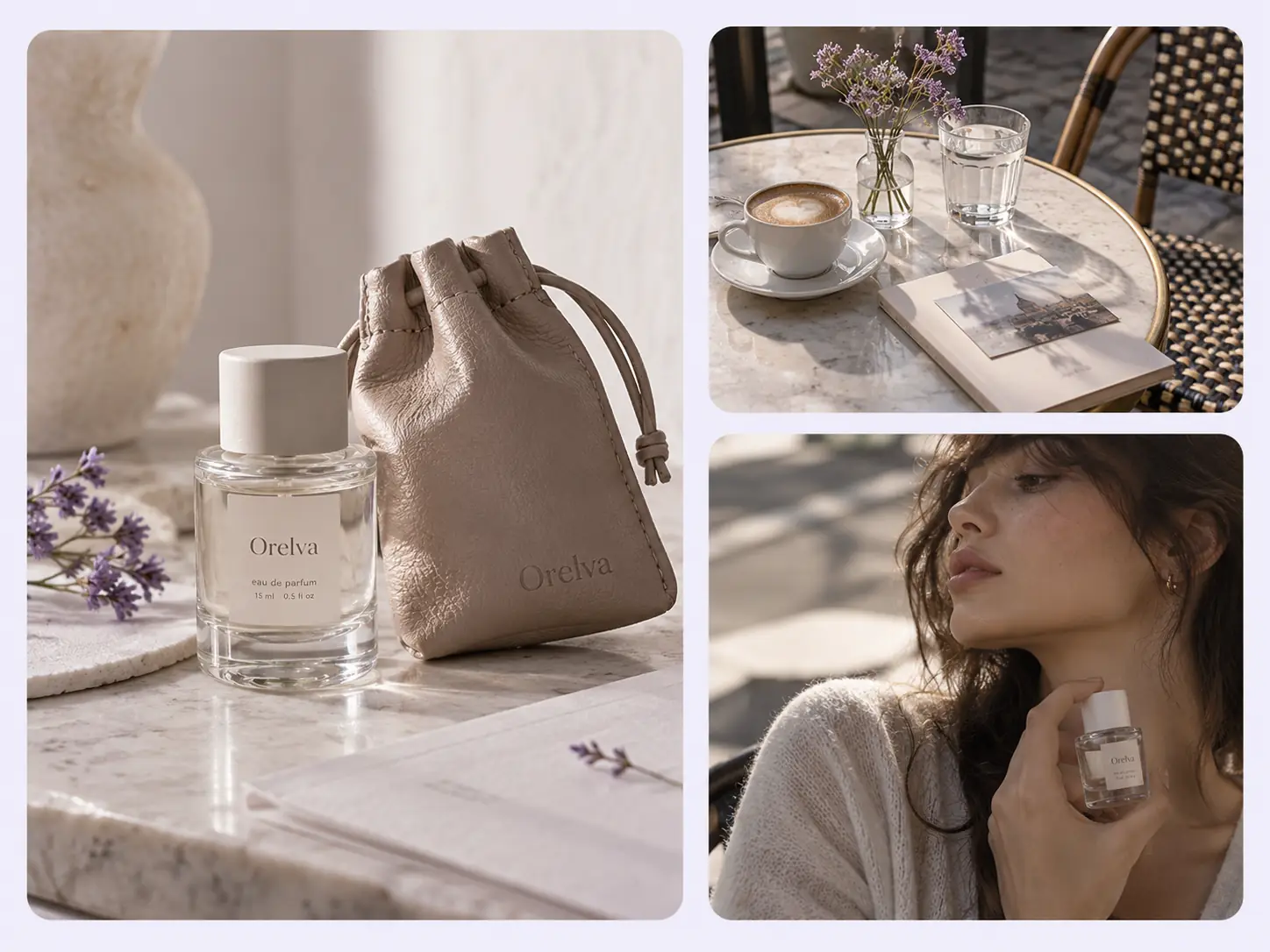
Subtle motion still takes careful production. Stillmore creates the scene and checks it before delivery, so you can request this moving portrait without arranging props, directing a model or editing several separately filmed objects together.
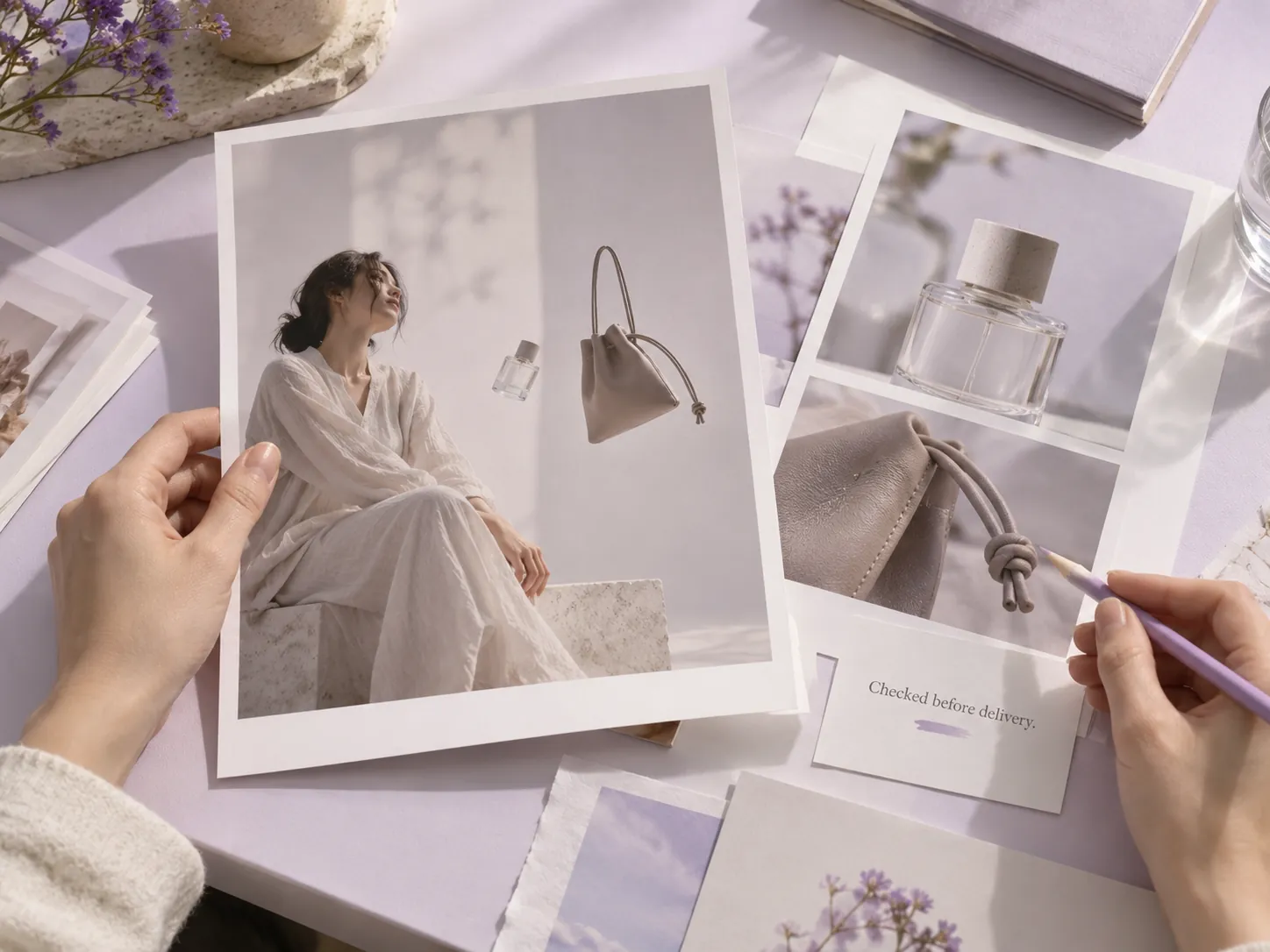
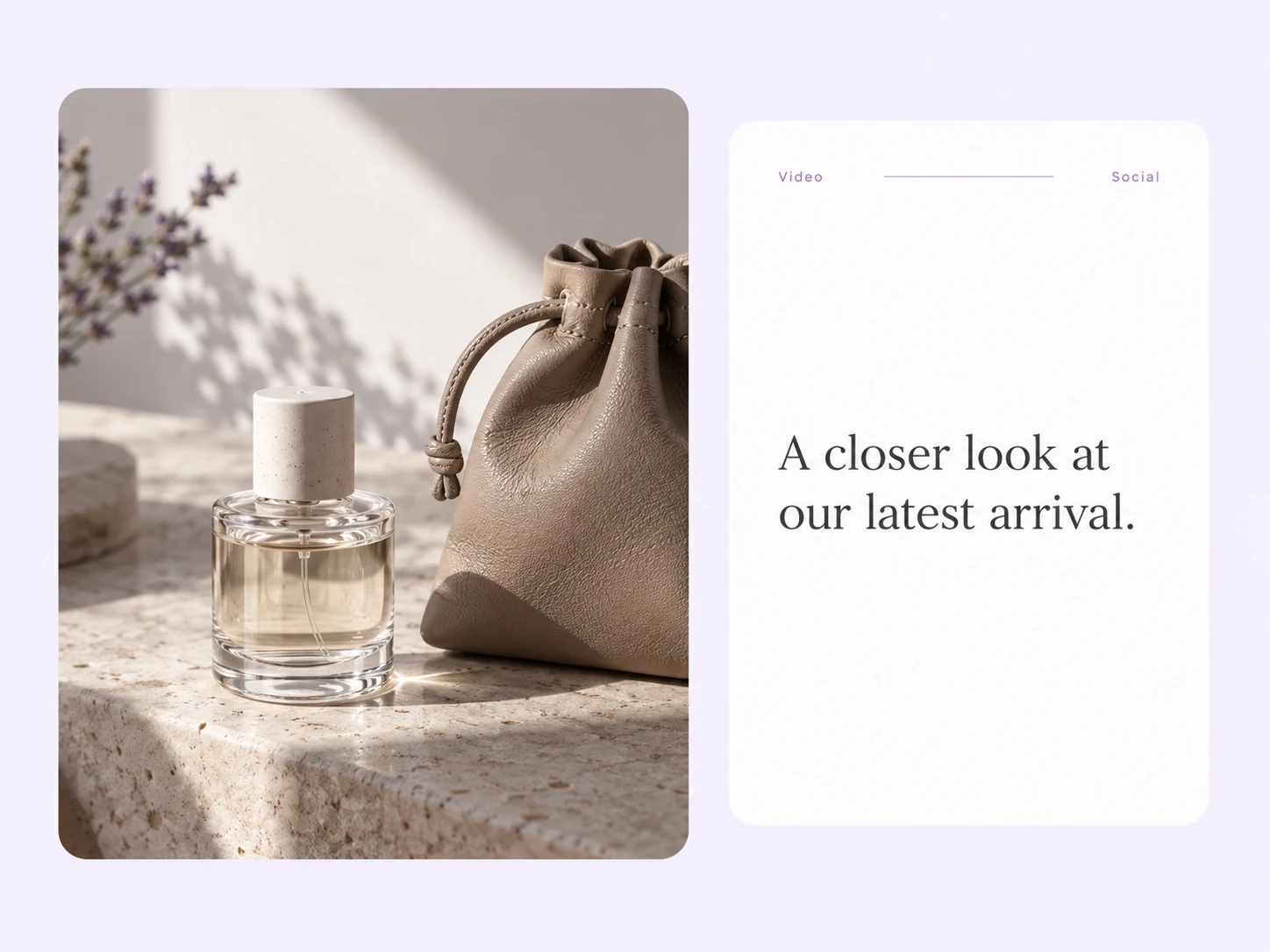
Stillmore supplies matching social copy alongside the finished video. Add the featured item or menu link after reviewing the wording, so the gentle visual has a practical purpose in your next café, beauty or accessory post.
Find your fit
This gentle motion works best when the product belongs to a recognizable lifestyle moment and the person is part of the composition.
A coffee shop promotional video can introduce the feeling of spending time at your café, with food and drinks placed around a seated customer. Float Frame fits an atmosphere-led post; a process-focused food video is a better choice when preparation is the main message.
A dessert commercial can make one visually distinct treat part of a relaxed lifestyle scene. The sample uses a plated dessert near the person, with gentle motion preserving the photograph-like composition rather than cutting through a cooking sequence.
A beauty product video can put a bottle, compact or pouch in the context of an everyday outing. Select a few compatible objects so the floating arrangement reads as a considered routine, not an unrelated catalog.
Your call
For a specific idea
Want the Float Frame direction shown here? Choose this Inspiration and submit its required materials. Our team produces and checks your version.
For ongoing content
Want ongoing content without choosing every style? Add suitable photos and enable automatic creation once your plan’s requirements are met. Our team chooses the creative.
Explore Inspirations
Good to know
A floating product portrait video combines an almost motionless person with products gently moving around the scene. Stillmore’s Float Frame Inspiration has the quiet feel of a moving photograph, rather than a fast product demonstration. It suits lifestyle-led posts where a café moment, beauty routine or accessory combination gives the items context.
No. The current Float Frame form requires one product photo. A model reference, scene setting and additional object photos are optional, with space for 1–5 extra images. Provide them when they clarify the mood or the combination you want, rather than adding objects just to fill the scene.
Float Frame builds the composition around a nearly still person, with products floating nearby. Float in Hand centers a hand holding the main item. Choose Float Frame when the model and surrounding setting are part of the story; choose the handheld look when you want the item itself to anchor the view.
Stillmore’s team handles production, checks the result and makes adjustments before delivery. You choose Float Frame and supply its required materials; you are not expected to recreate the effect in an editor. Clear production errors are corrected, while Try it and Growth do not include extra revisions for a different mood or creative direction. Choose the sample and references carefully before submitting.
Allow time before your planned post. Standard-plan Inspiration requests arrive within 5 days once the request, payment and required materials are complete. For Float Frame, prepare the materials listed above before you submit; missing inputs delay the starting point. Add-on videos are scheduled separately, one at a time, within 5 days per video, and extra Credits do not speed up production.
Your finished Float Frame video and matching social copy appear in My Creations, and Stillmore emails you when they are ready. Name the featured item clearly and add the relevant shop or café link. You download and publish to your own channels; Stillmore handles creation and delivery rather than posting to your social accounts. Check the selected Inspiration’s format before submitting.
Choose Float Frame, submit its required materials and let Stillmore handle production and review. Your video and matching social copy arrive ready for you to check and publish.