

01
Choose Float in Hand.
Stillmore creates the floating arrangement around the hand-held product and connects it to the surrounding scene. Watch the examples and select the direction that fits your item.

FOUNDING OFFERSign up to unlock 35% off your first plan.

Float in Hand · Inspiration
Put one item in the foreground and let complementary products float around it with the Float in Hand style.
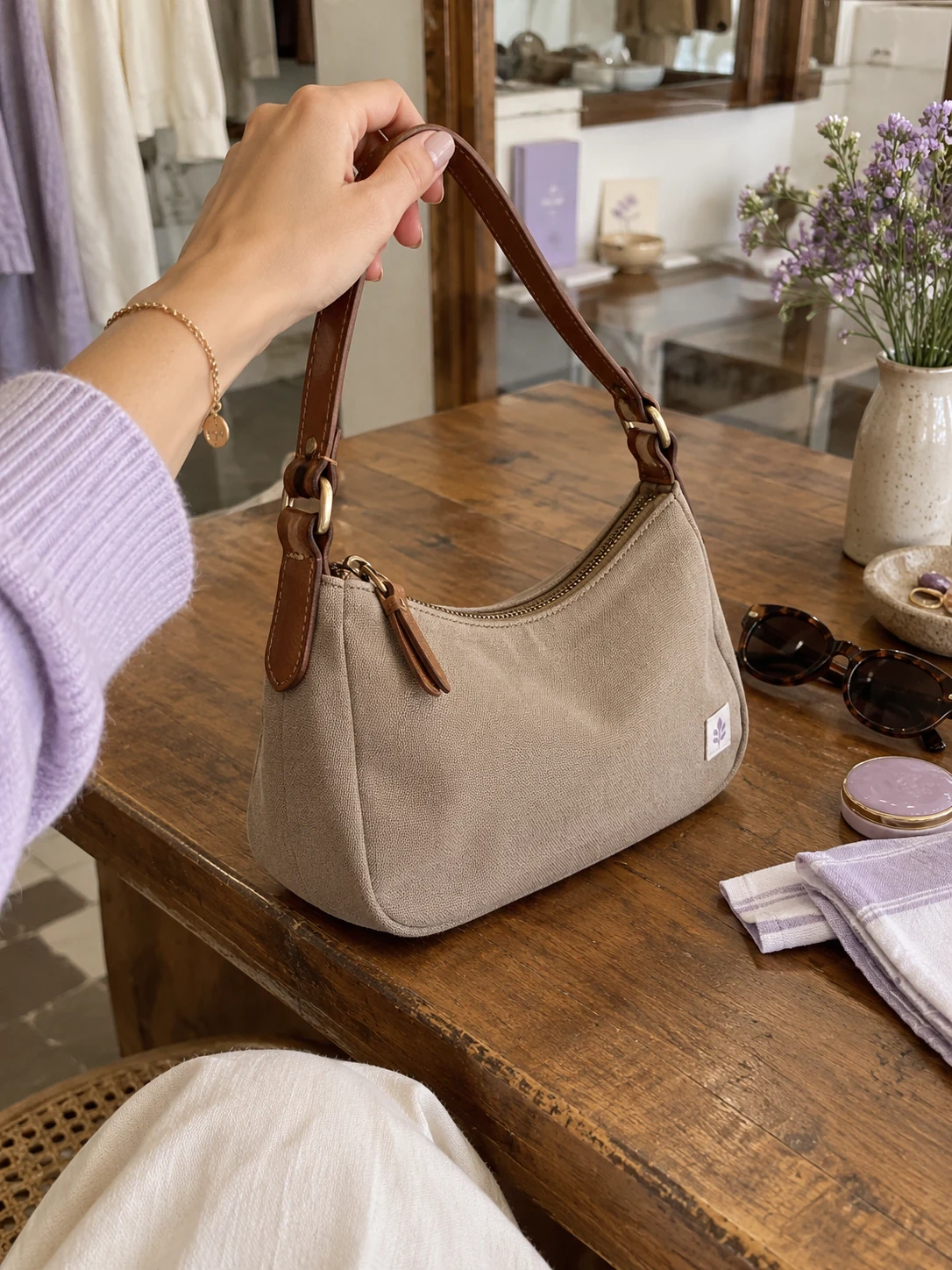
A simple handoff
Stillmore creates the floating arrangement around the hand-held product and connects it to the surrounding scene. Watch the examples and select the direction that fits your item.
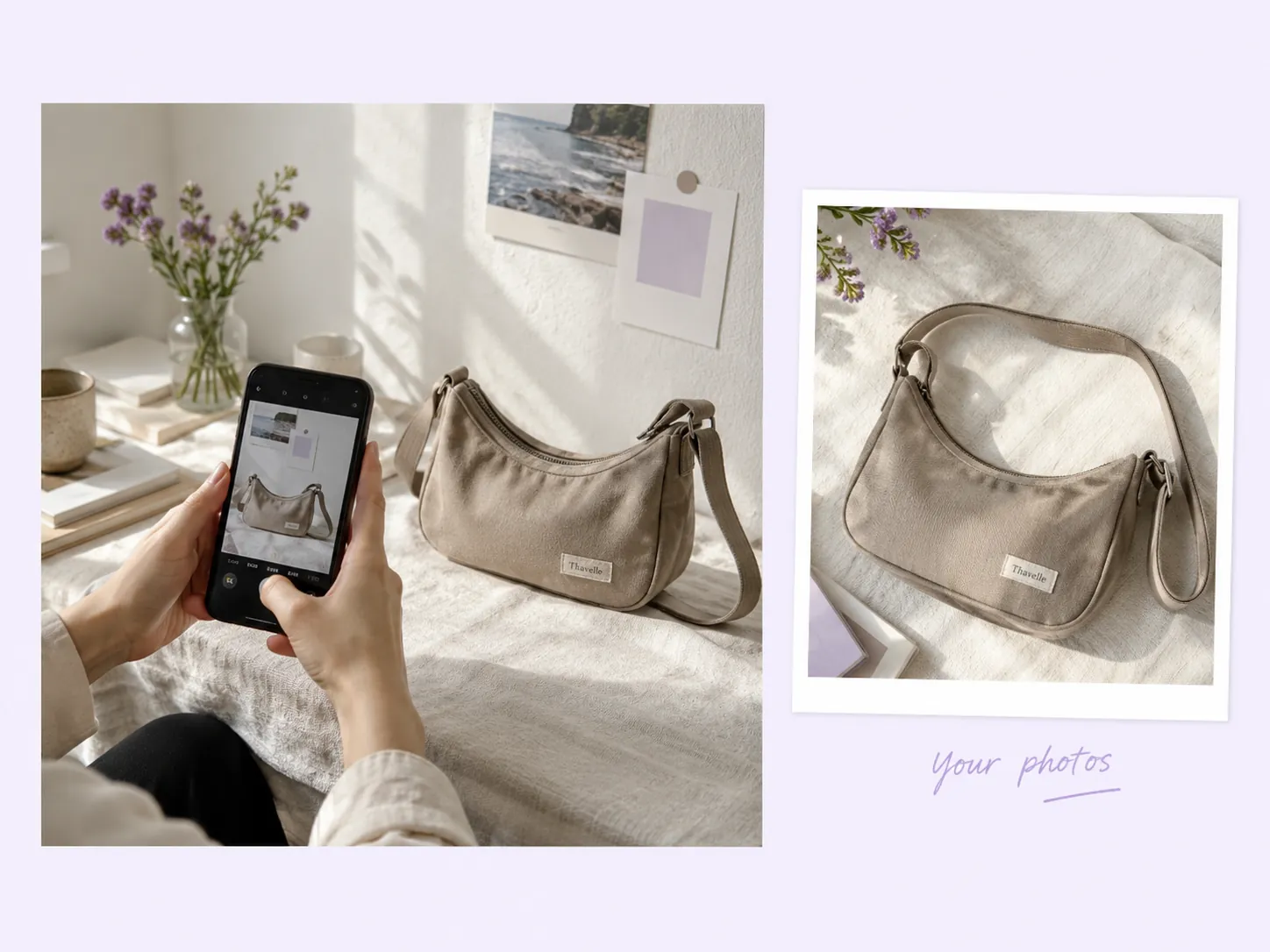
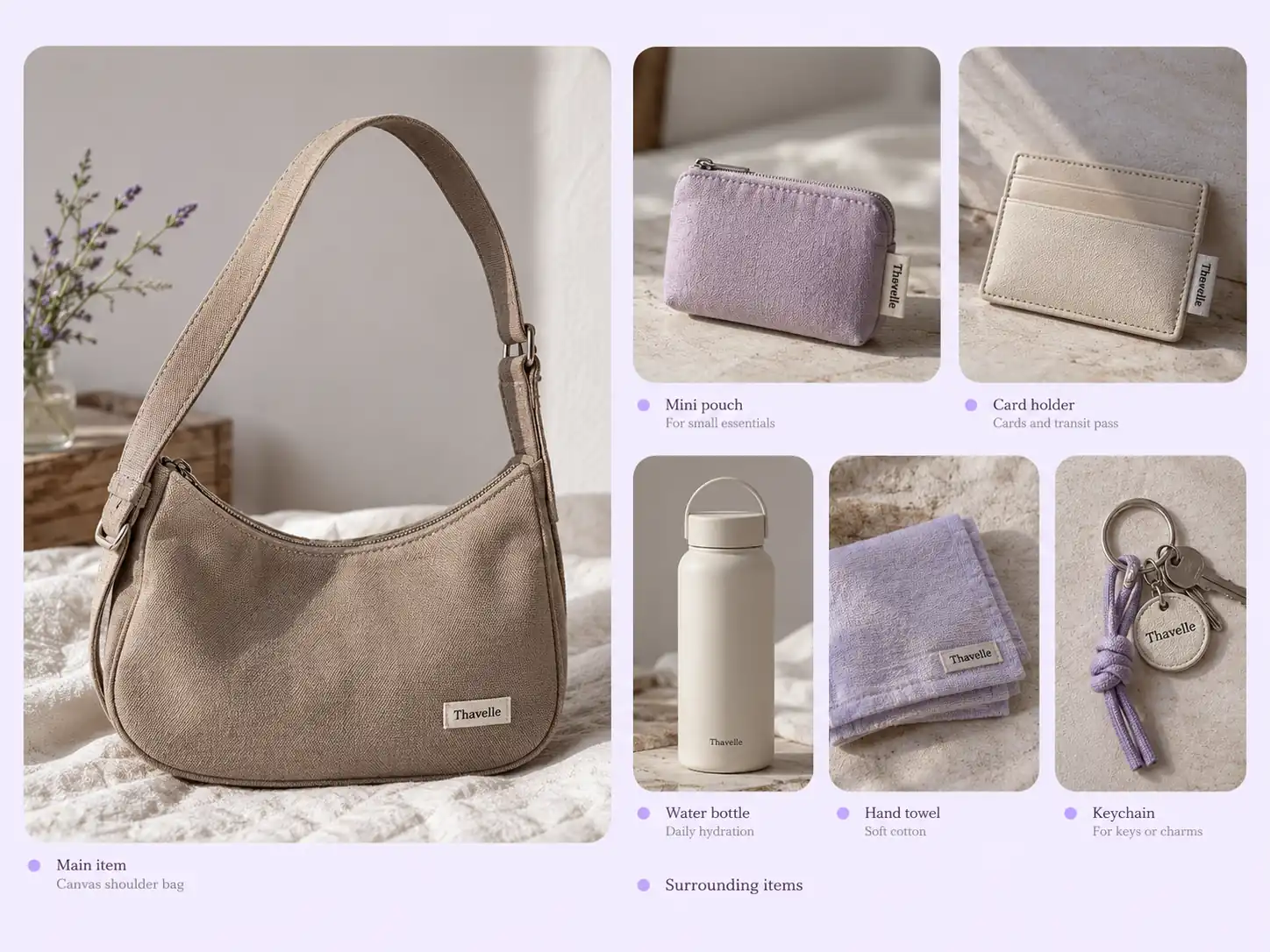
Send one main product photo. Surrounding product photos, scene text and additional notes are optional; the extra-photo field currently takes five images when used.
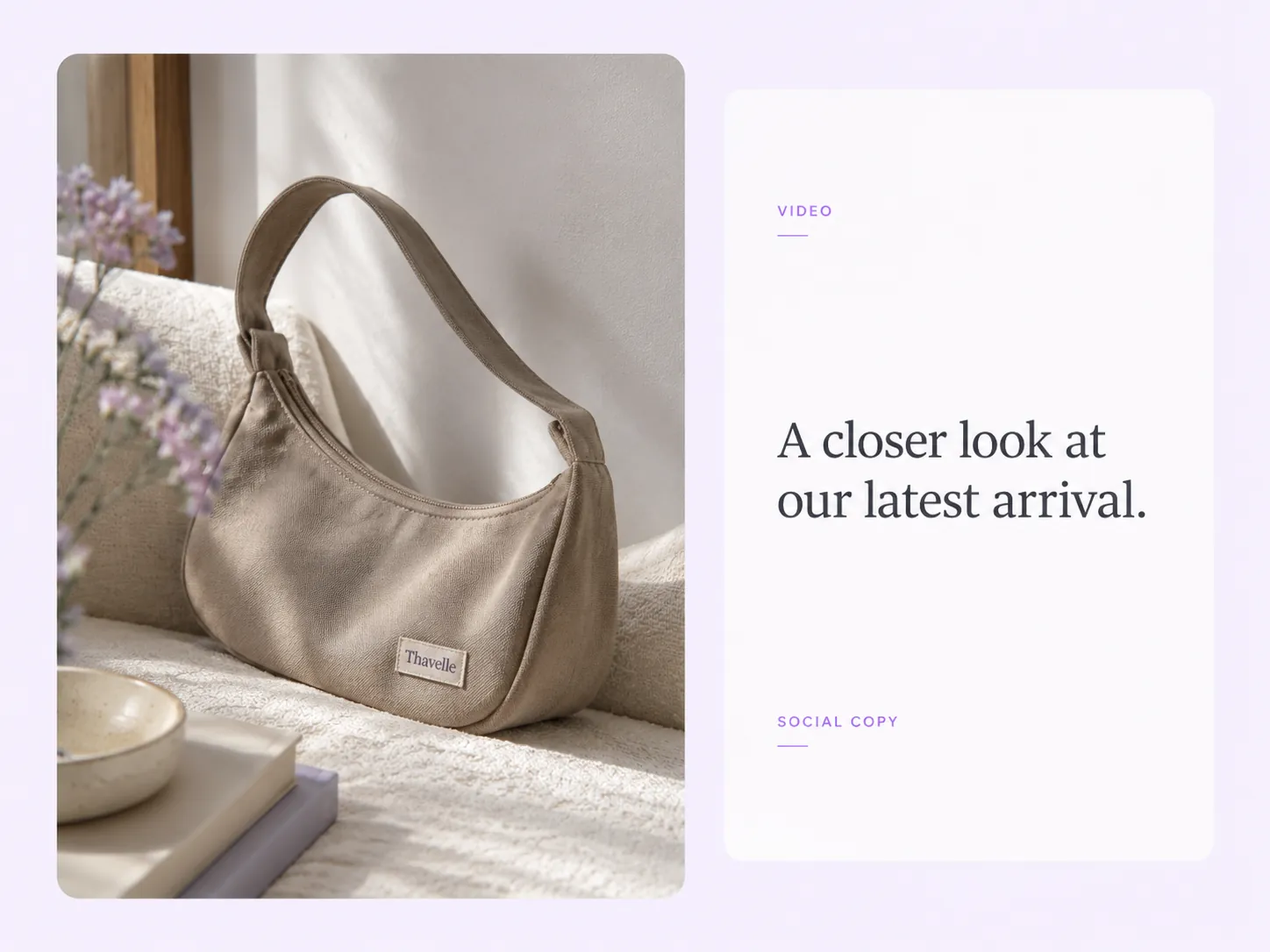
Stillmore produces and checks the video, then delivers it with matching social copy in My Creations. You review the details and publish.
Made for your business
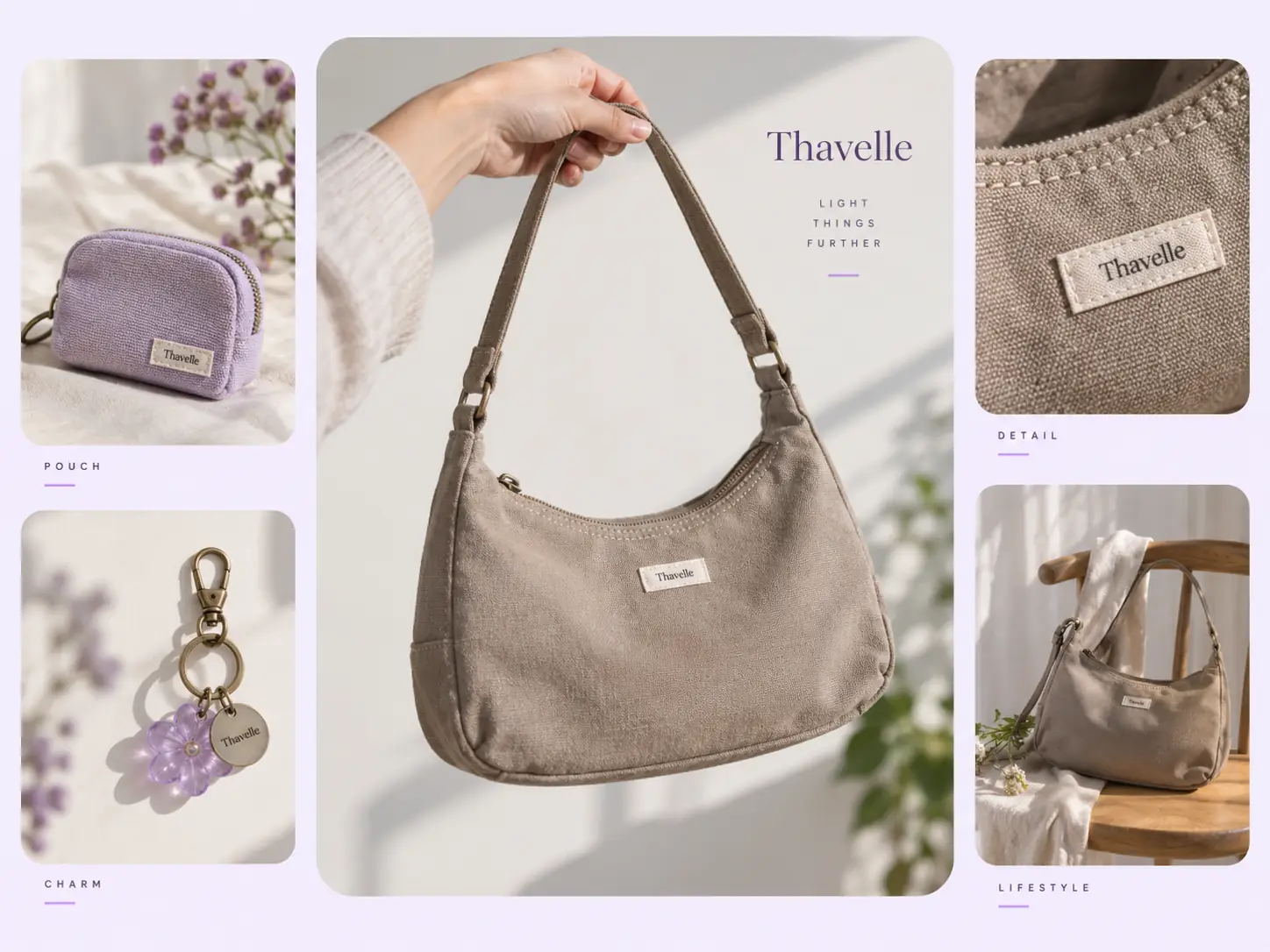
An isolated product photo rarely suggests an outing or routine. Stillmore builds the handheld scene around your main item, giving a bag, drink or accessory a recognizable place in someone’s day without a new lifestyle shoot.
Stillmore creates the floating arrangement around the hand-held product and connects it to the surrounding scene. The movement adds surprise while the central item remains the reason for the post, rather than becoming another disconnected visual effect.
A café stop and a shopping trip call for different supporting objects. Stillmore uses your scene notes and optional extra images to shape the context, helping the final creative feel connected to the way your product is used.
Stillmore handles the scene production and checks the result from your supplied photos. You do not need to suspend products, film matching hand movements or work out the editing that makes the arrangement feel like one moment.
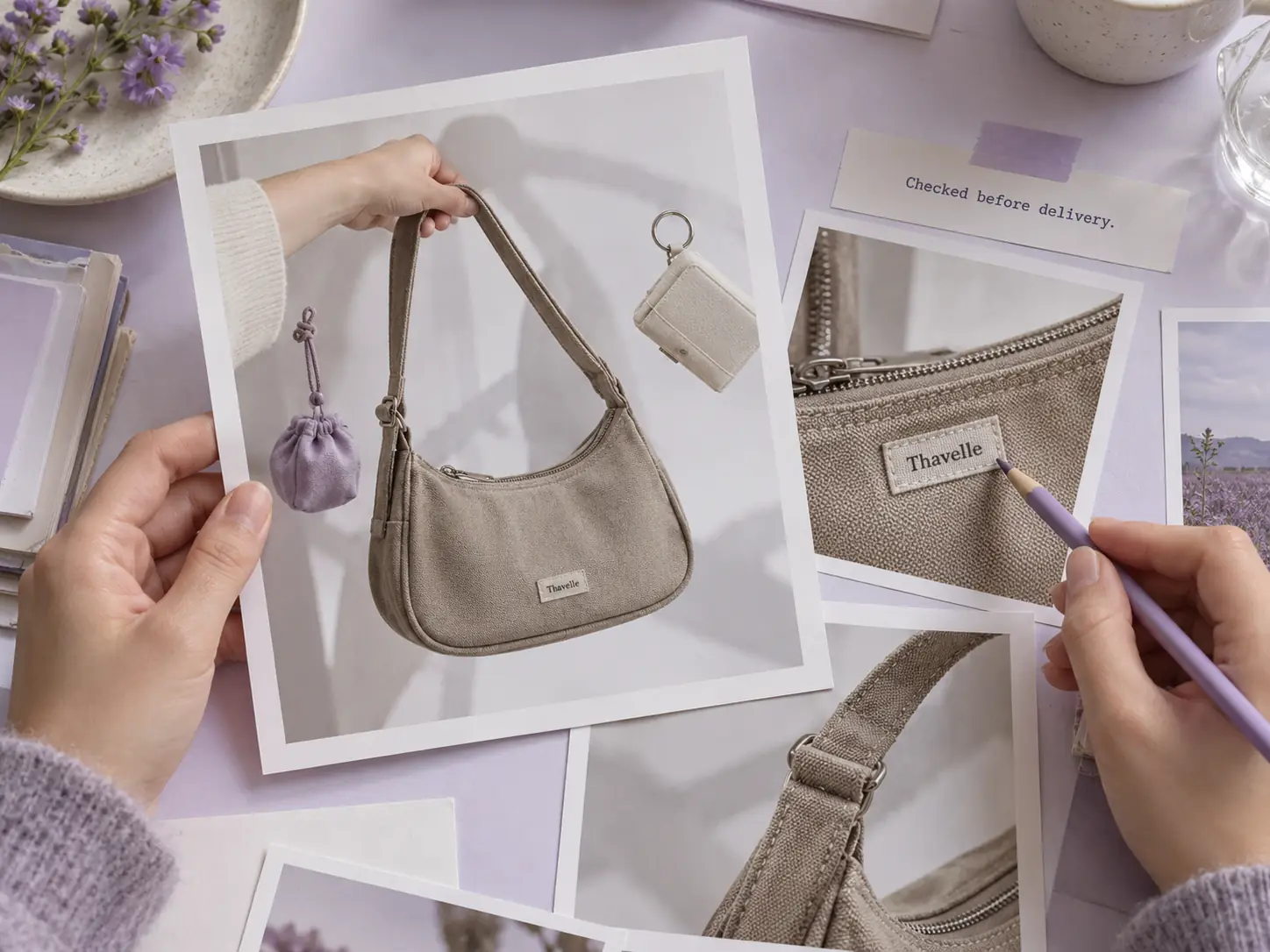
Stillmore delivers the video with matching social copy in My Creations. Review the featured items and add your collection or ordering link, then publish a lifestyle post that leads people back to the products you sell.
Find your fit
Choose one item people can recognize in a hand, then select surroundings that belong to the same outing, outfit or routine.
A bakery promotional video can hold a croissant at the center while a drink and small accessories establish the morning setting. The sample gives the pastry a clear lead, making it suitable for a featured bake or a café pairing.
A hat product video benefits from an immediate view of the crown and brim. The handheld cap example uses the surrounding items to suggest an outfit or outing without needing a full model-led fashion shoot.
For a handbag product video, the held bag can lead while smaller everyday objects provide context. Choose this look when the combination is the story, and use a more detailed product demonstration when pockets or construction need explaining.
The beauty product video row actually combines cosmetics with a held pastry and drink. It supports a mixed lifestyle arrangement, rather than a close-up cosmetics demonstration. Use this direction when your beauty items belong in a broader everyday scene.
Your call
For a specific idea
Want the Float in Hand direction shown here? Choose this Inspiration and submit its required materials. Our team produces and checks your version.
For ongoing content
Want ongoing content without choosing every style? Add suitable photos and enable automatic creation once your plan’s requirements are met. Our team chooses the creative.
Explore Inspirations
Good to know
A handheld floating product video places the main item in a hand, with other objects gently moving around it. Stillmore’s Float in Hand Inspiration uses that first-person viewpoint to make the central product easy to spot. Unlike Float Frame, the hand-held item anchors the composition; a model portrait is not required.
No. Float in Hand is clearer when one product leads and the other objects support the same moment. The optional surrounding-product field currently takes five images if you use it. Choose compatible accessories, drinks or routine items; a crowded assortment makes it harder to tell what the post is about.
Yes. Float in Hand requires a main product photo, and the official style does not require a model photo. The team creates the hand-centered scene from your materials. Use the optional scene and notes fields to explain the setting you want and which supporting items should appear.
Stillmore’s team handles production, checks the result and makes adjustments before delivery. You choose Float in Hand and supply its required materials; you are not expected to recreate the effect in an editor. Clear production errors are corrected, while Try it and Growth do not include extra revisions for a different mood or creative direction. Choose the sample and references carefully before submitting.
Allow time before your planned post. Standard-plan Inspiration requests arrive within 5 days once the request, payment and required materials are complete. For Float in Hand, prepare the materials listed above before you submit; missing inputs delay the starting point. Add-on videos are scheduled separately, one at a time, within 5 days per video, and extra Credits do not speed up production.
Your finished Float in Hand video and matching social copy appear in My Creations, and Stillmore emails you when they are ready. Link to the main item or the exact collection shown, and check availability first. You download and publish to your own channels; Stillmore handles creation and delivery rather than posting to your social accounts. Check the selected Inspiration’s format before submitting.
Choose Float in Hand, submit its required materials and let Stillmore handle production and review. Your video and matching social copy arrive ready for you to check and publish.