

01
Choose Giant Hand Stylist.
Stillmore creates the oversized-hand transition that changes the clothing and reveals the finished look. Watch the examples and select the direction that fits your item.

FOUNDING OFFERSign up to unlock 35% off your first plan.

Giant Hand Stylist · Inspiration
Turn a finished outfit into the reveal: oversized hands swap the clothes while the model stays at the center.
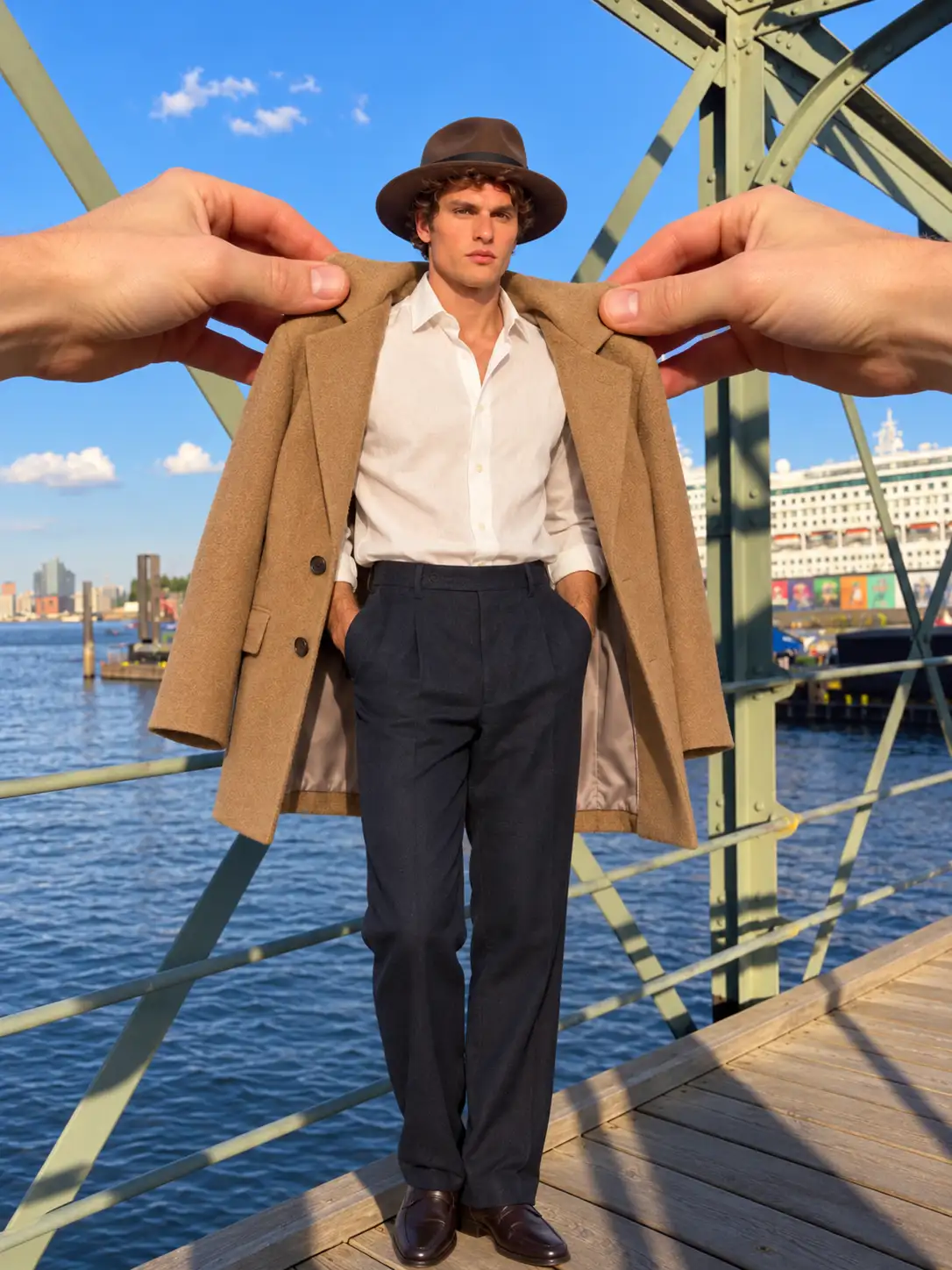
A simple handoff
Stillmore creates the oversized-hand transition that changes the clothing and reveals the finished look. Watch the examples and select the direction that fits your item.
Add 1–5 images in Outfit After. Outfit Before, model gender, model reference and scene references are optional. You can use separate items or a complete outfit photo.
Stillmore produces and checks the video, then delivers it with matching social copy in My Creations. You review the details and publish.
Made for your business
Shoppers have to imagine the outfit when every item appears alone. Stillmore builds the Giant Hand Stylist reveal around your final clothing or accessory references, giving the combination a clear introduction without photographing every step yourself.
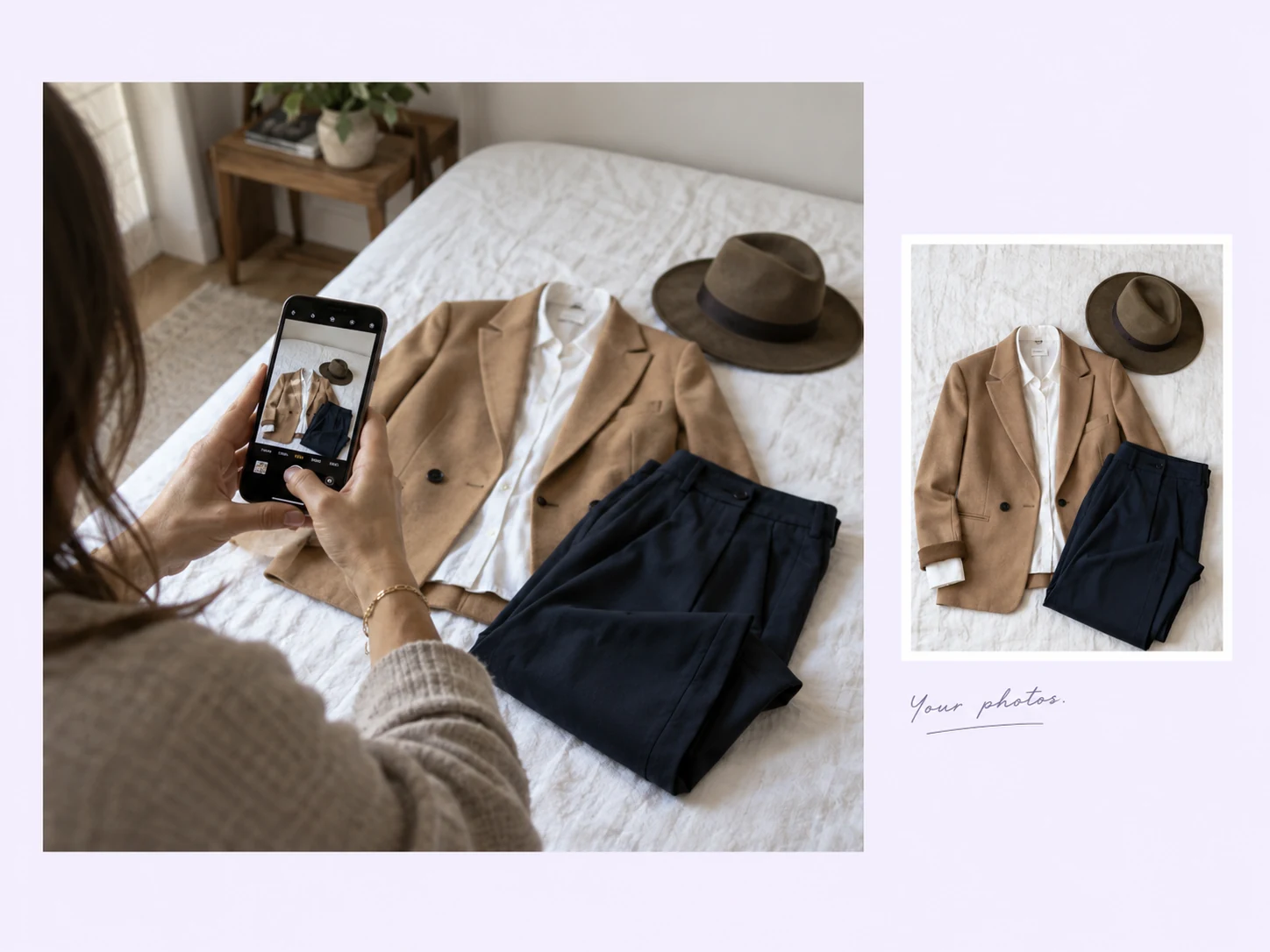
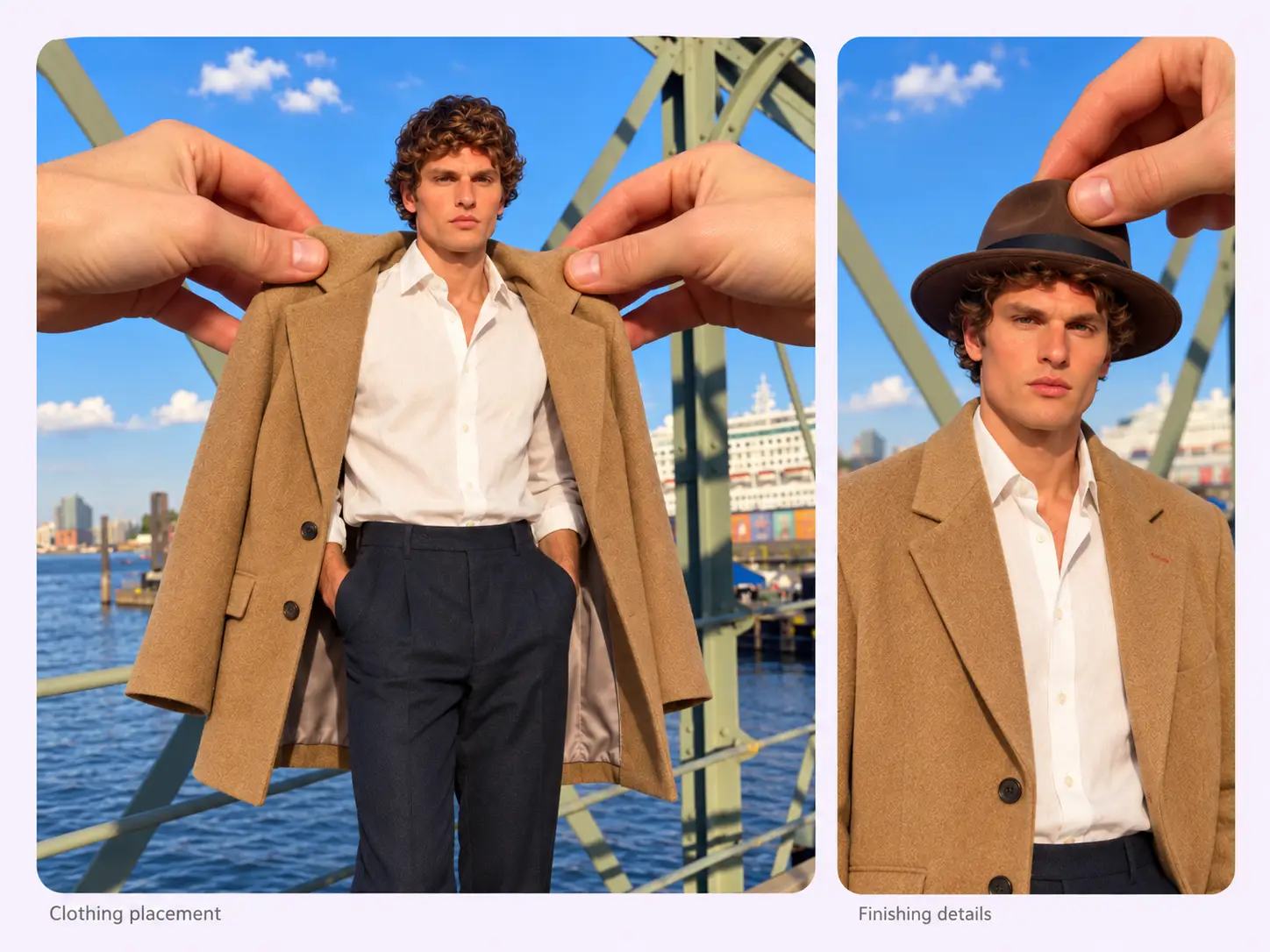
Stillmore makes oversized hands pinch clothing into place, then step back from the finished outfit. Your pieces become part of a visible transformation, giving viewers more to follow than another static lookbook photo.
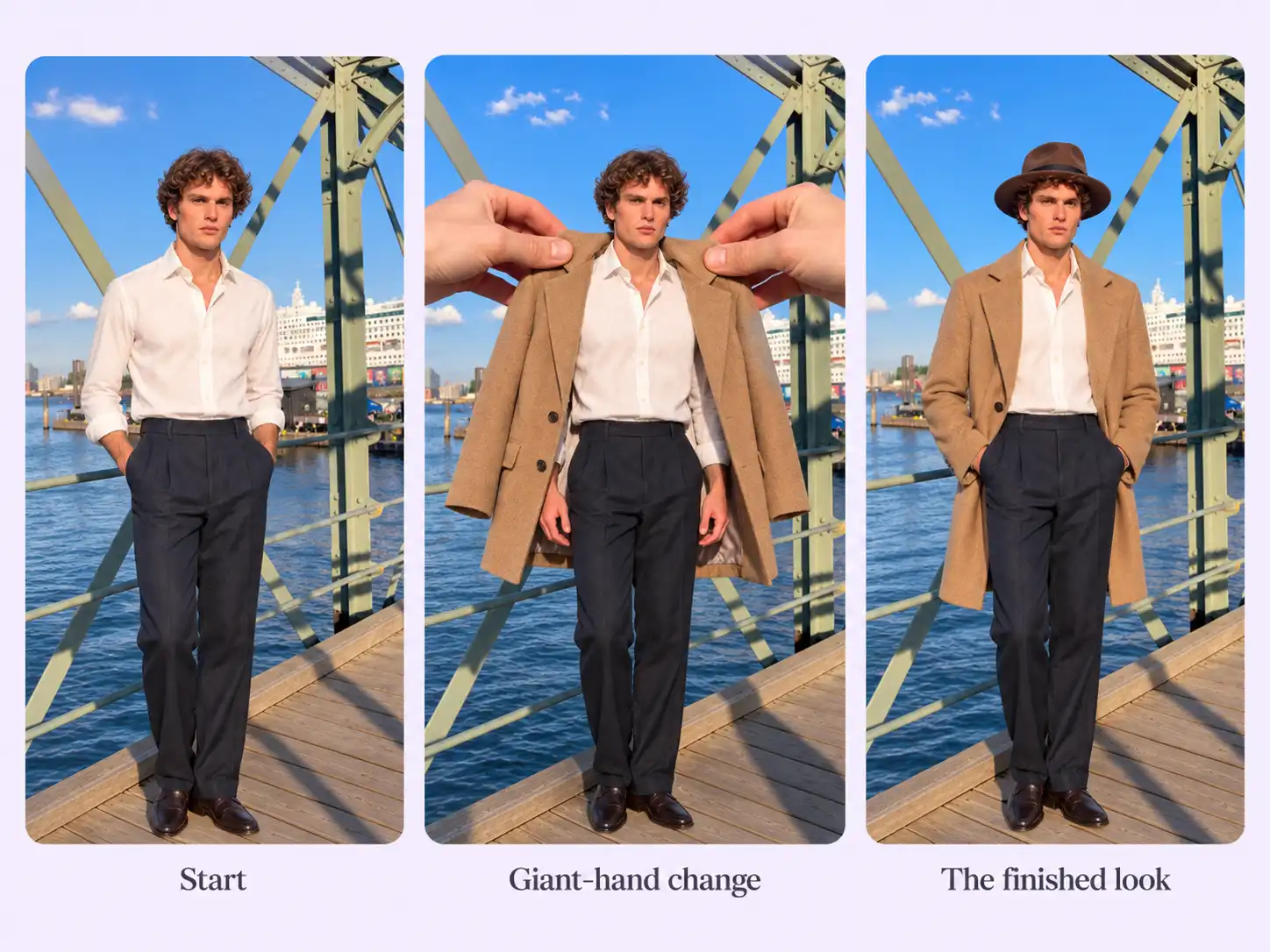
Stillmore can use an optional starting outfit alongside the required final-look images. Add a model or scene reference when useful, so the team understands the styling change you want rather than guessing what should stay or change.
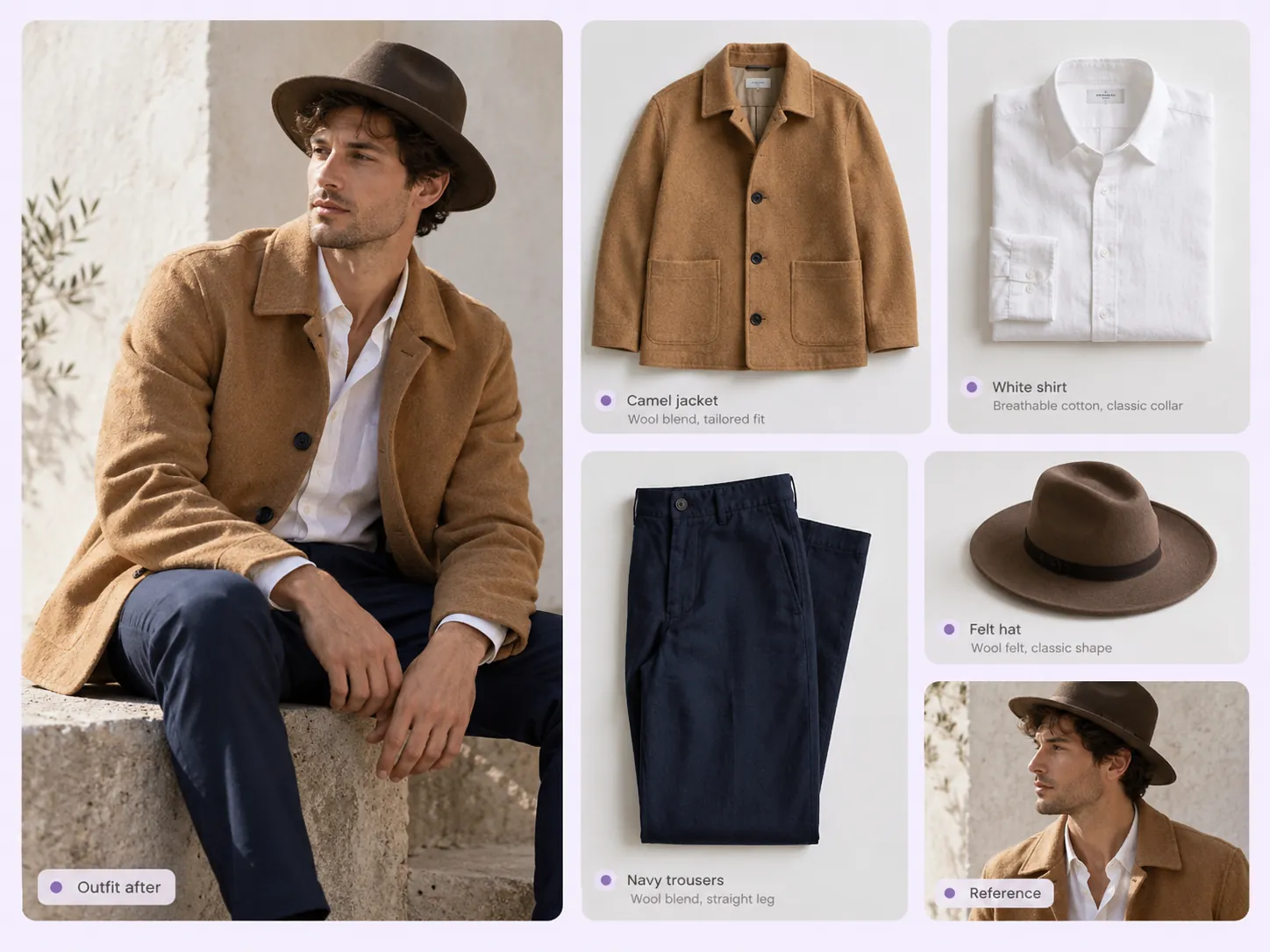
Stillmore handles the oversized-hand movements and checks how the clothing and accessories line up across the reveal. You choose the look; the team builds and reviews the transition without a staged costume-change shoot.
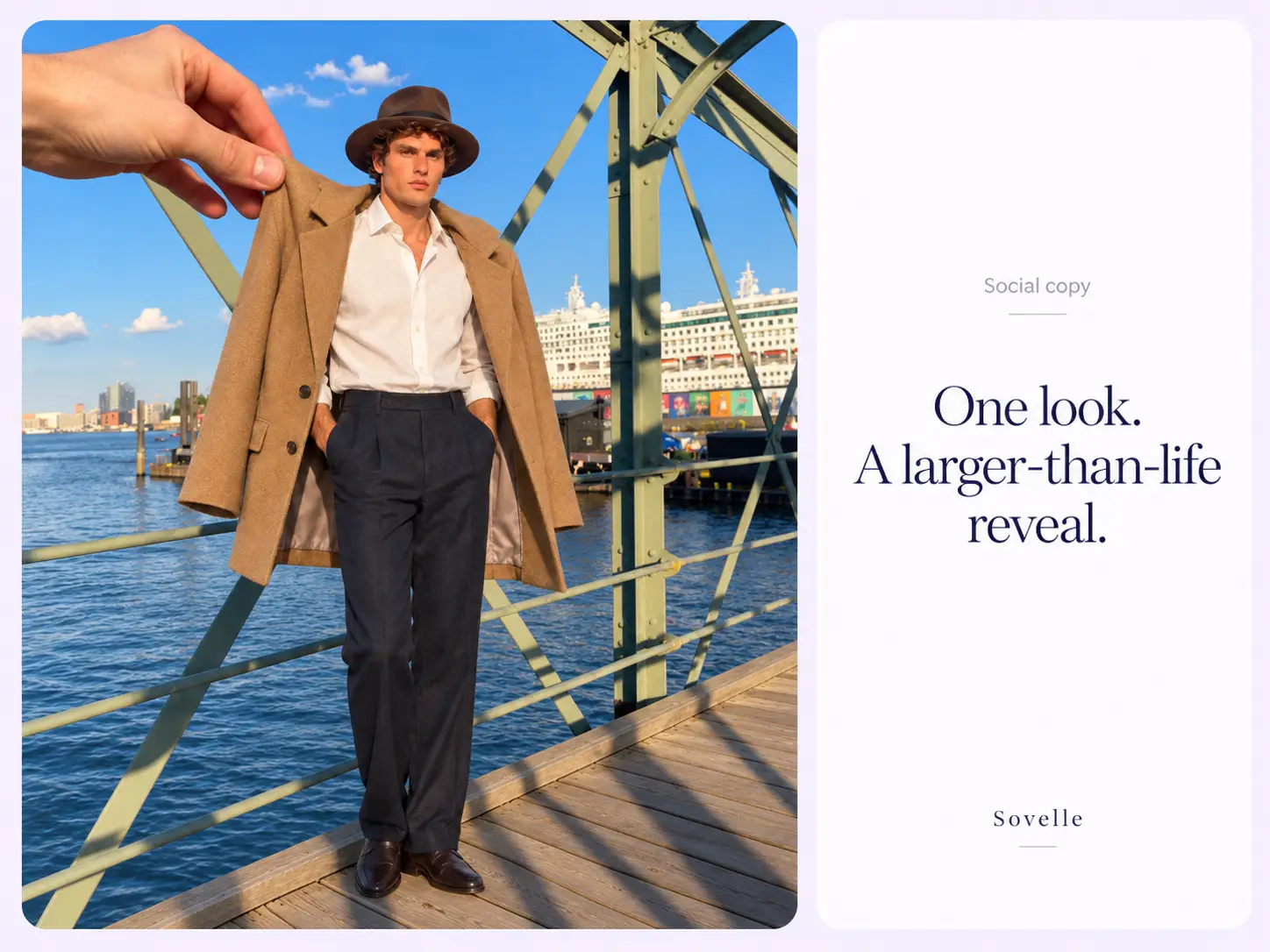
Stillmore delivers the outfit video with matching social copy. Add the featured garment names and your collection link, so viewers can find the pieces after the larger-than-life styling moment.
Find your fit
This reveal suits clothing and accessories that visibly change the overall look, with a clear final outfit to aim for.
A clothing promotional video can show how a jacket, trousers and hat change the overall look. The casual styling sample suits a coordinated drop or outfit edit, where the combination matters more than a technical explanation of one garment.
A men's fashion video can make a clear move from one dressed look to another. The menswear example uses the jacket, trousers and hat as visible parts of the transformation, making it a useful direction for a complete occasion outfit.
A women's fashion video benefits from a strong contrast in silhouette, layers or accessories. The womenswear sample makes the outfit change easy to follow; choose a final look that stays recognizable once the hands leave the frame.
Your call
For a specific idea
Want the Giant Hand Stylist direction shown here? Choose this Inspiration and submit its required materials. Our team produces and checks your version.
For ongoing content
Want ongoing content without choosing every style? Add suitable photos and enable automatic creation once your plan’s requirements are met. Our team chooses the creative.
Explore Inspirations
Good to know
A giant hand outfit video uses oversized hands in the foreground to change the clothes on a life-sized model. Stillmore’s Giant Hand Stylist Inspiration makes the styling transition the main event, moving from one look to another. It suits clothing and accessories that make a visible difference to a complete outfit.
Yes. The current Outfit After field allows individual clothing or accessories, including a single hat, and the style can build a complete look around them. Be clear about which item is yours and what you want emphasized. The creative styling should not be treated as a guarantee of fit, sizing or every accessory being part of your catalog.
No. Giant Hand Stylist requires 1–5 Outfit After images and accepts either separate clothing or accessory photos, or a complete outfit photograph with or without a model. Outfit Before and a model reference are optional. Supply the starting look when the particular contrast matters to your idea.
Stillmore’s team handles production, checks the result and makes adjustments before delivery. You choose Giant Hand Stylist and supply its required materials; you are not expected to recreate the effect in an editor. Clear production errors are corrected, while Try it and Growth do not include extra revisions for a different mood or creative direction. Choose the sample and references carefully before submitting.
Allow time before your planned post. Standard-plan Inspiration requests arrive within 5 days once the request, payment and required materials are complete. For Giant Hand Stylist, prepare the materials listed above before you submit; missing inputs delay the starting point. Add-on videos are scheduled separately, one at a time, within 5 days per video, and extra Credits do not speed up production.
Your finished Giant Hand Stylist video and matching social copy appear in My Creations, and Stillmore emails you when they are ready. Check the garment names and link to the featured outfit or collection. You download and publish to your own channels; Stillmore handles creation and delivery rather than posting to your social accounts. Check the selected Inspiration’s format before submitting.
Choose Giant Hand Stylist, submit its required materials and let Stillmore handle production and review. Your video and matching social copy arrive ready for you to check and publish.