

01
Pick the dish
Choose one dish diners can recognize at a glance. Upload its photo and the first page of your menu.

FOUNDING OFFERSign up to unlock 35% off your first plan.

Magic Menu · Inspiration
A dish disappears. A menu flies back into the diner’s hands. Lift the pages and your special is on the table again.
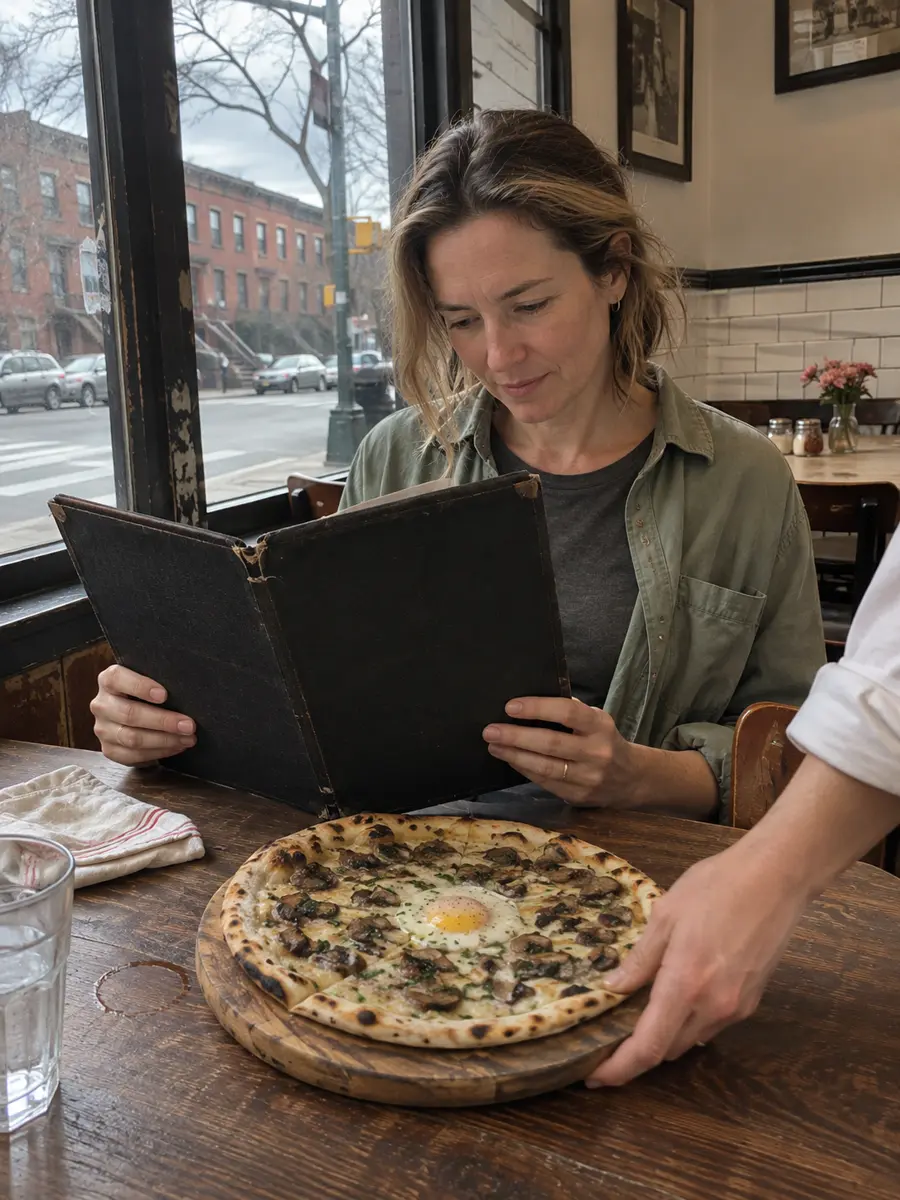
A simple handoff
Choose one dish diners can recognize at a glance. Upload its photo and the first page of your menu.
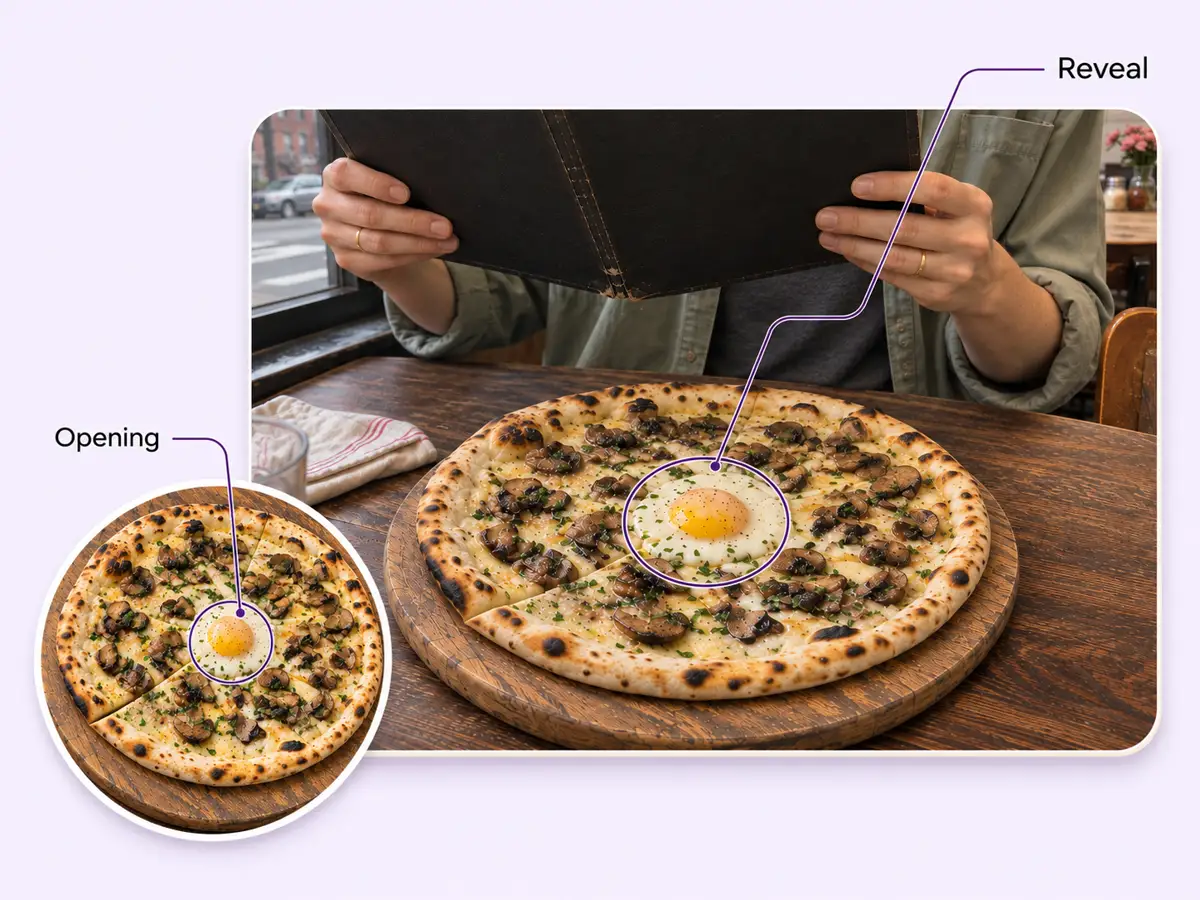
Stillmore stages the disappearance, the flying menu and the return of the dish, then checks the finished sequence.
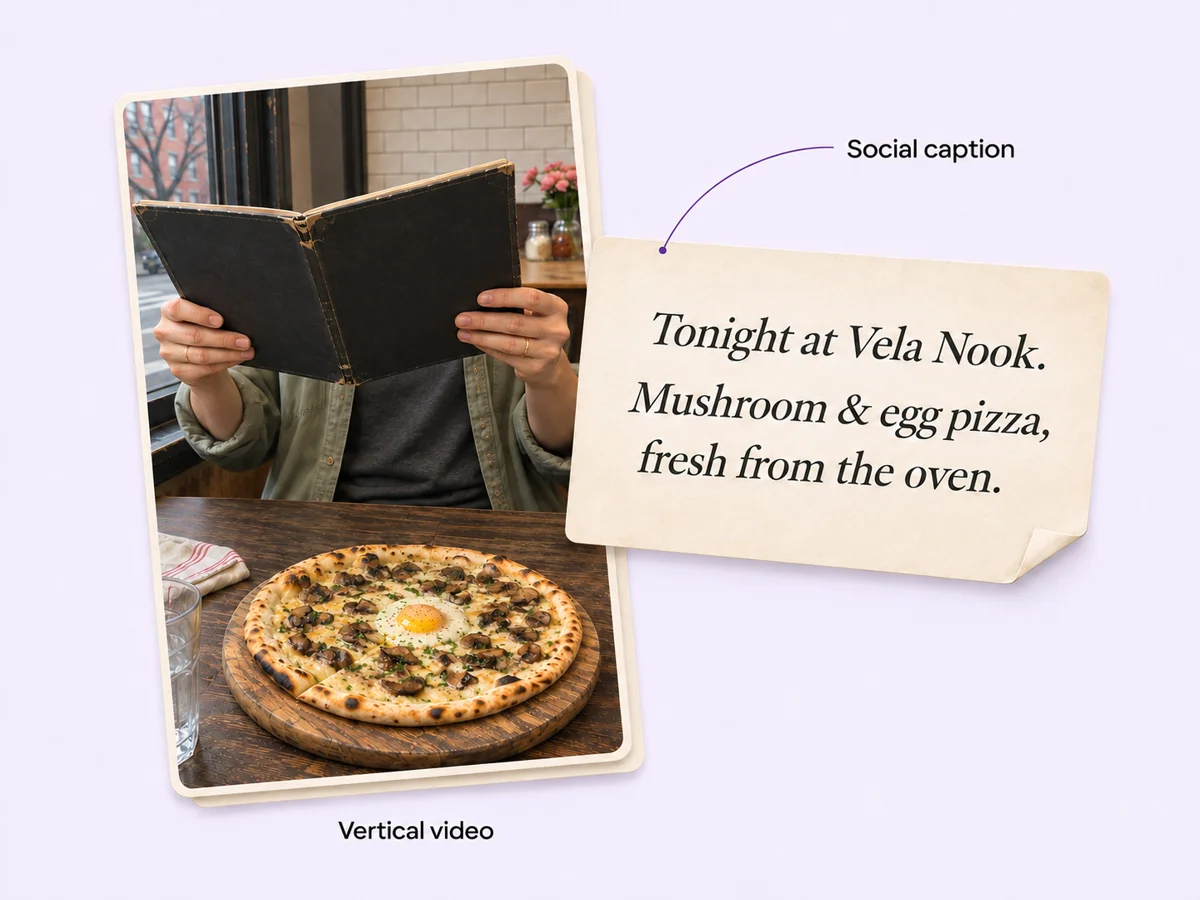
Download the vertical video and its matching social caption. Add tonight’s availability before you post.
Made for your business
Start with one clear food or drink photo and your first menu page. These give Stillmore the dish and menu details needed to build your reveal around what you actually serve.
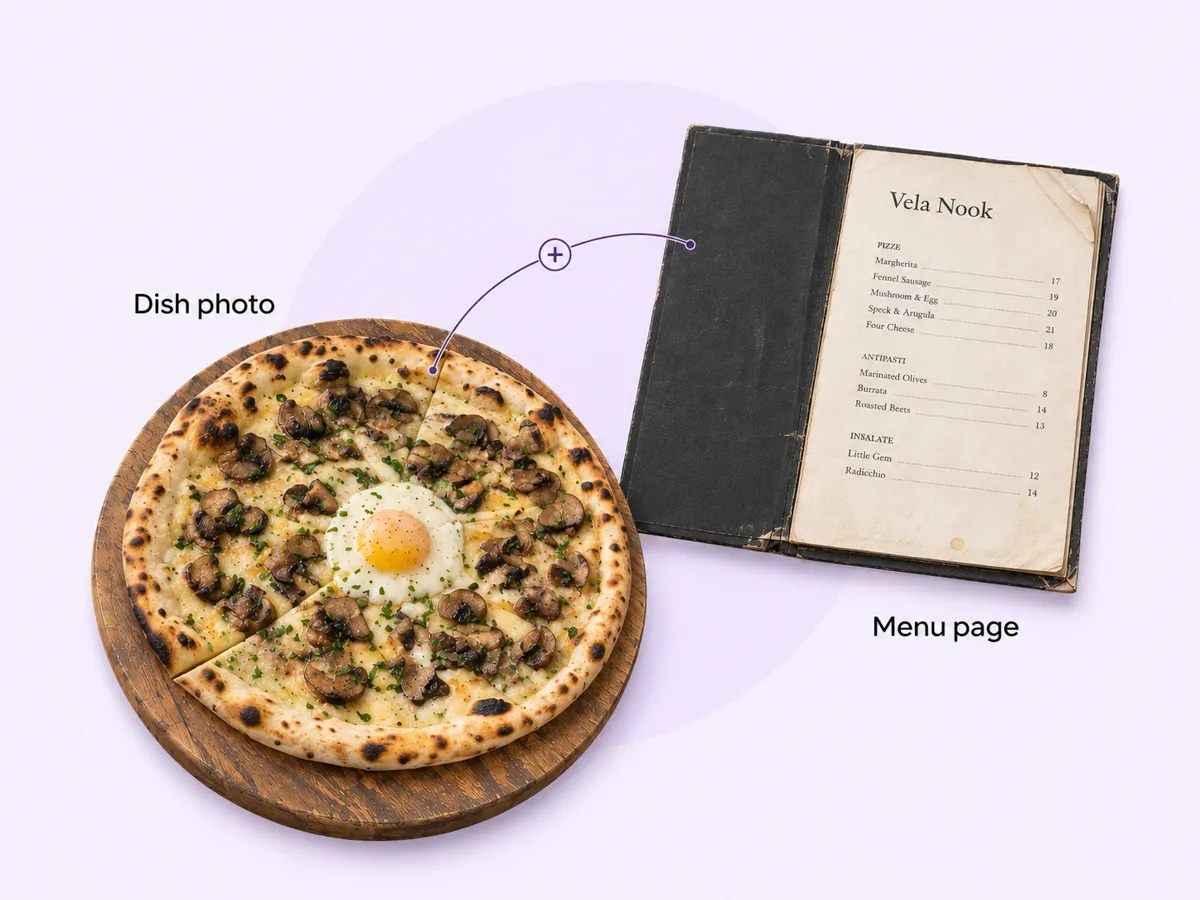
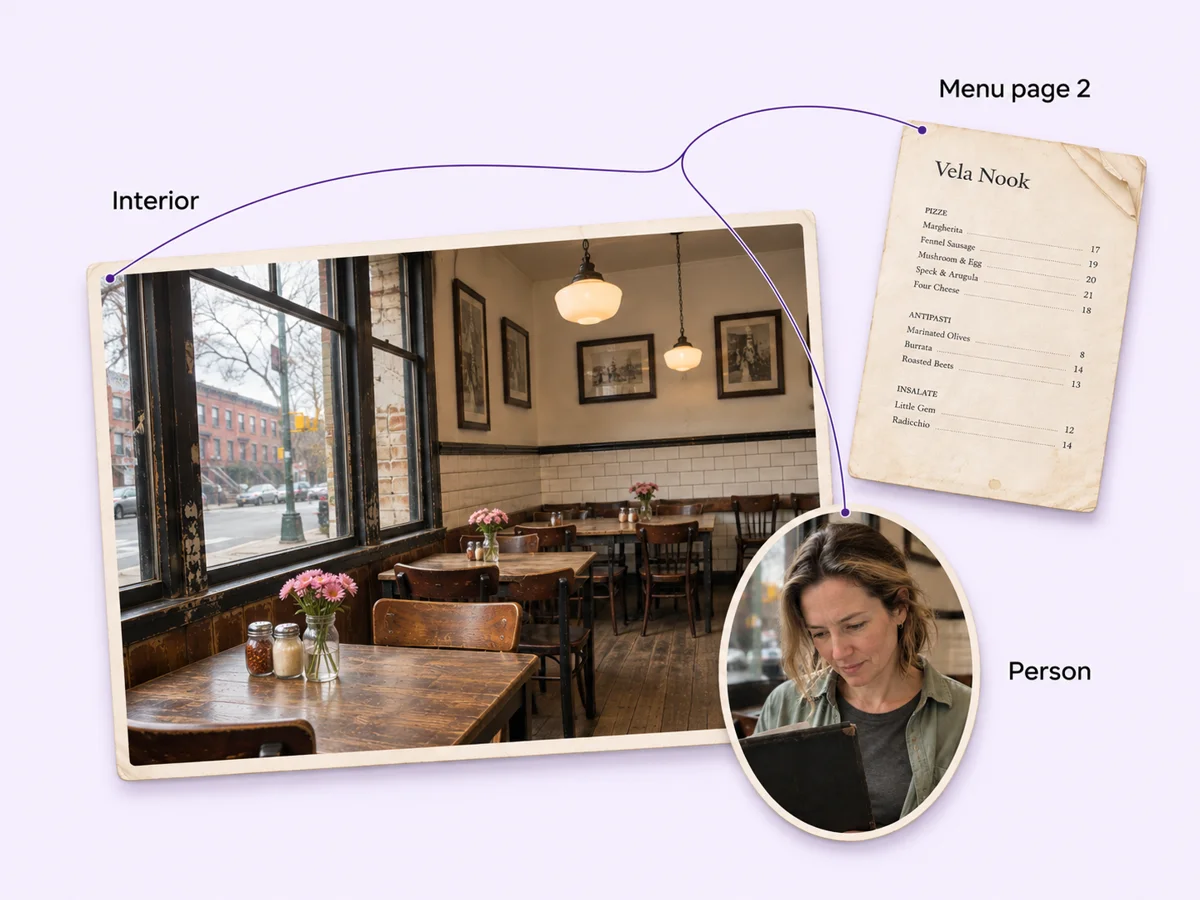
You can also include a second menu page, photos of your interior or a person. These optional references give the team more context for the setting and the diner in your scene.
The team joins the disappearing plate, the flying menu and the returning dish into one sequence. You get a restaurant menu reveal whose action diners can follow from the empty table to the final plate.
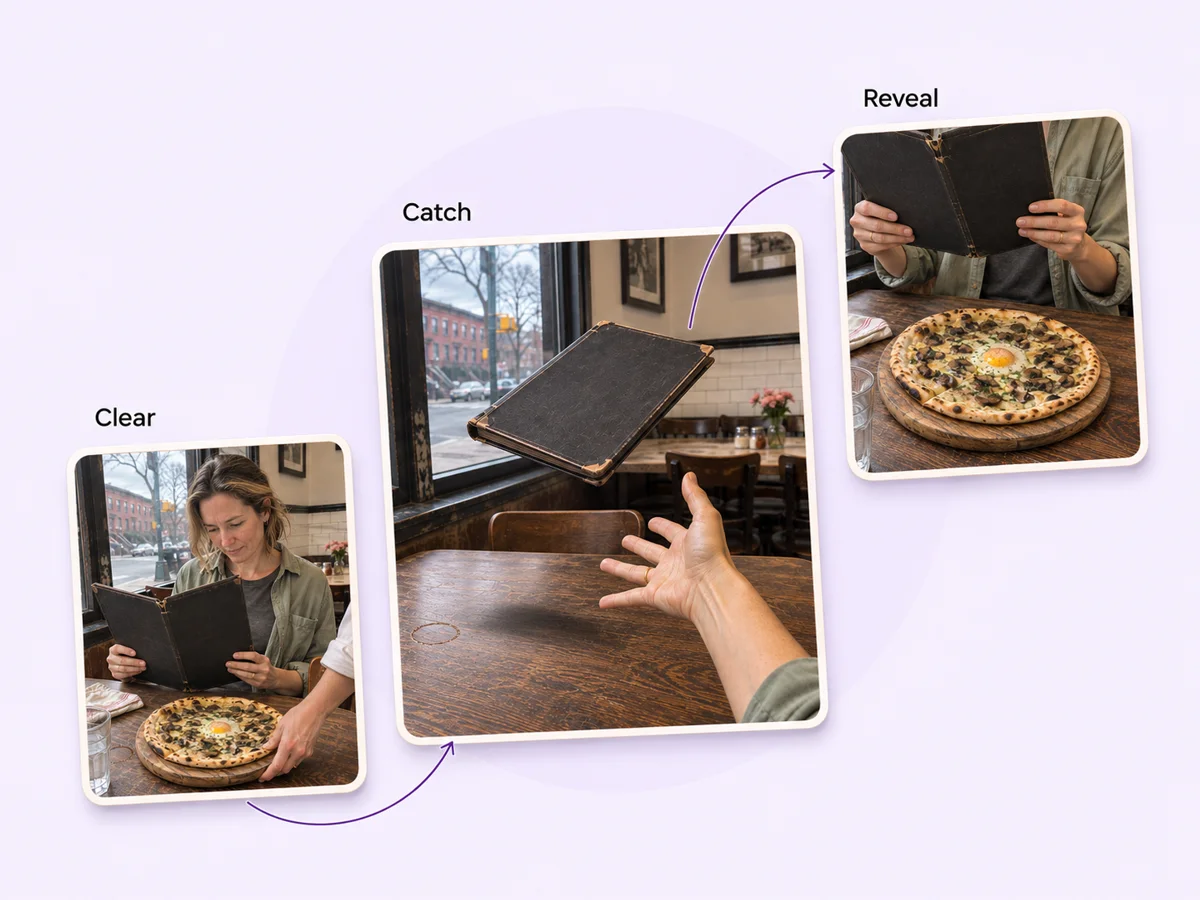
A different-looking plate at the end would break the reveal. Stillmore reviews the sequence before delivery, checking the food, menu and transitions so the final shot follows naturally from the opening.
Your finished vertical video arrives with matching social copy. Add your restaurant’s serving hours or booking details, then download and publish the pair when you want guests to see the special.
Find your fit
The three official examples use the same trick with different plates. Choose the one closest to the special you want guests to remember.
A whole pizza on a wooden board gives the opening and closing shots a recognizable silhouette. Try it with a house pie whose toppings are easy to see.
A small dessert on a light plate leaves room to see the empty table. The close-up after the menu lifts puts the shape and finish back in view.
In the terrace example, the printed menu fills the frame before a white plate of pasta returns. A contrasting plate makes a seasonal pasta special easy to recognize.
Your call
For a specific idea
Select this style when you know which dish you want to feature. Send its photo and your menu page for our team to make and check the reveal.
For ongoing content
Want ongoing content beyond this style? Add suitable photos and enable automatic creation once your plan’s requirements are met. Our team chooses the creative.
Explore Inspirations
Good to know
A dish leaves the table, a menu flies back to the diner and the open pages lift to reveal the dish again. Magic Menu uses that sequence for pizza, dessert and pasta in the official examples.
Upload one food or drink photo and Menu Page 1. The Magic Menu form also offers a second menu page, store interior photos and a model as optional inputs.
Choose Magic Menu and submit the dish and menu page yourself. With automatic creation, the Stillmore team chooses the style for the available materials.
No. Provide your dish photo and menu page. Stillmore produces the movement and reviews the video before delivery, so you can leave the table and camera setup to the team.
Stillmore delivers the finished vertical video and matching social copy. You can use the caption to name the featured dish and add ordering details for your own restaurant.
You publish it on your restaurant’s channels. Download the finished creative, check the dish name and availability in the caption, and choose when guests should see it.
Choose your special and have its menu page handy. We’ll take care of the flying menu and the final reveal.