

01
Choose the reveal you want.
Watch the examples, then choose Zoom & Reveal. Start with a look you can see instead of trying to describe an effect from scratch.

FOUNDING OFFERSign up to unlock 35% off your first plan.

Zoom & Reveal · Inspiration
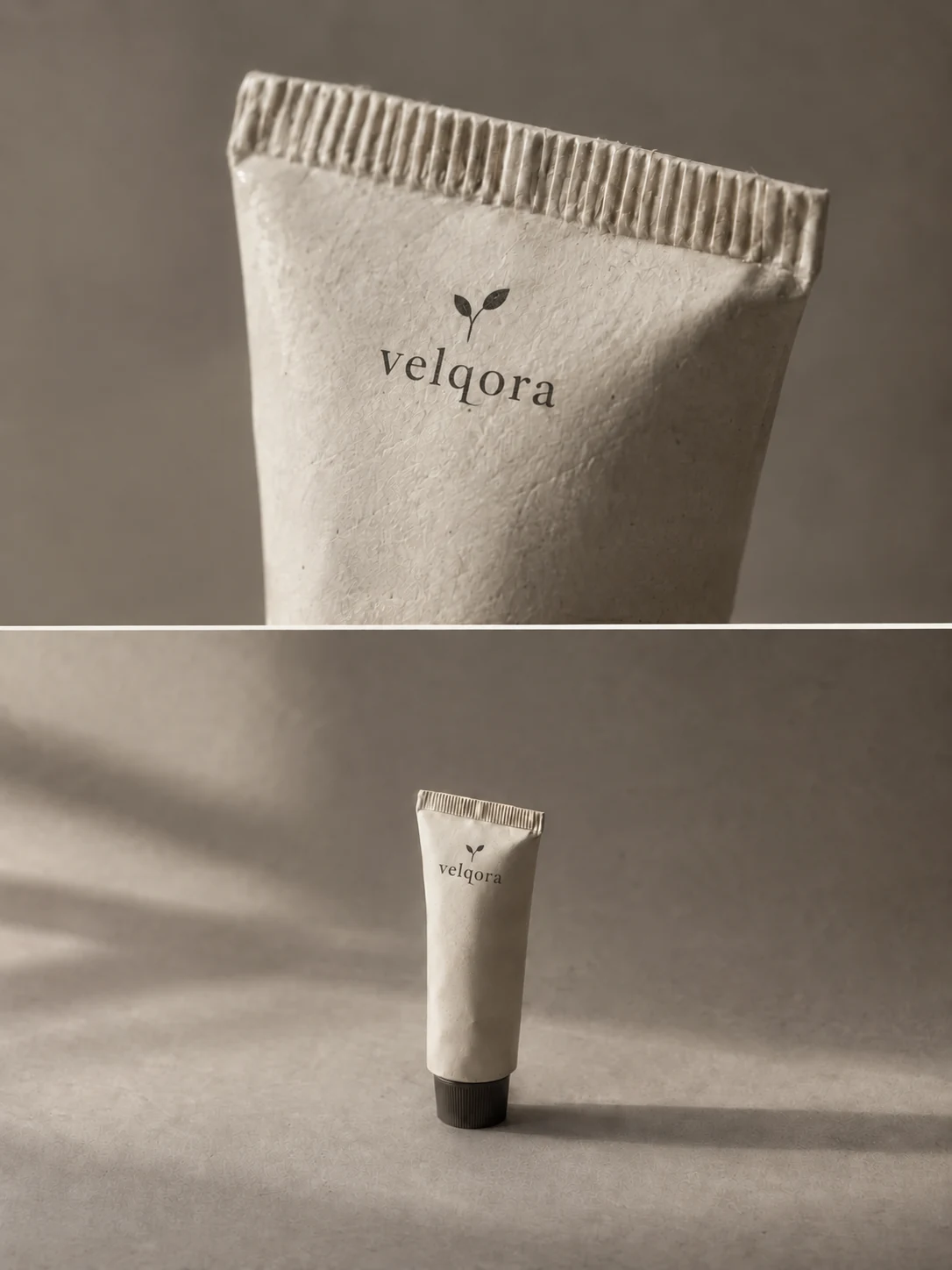
See Zoom & Reveal in action, check the photo requirements, and get this video style made for your product by Stillmore.
A simple handoff
Watch the examples, then choose Zoom & Reveal. Start with a look you can see instead of trying to describe an effect from scratch.
Add 1–9 clear photos of the same product. Include an existing offer poster if you have one; the poster is optional.
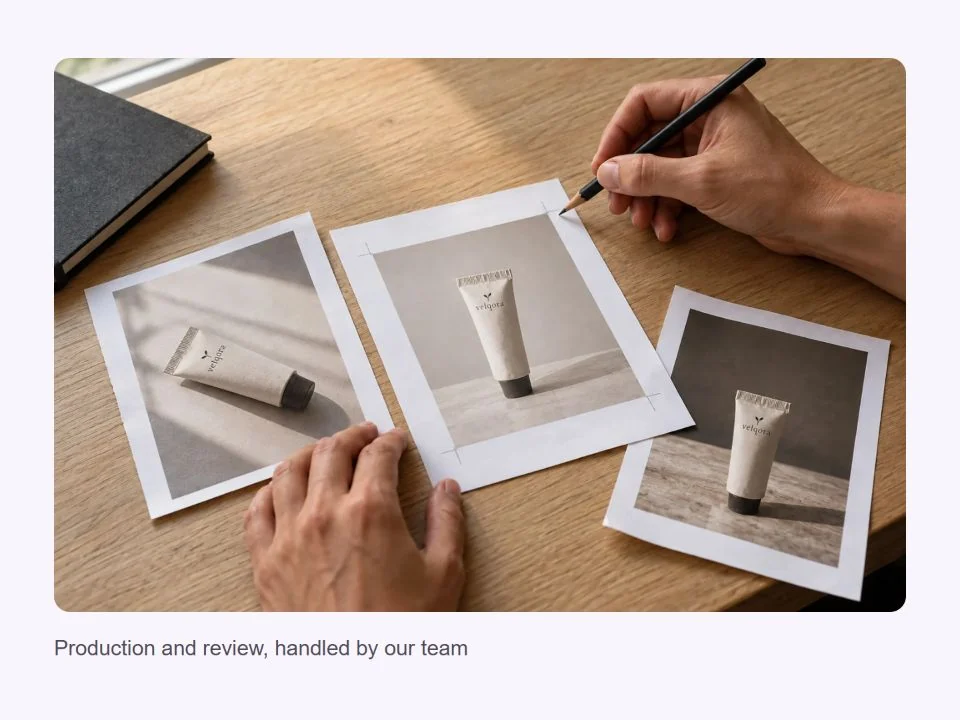
Our team produces and checks your video, then delivers it with matching social copy in My Creations. You download and publish.
Made for your business
You have the product shots. What you do not have is an afternoon to turn them into a video. Send 1–9 clear photos of the same item, including different angles where available. Stillmore builds your Zoom & Reveal video from those materials, so making a new post does not start with another shoot.
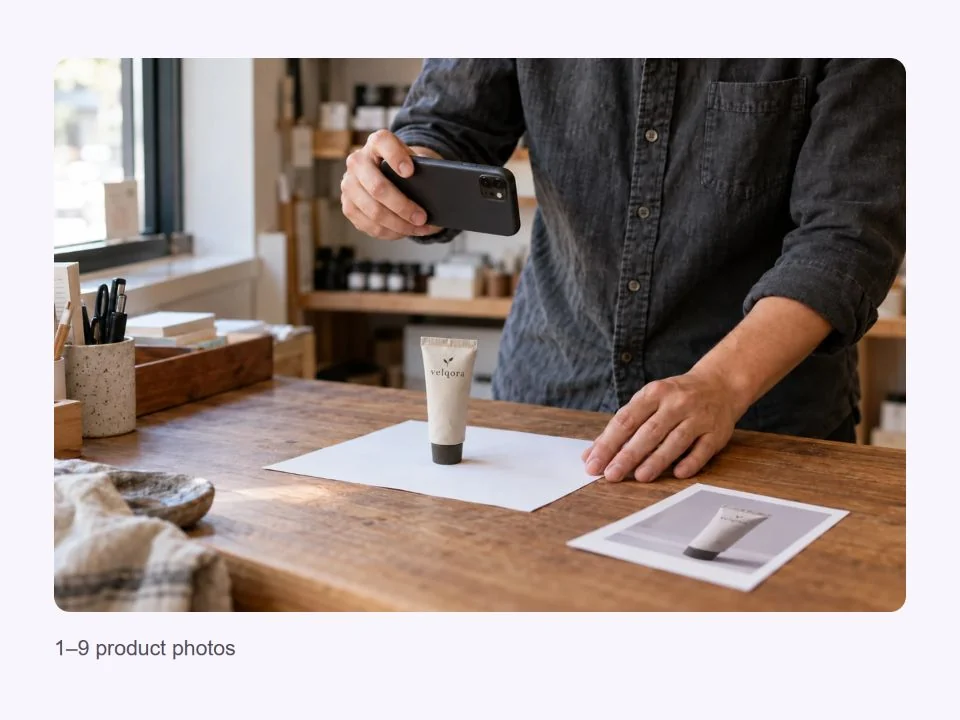
When the same product photo keeps returning to your feed, changing the caption only goes so far. A zoom effect video adds a different way in: the pinch gesture draws attention toward the poster before the product demonstration. Watch the examples above to decide whether that reveal suits your next product post.
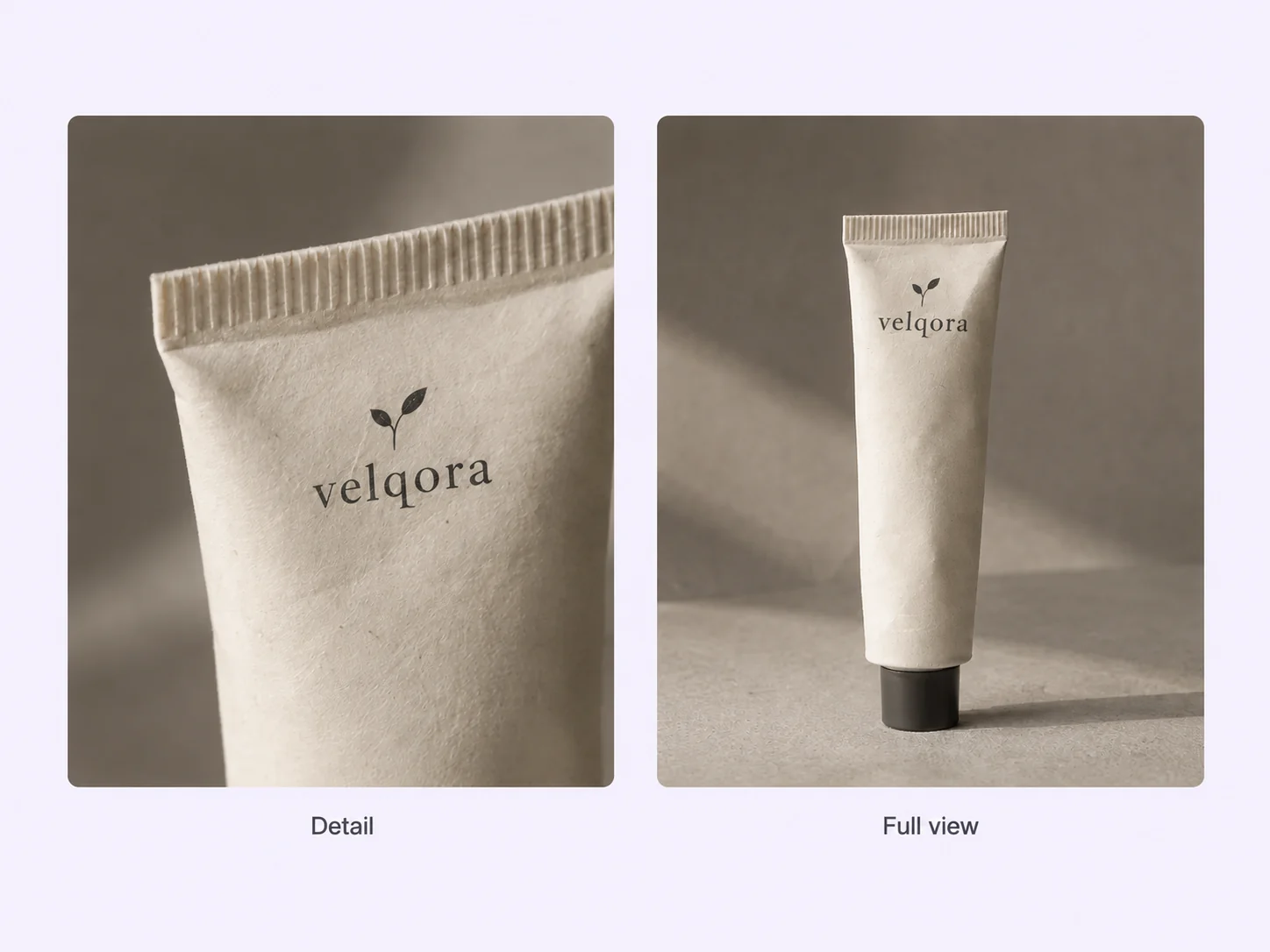
Your offer already has artwork, but a static poster gives you just one way to share it. Add that artwork in the optional Event Poster field alongside your product photos. It gives our team the offer details and visual direction for your product reveal video, without asking you to design everything again.
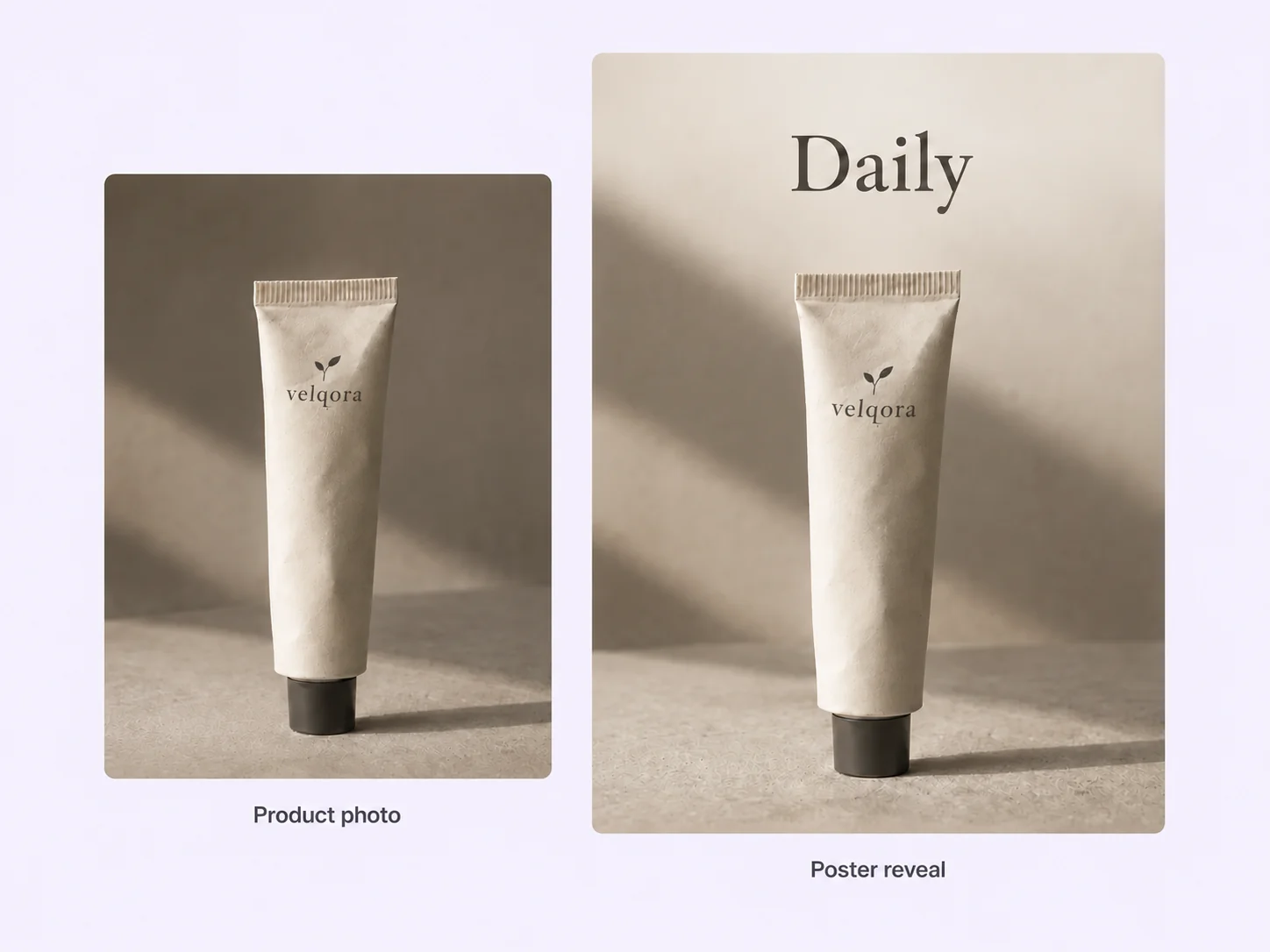
It is easy to save a video idea and never find time to make it. With Stillmore, choosing Zoom & Reveal and sending your materials is your part. Our team handles production, checks the result and makes adjustments before delivery. You do not need to recreate the hand gesture or learn the editing.
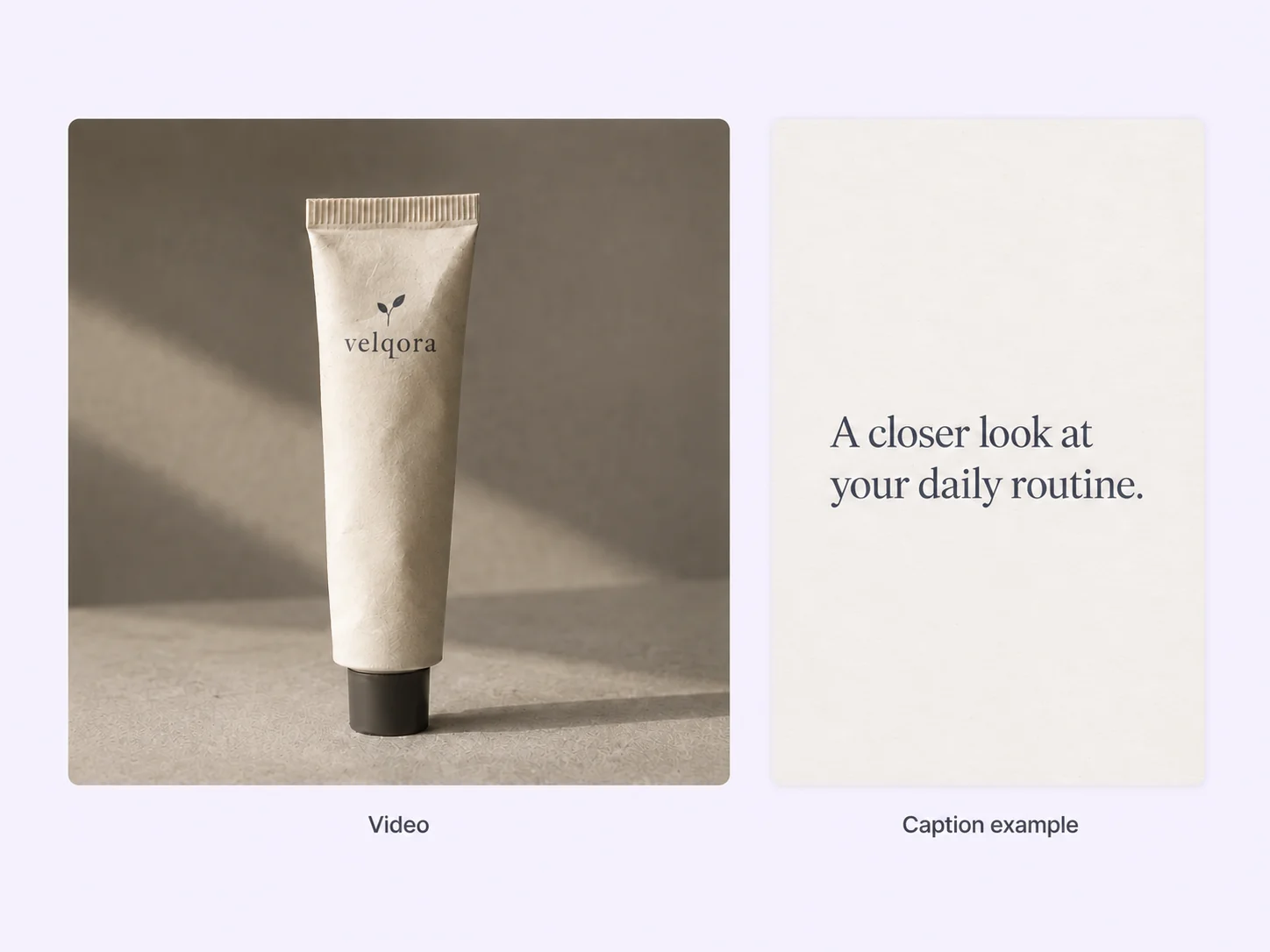
A finished video can still sit unpublished while you work out what to say. Stillmore delivers matching social copy alongside your video, giving you both pieces to work with. Download them from My Creations, check your offer details, add your product link and publish on your own channels.
Find your fit
Choose it when the packaging, texture or appearance of one product is worth a closer look. These examples show where the reveal fits naturally.
Turn a pack shot into a skincare product video that moves from the bottle or jar to a closer product view. Zoom & Reveal suits a single hero product when you want its packaging and texture to get attention.
For a restaurant menu video, focus on one dish or special people can recognize quickly. The croissant example moves from menu artwork to the food itself, making this style a good fit for bakeries, cafés and featured menu items.
A face mask commercial needs to show more than the packet. The sheet mask product video above reveals the packaging, unfolds the mask and shows it being applied, giving shoppers a clear sense of the product format.
Owner stories
Design preview · Illustrative reviews and AI-generated portraits.
I had the product photos, but turning them into a video was the job I kept putting off. Choosing a style gave me a clear starting point. I could hand over the rest.
Helen R.
I wanted the same kind of reveal I had seen in the examples, using our own product. Sending the photos was much simpler than learning another editor. One less thing on my list.

Susan L.
I usually get stuck writing the post after the video is done. Having a matching caption alongside the finished creative makes it easier to prepare the next update. The two pieces arrive together.

Frank M.
Your call
For a specific idea
Want this specific zoom-and-reveal effect? Choose the Inspiration and send its required photos. Our team creates and reviews your video.
For ongoing content
Want ongoing content without choosing every style? Add suitable photos and enable automatic creation once your plan’s requirements are met. Our team chooses the creative.
Explore Inspirations
Good to know
A zoom reveal video uses a camera move to bring a product or poster into view. Stillmore’s Zoom & Reveal examples use a pinch gesture, a poster reveal and a product demonstration. Consider this style for a new item, a bestseller you want to feature again or an offer with existing artwork. Watch the examples to judge whether the pacing and presentation fit your product.
Yes. Stillmore accepts existing business photos from your phone, website or social accounts; professional photography is not required. For Zoom & Reveal, upload 1–9 clear photos of the same product, using different angles where available. An event or offer poster is optional. This is a request for a specific Inspiration, so the separate Library minimums for automatic creation do not apply.
Stillmore suits business owners who have product photos but want to hand over the production work. You choose Zoom & Reveal and submit its materials; our team creates, checks and refines the finished video. You do not have to film the hand gesture, arrange the shots or adjust the zoom timing yourself. Matching social copy also comes with the video, so the caption is covered too.
Stillmore works from your real photos and aims to keep your product recognizable. Our team checks and adjusts the result before delivery. If there is a clear production error, such as a distorted product or an unwanted visual element, we will correct it. Try it and Growth do not include extra revisions for a different mood or creative direction, so choose the Inspiration carefully before submitting.
Allow for production before your planned posting date. Stillmore delivers standard-plan Inspiration requests within 5 days after the request, payment and required materials are complete; missing materials delay that starting point. Submit your photos and offer details before you need the finished video. Add-on videos are scheduled separately, one at a time, within 5 days per video, and buying extra Credits does not speed up delivery.
You receive a finished 9:16 vertical video and matching social copy, available to download in My Creations. Stillmore emails you when the work is ready. You review the offer details, add any relevant product link and publish to your own channels, such as Instagram Reels or TikTok. Stillmore handles creation and delivery; it does not post to your accounts or need your social media passwords.
Choose Zoom & Reveal, send your product photos and leave production to our team. Get a checked video and matching social copy, ready for you to review and publish.