

01
Choose your rooms
Pick photos that show where the tour should go after the landing. Include one clear photo of yourself as the guide.

FOUNDING OFFERSign up to unlock 35% off your first plan.

Fly-In Home Tour · Inspiration
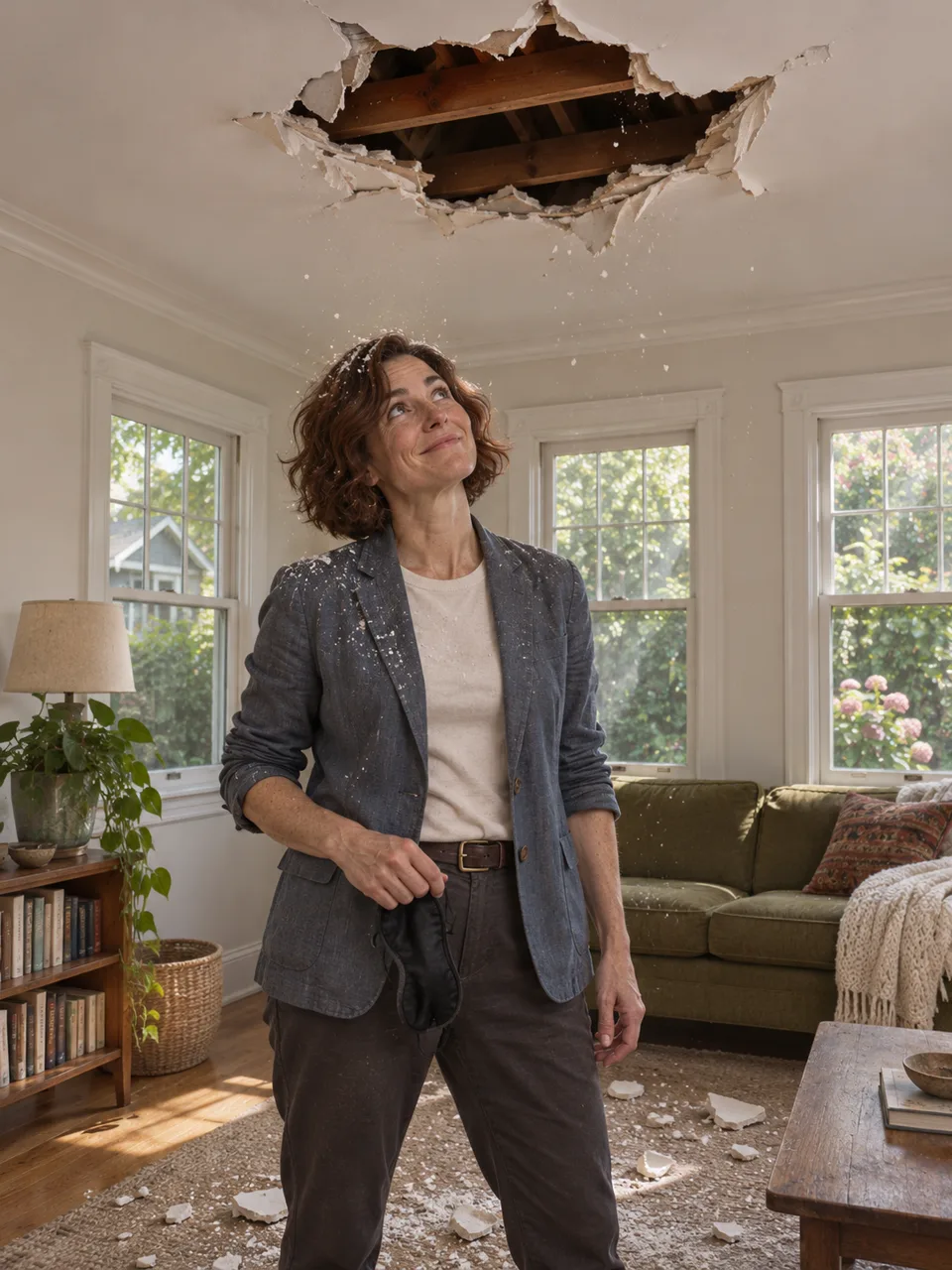
Drop through the ceiling, take off the blindfold and show buyers around. Start with your portrait and listing photos.
A simple handoff
Pick photos that show where the tour should go after the landing. Include one clear photo of yourself as the guide.
Stillmore builds the fall and follows it with a guided walk through the rooms in your photos. The team reviews the cut before delivery.
Download the tour and its social caption. Add your viewing details, then post it on the channels where buyers follow you.
Made for your business
A wide shot establishes a room; a second angle can show where it leads. Send views of the same listing and a clear portrait so Stillmore can put you inside that home as the guide.
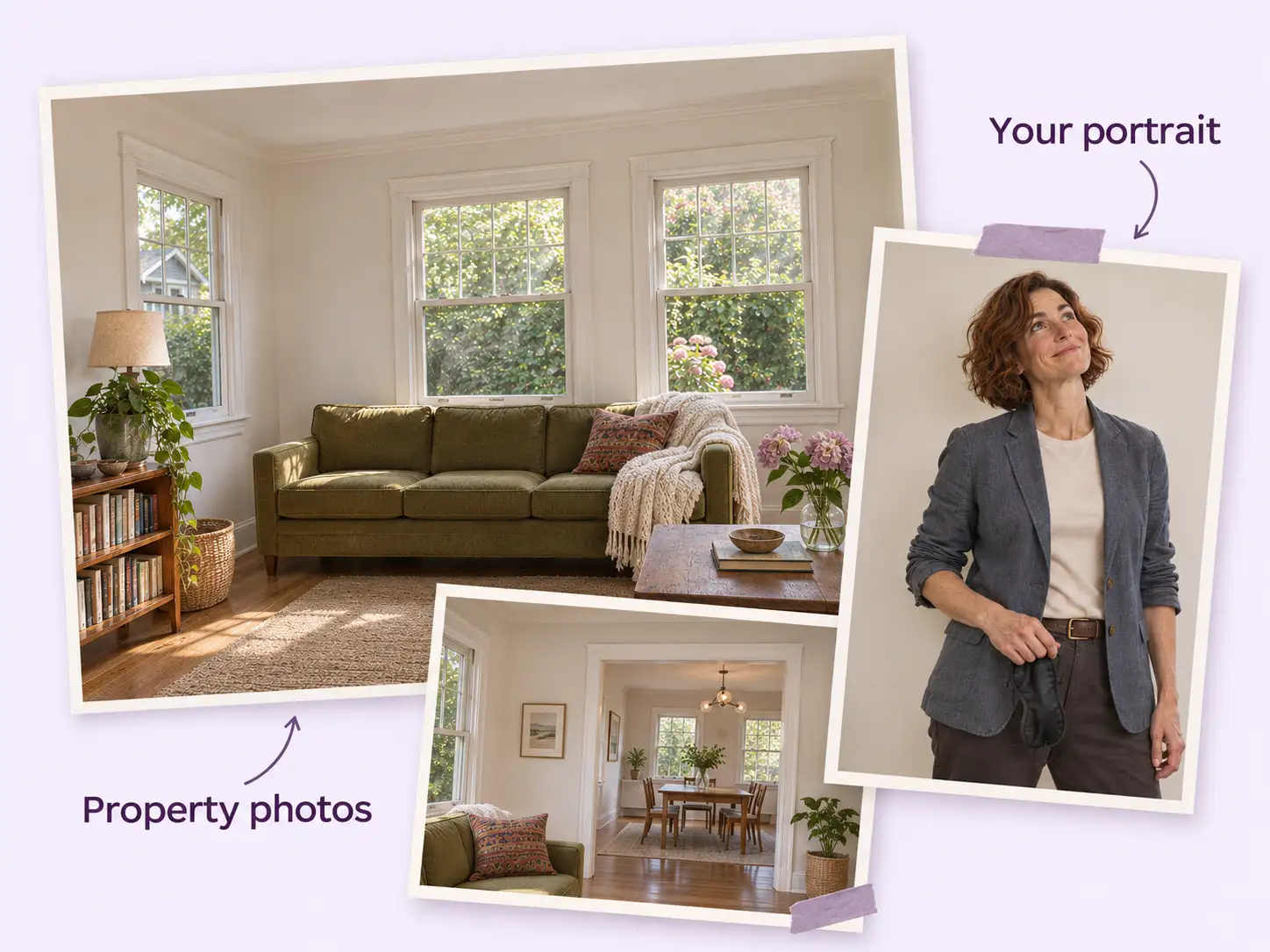
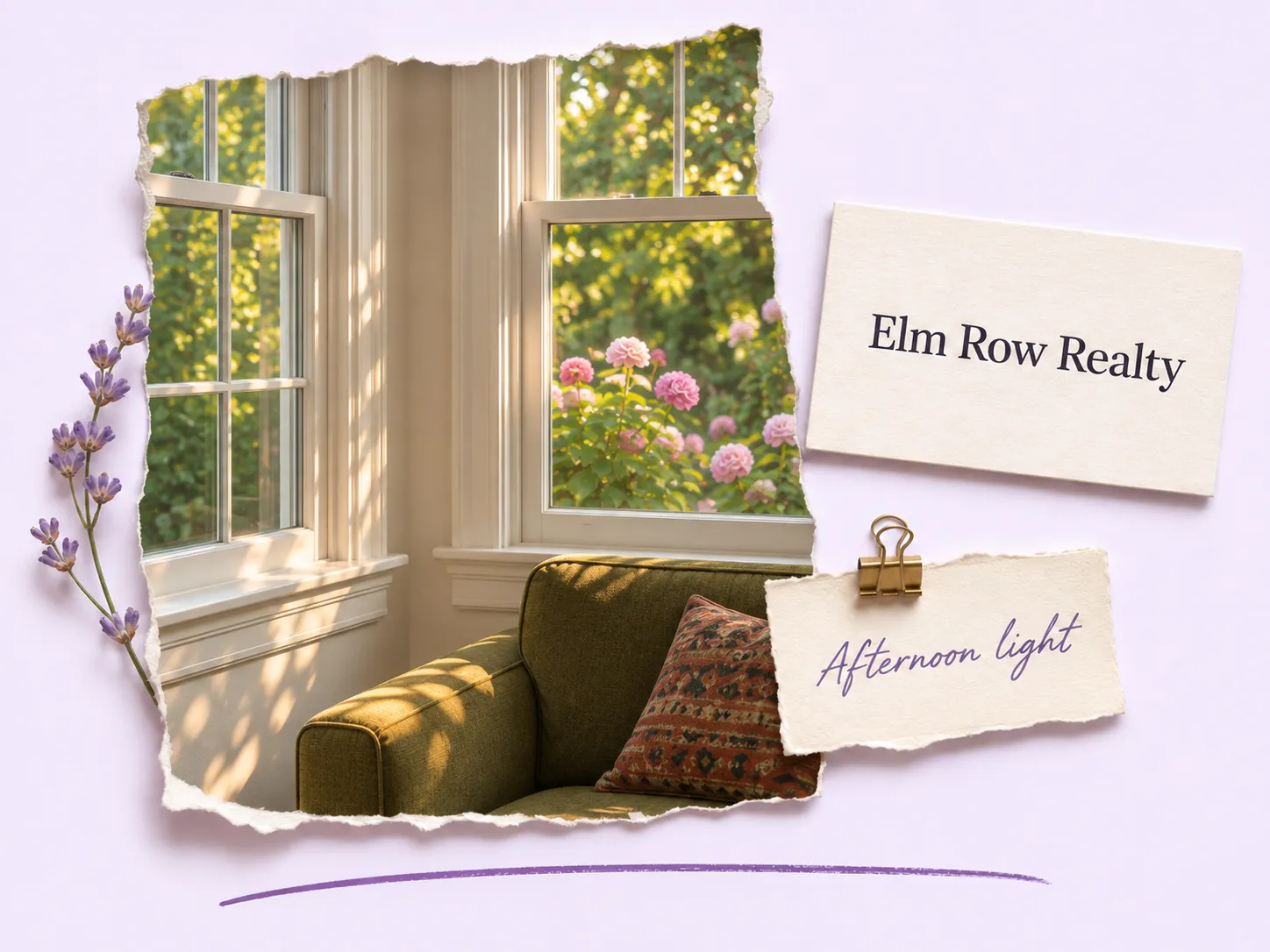
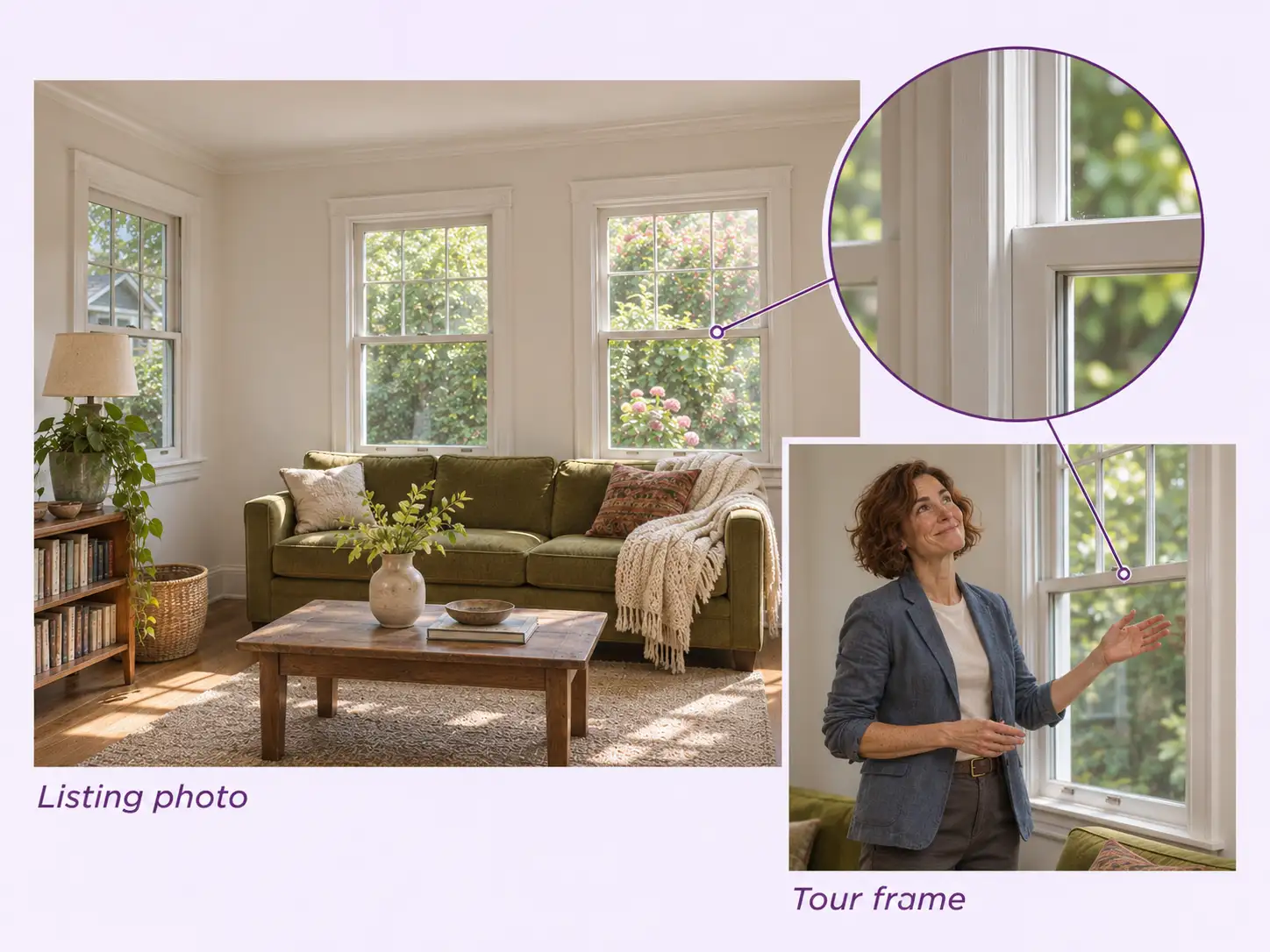
A room photo might show the windows without explaining why you chose them. Use the optional highlights field to flag the afternoon light, or share a business card for the closing shot.
First the guide hangs outside the plane window, then drops through the ceiling. Stillmore uses the moment the blindfold comes off to switch from the visual joke to a room buyers can recognize.
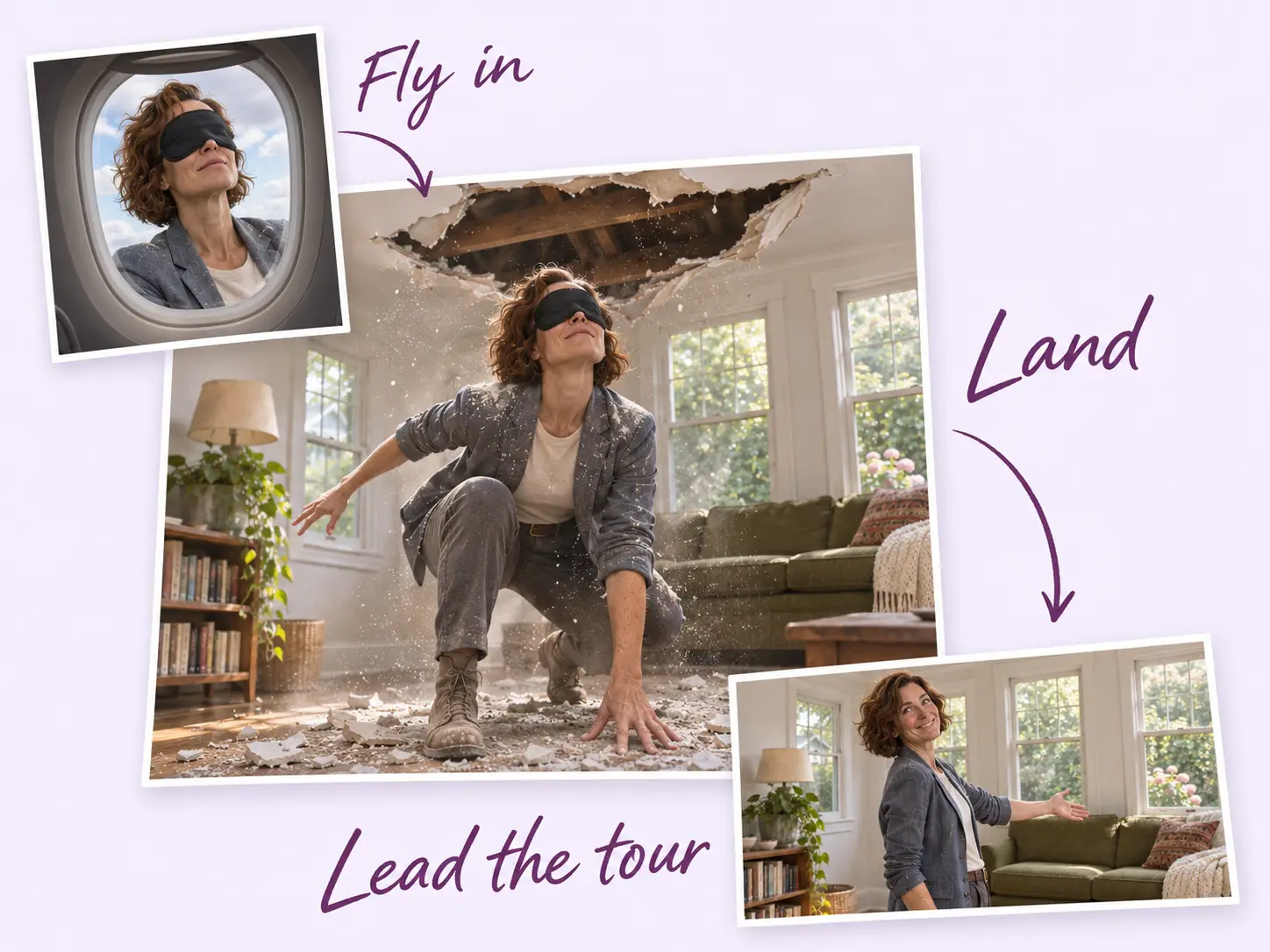
The ceiling break belongs to the gag. After the landing, the team checks the guide and room details against your references so a buyer can recognize the same windows and furnishings in the walkthrough. The images here illustrate that check.
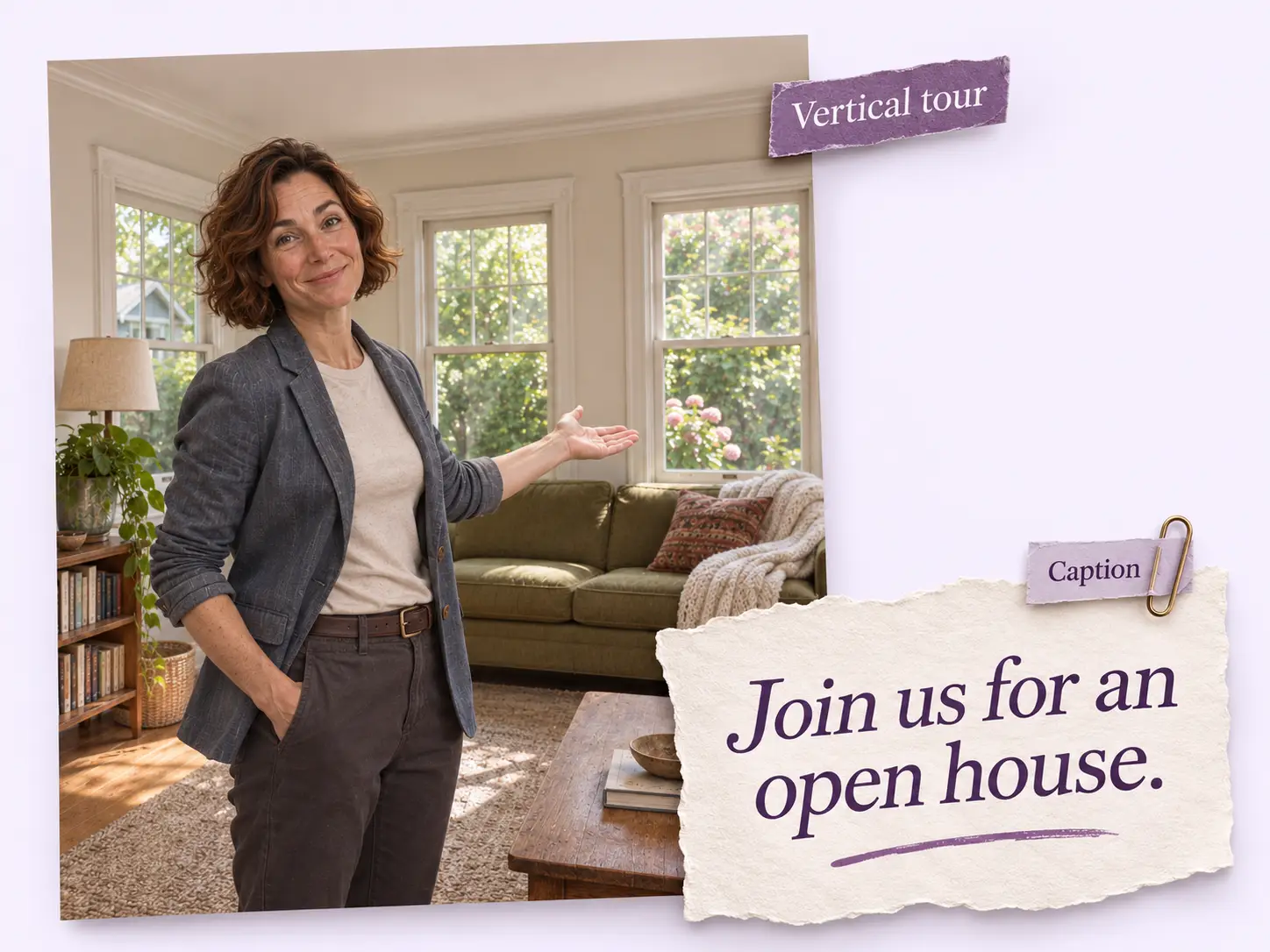
The vertical tour gives buyers a first look; the matching caption gives you room for the practical details. Add the open-house time or your preferred contact method before you publish.
Find your fit
Choose a reference by what happens after the landing. Each tour gives the presenter a different route through the property before the contact card appears.
One guide leads from a set dining table to a tree-facing balcony; another ends beside a terrace at dusk. Pair an indoor view with the outdoor space it opens onto.
The guide moves from the kitchen to a bedroom, steps outside and points back at the facade. Use this route when the front of the house will help viewers recognize it in person.
The apartment example drops from the skyline into a bright living area. The guide passes the kitchen and ends on a balcony overlooking neighboring towers; the view becomes the last property detail before the card.
Your call
For this listing
Select Fly-In Home Tour and supply the property photos and portrait. Stillmore makes and reviews this specific tour for you.
For ongoing content
Add suitable photos to your Library. Once your plan’s requirements are met and automatic creation is on, Stillmore picks the style and produces the work.
Explore Inspirations
Good to know
The opening is a staged effect: a blindfolded presenter falls from outside a plane into the listing. The guided walkthrough follows. You supply photos, so you do not need to fly a drone or film the stunt.
The Fly-In Home Tour form asks for 2–20 property photos and one photo of you. Choose views of the listing you want to feature. Property highlights, speaking preferences and a business card are optional.
Select Fly-In Home Tour in Inspirations and submit its required photos. If you enable automatic creation instead, Stillmore chooses a style for the materials available; it may choose a different opening.
Gather your portrait and listing photos first. If a room needs explaining, add a note to Property Highlights. Production can begin once your request, required materials and payment are in place.
Yes. The request form has optional fields for a business card and the contact information you want in the outro. All four reference tours end with an agent card. Check your details when you submit them.
You publish it. Stillmore supplies the finished video and matching social caption. Confirm the listing is still available and add any viewing arrangements before sharing it with buyers.
Choose the rooms worth a closer look. Send your listing photos and portrait, and let Stillmore make the entrance.