

01
Pick the accessory
Send one clear photo of the item you want in the film. Choose a sample for the way the character carries or wears it.

FOUNDING OFFERSign up to unlock 35% off your first plan.

Wall Street Rush · Inspiration
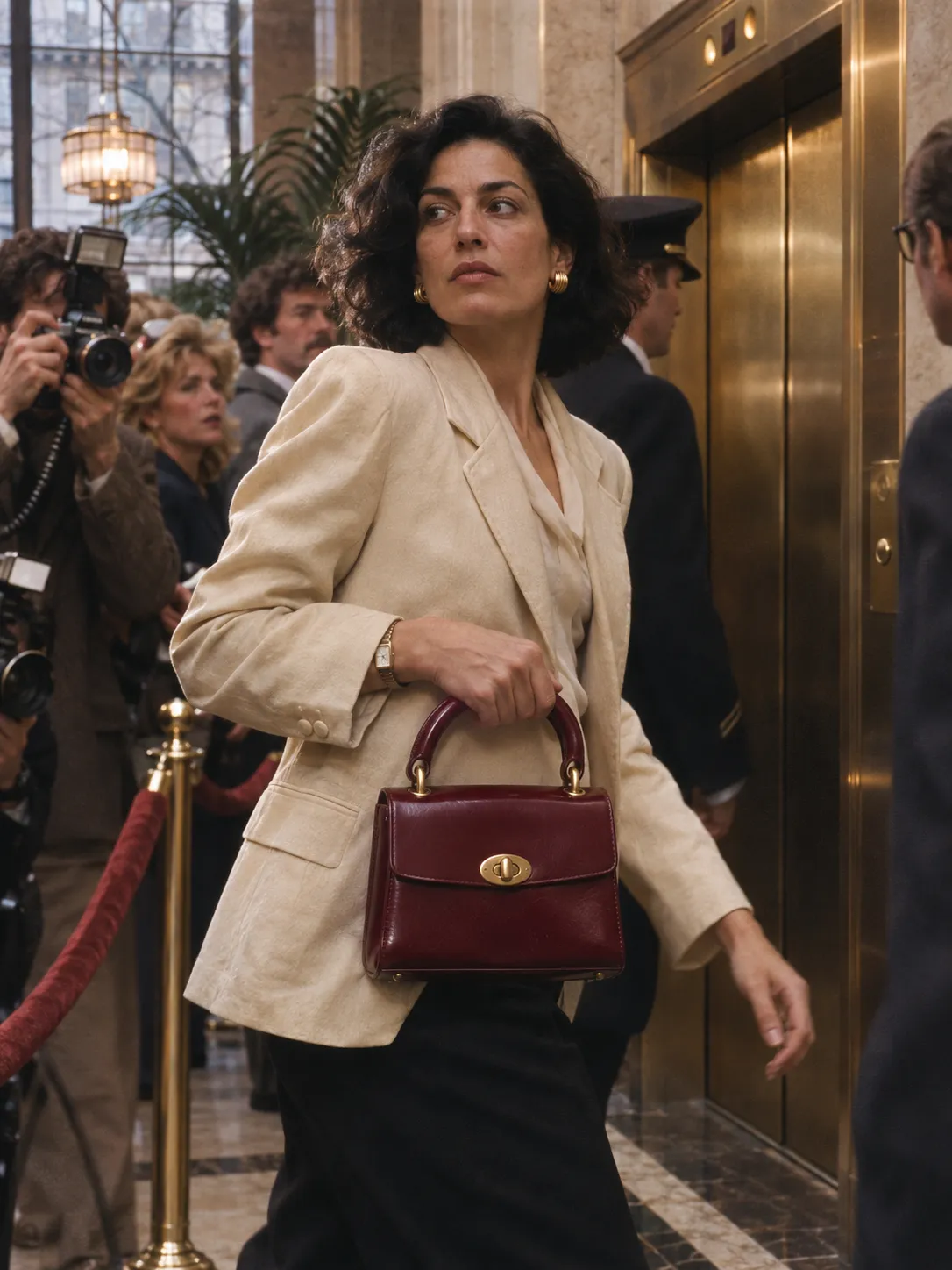
A velvet rope, a crush of photographers, and a bag everyone can still see. Make an eighties fashion film from one photo.
A simple handoff
Send one clear photo of the item you want in the film. Choose a sample for the way the character carries or wears it.
Stillmore builds the crowd around the character, cuts back to the accessory and checks the details against your photo.
Download the vertical film and its caption. Add the colorway or shop details you want customers to have before you post.
Made for your business
Pick a photo that shows the whole accessory. For a top-handle bag, leave room above the handle and turn the clasp toward the camera so the team can see both at once.
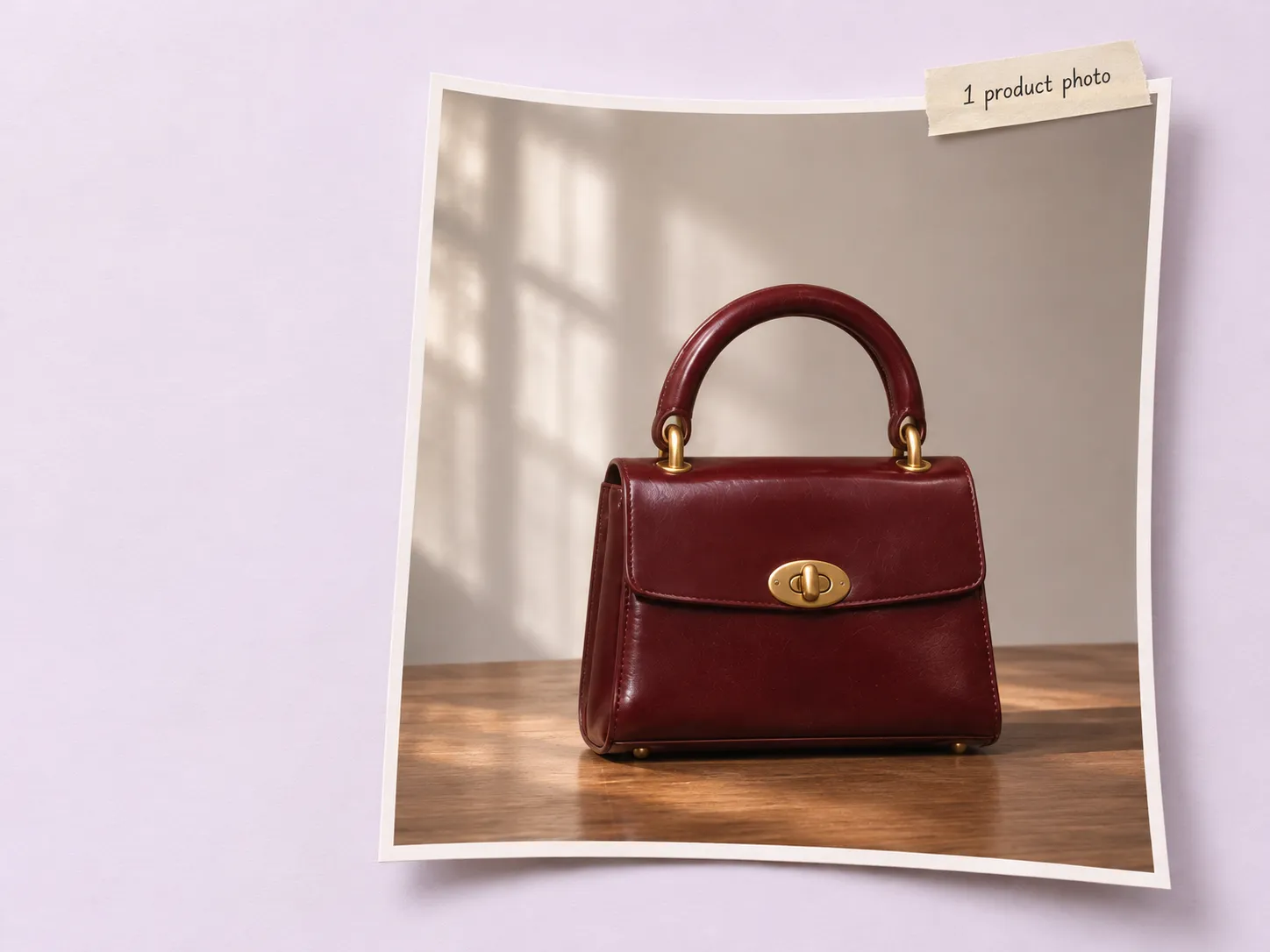
A hotel party feels different from a crowd outside a shop. Use the optional setting field to name the occasion, and add a model reference or logo if it matters to your collection.
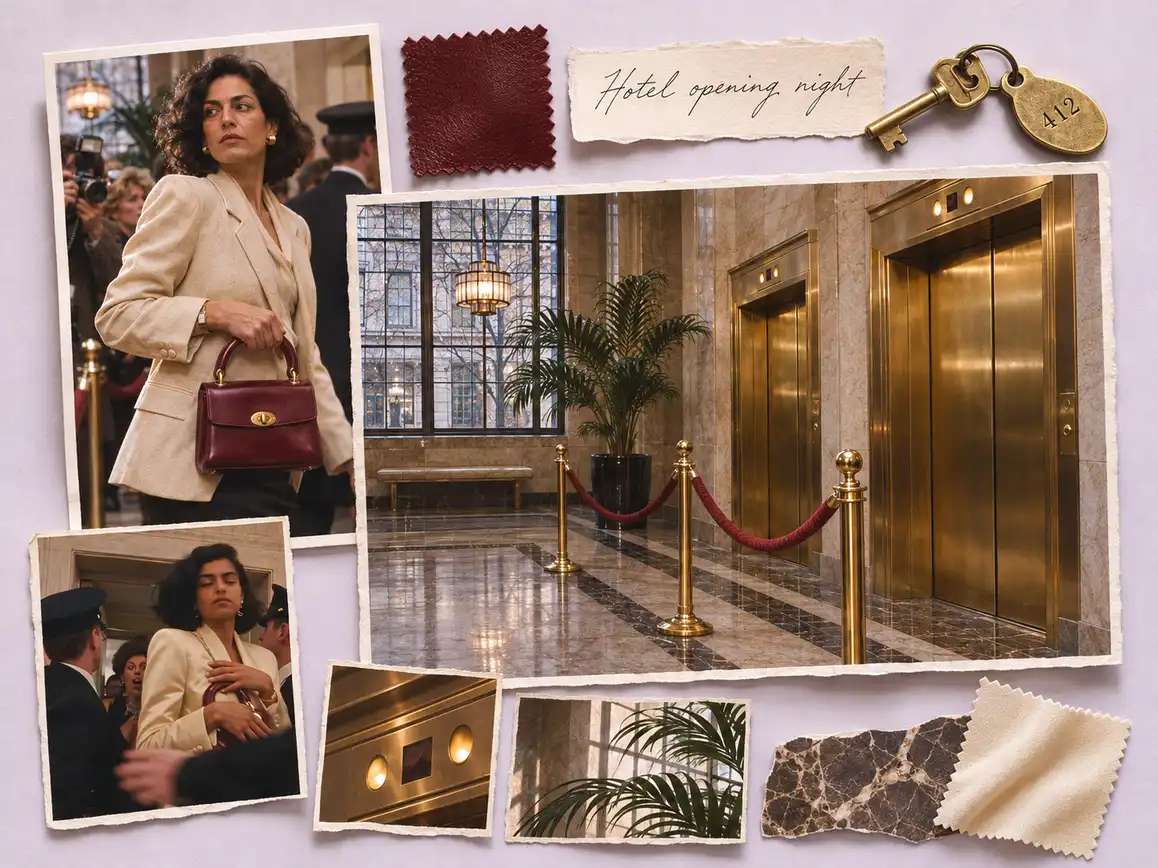
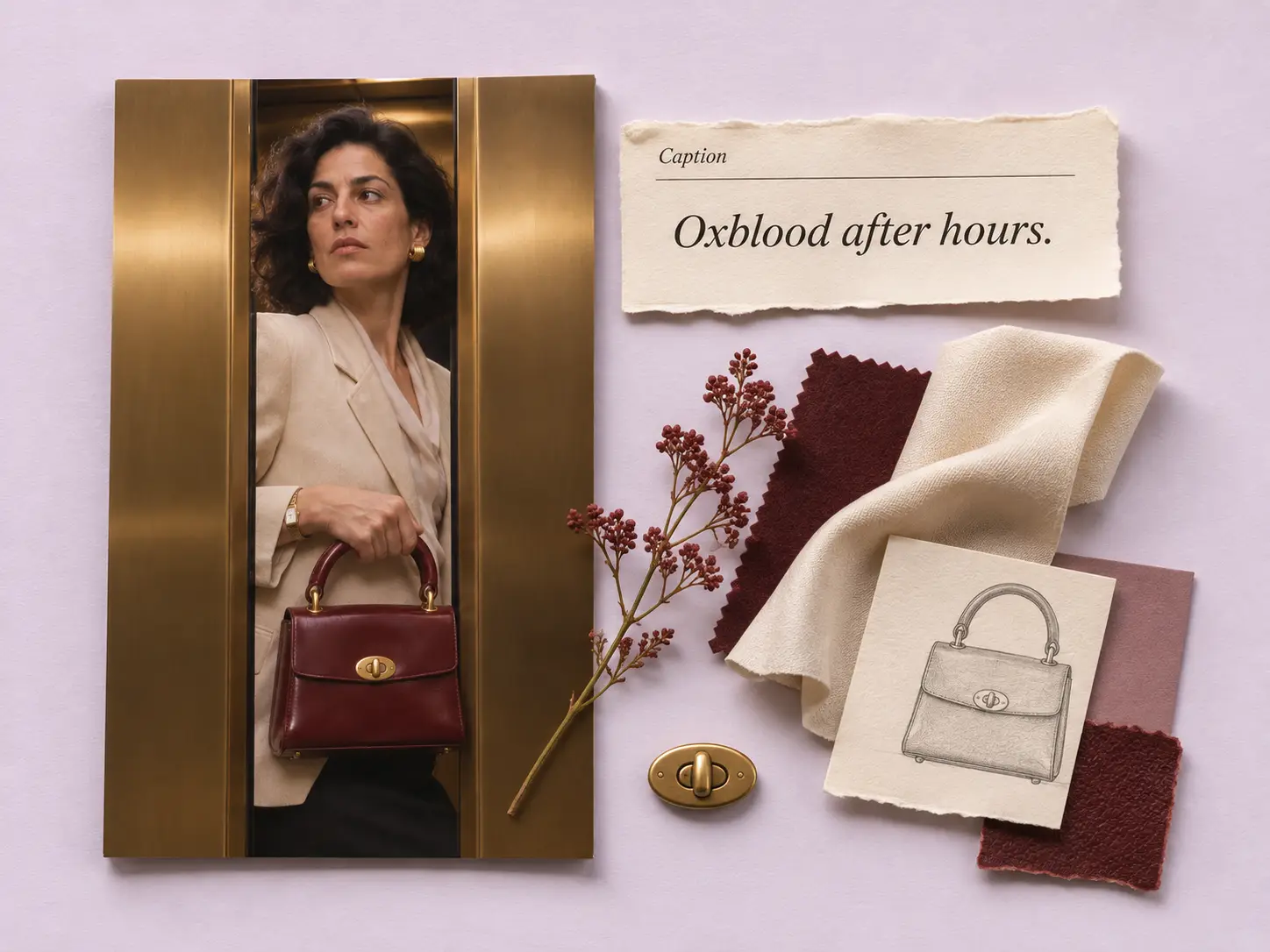
In the hotel clip, a tight shot introduces the bag before the woman passes the velvet rope. The closing elevator doors narrow the scene until the bag is the last thing in view.
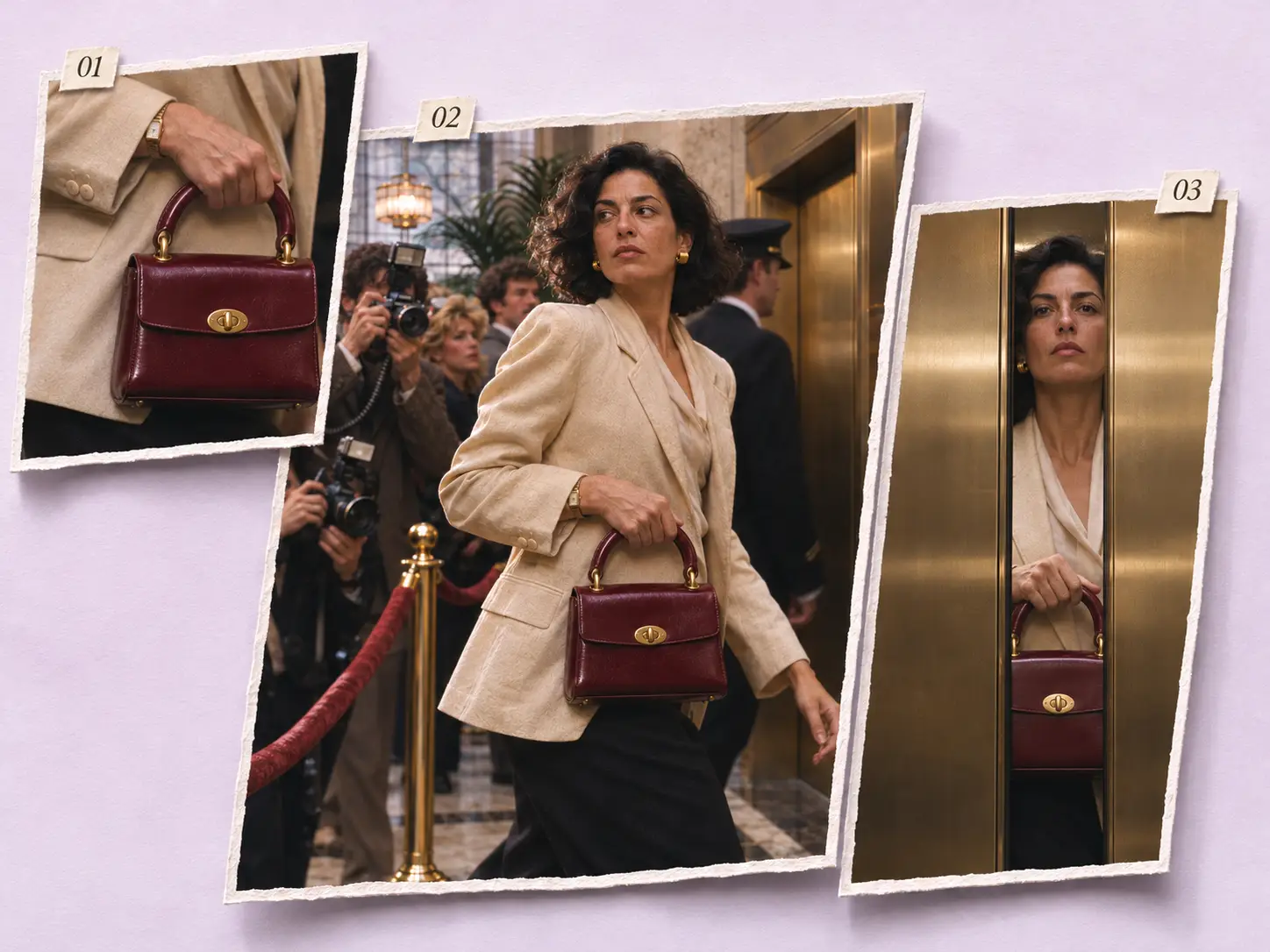
A similar shade of red can hide a different design. Before delivery, the team checks the handle attachments, clasp shape and leather color against the reference, including where the bag meets the hand.
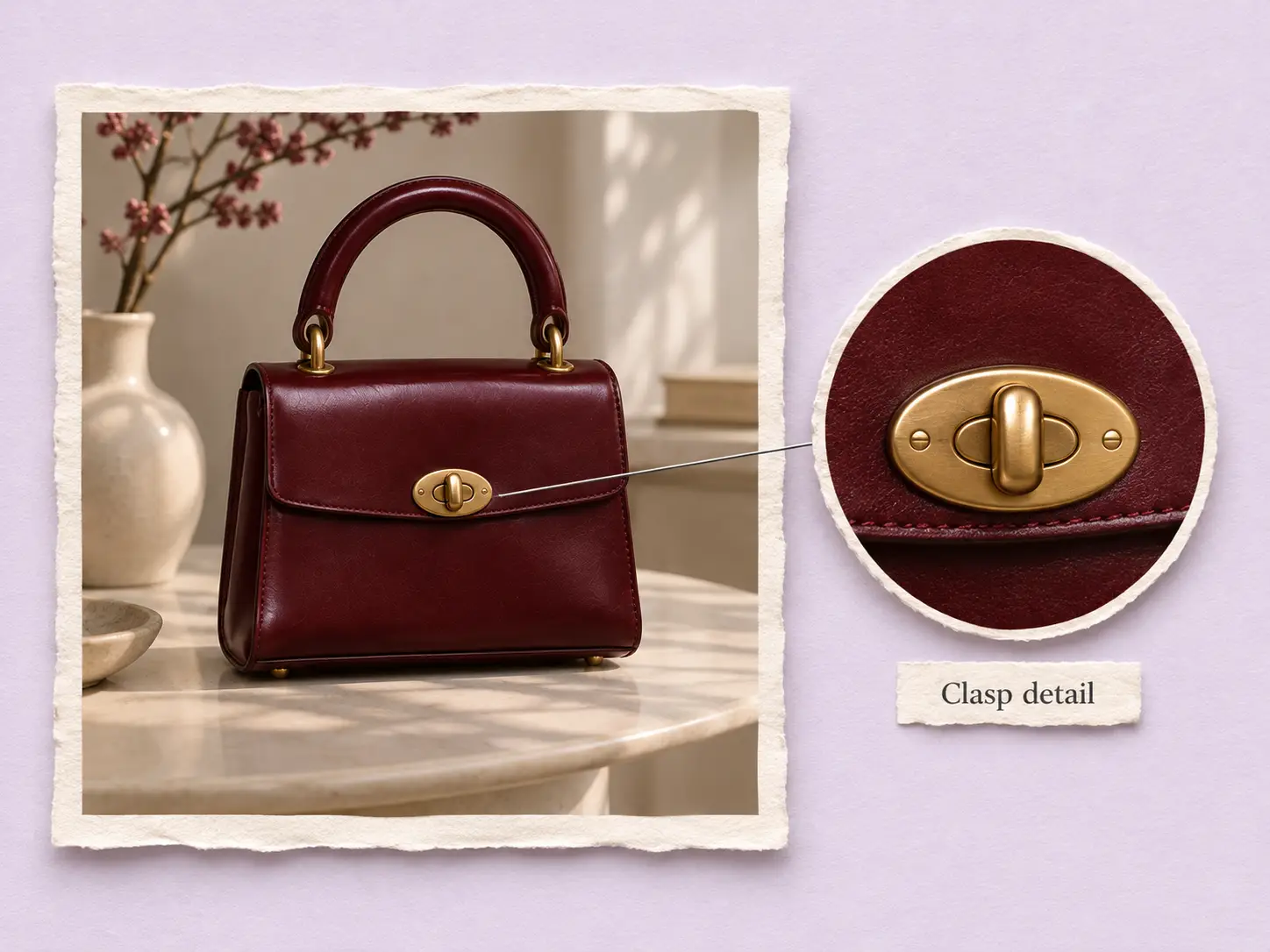
The final frame shows the accessory; the caption can tell shoppers what to ask for. Use the supplied copy as a starting point and add your collection name or store details before posting.
Find your fit
The official fashion examples use pieces you can identify in a single gesture: a hand closes around a handle, or a wrist turns to show a dial.
The silver bag swings low as its owner passes the press. The burgundy bag is held close as an elevator shuts. A distinct handle and silhouette give viewers something to recognize in both wide shots and close-ups.
The watch film pauses on fingers turning a gold dial into view, then repeats the raised wrist against the night skyline. Choose this reference when the dial or bracelet is the detail you want to introduce.
Your call
For this film
Choose the reference you want and send your product photo. Stillmore makes and reviews this particular style for you.
For ongoing content
Add suitable Library photos and enable automatic creation. When your plan requirements are met, Stillmore selects a style and makes the piece.
Explore Inspirations
Good to know
Wall Street Rush follows a sharply dressed character through crowded offices, hotel parties or a press line. Close-ups interrupt the bustle to show the accessory. The three references illustrate different routes through the same idea.
No. Wall Street Rush requires one product photo. The form also accepts a logo, product information, a setting or occasion, and a model image if you want to give the team more direction.
Choose the burgundy-handbag reference in Wall Street Rush and describe what you like about its closing shot. A manual request selects this style; automatic creation lets the team choose a style for your available photos.
Submit the style request, the required product photo and payment. If the clasp, finish or dial color is easy to misread in the photo, identify it in the optional product information field.
Stillmore delivers a reviewed vertical fashion video and accompanying social caption. The three reference films show the 9:16 format; your own accessory provides the visual reference for your film.
You download and publish the video yourself. Add the collection name, store location or availability to the caption before sharing it on your own social channels.
Choose the bag or watch you want shoppers to remember. One clear photo is enough to start your Wall Street Rush request.